
Interactions stay scattered.
Calls, inboxes, and meeting notes hold pieces of the customer story instead of one connected record.
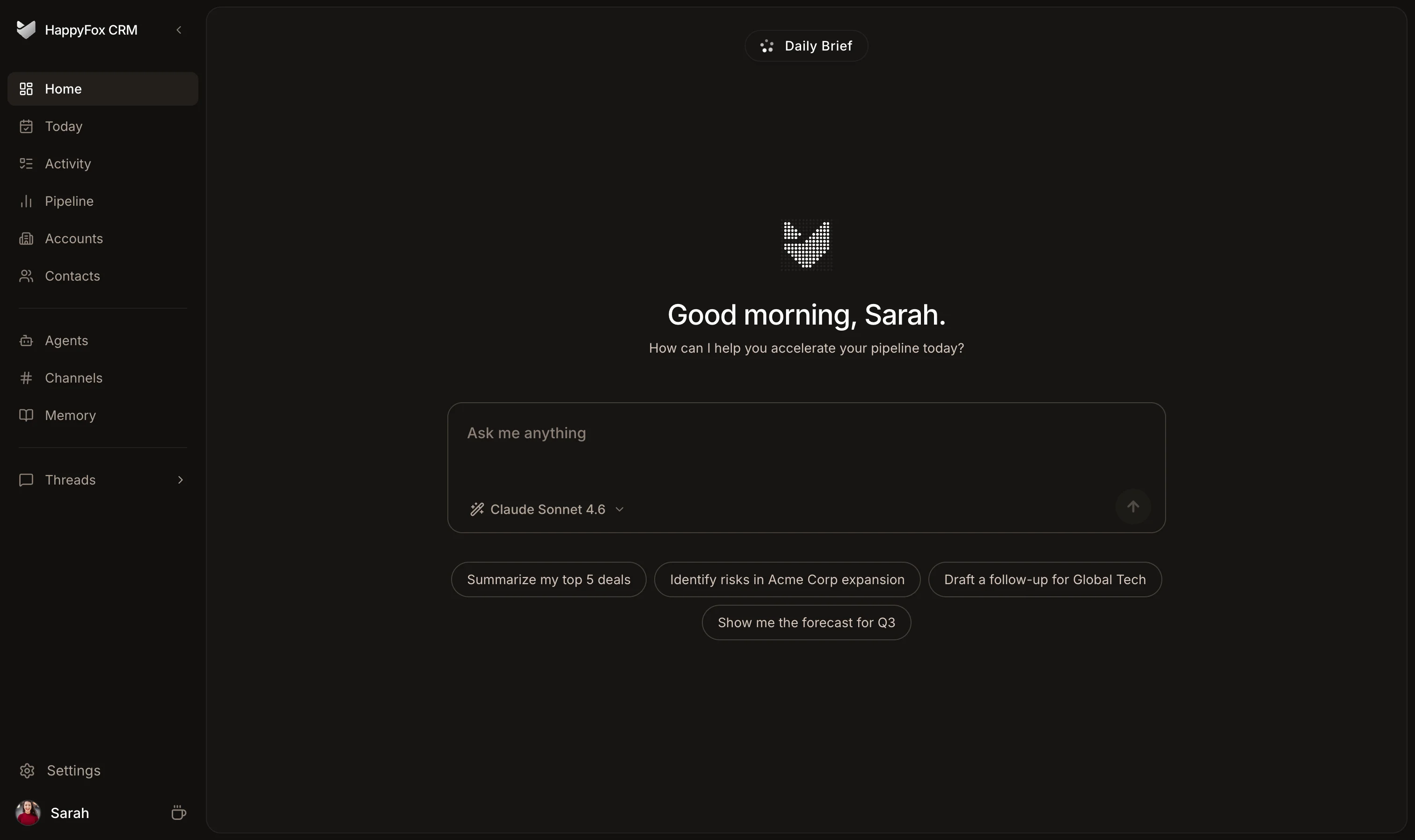
Calls, inboxes, and meeting notes hold pieces of the customer story instead of one connected record.
A seller has to reconstruct the relationship before every meaningful follow-up.
When records fall behind the work, follow-ups slip and promising deals go quiet.
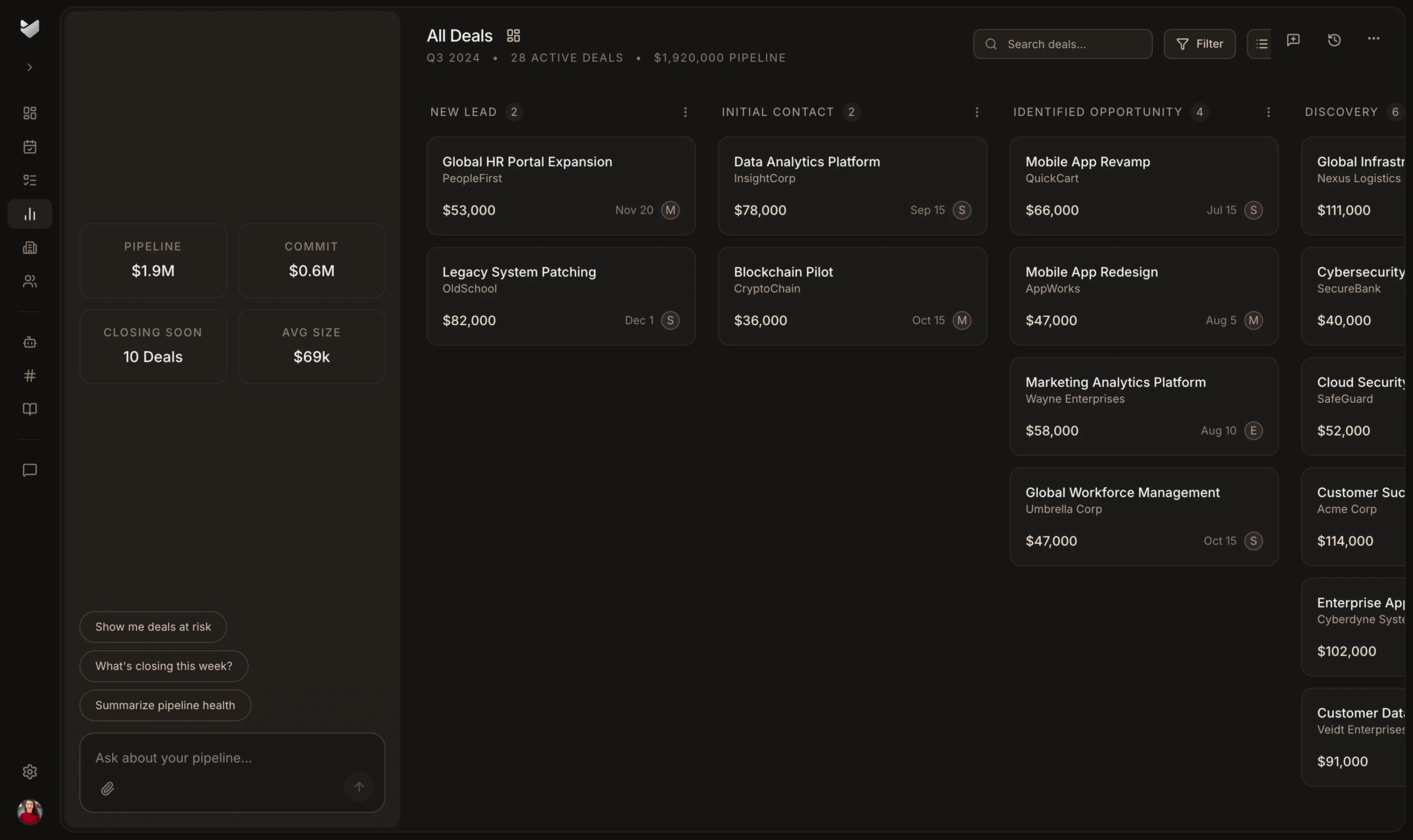
Start with stages and fields shaped around how SaaS teams sell.
Keep calls, emails, and meetings attached to the deal as it develops.
Use the latest customer context to surface the follow-up that needs attention.
Apply MEDDIC, renewal, and expansion workflows as the team grows.
01 · Capture the signal
Calls, emails, and meetings add context while the customer conversation is still fresh.
02 · Build the story
Activity, contacts, and next steps stay connected as the relationship moves forward.
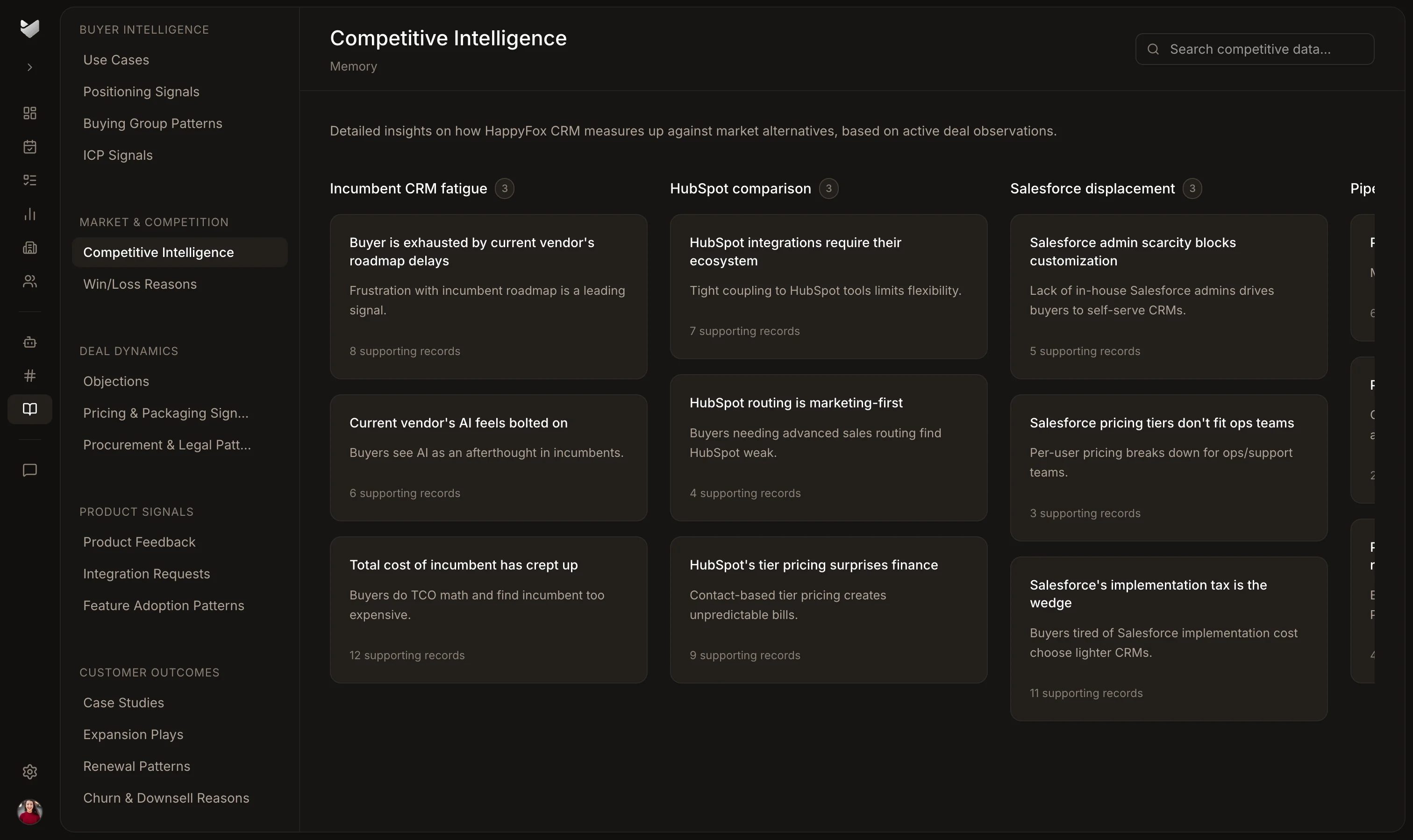
03 · Act on what matters
AI surfaces the deals and follow-ups that need attention from the complete customer context.
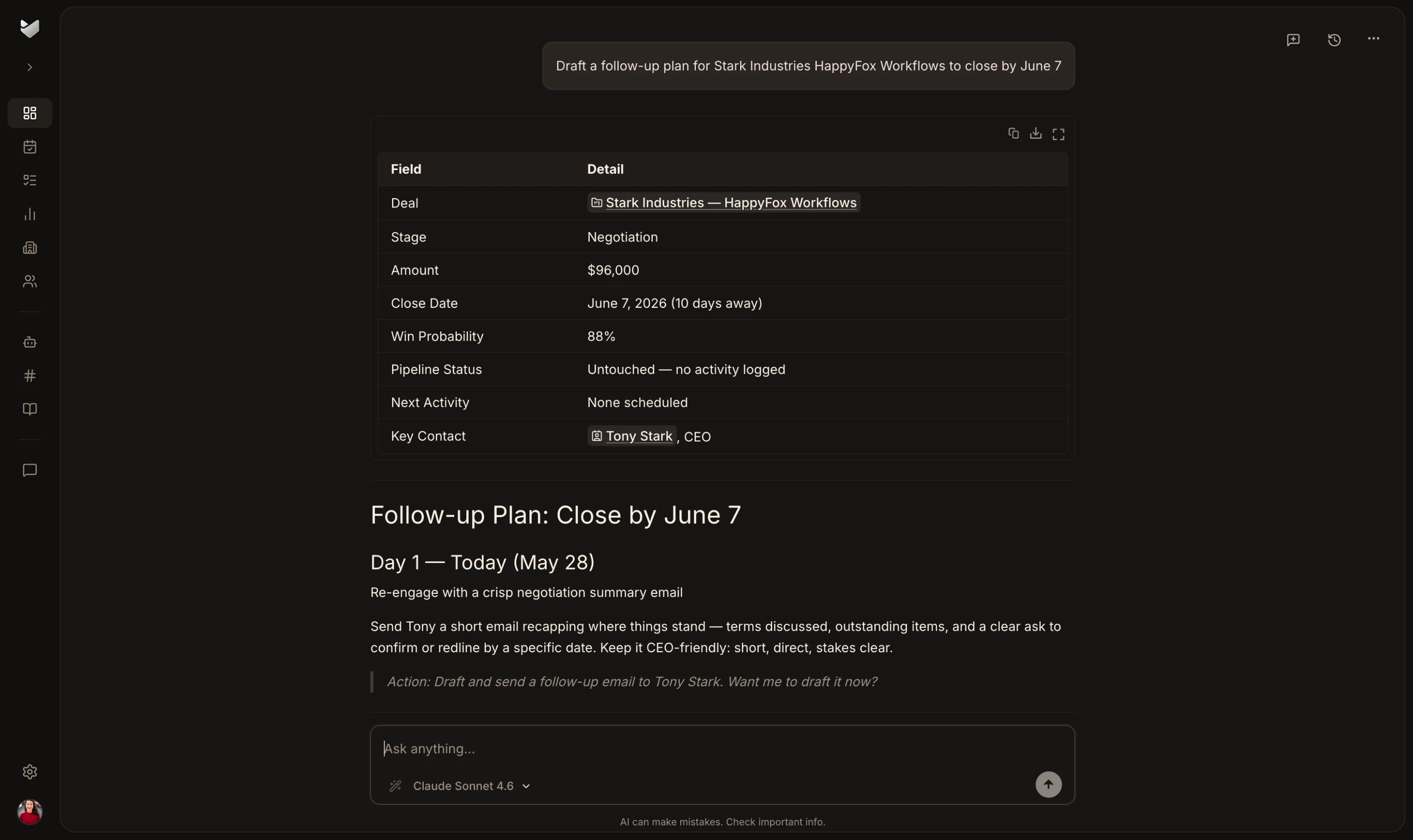
Open the pipeline and see which deals need attention without reviewing every record.
Keep the interaction connected to the deal while its context is still fresh.
Give onboarding and customer success the context collected during the sale.
Start with a SaaS-shaped process that the next seller can follow.

Our team reviews each trial request. Once approved, you can begin setting up HappyFox CRM and evaluating it with your sales process.
Yes. Connect HubSpot and a typical startup-sized account can be imported into HappyFox CRM in under two hours. Migration runs inside HappyFox CRM without a third-party migration tool. Salesforce and Pipedrive migrations are also supported; timing depends on your data and requirements.
HappyFox CRM starts with pipelines and fields prebuilt for SaaS teams. Start from that structure and adjust it to match your sales process.
Not to get started. A founder or early sales lead can begin with prebuilt SaaS pipelines and fields, then add operational support as the process becomes more complex.
HappyFox is SOC 2 Type II compliant. Access controls help teams manage who can view and work with CRM data.
The Growth plan is $20 per user per month. Eligible early-stage startups can apply for the Startup plan with $0 per-user fees for the first year. See the pricing page for current plan details and AI credit allowances.