Support Managers
automating ticket routing and team workflows
 Help Desk
HappyFox Help Desk integration
Create Zapier triggers to automate help desk tasks

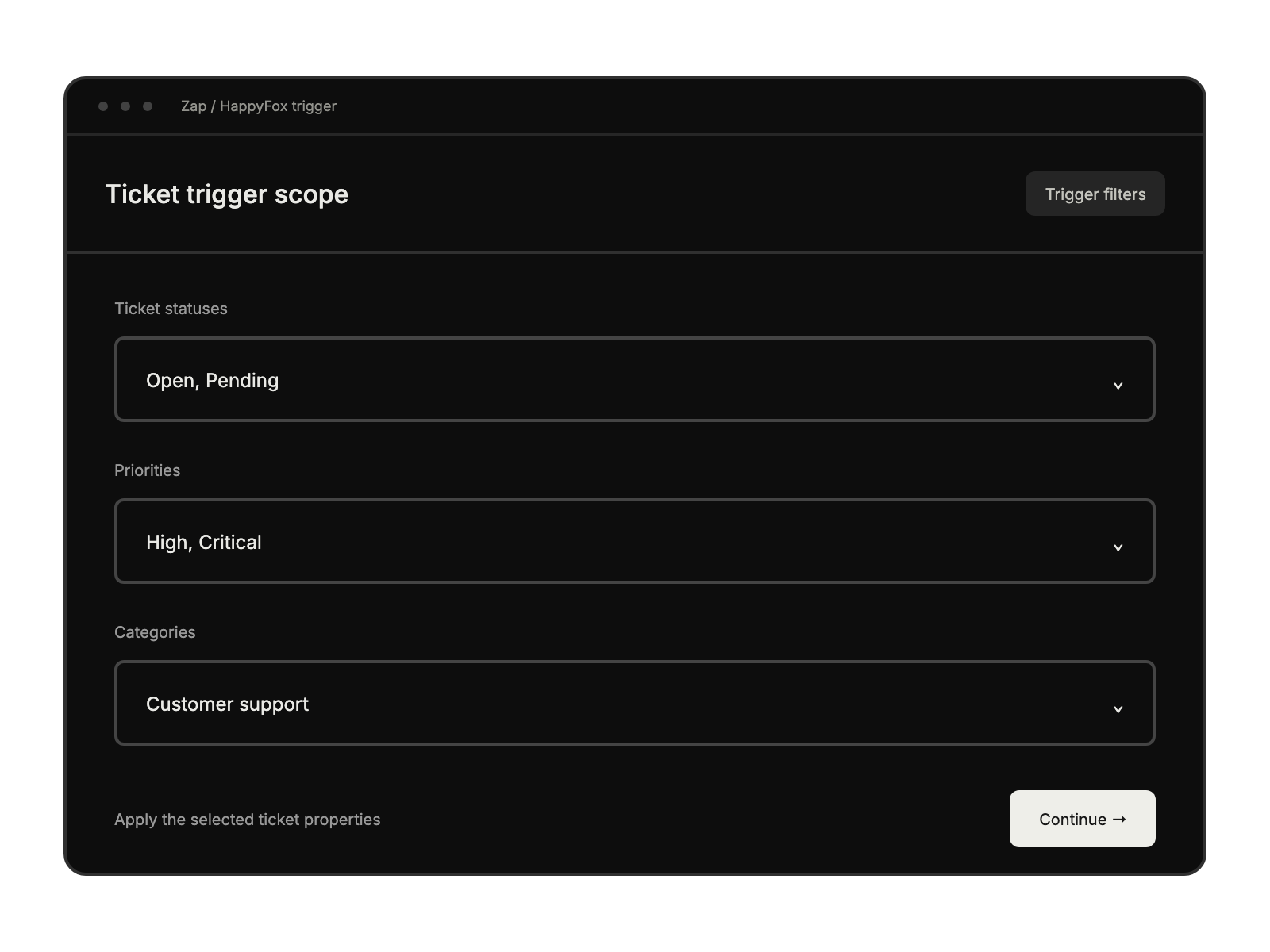
Choose the HappyFox trigger and authenticate using the API key and authentication code.
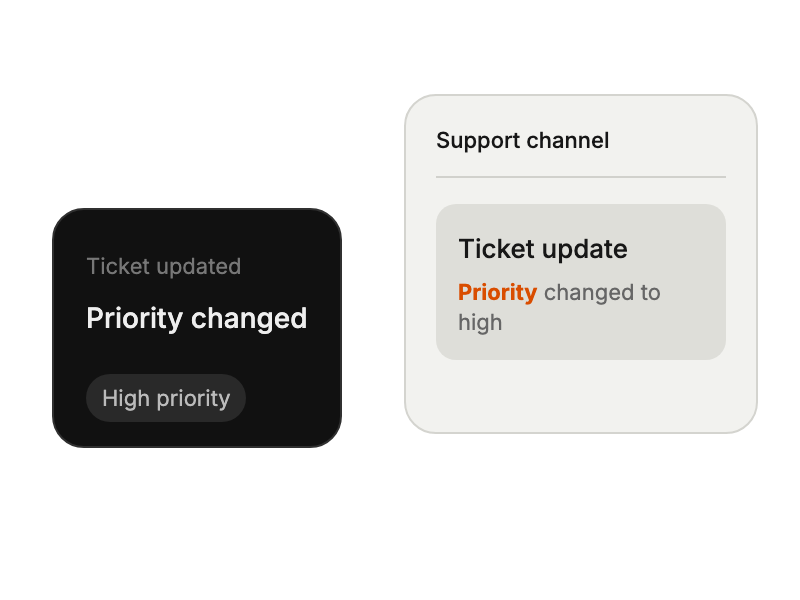
Add Zapier’s URL in HappyFox and select the ticket event and categories.
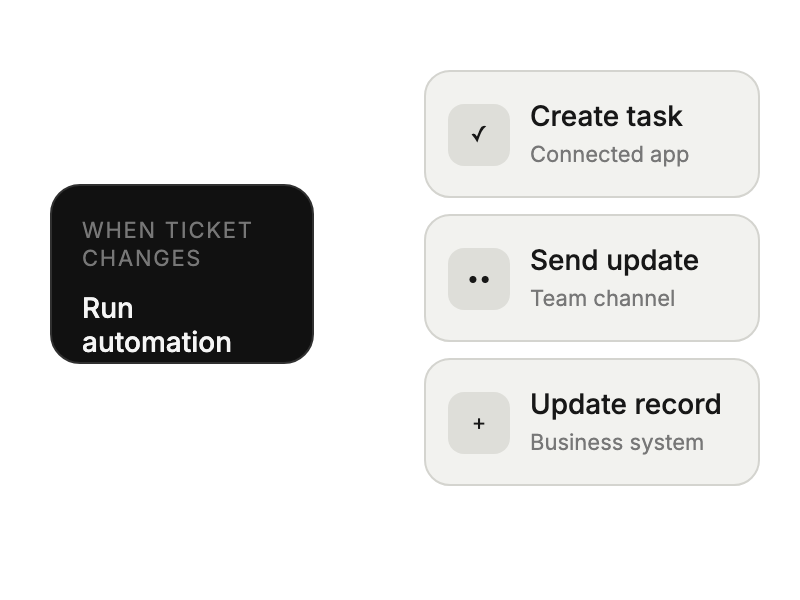
Create a matching ticket, configure the destination app, and test the completed Zap.
automating ticket routing and team workflows
connecting business tools without coding
streamlining cross-department communication processes
tracking customer interactions across platforms