















Customer Support Contact Forms That Work for You

Tired of Messy Support Intake?
Generic contact forms lead to incomplete tickets, frustrated customers, and agents scrambling for context. Without customization, you're stuck with one-size-fits-none forms that slow down resolution times and hurt your brand experience.
Forms That Capture What Matters
Zero
Spam
reCAPTCHA protection blocks bots and spam submissions
100%
Brand consistency
Match your form's look and feel to your company identity
5X
Faster submission
Pre-configured fields guide customers to provide complete info upfront
Everything You Need to Capture Support Requests
Make Support Easier to Access for Your Customers
Embed contact forms anywhere—your website, help center, or customer portal. Customers can submit tickets without leaving the page they're on.
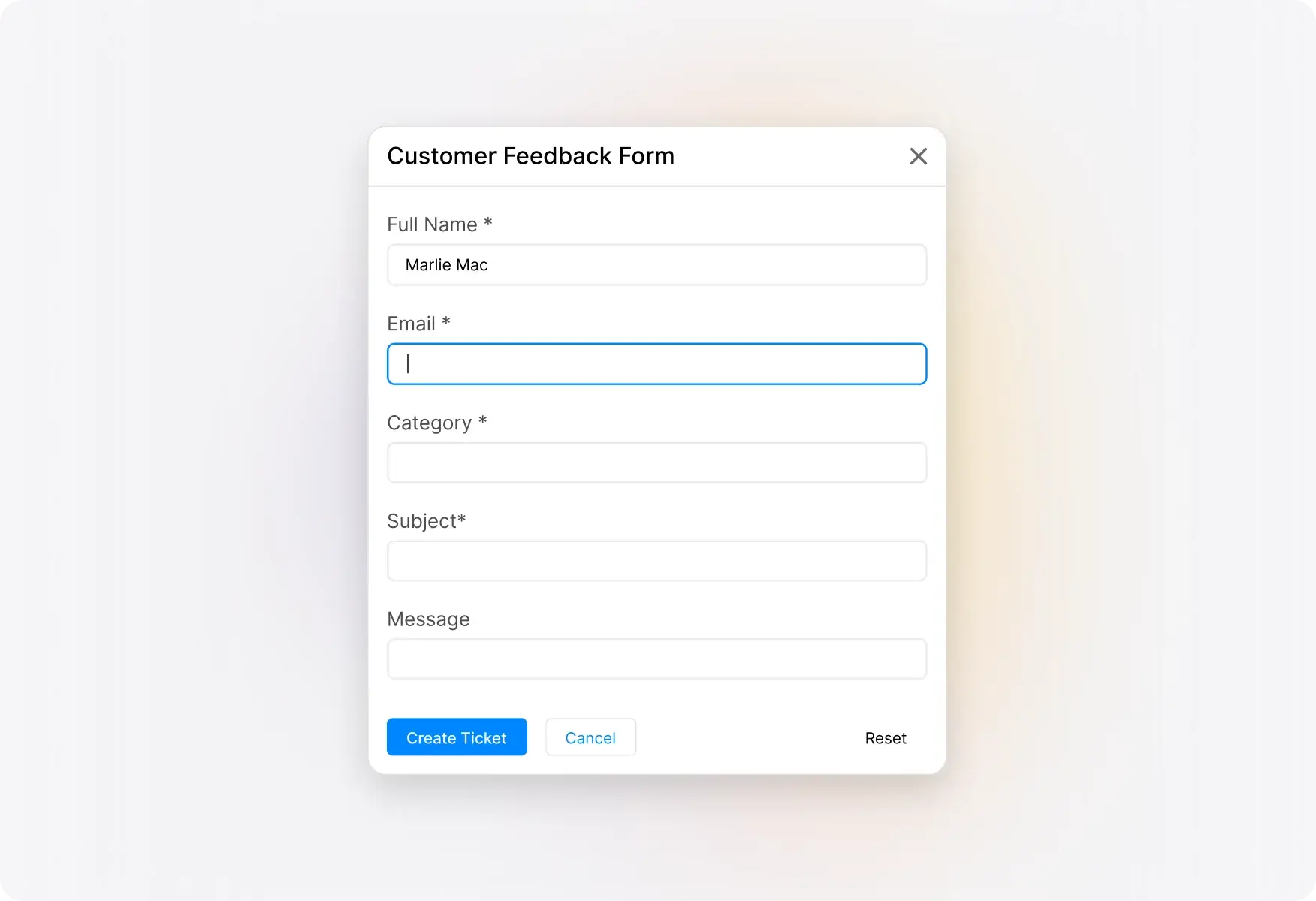
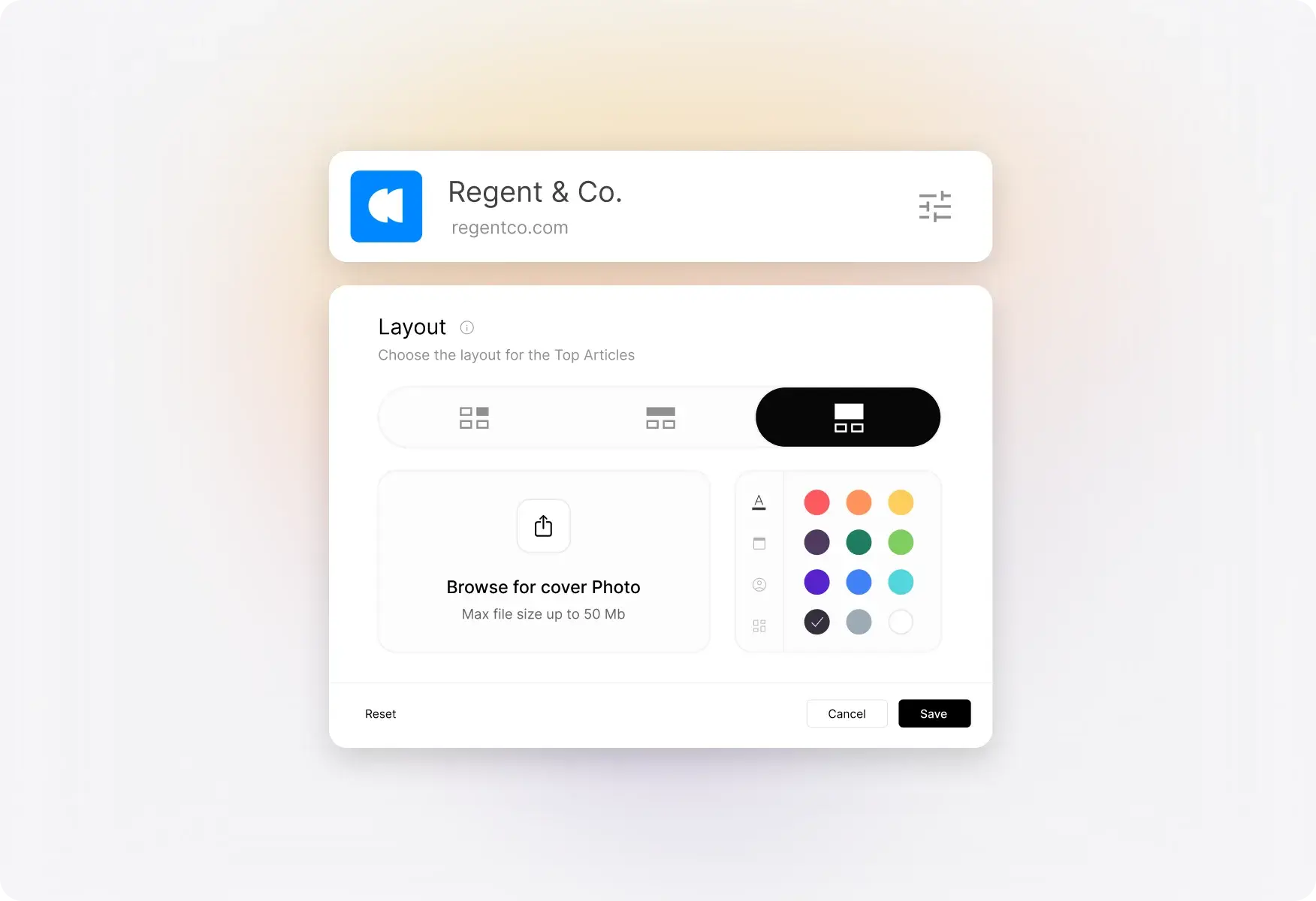
Give It the Look and Feel You Need
Customize colors, banners, and branding to match your company's identity. Your support form becomes a seamless extension of your website.
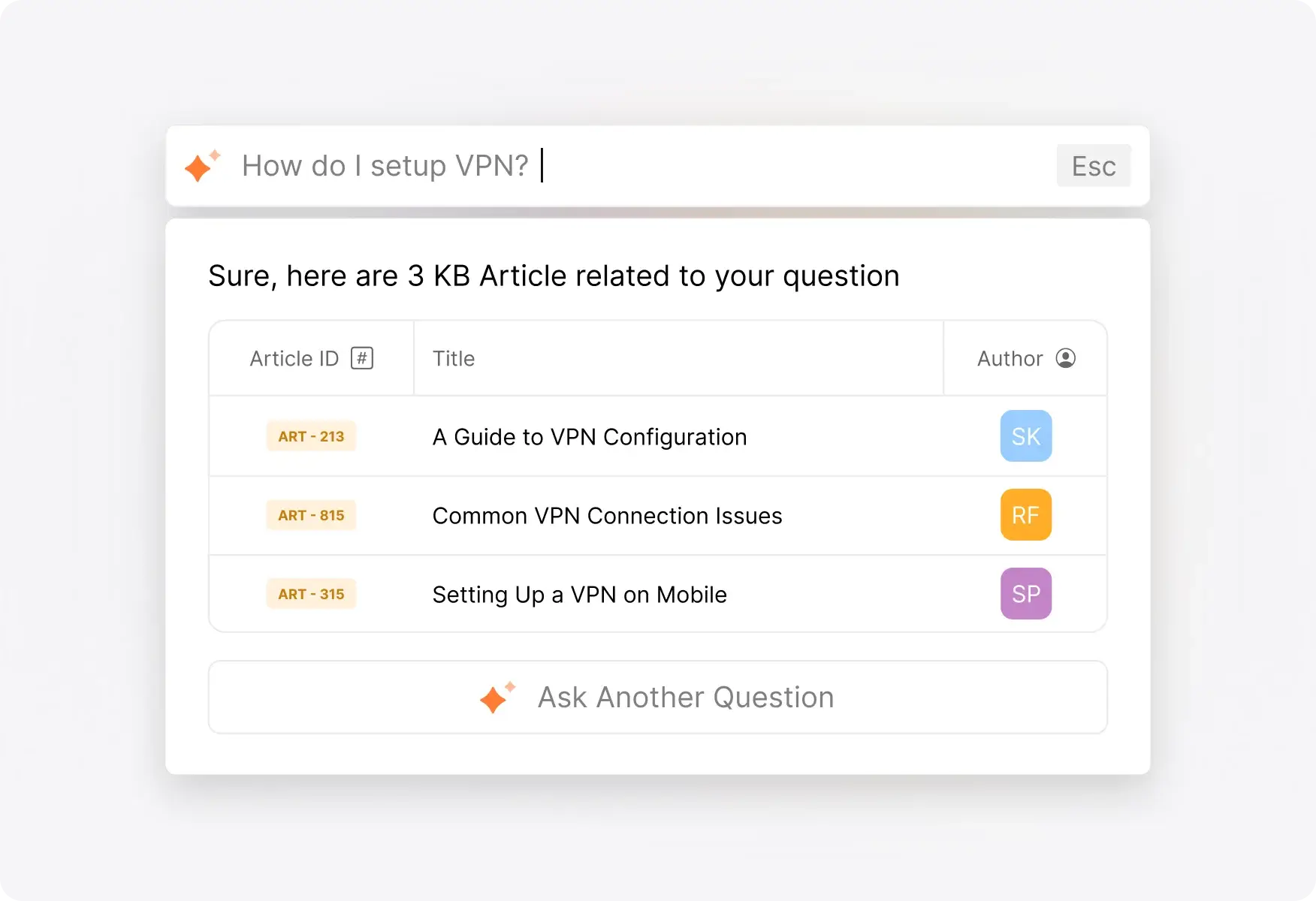
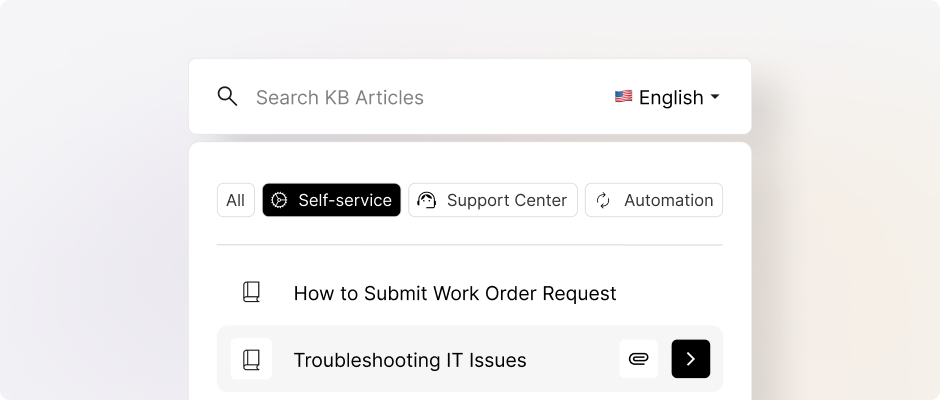
Knowledge Base on Your Widget
Surface relevant help articles as customers type their questions. Deflect tickets by helping customers find answers before they submit.
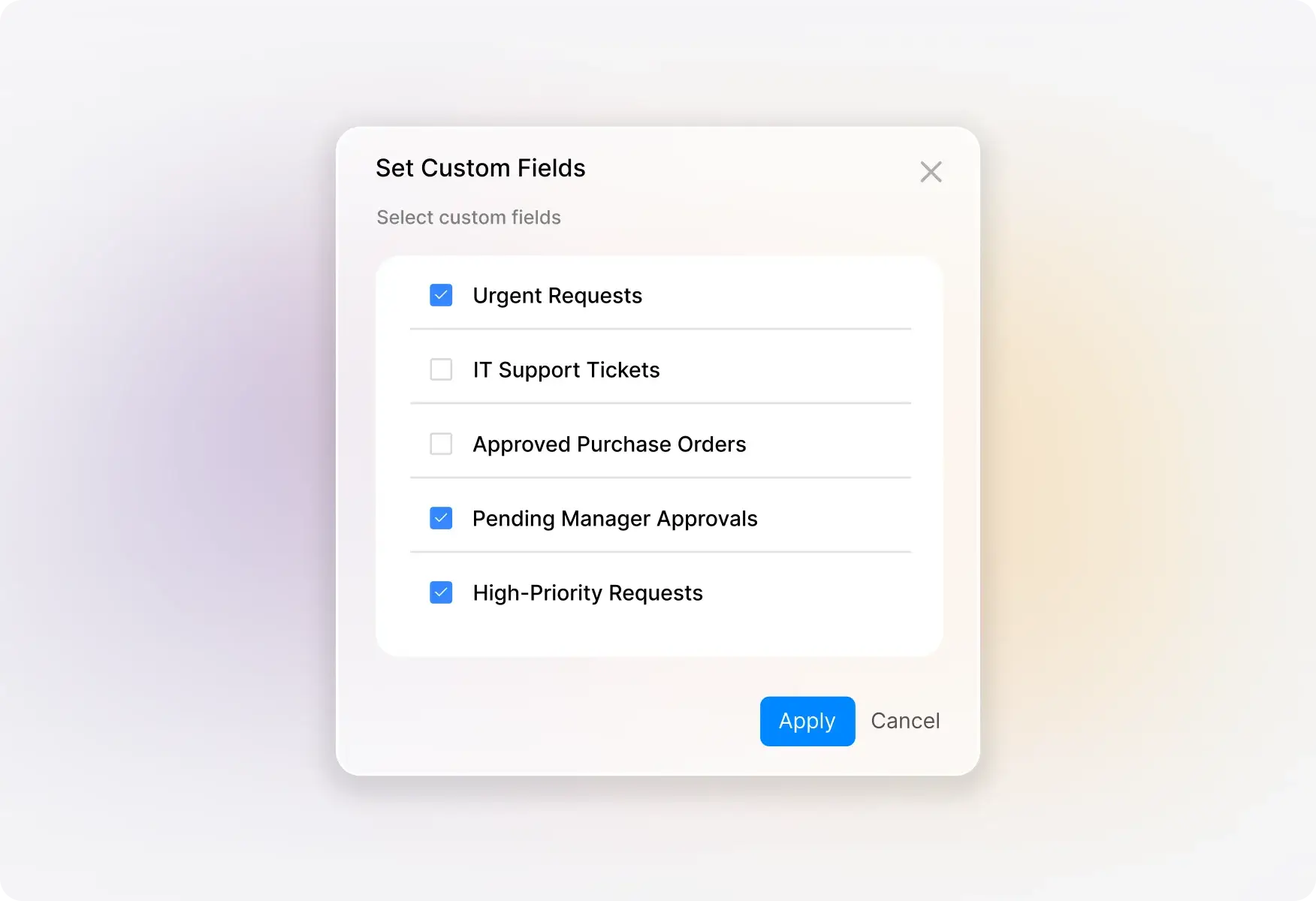
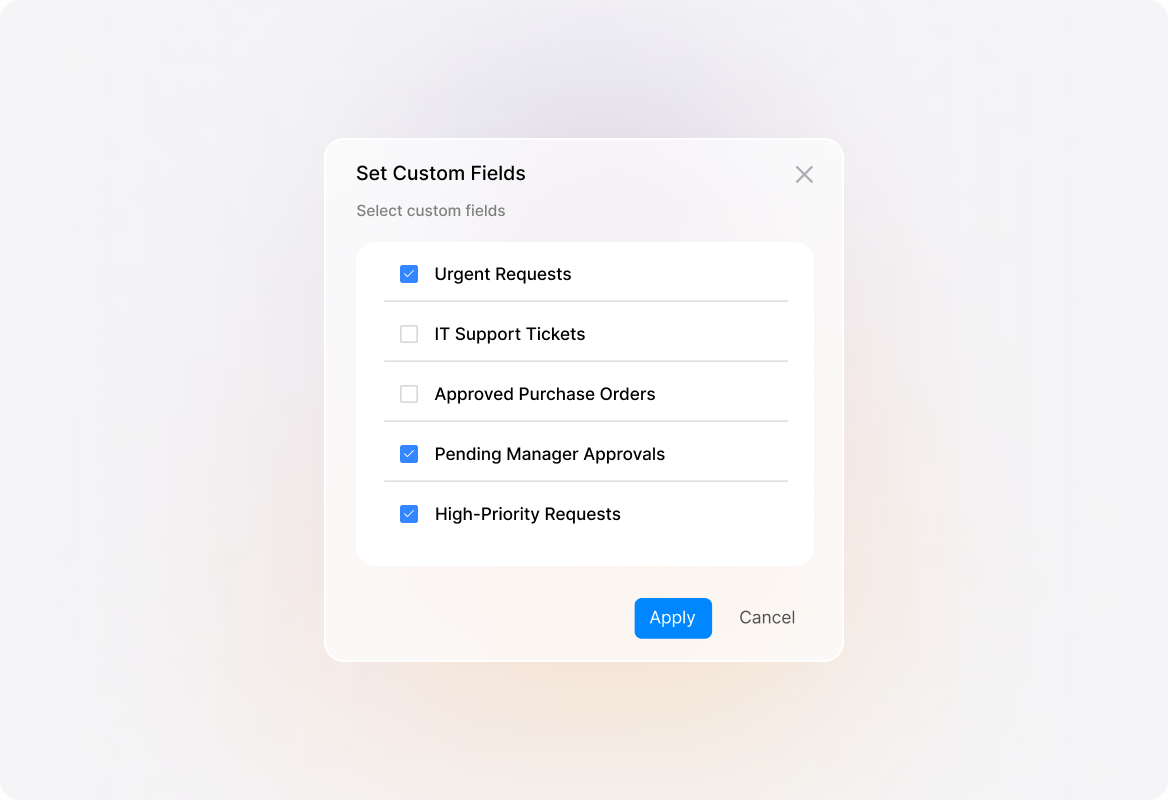
Custom Fields & Field Customization
Add custom fields to collect exactly the information your team needs. Show or hide fields based on your workflow requirements.
Explore Other Features of HappyFox

Frequently Asked Questions
Ready to Build Better Support Forms?
Create customizable contact forms that delight customers and empower your team.

USE CASES
FOR BUSINESSES
FOR INDUSTRIES
For Teams


Copyright ©2026 HappyFox Inc. All rights reserved.