















Capture the Right Data. Personalize Every Ticket and Contact.
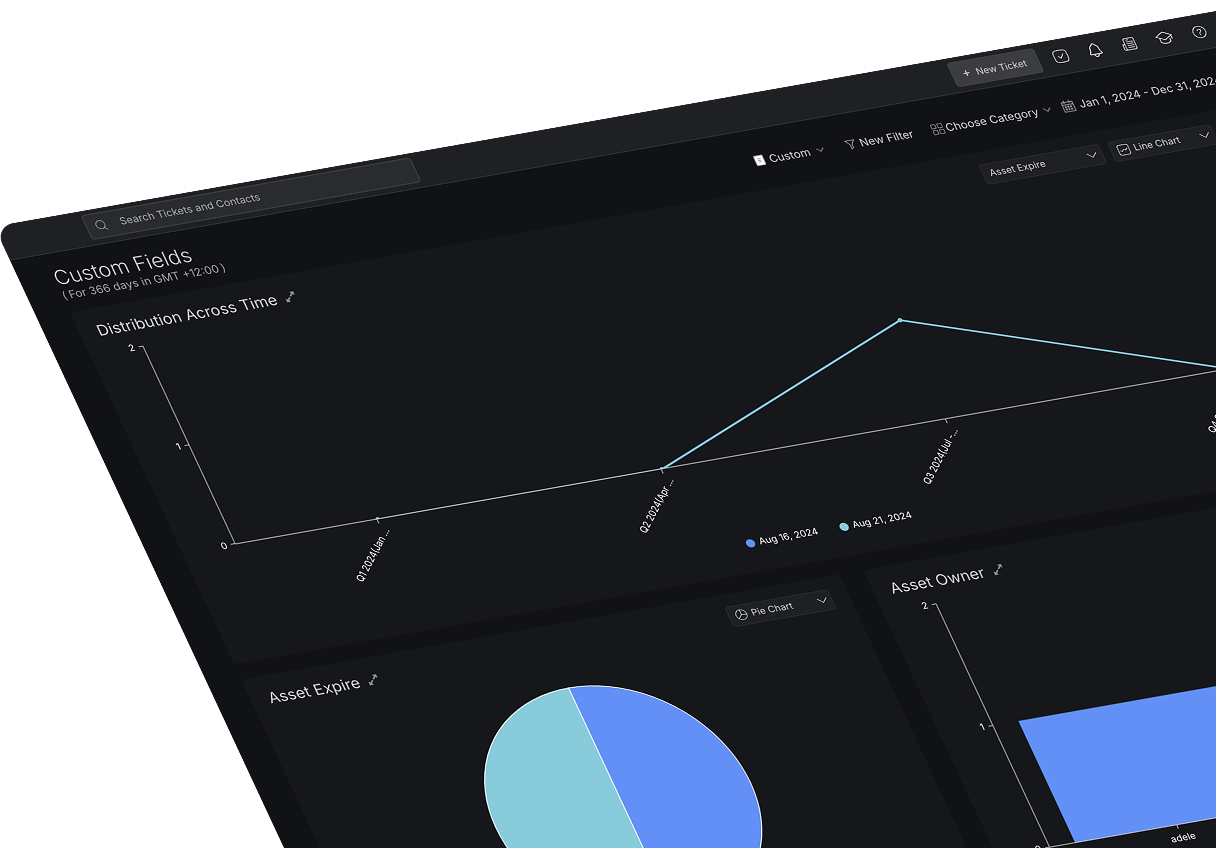


Struggling to Capture the Right Information?
Standard ticket fields don't always tell the whole story. When your team lacks critical details—like product type, subscription plan, or issue category—they waste time chasing information instead of solving problems. HappyFox Custom Fields let you capture exactly what you need, right from the start.
What are HappyFox Custom Fields?
Custom fields let you store additional information about tickets and contacts beyond the standard fields. Collect details like issue types, subscription plans, payment information, and more—structured exactly how your team needs it.
6
Field Types
Text, number, dropdown, multiple options, date, and currency formats
100%
Data Control
Define exactly what information agents and customers can input
Zero
Missed Details
Required fields ensure critical data is always captured
Collect Data. Automate Workflows. Improve Insights.
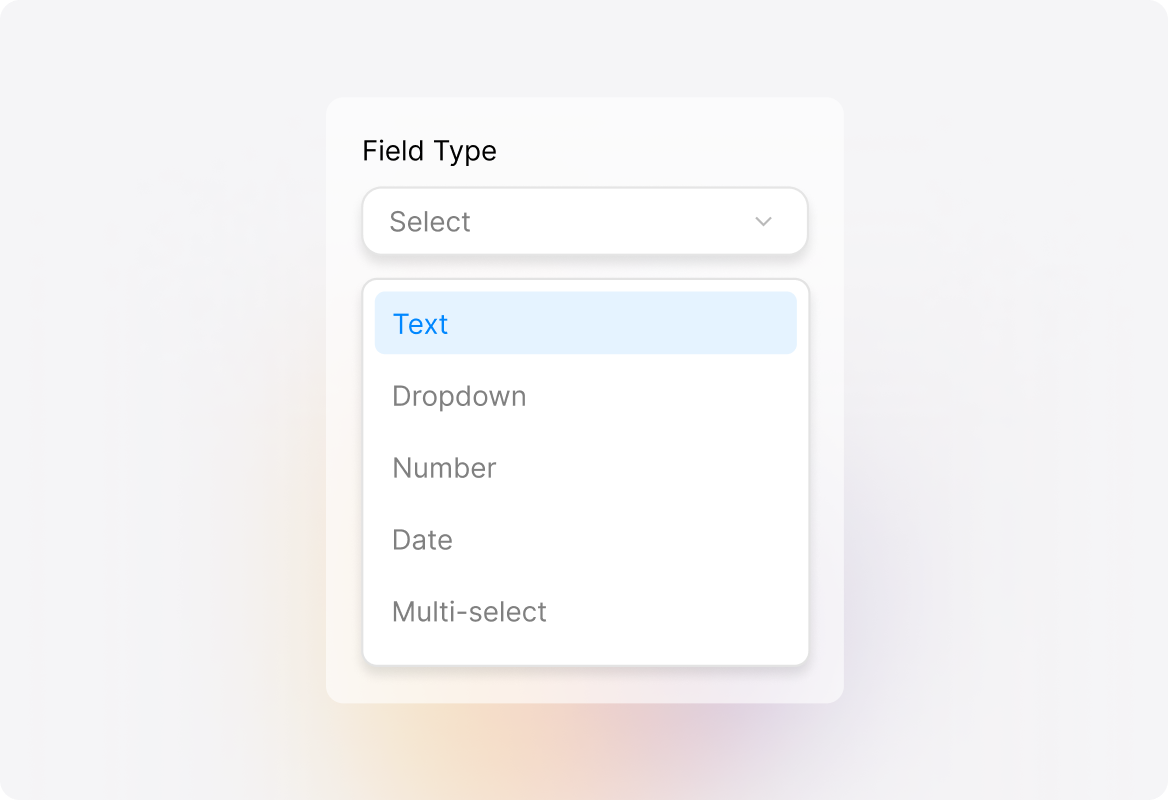
Wide Range of Custom Field Types
Choose from text, dropdown, number, date, multi-select, and more—customize fields for tickets and contacts based on your unique workflows.
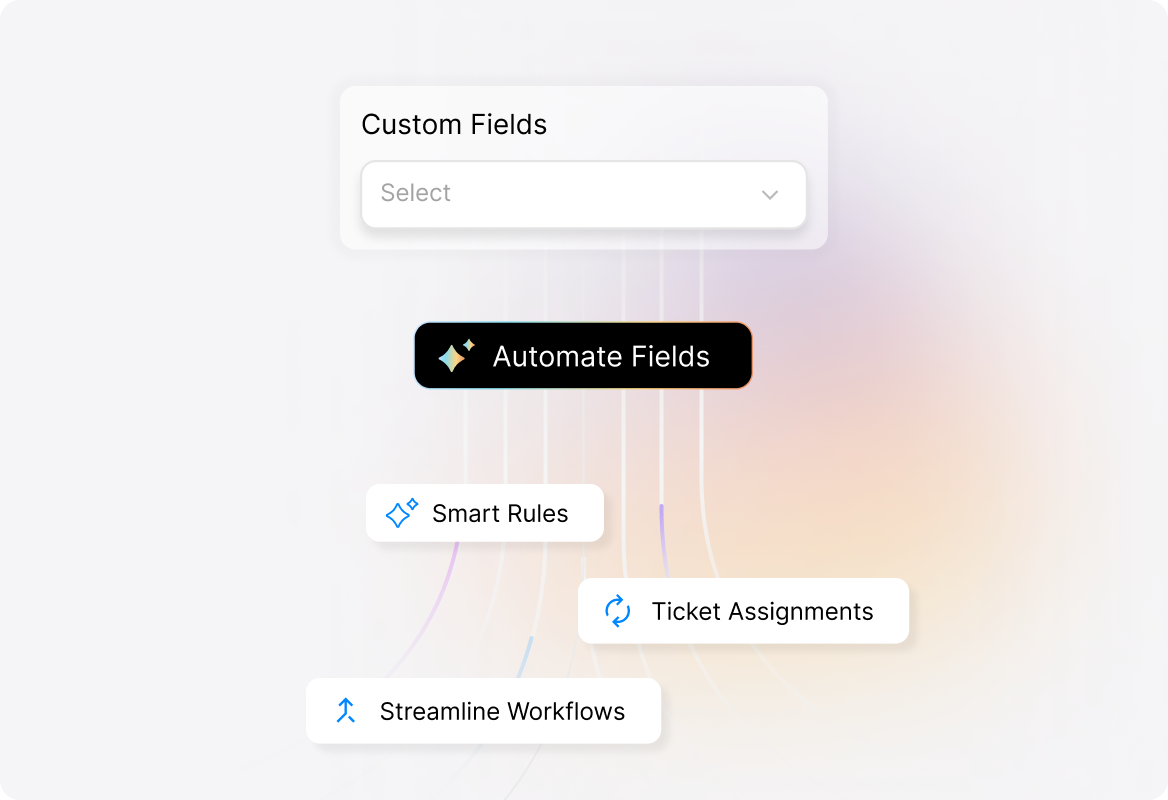
Automate with Custom Fields
Use custom fields to trigger smart rules, automate ticket assignments, and streamline workflows, ensuring every ticket gets the right attention.
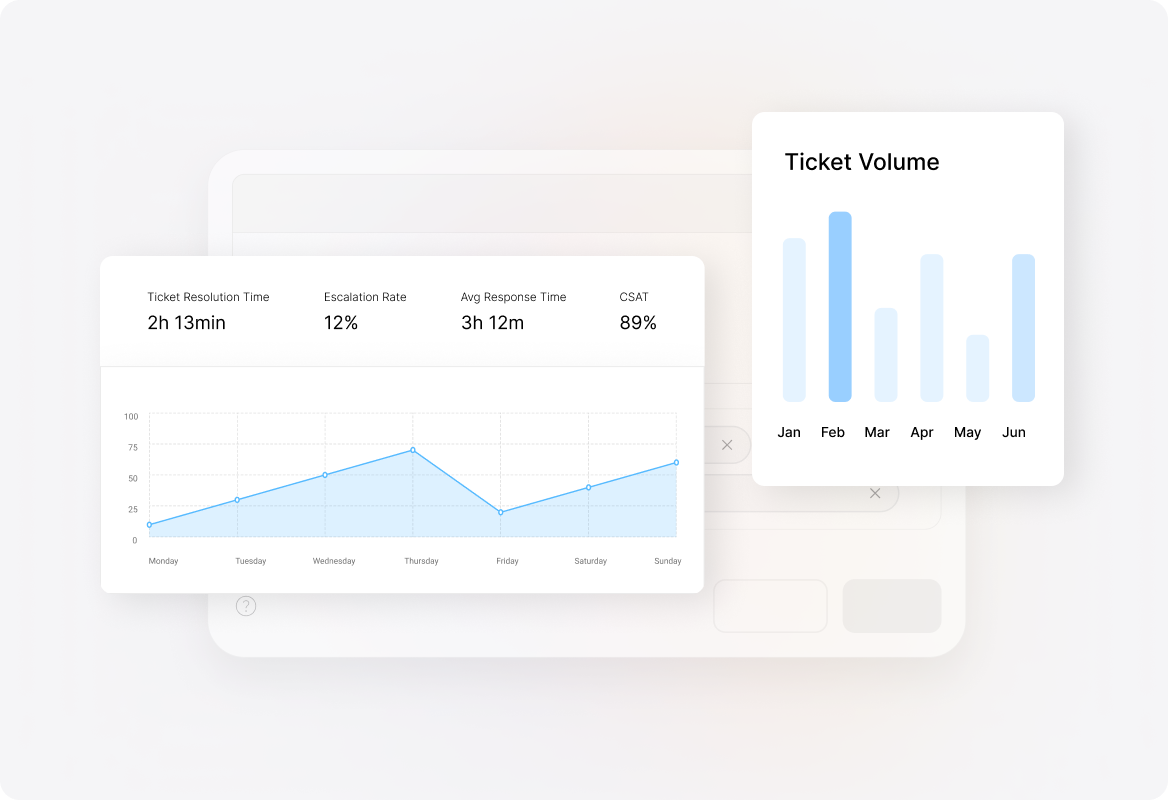
Custom Field-Based Reporting
Track patterns, generate reports, and analyze field-driven trends for tickets and contacts—empowering better decision-making.
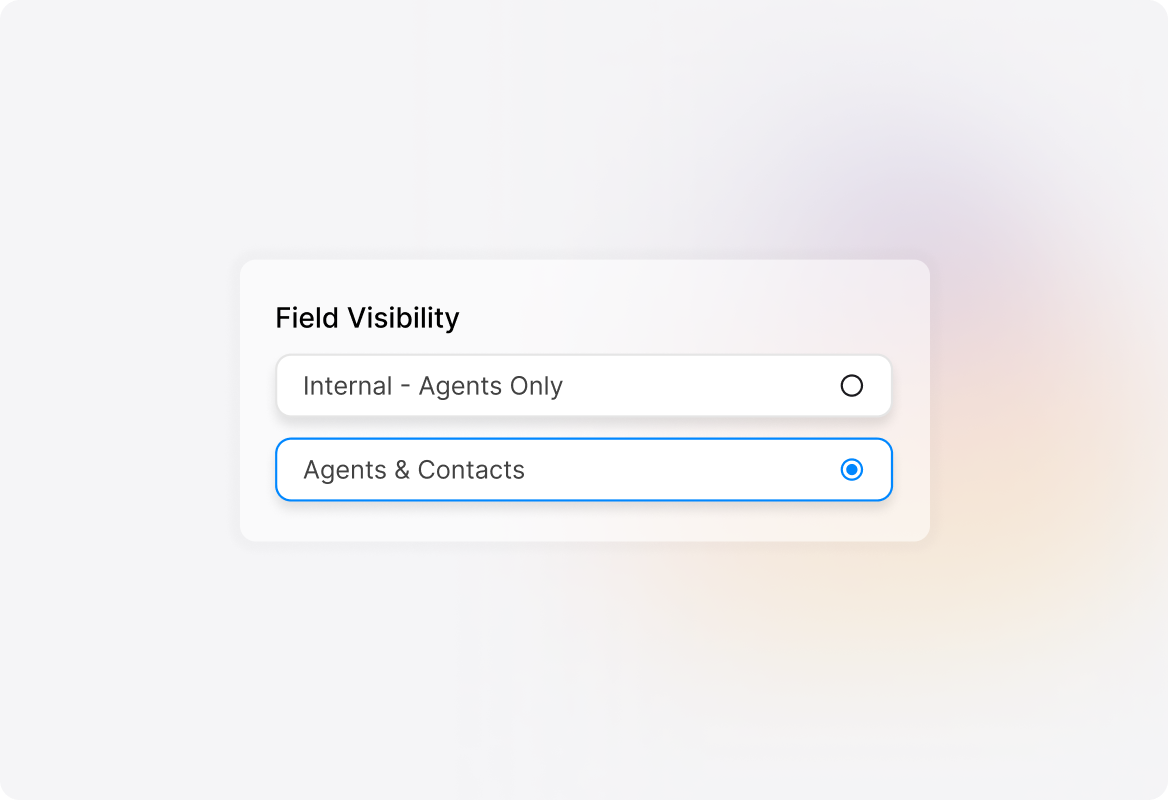
Controlled Access & Visibility
Define field visibility for agents and customers, ensuring sensitive data stays secure while teams get the context they need.
FAQ's

Stop Guesswork. Start Managing Data the Smart Way.
Capture the right information, streamline workflows, and drive faster resolutions with HappyFox Custom Fields.

Use Cases
For Business Type
For Industries


Copyright ©2026 HappyFox Inc. All rights reserved.