


















Integrate HappyFox Help Desk with Microsoft Teams for Streamlined Support

What This Means For Your Teams
Support Teams
Using Microsoft Teams as primary workspace.
Companies
Standardizing on Microsoft ecosystem.
Teams
Requiring instant support collaboration
Help desk managers
Coordinating distributed teams.


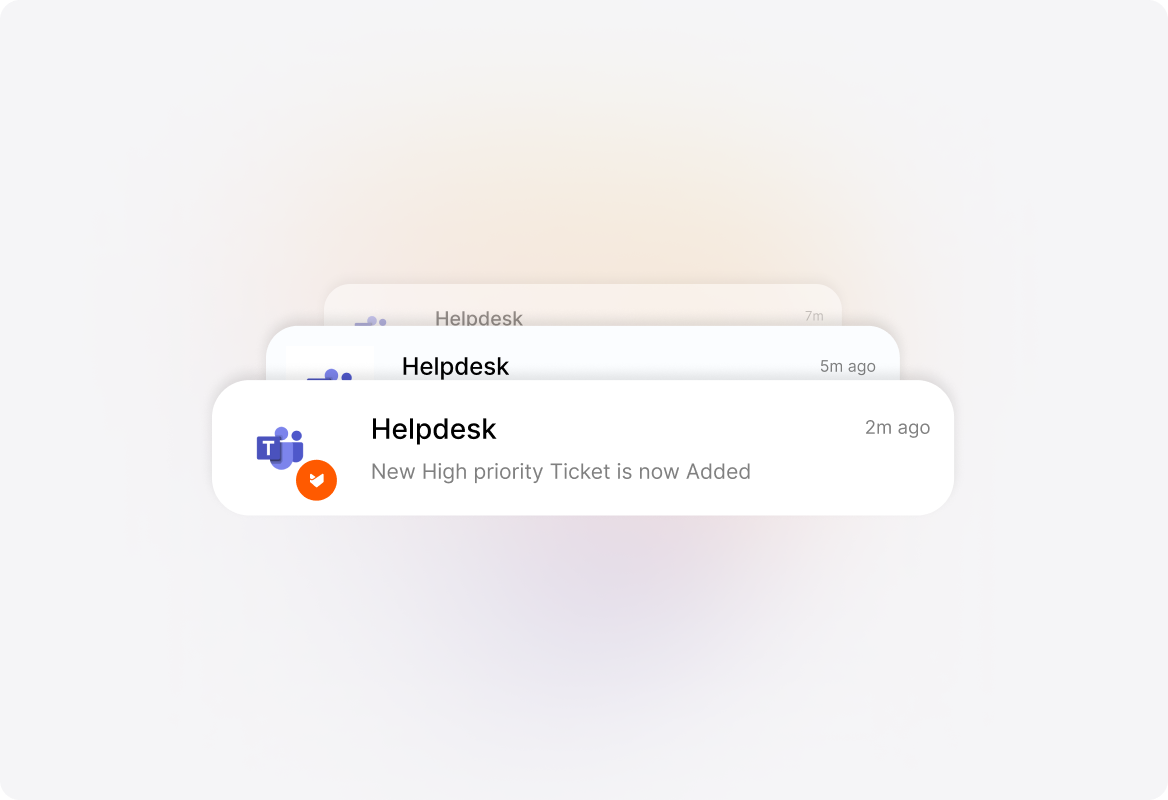
Get Instant Ticket Notifications
Setup instant notifications for every ticketing event using the HappyFox Bot for Microsoft Teams. Tailor your notification preferences per channel, then follow the progress of tickets within your Teams channel.
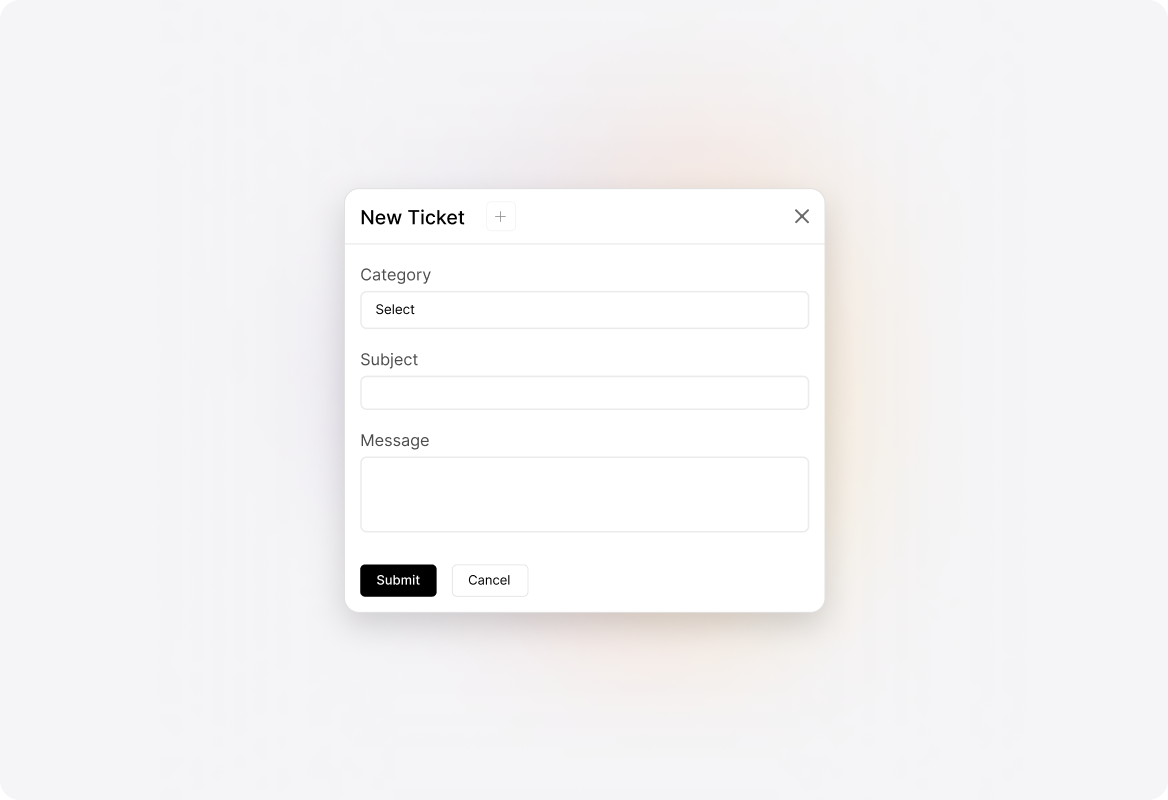
Create HappyFox tickets inside Teams
Open the New Ticket Form right within your Microsoft Teams interface. Start creating tickets with more context and keep different teams in sync.
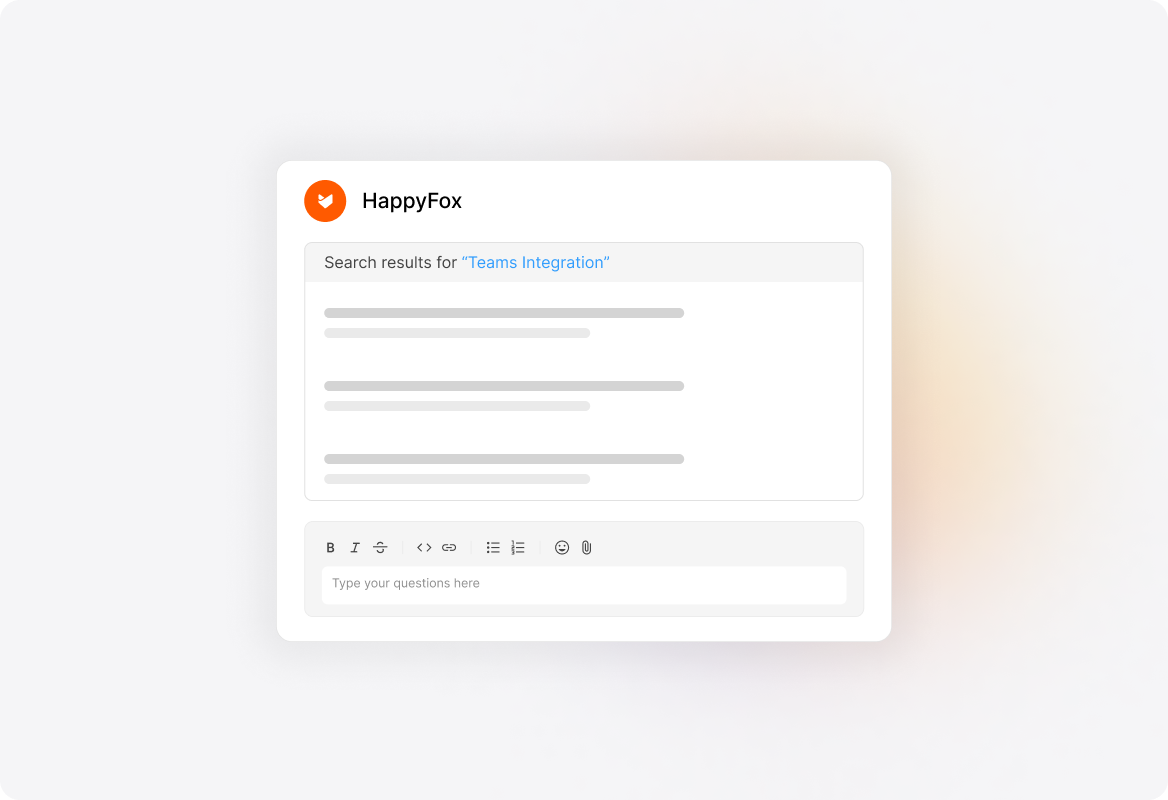
Search Knowledgebase articles
Now all your knowledge base articles are right at your fingertips within Teams. You can @mention the HappyFox Bot and follow it up with a search term to search for solution articles.
See More Integrations
Connect Your Tools With HappyFox
A happy roof that can accommodate all your favorite business apps.

USE CASES
FOR BUSINESSES
FOR INDUSTRIES
For Teams


Copyright ©2026 HappyFox Inc. All rights reserved.