















Measure SLA Performance. Spot Breaches. Optimize Your Support.












Flying Blind on SLA Compliance Costs You Customers
Without clear visibility into SLA performance, support managers struggle to identify which agreements are being breached, which teams are falling behind, and where bottlenecks exist. Missed SLAs lead to frustrated customers, damaged trust, and lost revenue. HappyFox SLA Reports give you complete visibility into your service level performance. Track every SLA, identify breaches instantly, and pinpoint your worst-performing areas so you can fix problems before they escalate.
What Can You Track with SLA Reports?
Real-Time
Tickets Checked
See exactly how many tickets were monitored against your SLAs in any time period.
Instant
Breach Detection
Identify tickets that breached SLA targets with multiple breaches counted separately for accurate tracking.
100%
Performance Visibility
Compare your target goals against achieved percentages to measure true SLA compliance.
SLA Insights That Drive Better Support Decisions
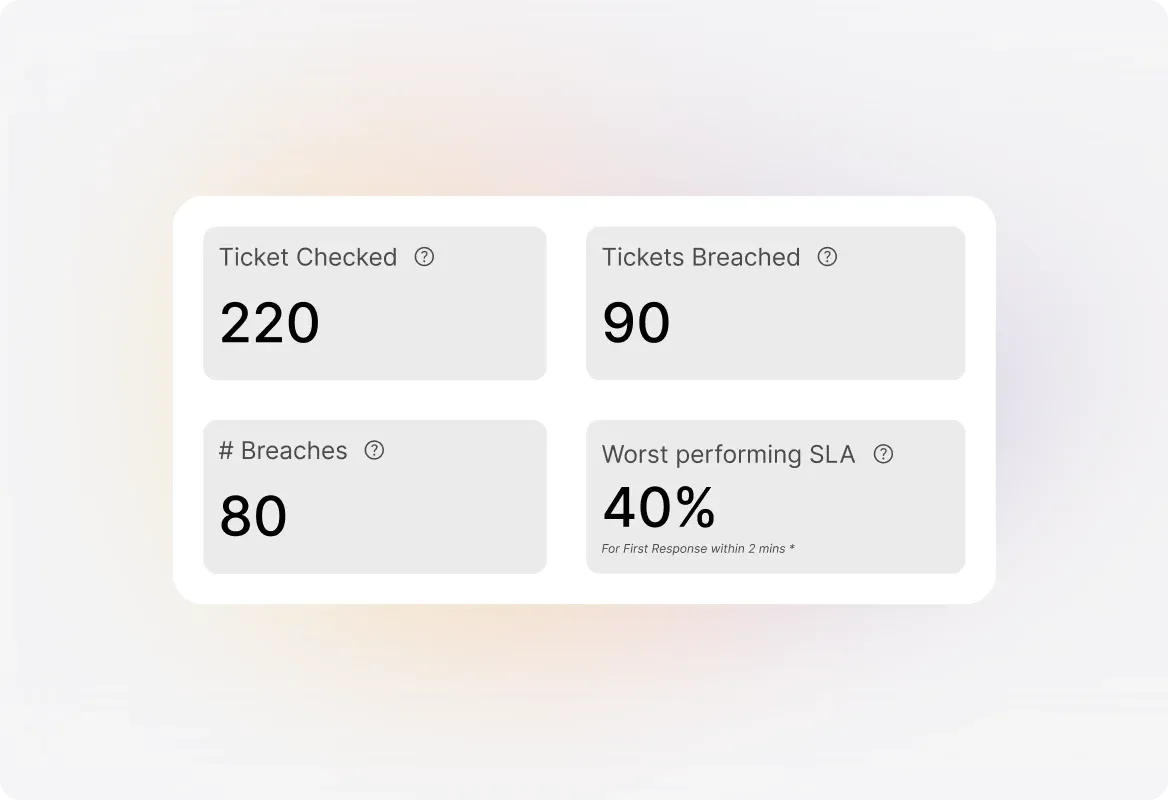
Summary Pane with At-a-Glance Performance Stats
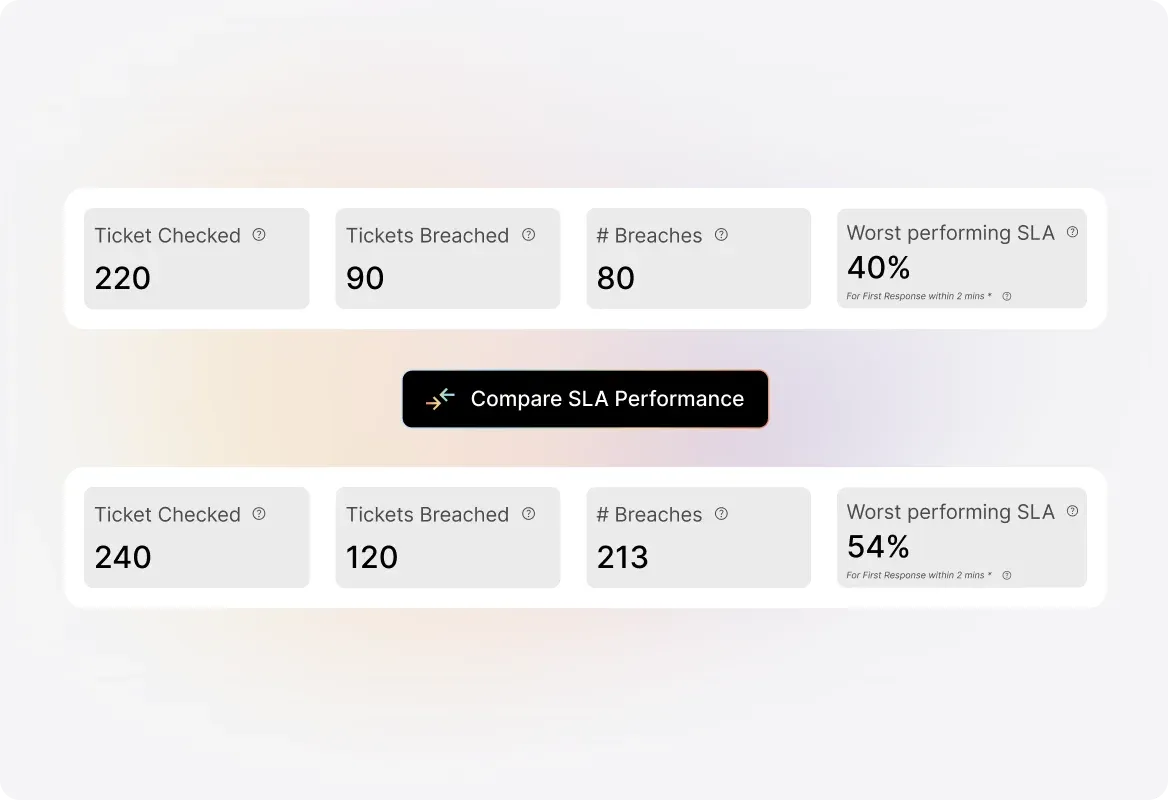
Get a quick overview of your SLA health with key metrics including tickets checked, tickets breached, total breach count, and your worst-performing SLA all updated hourly and filterable by category and time period.
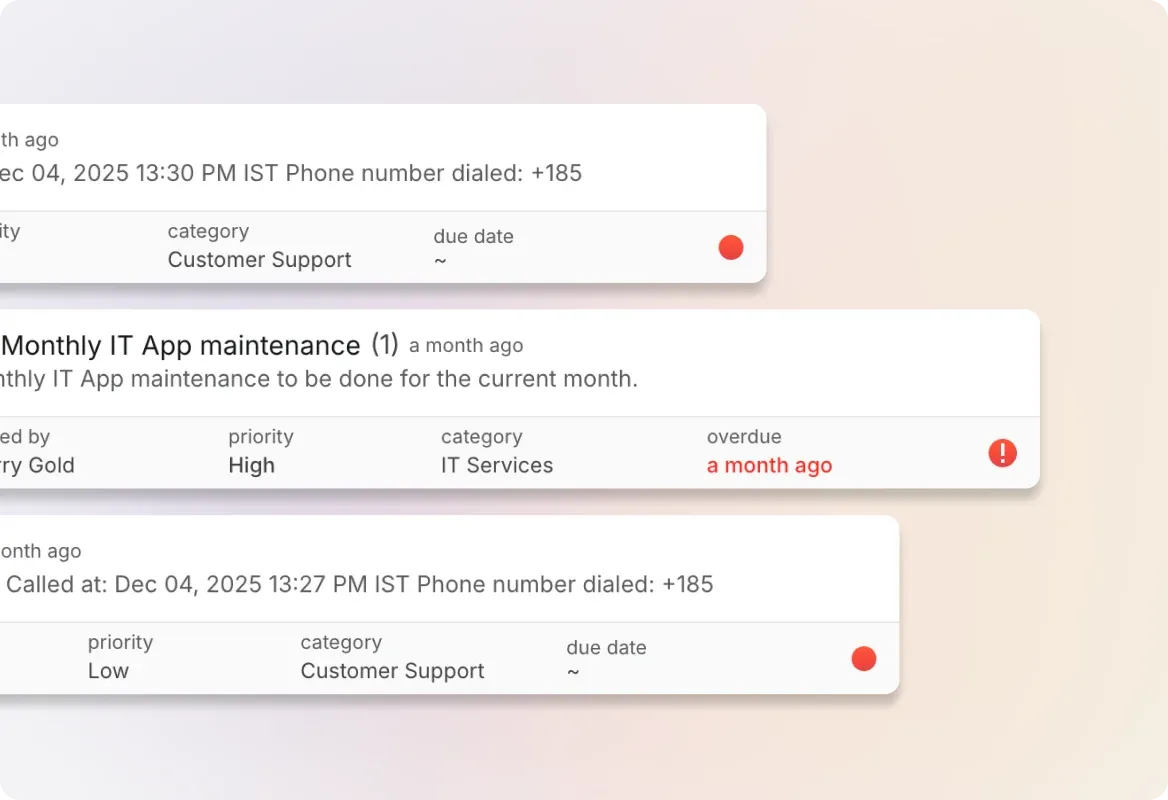
Track Tickets Checked vs. Tickets Breached
See the count of tickets monitored by each SLA alongside how many breached their targets. Multiple breaches within the same ticket are counted as one for ticket-level tracking, or separately for detailed breach analysis.
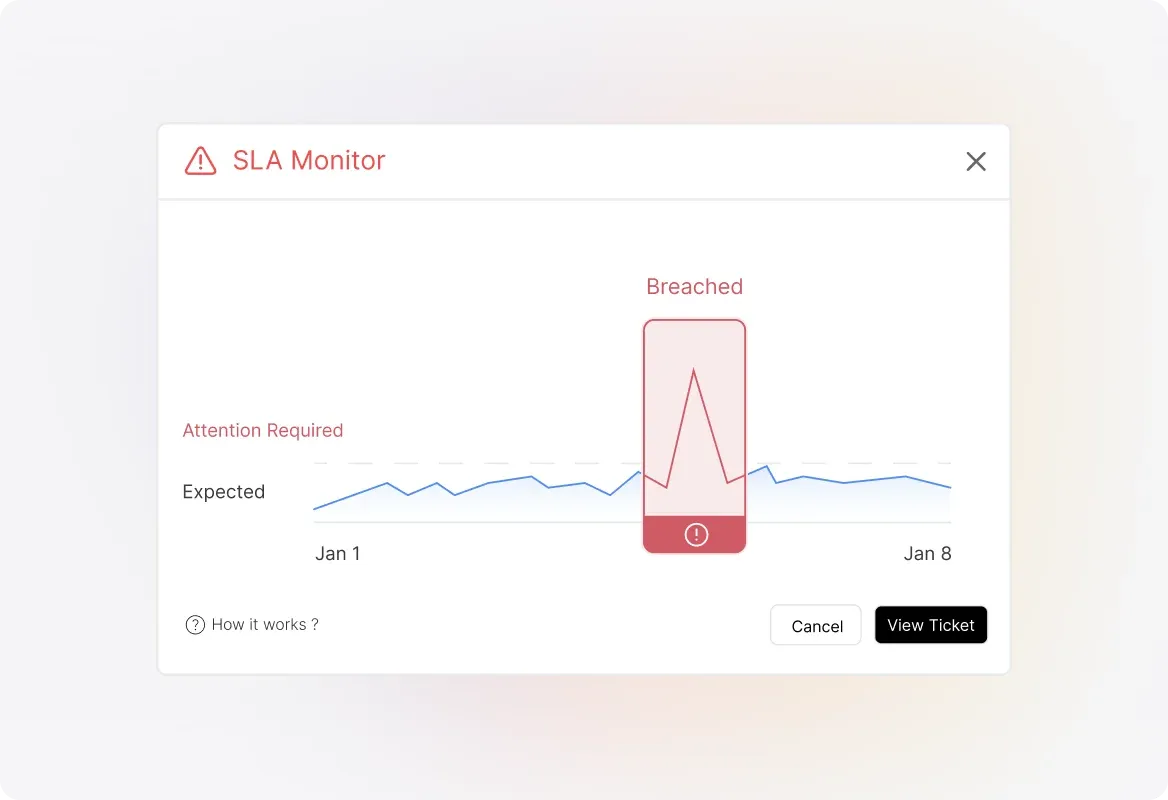
Identify Your Worst-Performing SLAs Instantly
Quickly spot which SLAs aren't meeting their targets. The report highlights your worst-performing SLA with its achieved percentage so you know exactly where to focus improvement efforts.
Detailed SLA-by-SLA Breakdown
Dive deep with the "By SLA - Expanded" view showing tickets checked, tickets breached, breach count, target percentage, and achieved percentage for each SLA. Sort columns to find best and worst performers, or search for specific SLAs.
Filter by Category and Time Period
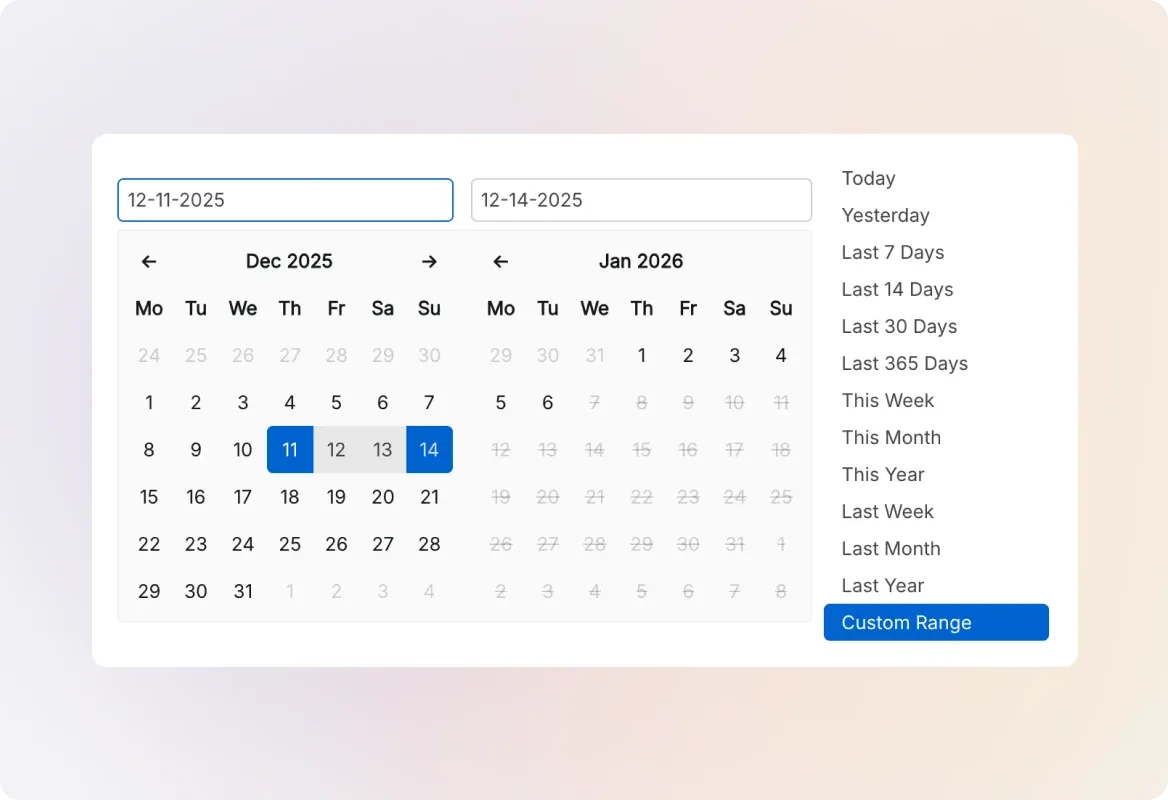
Narrow down your report to specific ticket categories and custom time ranges. All statistics update based on tickets that had an SLA watch during your selected period.
Explore Other HappyFox Features

Frequently Asked Questions
Track SLAs. Prevent Breaches. Deliver on Your Promises.
Get complete visibility into your service level performance—identify issues before they impact customers and keep your support team on target.

Use Cases
For Business Type
For Industries


Copyright ©2026 HappyFox Inc. All rights reserved.