Smart Rules: Turn Manual Work Into Automated Workflows
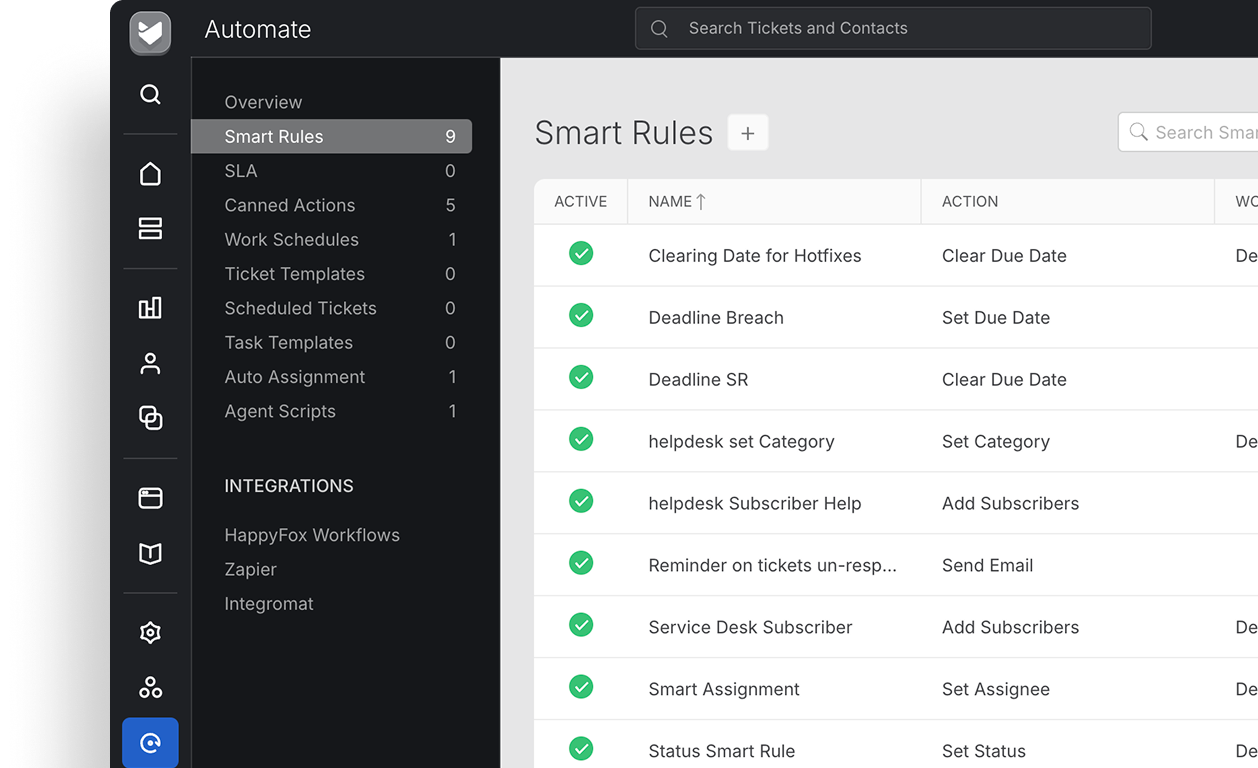
Smart Rules automates your support workflows, eliminating repetitive work and reducing errors—helping your agents respond faster and focus on customers.
darwinbox Dartmouth Planned Parenthood_Customer Logo Pinewood School_Customer Logo loanlogics Medipulse North Country Healthcare_Customer Logo Whirlpool_Customer Logo Improved Racing_Customer Logo Slam_Customer Logo Sonny's BBQ_Customer Logo Minnnetronix_Customer Logo renoworks_Customer Logo darwinbox Dartmouth Planned Parenthood_Customer Logo Pinewood School_Customer Logo loanlogics Medipulse North Country Healthcare_Customer Logo Whirlpool_Customer Logo Improved Racing_Customer Logo Slam_Customer Logo Sonny's BBQ_Customer Logo Minnnetronix_Customer Logo renoworks_Customer Logo darwinbox Dartmouth Planned Parenthood_Customer Logo Pinewood School_Customer Logo loanlogics Medipulse North Country Healthcare_Customer Logo Whirlpool_Customer Logo Improved Racing_Customer Logo Slam_Customer Logo Sonny's BBQ_Customer Logo Minnnetronix_Customer Logo renoworks_Customer Logo

Are Manual Processes Slowing Down Your Support Team?

Support teams spend countless hours on repetitive tasks—categorizing tickets, assigning work, sending notifications, and updating ticket properties. These manual workflows not only slow down response times but also increase the risk of human error. HappyFox Smart Rules automates these workflows, helping your team deliver faster and more consistent support.

Smart Rules: Cut the Manual Work from Support

Smart Rules transforms manual, repetitive support tasks into automated workflows triggered by flexible, multi-condition rules, ensuring consistent ticket handling and faster response times

85%

Less Manual Work

Automate routine ticket management tasks

60%

Faster Responses

Reduce delays with automated ticket assignments and notifications for agents

40%

Time Saved

Free up your team from repetitive administrative work

Make Every Support Process More Efficient

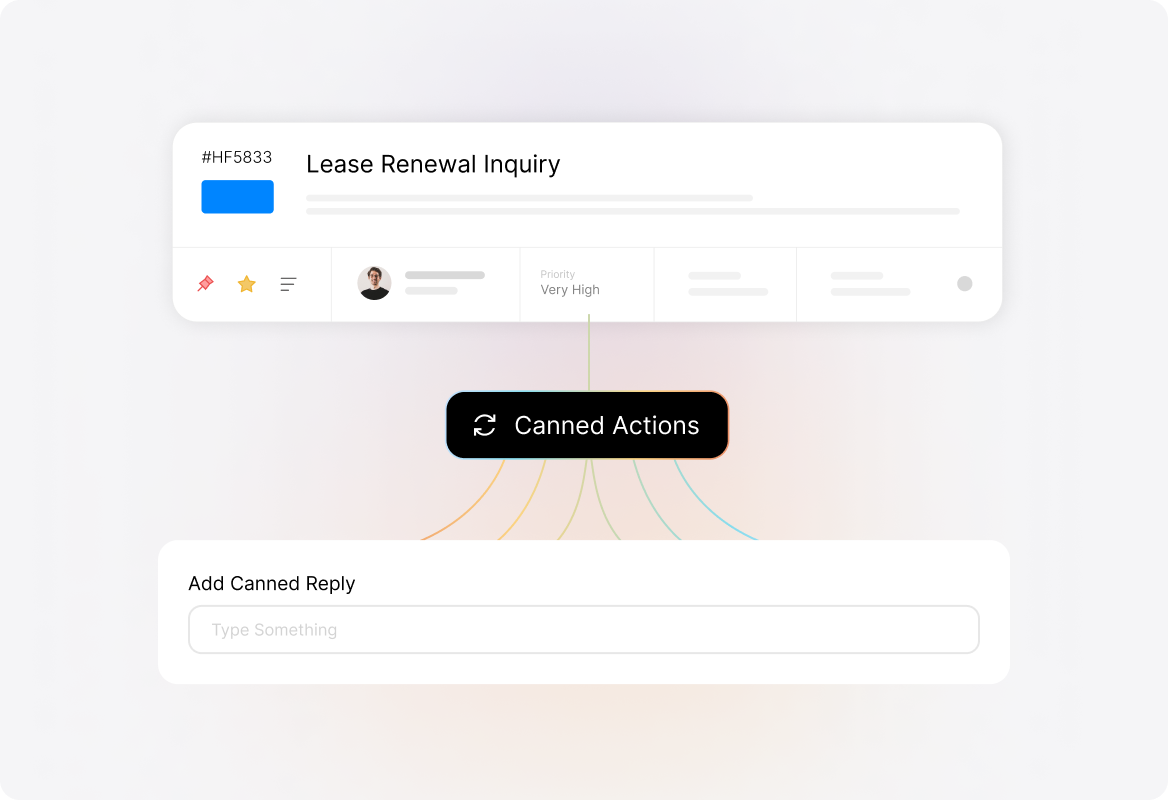
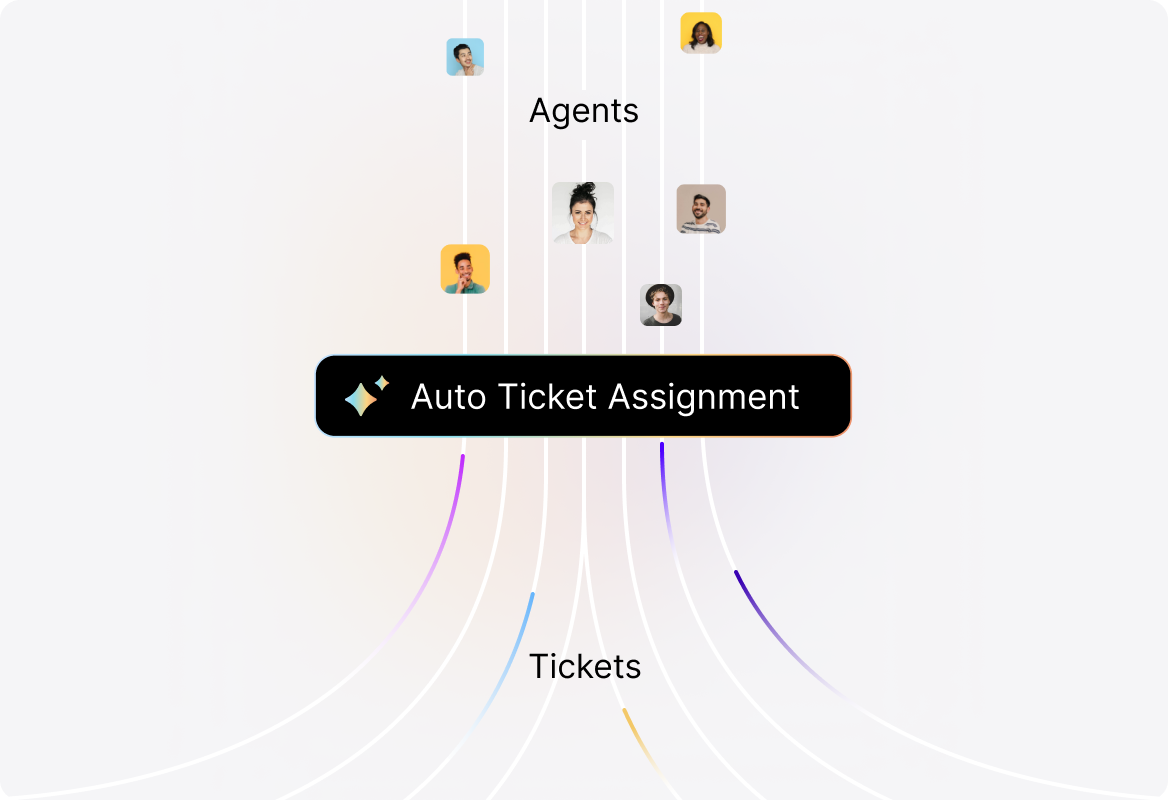
Automate Ticket Assignment

Ensure no ticket slips through the cracks. Automatically assign requests based on conditions like category, priority, or channel so customers get the right help from the right agent instantly.
Automate_Ticket_Management.original

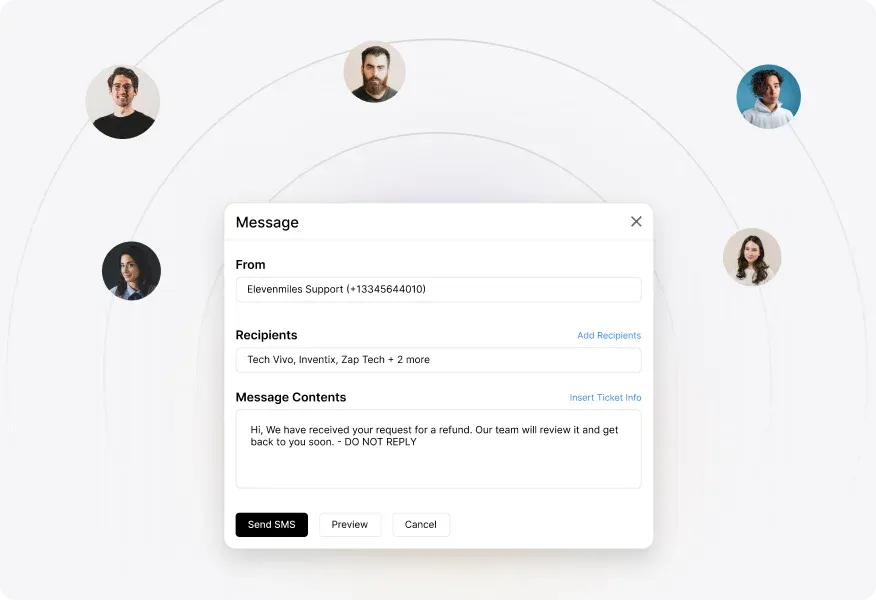
Enable Smart Communications

Keep everyone in the loop without lifting a finger. Trigger customized emails or SMS updates to customers, agents, or third parties the moment ticket conditions are met.
Send_Messages_Your_Way.original

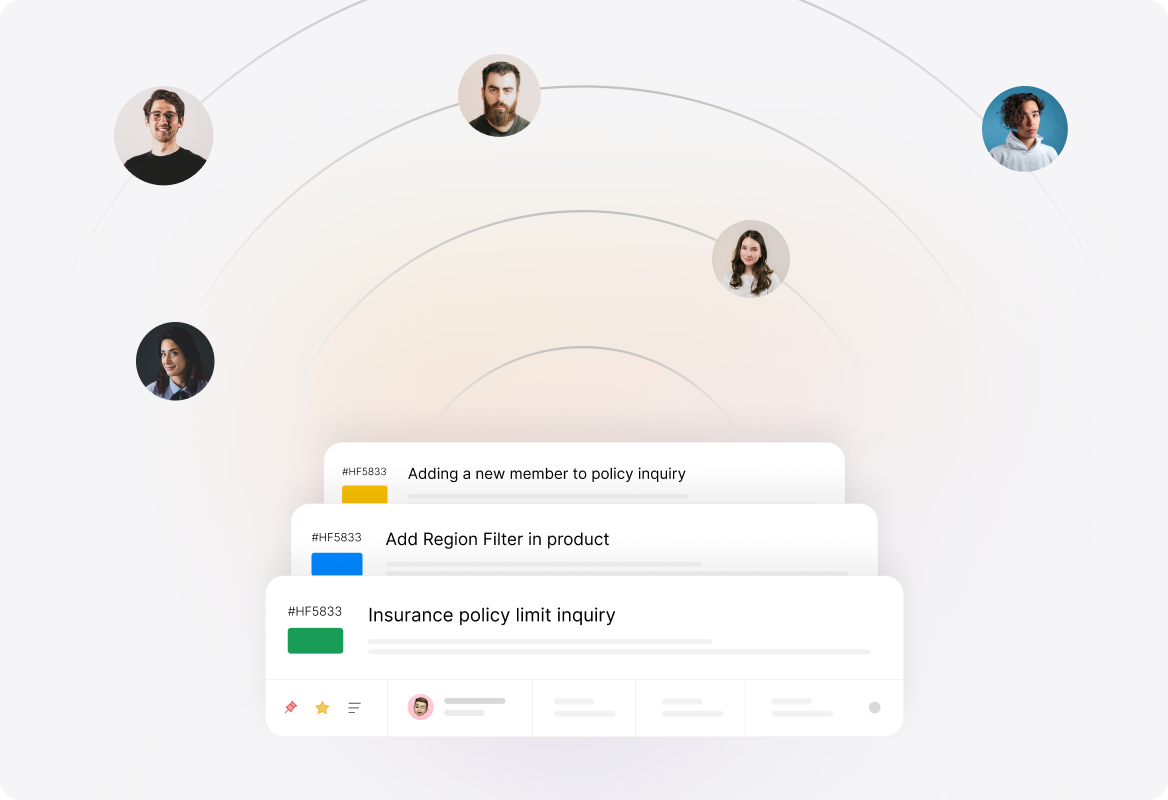
Streamlined Ticket Management

No more ticket clutter. Auto-close resolved issues, archive inactive tickets, and escalate overdue ones to keep your queue clean and your SLAs protected.
Streamline_Workflows.original

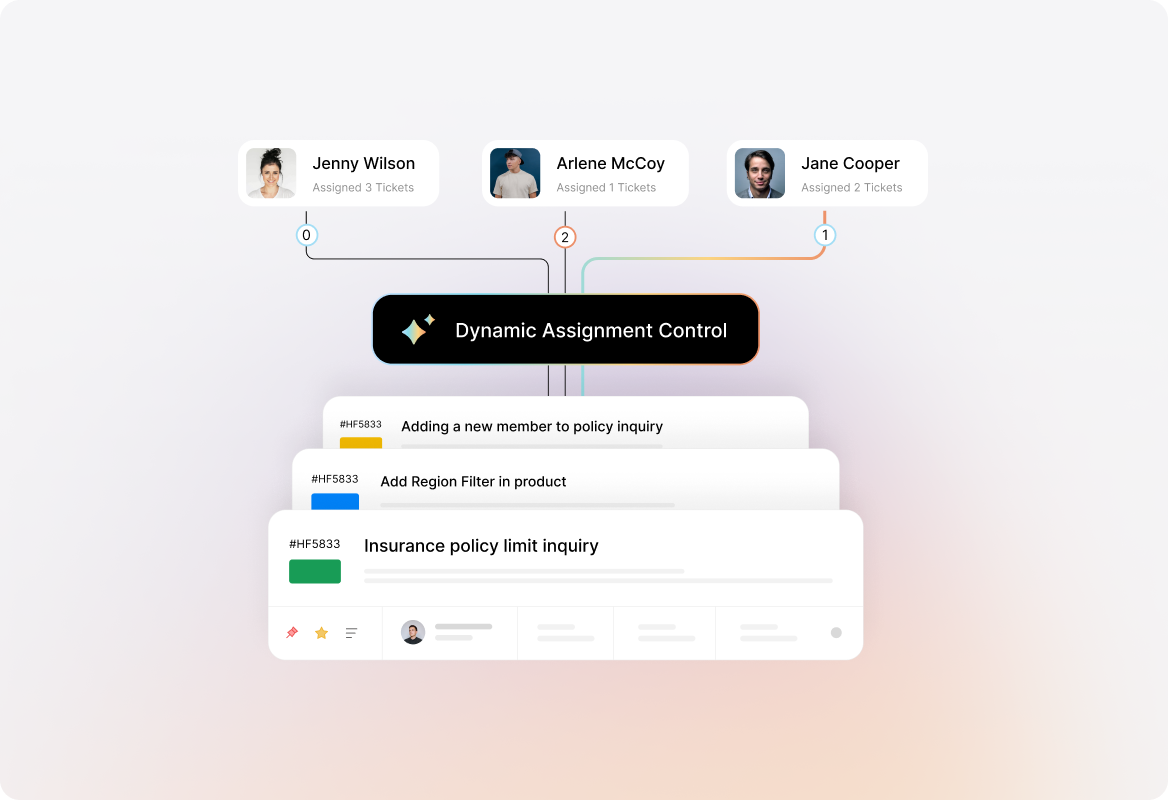
Dynamic Ticket Assignment

Distribute tickets intelligently based on agent availability, first response, or last interaction, keeping conversations moving without delays.
Dynamic_Assignment_Control.original

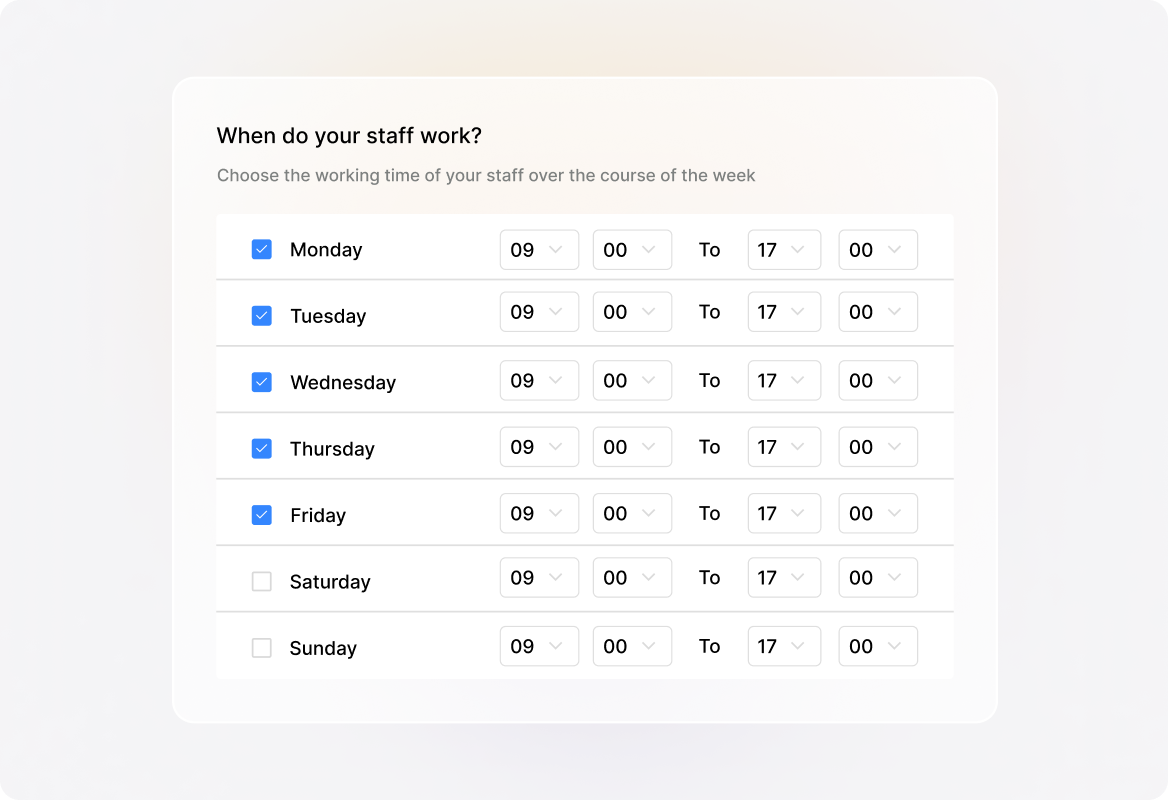
Time-Based Automation

Schedule actions around working hours, manage due dates automatically, and keep customer expectations aligned with agent availability
Time-Based_Automation.original

Connect With External Tools

Trigger actions in external systems with conditional webhooks. Send real-time updates to Slack, push customer data into your CRM, or notify project management tools automatically, keeping every system in sync without manual effort.

Seamless_Integrations_for_a_Unified_Workflow_f.original

FAQs

What are Smart Rules in HappyFox Help Desk?
arrow
Smart Rules are automation workflows that eliminate repetitive manual tasks in customer support. By setting conditions and triggers, you can automatically assign tickets, send notifications, escalate issues, update ticket properties, or close inactive tickets. This ensures faster responses, fewer errors, and more consistent support for your customers.
Can Smart Rules be customized for different departments or ticket categories?
arrow
Yes. You can create unique Smart Rules tailored to specific teams, ticket categories, or departments. For example, IT issues can be routed to your technical support team, while billing inquiries can go directly to your finance team. This ensures tickets always reach the right person, without manual intervention.
Do Smart Rules support multi-condition workflows?
arrow
Absolutely. You can set up multiple conditions (like ticket priority + customer type + category) to trigger a specific automation. This allows precise control over how tickets are routed and handled.
Can Smart Rules handle time-sensitive and SLA-based tasks?
arrow
Yes. Smart Rules can escalate overdue tickets, adjust due dates, or send reminders based on SLA policies. They also support time-based triggers aligned with your business hours.
How easy is it to set up Smart Rules?
arrow
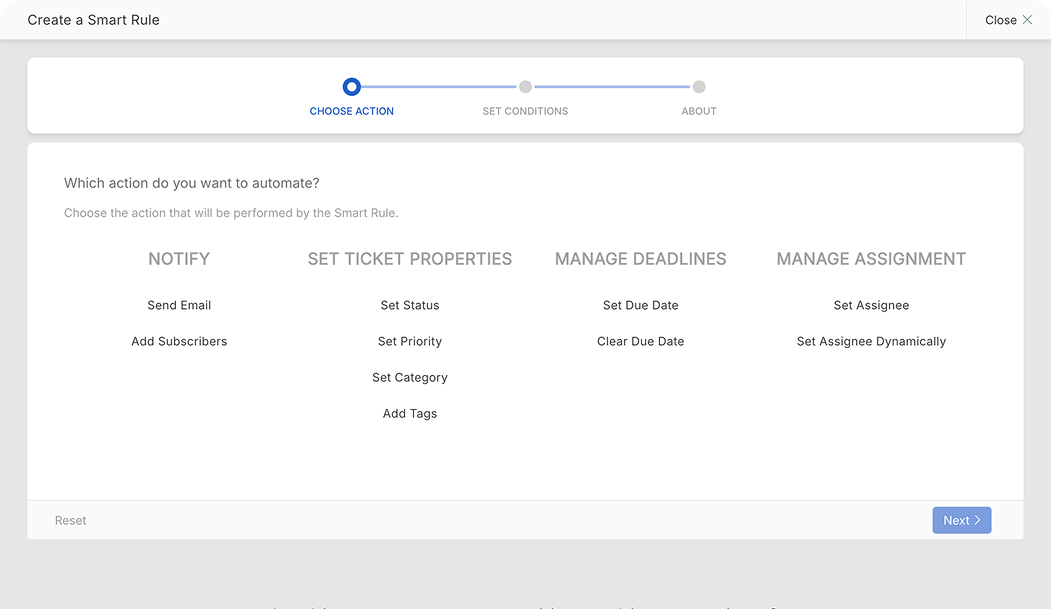
Creating Smart Rules in HappyFox is simple and requires no coding. The interface allows you to define conditions and actions through a few clicks, making automation accessible for non-technical teams.

Ready to Automate Your Support Process?

Let us show you how Smart Rules can transform your daily support operations.

footer-banner-image