















Sort, Organize, and Automate Ticket Management Effortlessly.












Unstructured Ticket Management Slows Down Your Support Team
When tickets arrive without clear categorization, agents waste time identifying, prioritizing, and routing them manually. Misrouted tickets cause delays, similar issues get handled inconsistently, and tracking team performance becomes a challenge.
HappyFox Ticket Categories streamline ticket classification, automate sorting, and ensure every request reaches the right team instantly. No more manual effort. No more misrouted tickets. Just structured, efficient support.
What are Ticket Categories in HappyFox?
Ticket Categories are the building blocks of an efficient help desk, enabling teams to sort, organize, and automate ticket handling for faster resolutions and better collaboration.
30%
Faster Ticket Resolutions
Agents instantly know what type of request they’re handling—no more guesswork.
Zero
Misrouted Tickets
Tickets automatically reach the right team without delays or confusion.
100%
Support Trends Visibility
Track ticket volumes, issue types, and team performance with category-based reporting.
Ticket Categories That Turn Chaos into Organized Workflows
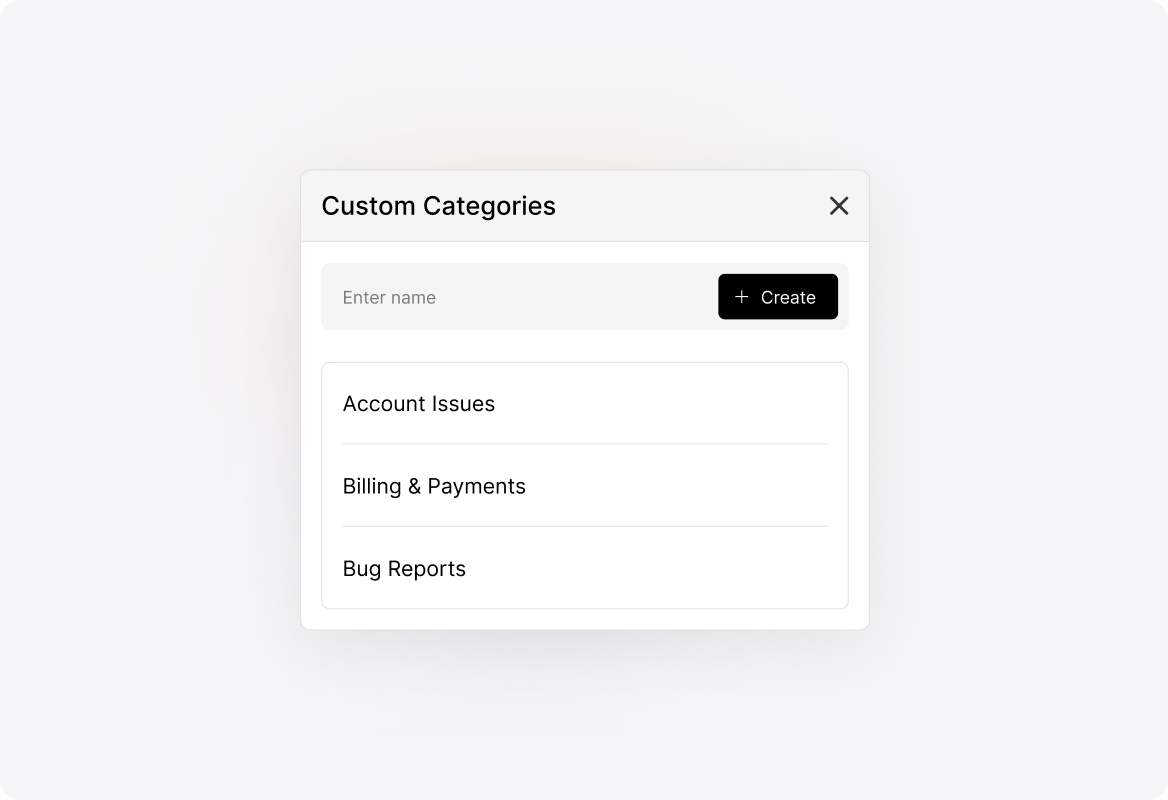
Turn Chaos into Clarity with Custom Ticket Categories
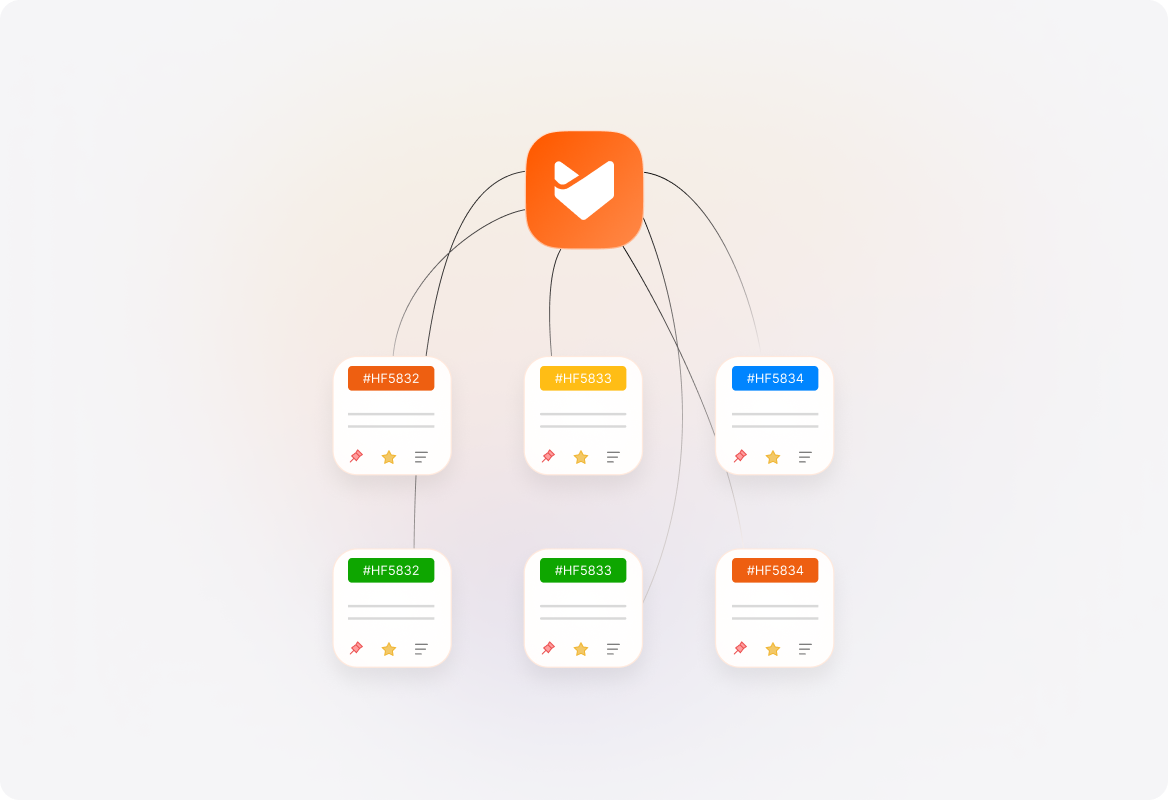
Automatically categorize incoming tickets by team, product, geography, or use case—ensuring a structured and efficient help desk.
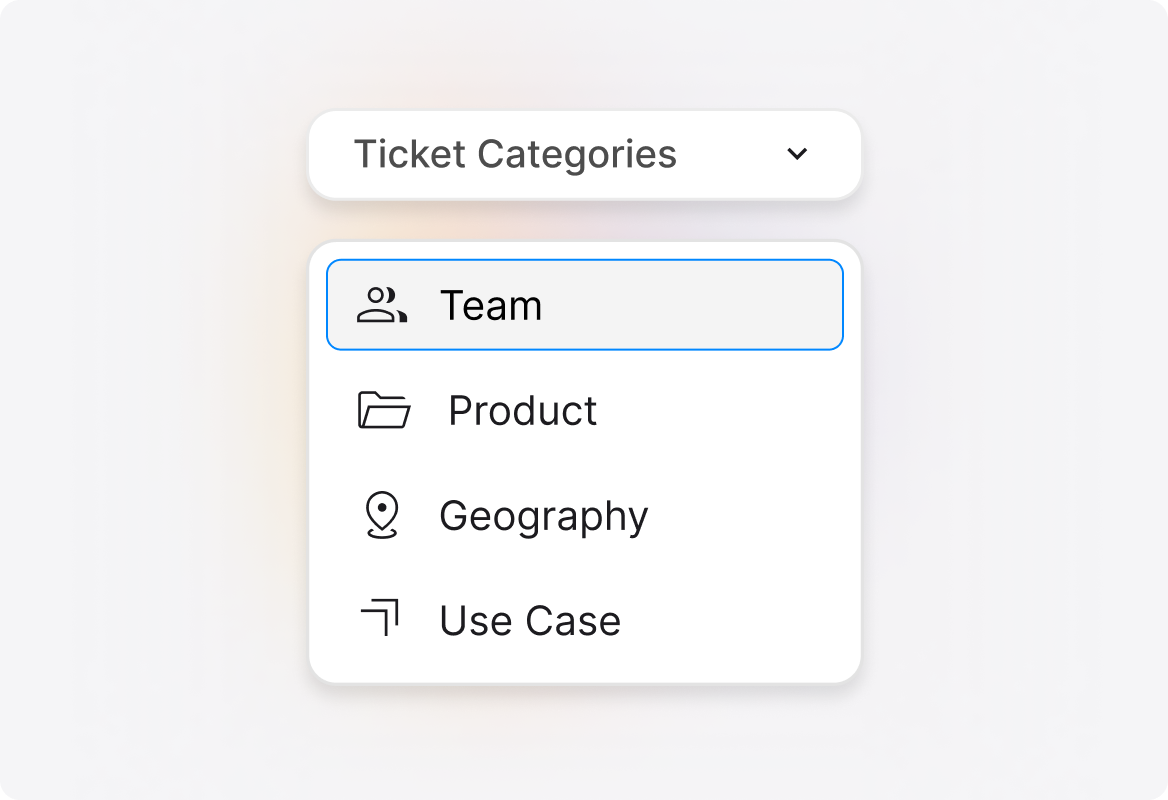
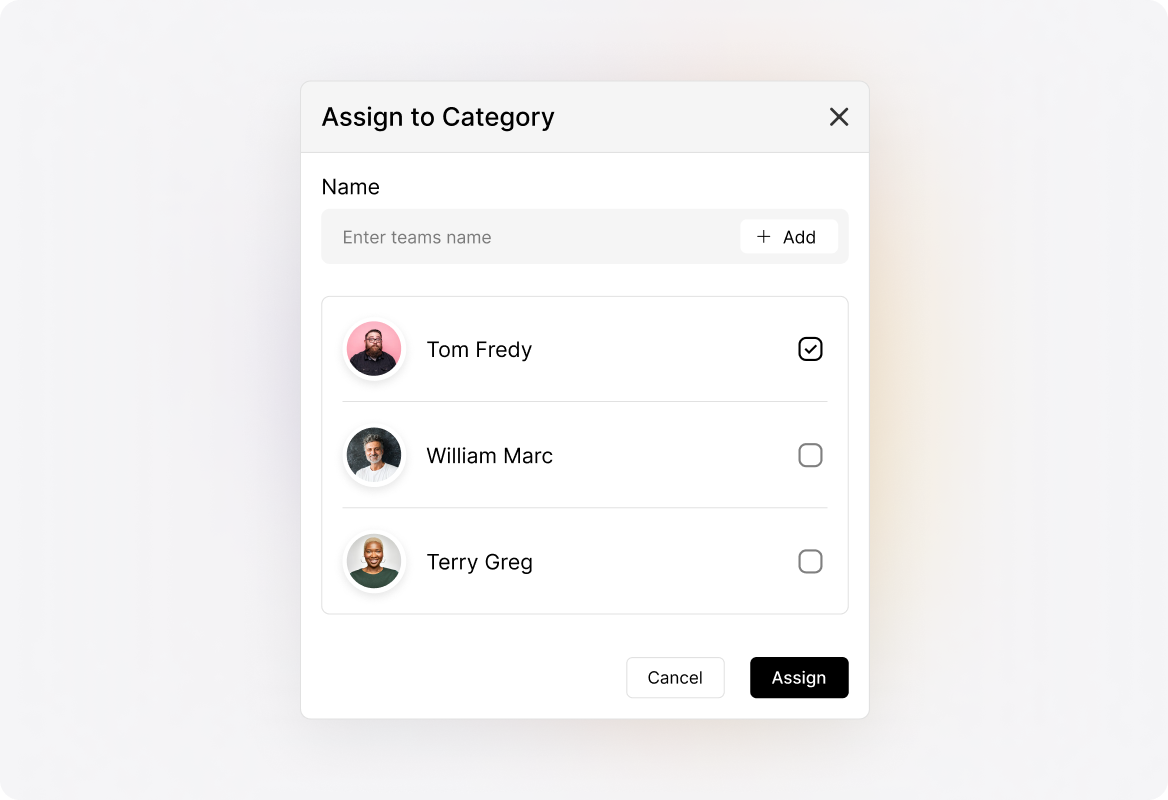
Route Tickets to the Right Agents Instantly
Assign agents to categories so tickets instantly reach the right agents, reducing delays and increasing productivity.
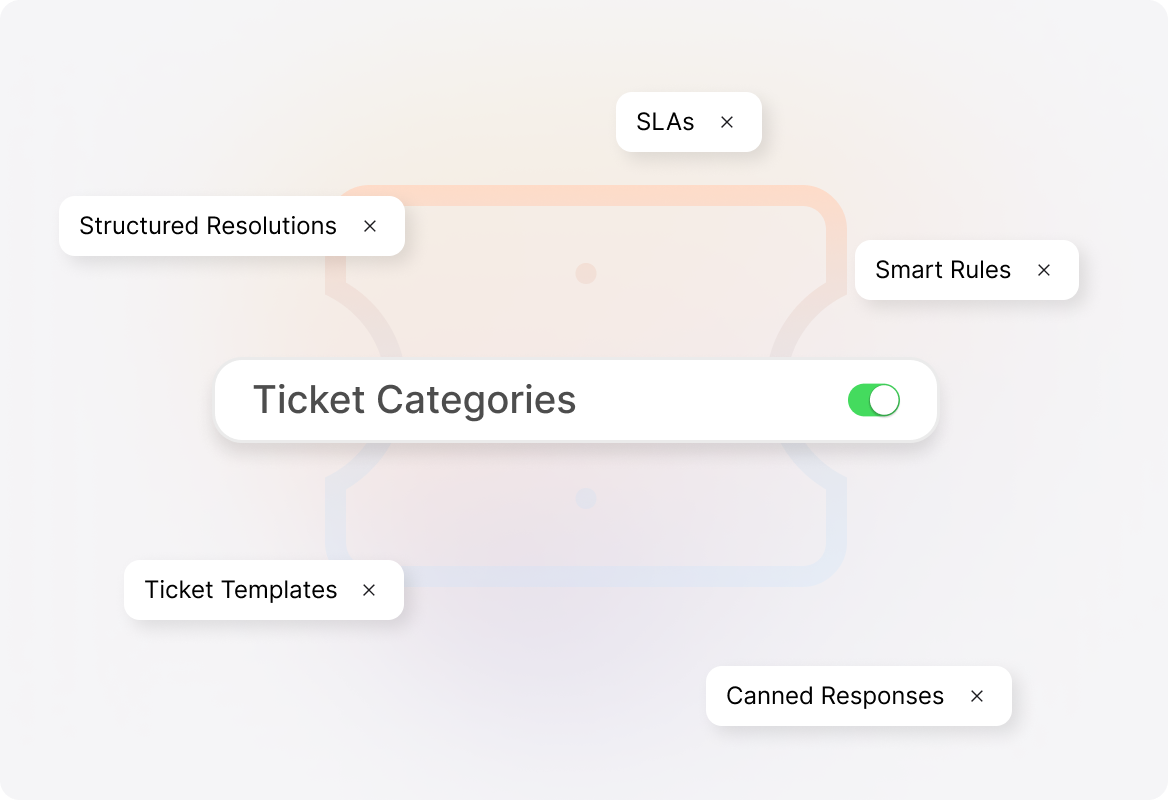
Standardize Workflows with Category-Based Automation
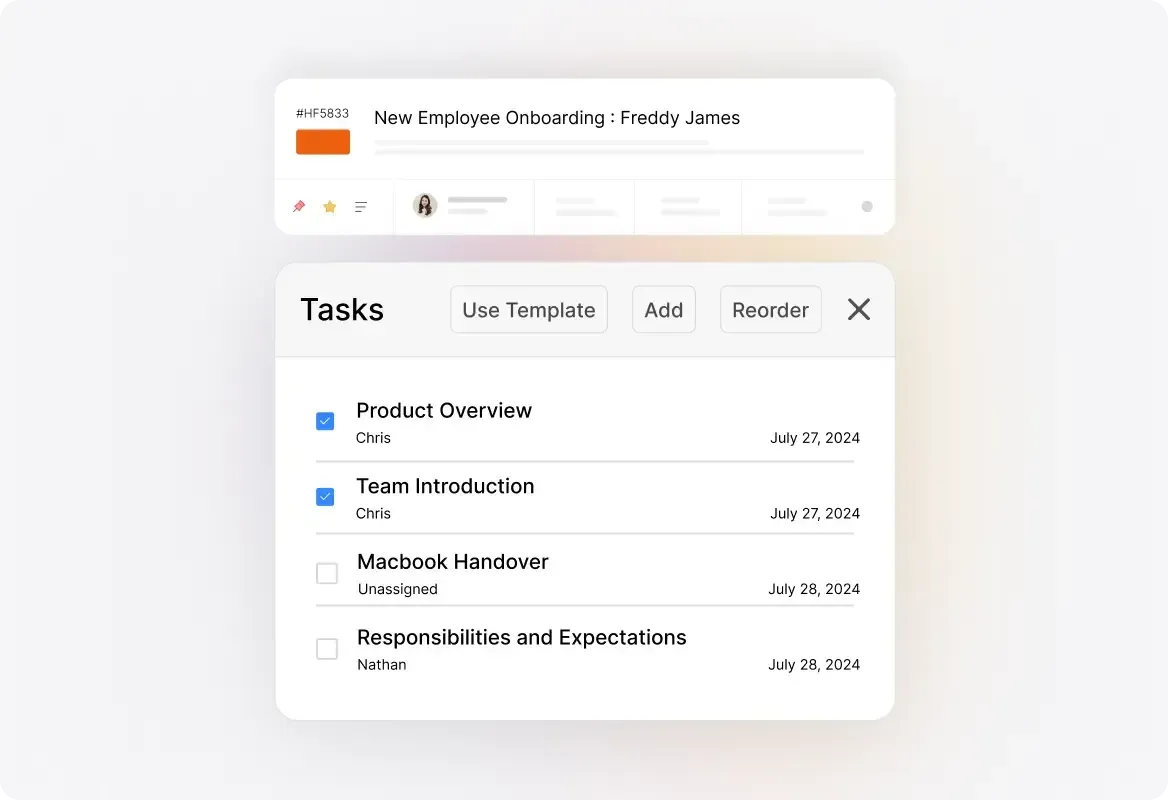
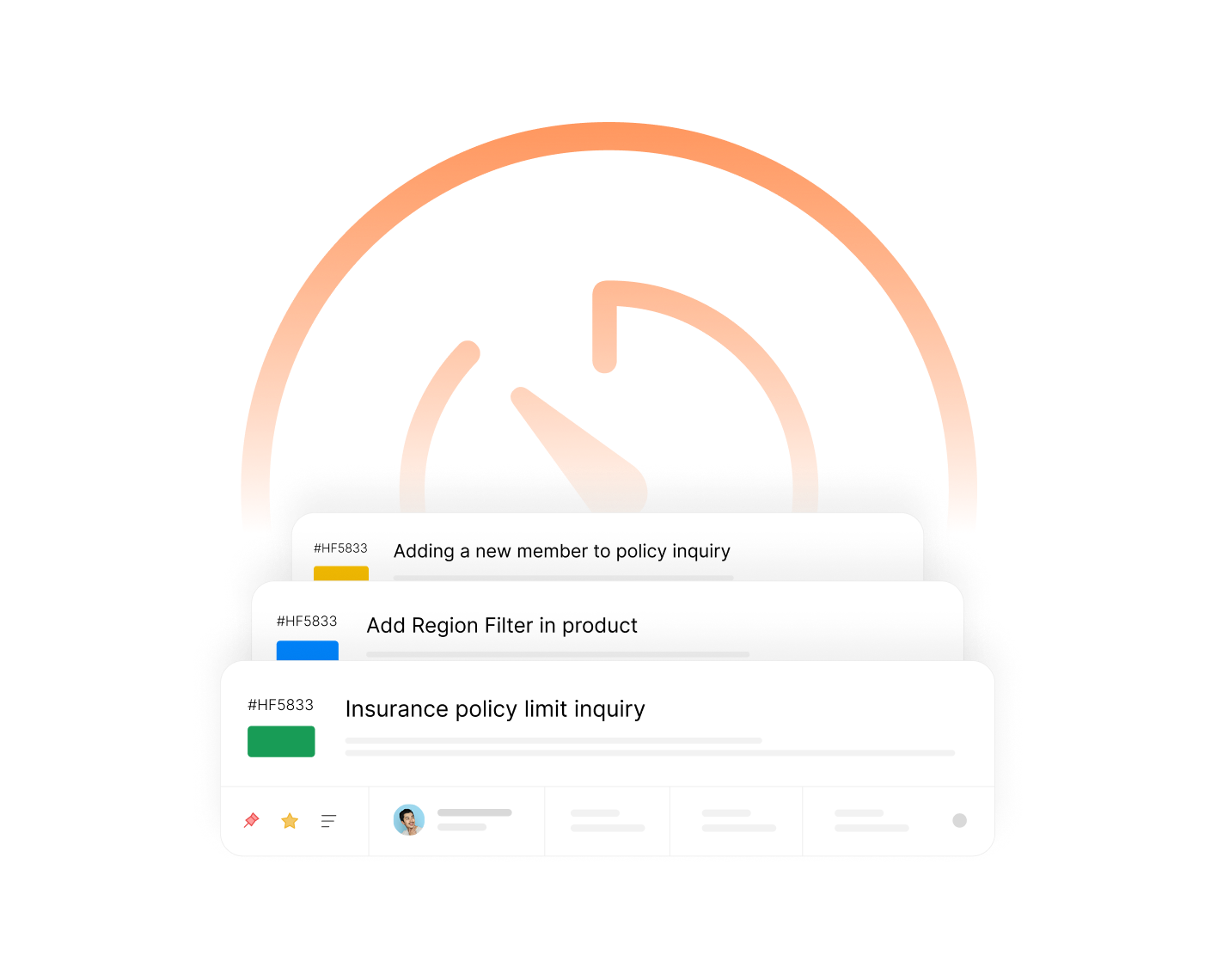
Associate categories with SLAs, canned actions, ticket templates, smart automation rules, and other support workflows for faster resolutions.
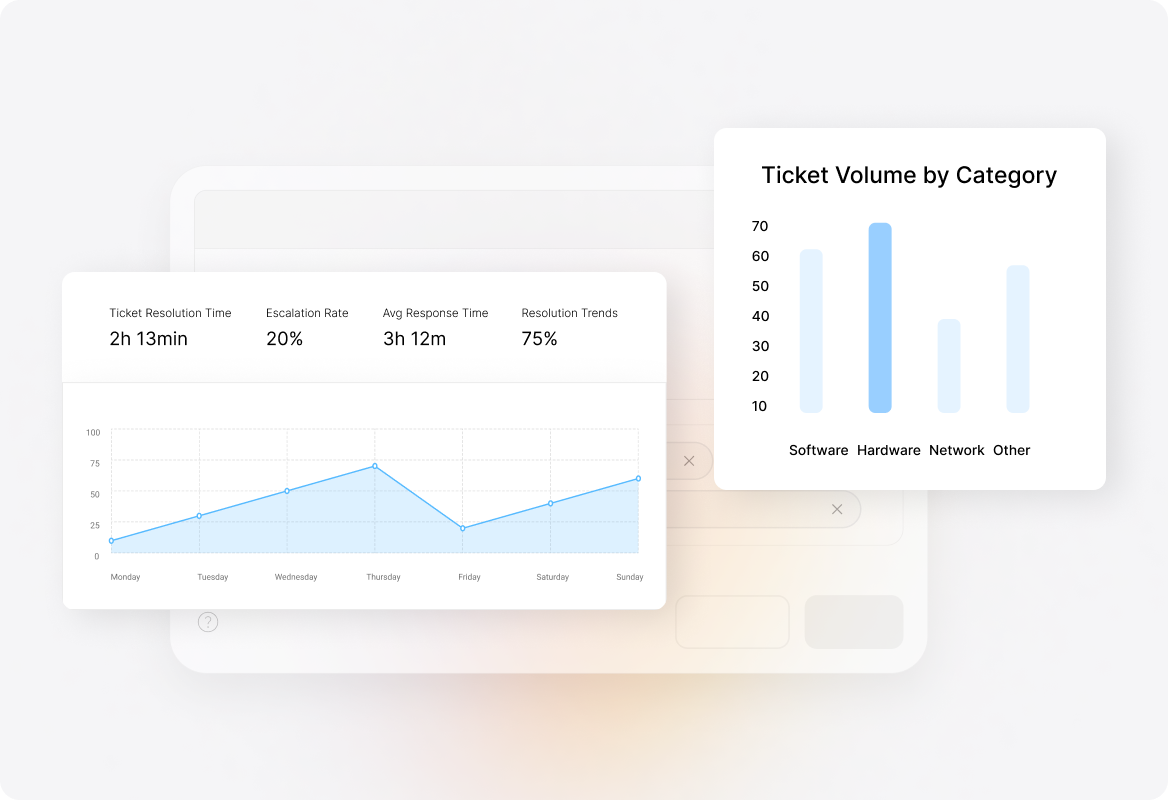
Track Performance & Trends with Category-Based Reporting
Analyze ticket volume, issue trends, and team efficiency based on categories to make data-driven decisions and optimize support workflows.
Scale Support Effortlessly with Customization Flexibility
Create custom categories to manage different departments, services, and regions from a single help desk.
Explore Other HappyFox Features

FAQ's
Sort Smarter. Resolve Faster. Scale Effortlessly.
Eliminate ticket chaos—organize, automate, and streamline support operations with category-based ticketing.

Use Cases
For Business Type
For Industries


Copyright ©2026 HappyFox Inc. All rights reserved.