Chatbot Use Cases in 2026: Automate Support, Sales, HR, and IT From One Platform

Five teams. One chatbot. Tickets deflected, leads qualified, HR queries answered, and IT requests resolved - without agent involvement.
darwinbox Dartmouth Planned Parenthood_Customer Logo Pinewood School_Customer Logo loanlogics Medipulse North Country Healthcare_Customer Logo Improved Racing_Customer Logo Slam_Customer Logo Sonny's BBQ_Customer Logo Minnnetronix_Customer Logo renoworks_Customer Logo darwinbox Dartmouth Planned Parenthood_Customer Logo Pinewood School_Customer Logo loanlogics Medipulse North Country Healthcare_Customer Logo Improved Racing_Customer Logo Slam_Customer Logo Sonny's BBQ_Customer Logo Minnnetronix_Customer Logo renoworks_Customer Logo darwinbox Dartmouth Planned Parenthood_Customer Logo Pinewood School_Customer Logo loanlogics Medipulse North Country Healthcare_Customer Logo Improved Racing_Customer Logo Slam_Customer Logo Sonny's BBQ_Customer Logo Minnnetronix_Customer Logo renoworks_Customer Logo

Customer Support

Deflect repetitive tickets automatically. Customers get instant answers to order status, billing queries, and product questions - any time, without waiting for an agent.
CB image 1

Agent Support

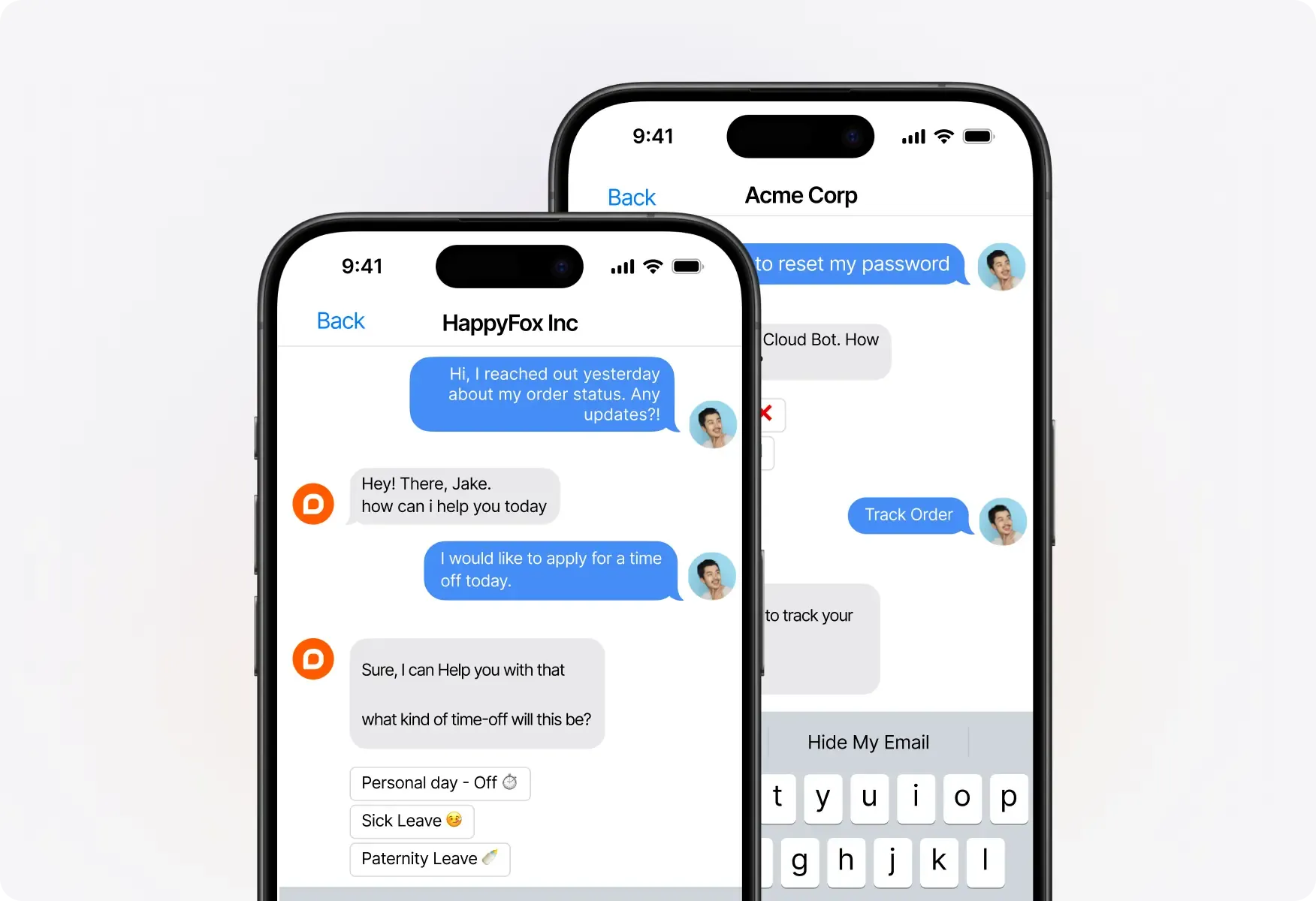
Give agents instant access to your knowledge base, canned responses, and ticket history - so every reply is faster, more accurate, and consistent across the team.
CB image 2

HR

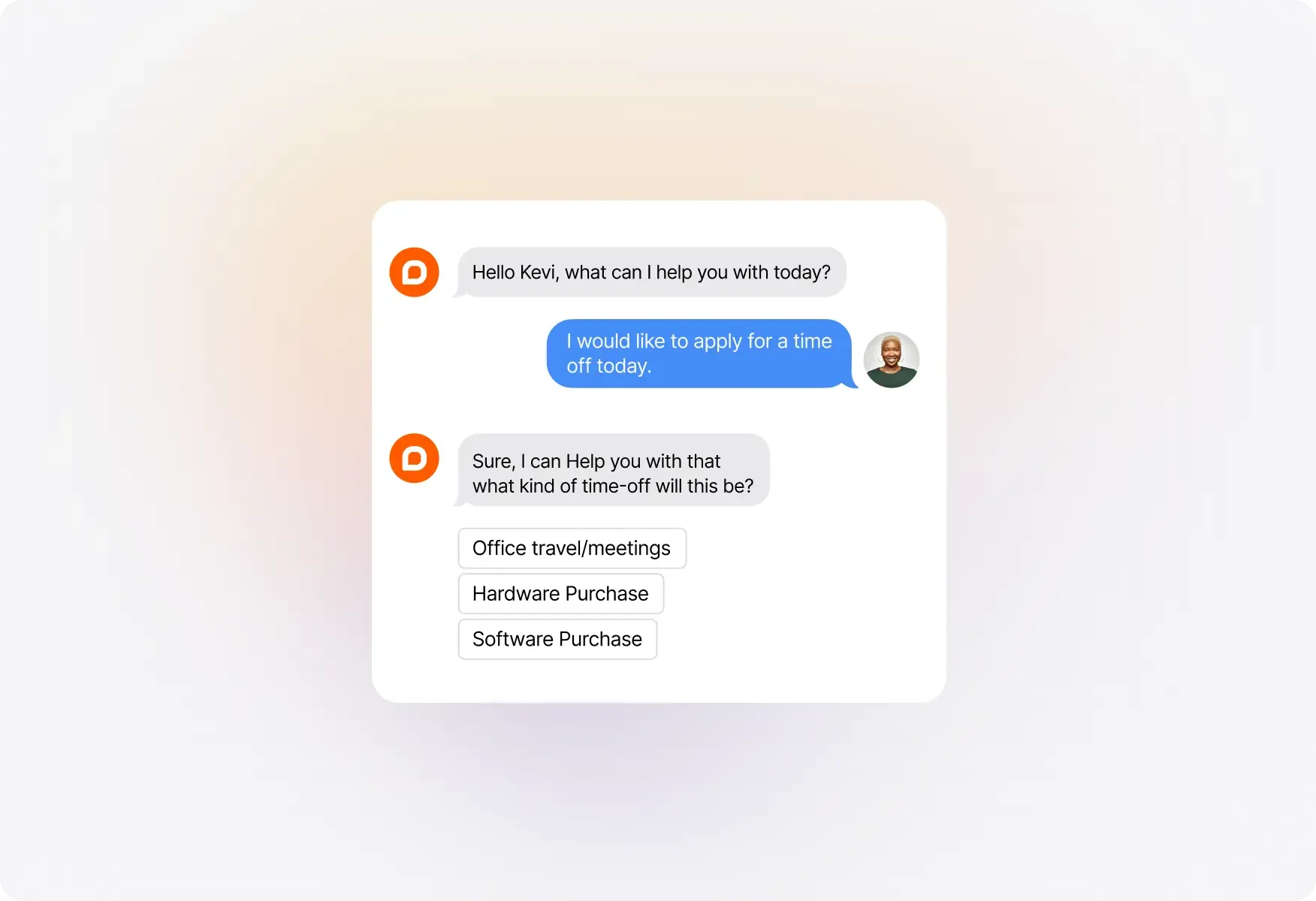
Handle leave requests, onboarding queries, policy questions, and benefits FAQs automatically - so your HR team focuses on people, not paperwork.
CB imge 10

IT

Password resets, account unlocks, asset requests, and outage alerts - resolved or escalated automatically. Reduce L1 ticket volume without adding headcount.
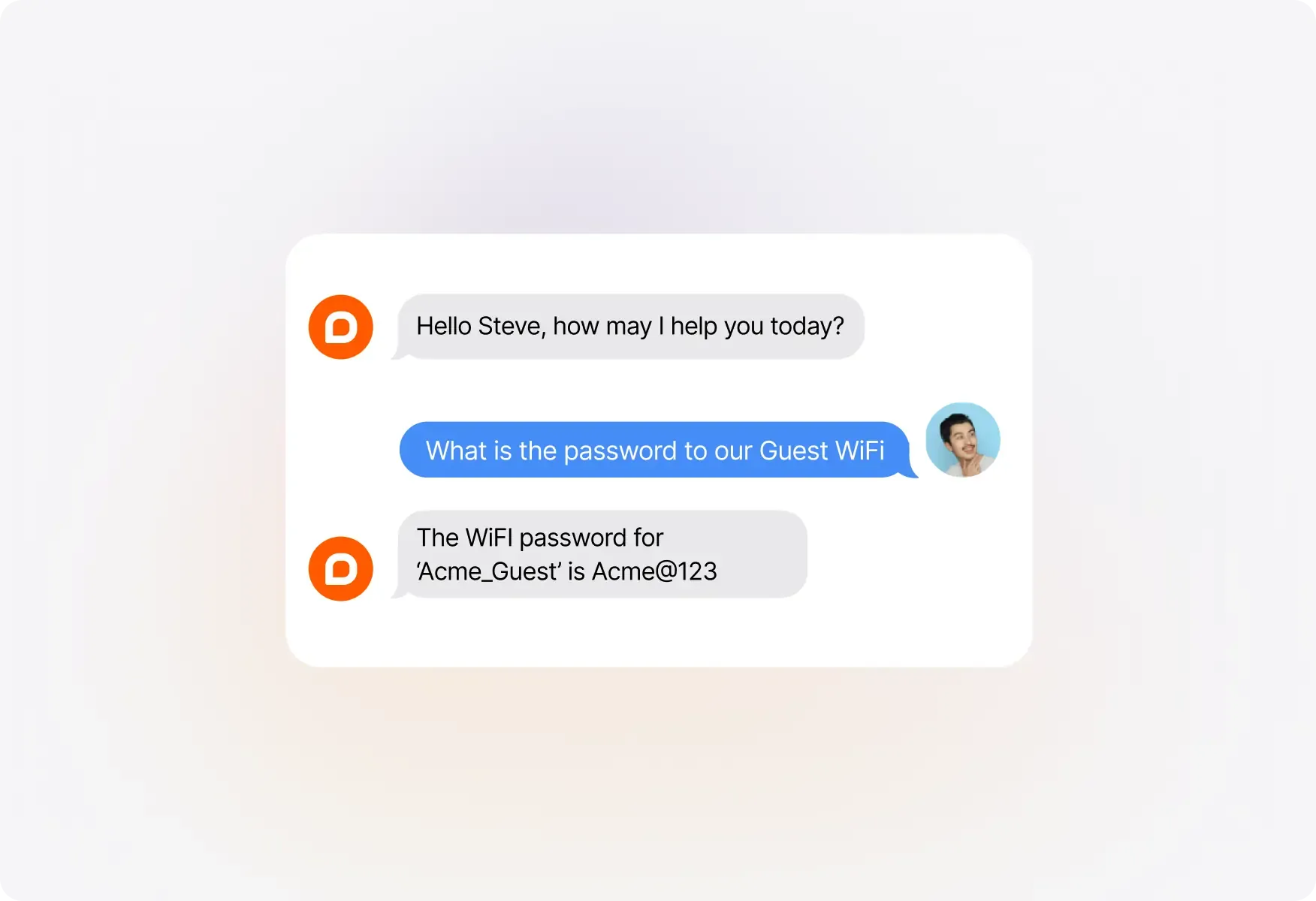
CB IT img 1

Sales

Capture visitor intent, qualify prospects in real time, and route high-fit leads to your sales team - while the chatbot handles low-fit queries automatically.
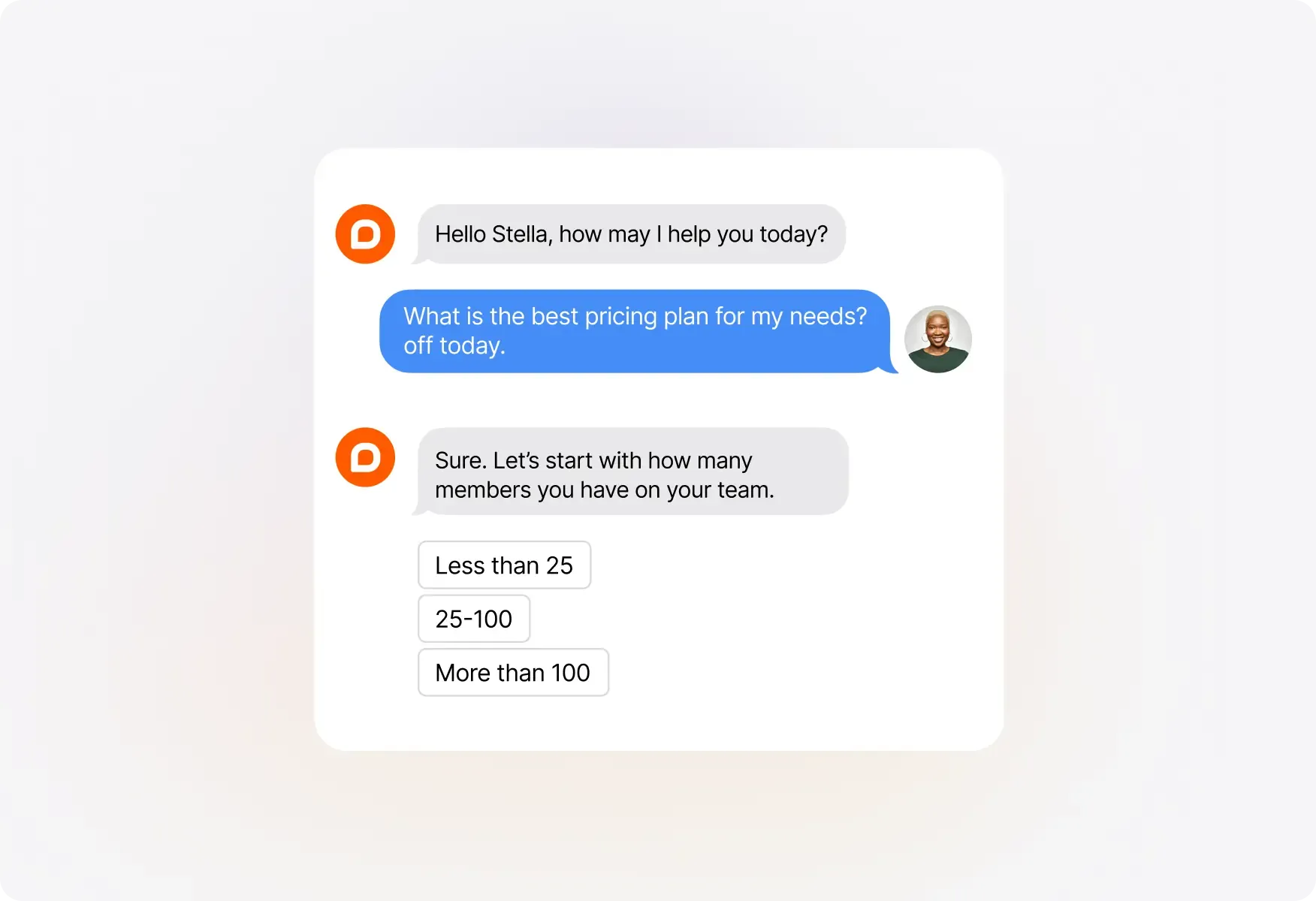

CB sales 1

FAQs

What are chatbot use cases in customer support?
arrow
Chatbot use cases in customer support include answering FAQs, deflecting repetitive tickets, routing queries to the right agent, and providing 24/7 responses without human involvement. Common examples are order status updates, billing queries, password resets, and product troubleshooting - handled automatically without agent availability.
Which teams benefit most from chatbot automation?
arrow
Customer support, IT, HR, and sales teams benefit most from chatbot automation. Support teams deflect repetitive tickets, IT teams resolve password resets and asset requests, HR teams automate leave and onboarding queries, and sales teams qualify inbound leads in real time - all without manual agent involvement.
How is a chatbot different from a live chat tool?
arrow
A live chat tool connects a visitor to a human agent in real time. A chatbot handles conversations automatically, without requiring agent availability. Chatbots respond instantly, operate 24/7, and manage multiple conversations simultaneously. The most effective setup combines both - chatbot handles Tier 1 queries and escalates unresolved issues to a live agent with full context.
How long does it take to set up a chatbot?
arrow
Simple use cases like FAQ deflection or lead capture can be configured in a few days. More advanced flows involving ticket routing, IT requests, or HR onboarding typically take one to two weeks to build and test. HappyFox Chatbot requires no developer involvement for most standard use cases.
Can one chatbot handle multiple departments?
arrow
Yes. A single HappyFox Chatbot can serve customer support, IT, HR, and sales simultaneously by routing conversations based on query type, page, or channel. Each department gets its own flows, escalation paths, and knowledge base - all managed from one platform without separate tools per team.

Ready to Automate Your Customer Interactions?

See how HappyFox Chatbot can streamline your customer support, sales, HR, and IT processes starting today.

footer-banner-image