HappyFox Help Desk integration

Issue tracking on your help desk

Help DeskJira logo

How the Jira Integration Works

  1. Install jira and choose the edition

    Enter the Jira URL and use the Cloud or Data Center authorization flow.

  2. Authorize application access

    Complete the edition-specific OAuth setup and grant the requested permissions.

  3. Configure webhooks and synchronization

    Add the documented webhook and choose the update mappings and notification settings.

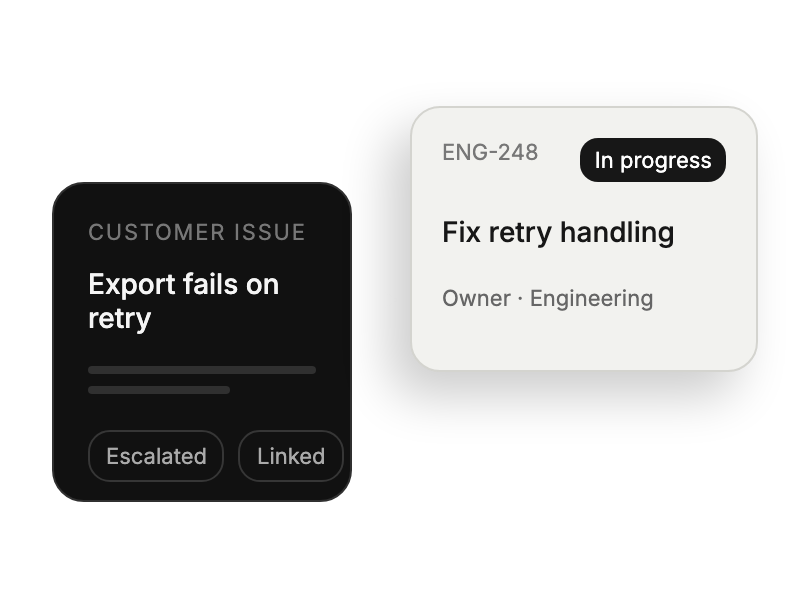
Customer support issue linked to an engineering work item.

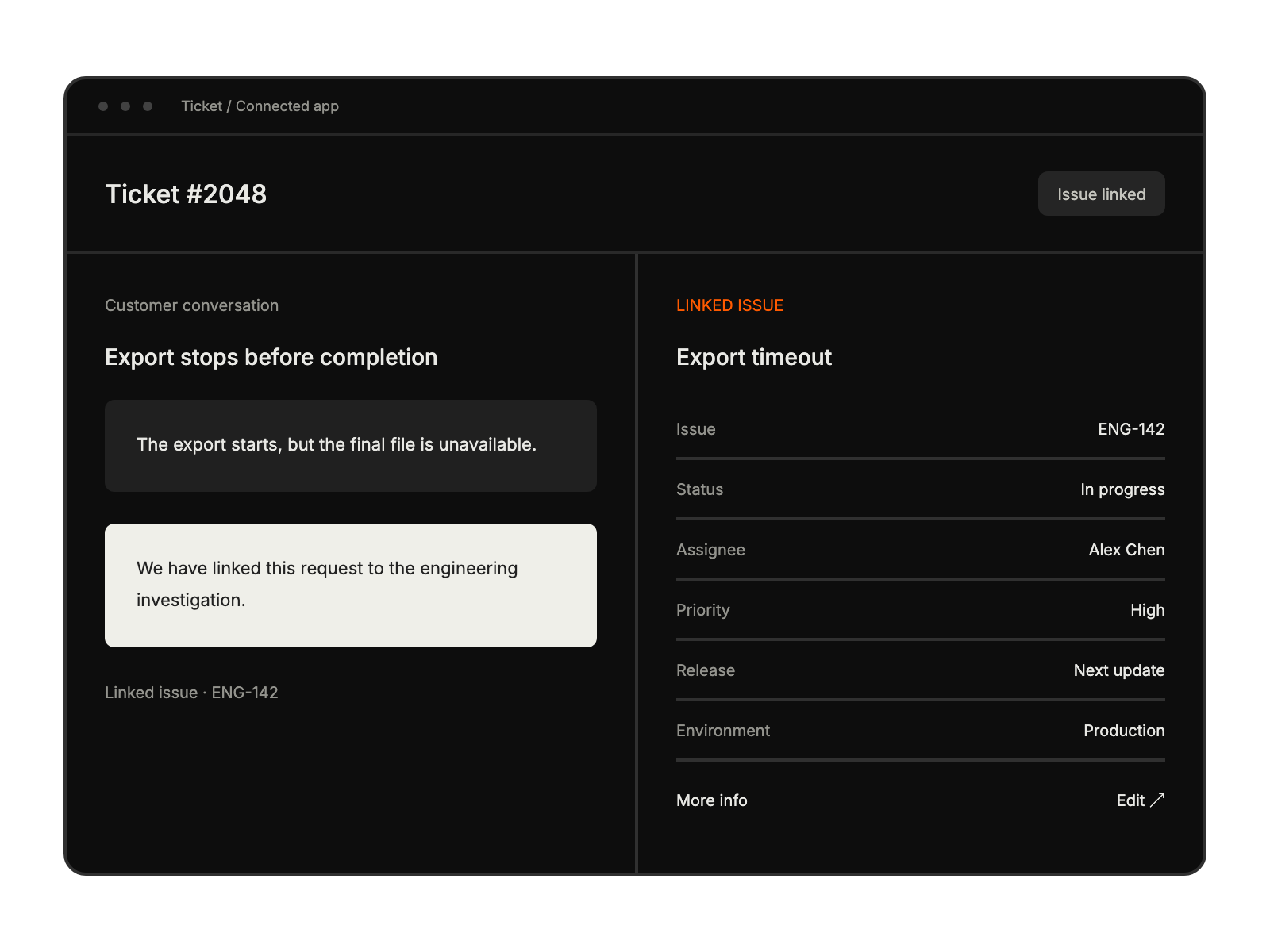
Support conversation beside linked issue details, including status, assignee and custom fields.

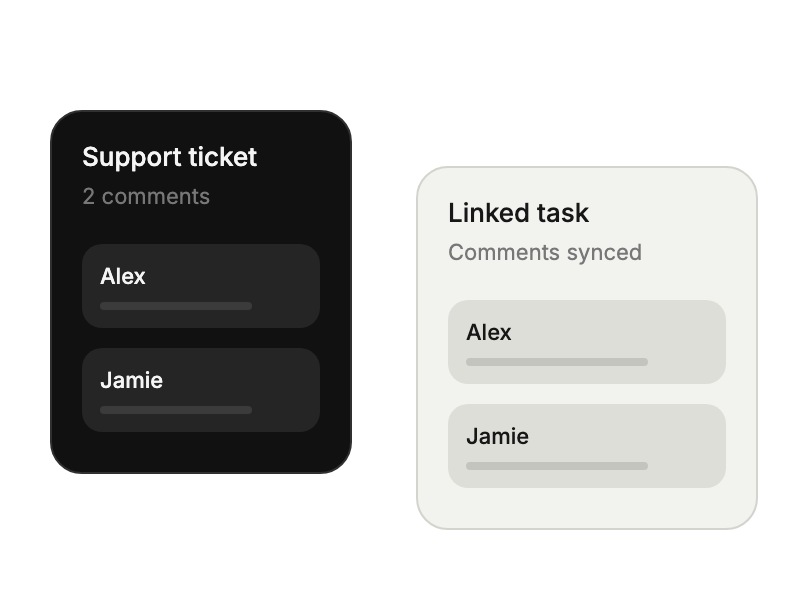
Support ticket and linked task exchanging synchronized comments.

Built for Teams Using Jira

Project Managers

connecting support with development

Development Teams

tracking bug-related tickets

IT Support Staff

streamlining issue management

Product Owners

aligning customer needs

See More Integrations