Sales Teams
maintaining access to support data
 Help Desk
HappyFox Help Desk integration
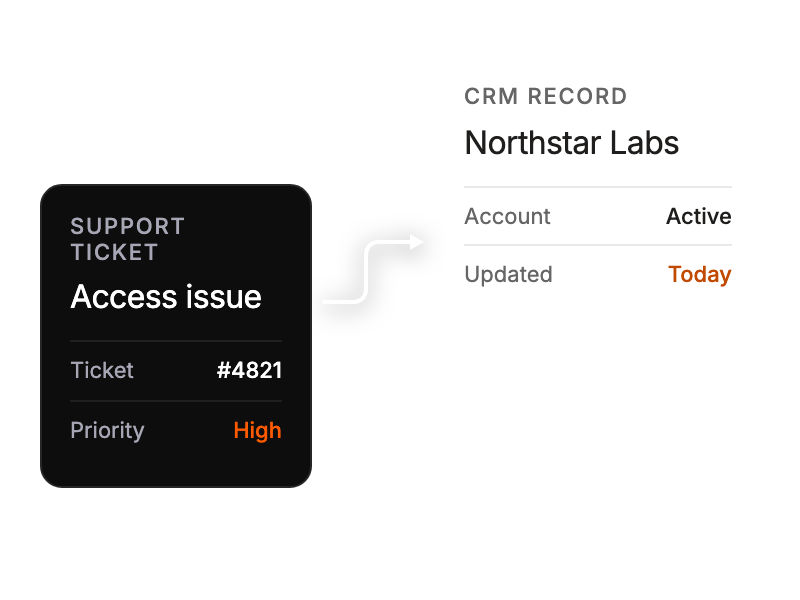
Access contextual sales related data inside tickets

Go to Apps, select CRM, and choose Keap to begin installation.
Enter your Keap account name and a Service Account Key from Keap’s API Settings.
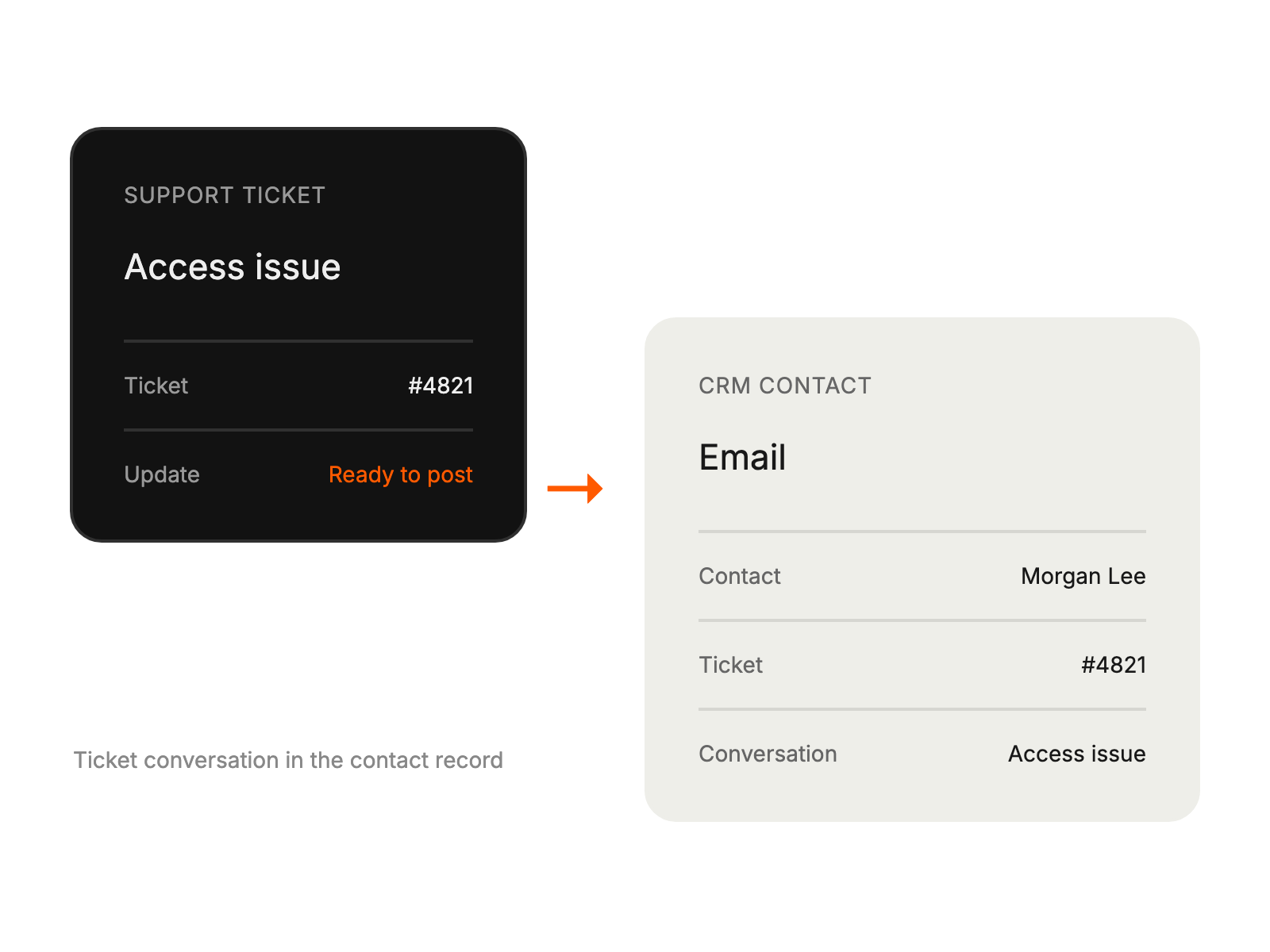
Open Manage, enable Push Ticket Information to CRM, and save to show ticket updates in the contact’s email history.
maintaining access to support data
viewing CRM information
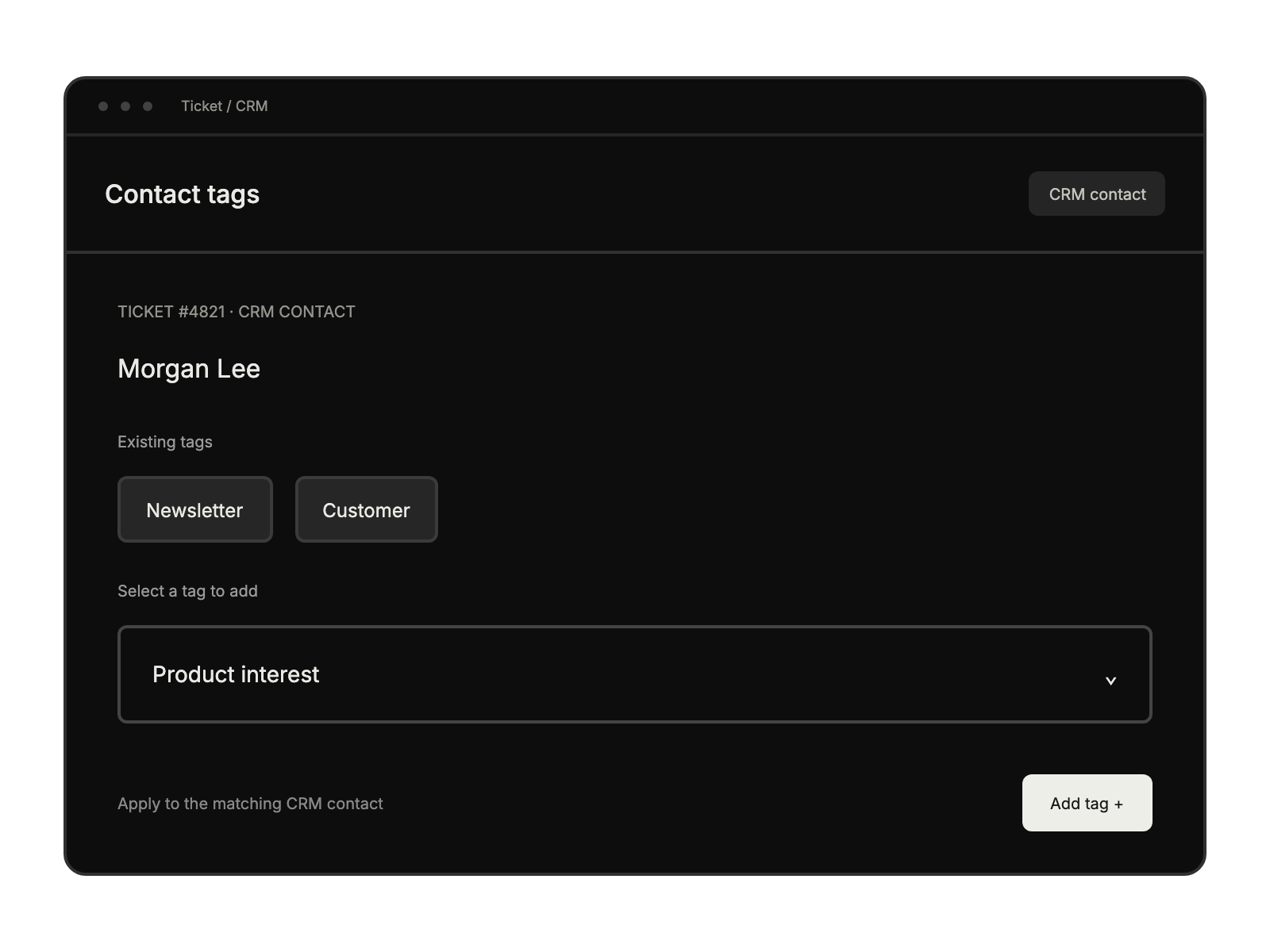
classifying potential leads
tracking customer interactions