HappyFox Help Desk integration

Sync Lansweeper assets and device status into tickets.

Help DeskLansweeper logo

How the Lansweeper Integration Works

  1. Install Lansweeper

    Find the integration in HappyFox Apps and start installation.

  2. Authorize as an administrator

    Sign in to Lansweeper and allow HappyFox to access asset information.

  3. Select the sites to synchronize

    Choose the sites to include and allow the connection to begin importing assets.

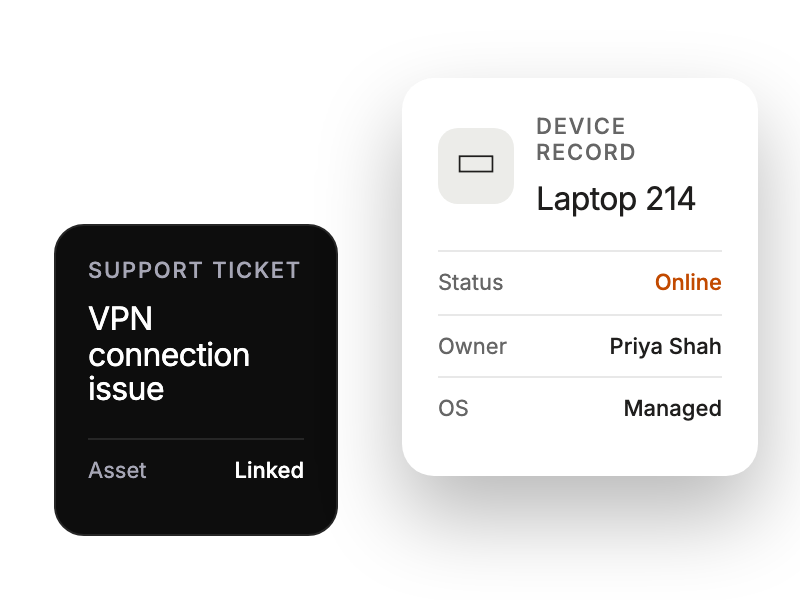
Support ticket beside a device record with status and owner context.

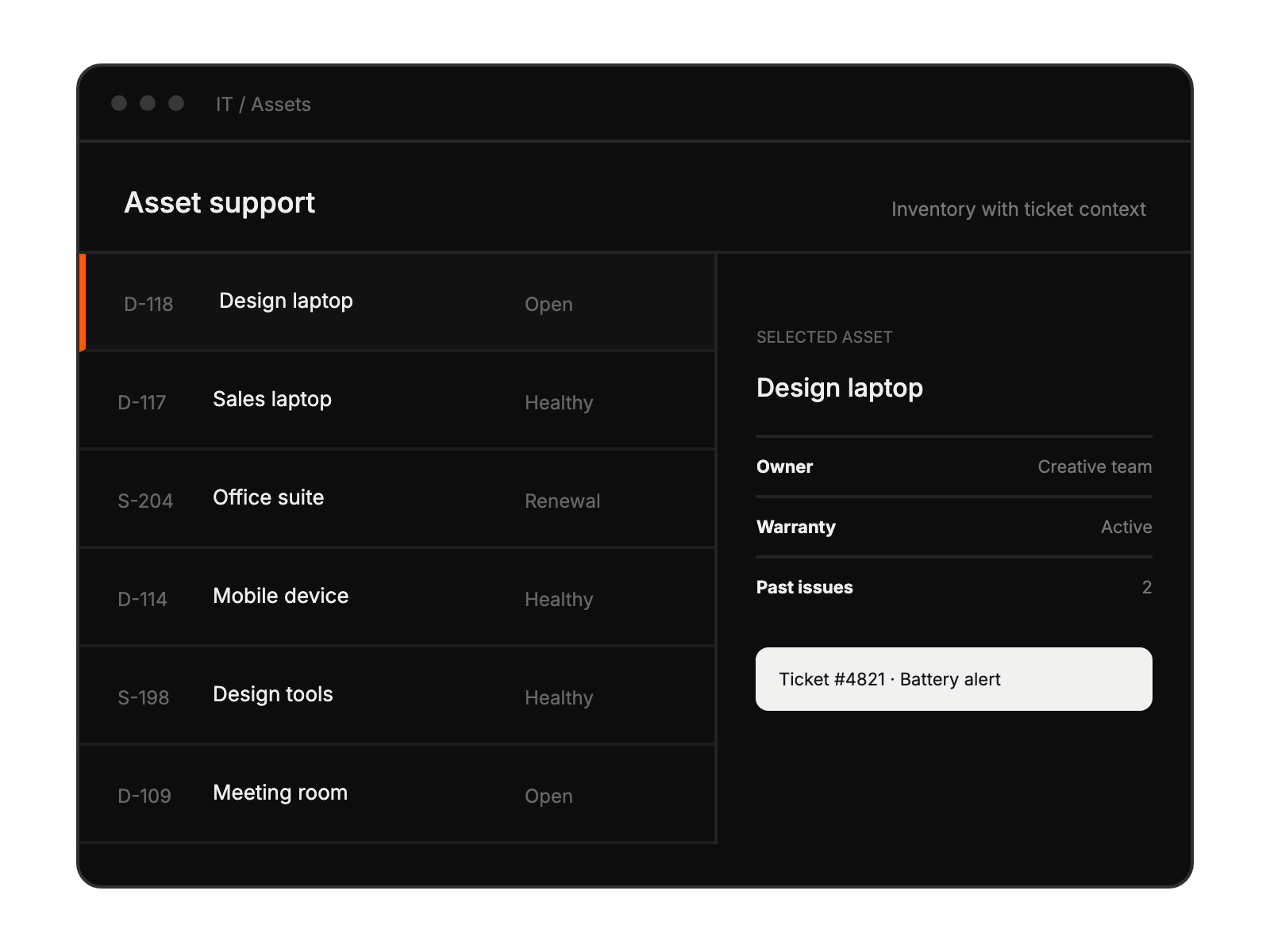
Asset support workspace showing selected equipment, its owner, and a related ticket.

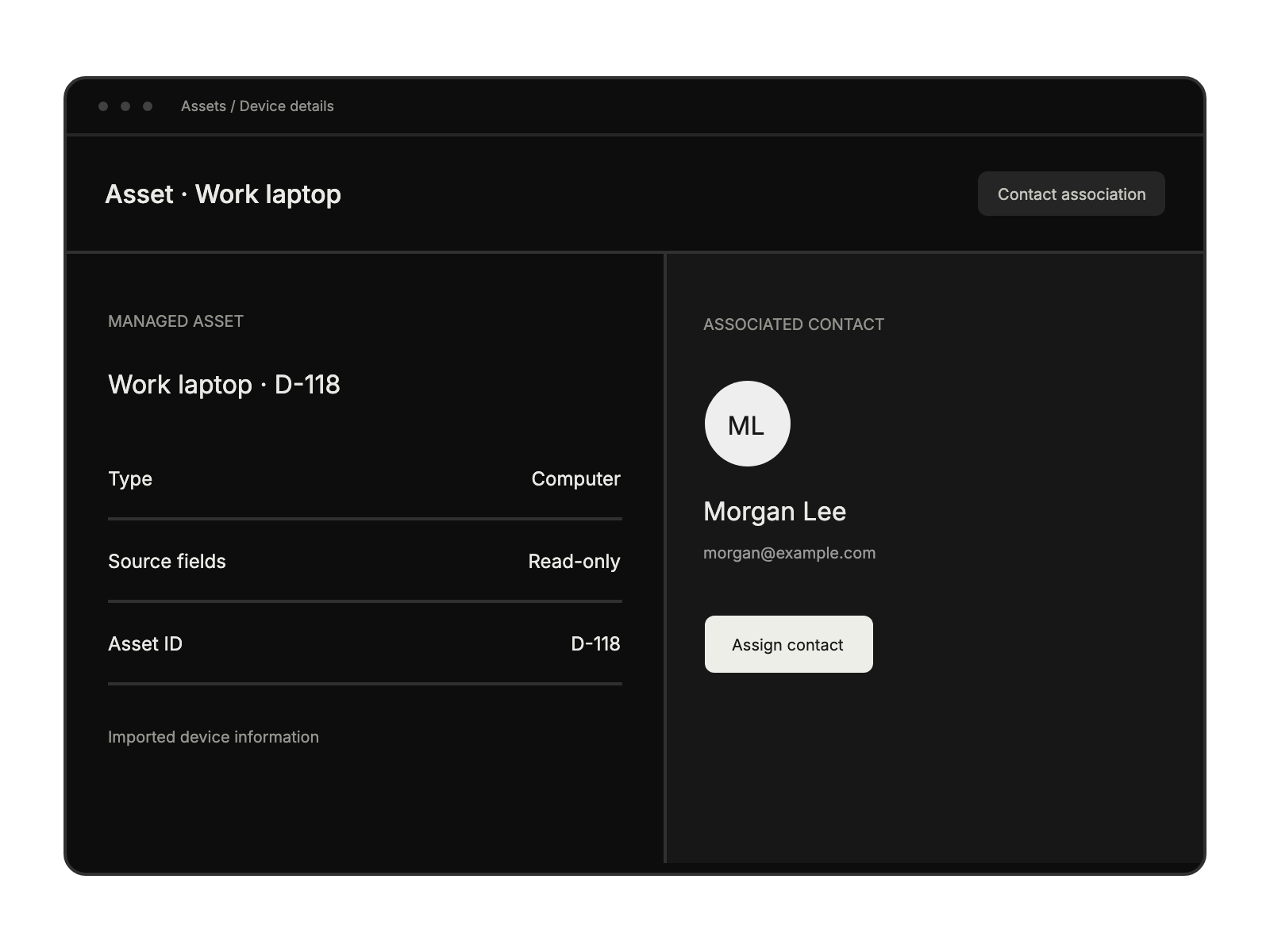
Managed device record shows its associated contact and an option to assign a contact.

Built for Teams Using Lansweeper

IT Asset Managers

tracking enterprise infrastructure

Support Teams

handling device-related tickets

Help Desk Teams

needing device context

Technical Support Specialists

reviewing asset details

See More Integrations