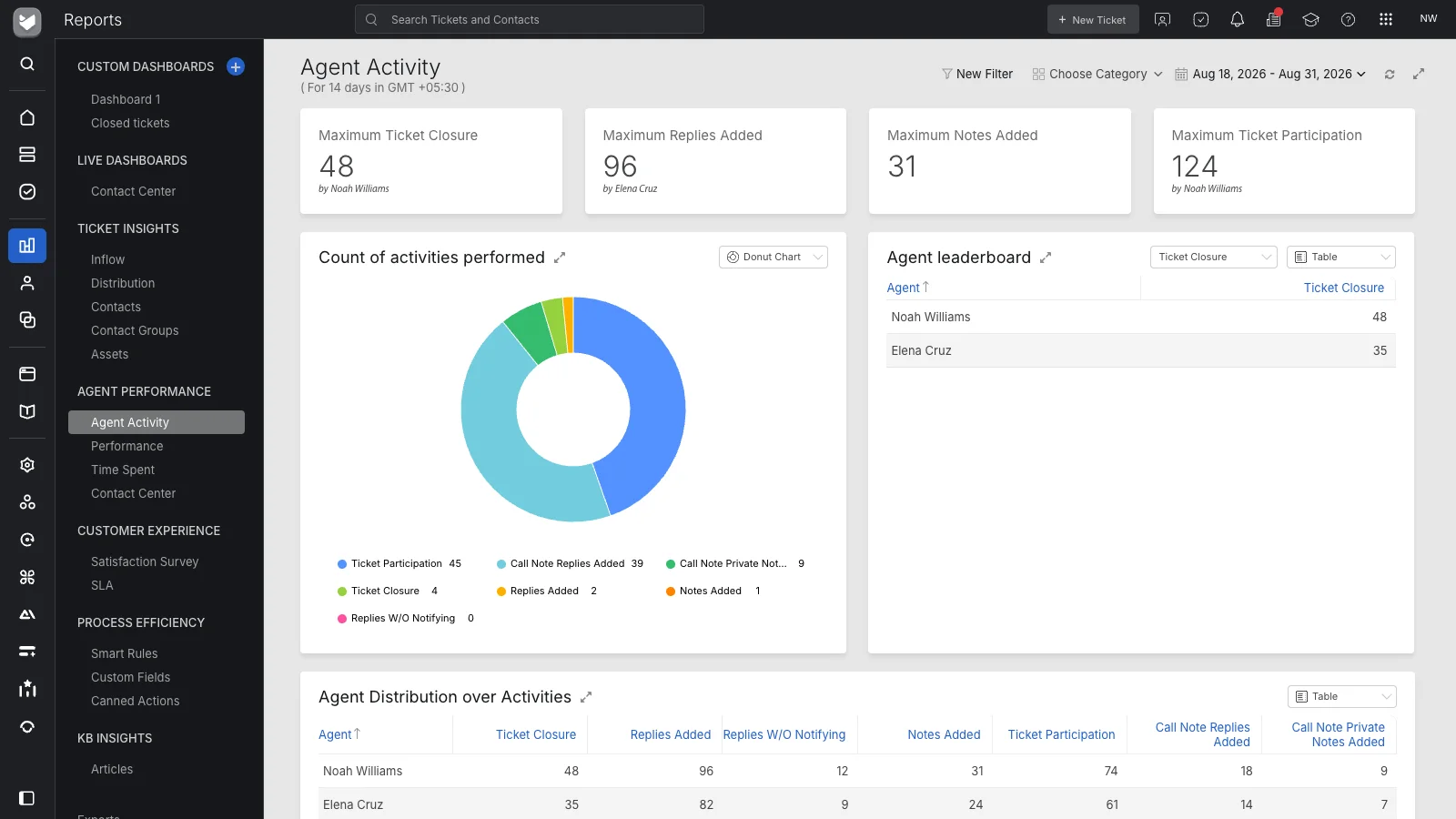
Ask for details the service needs
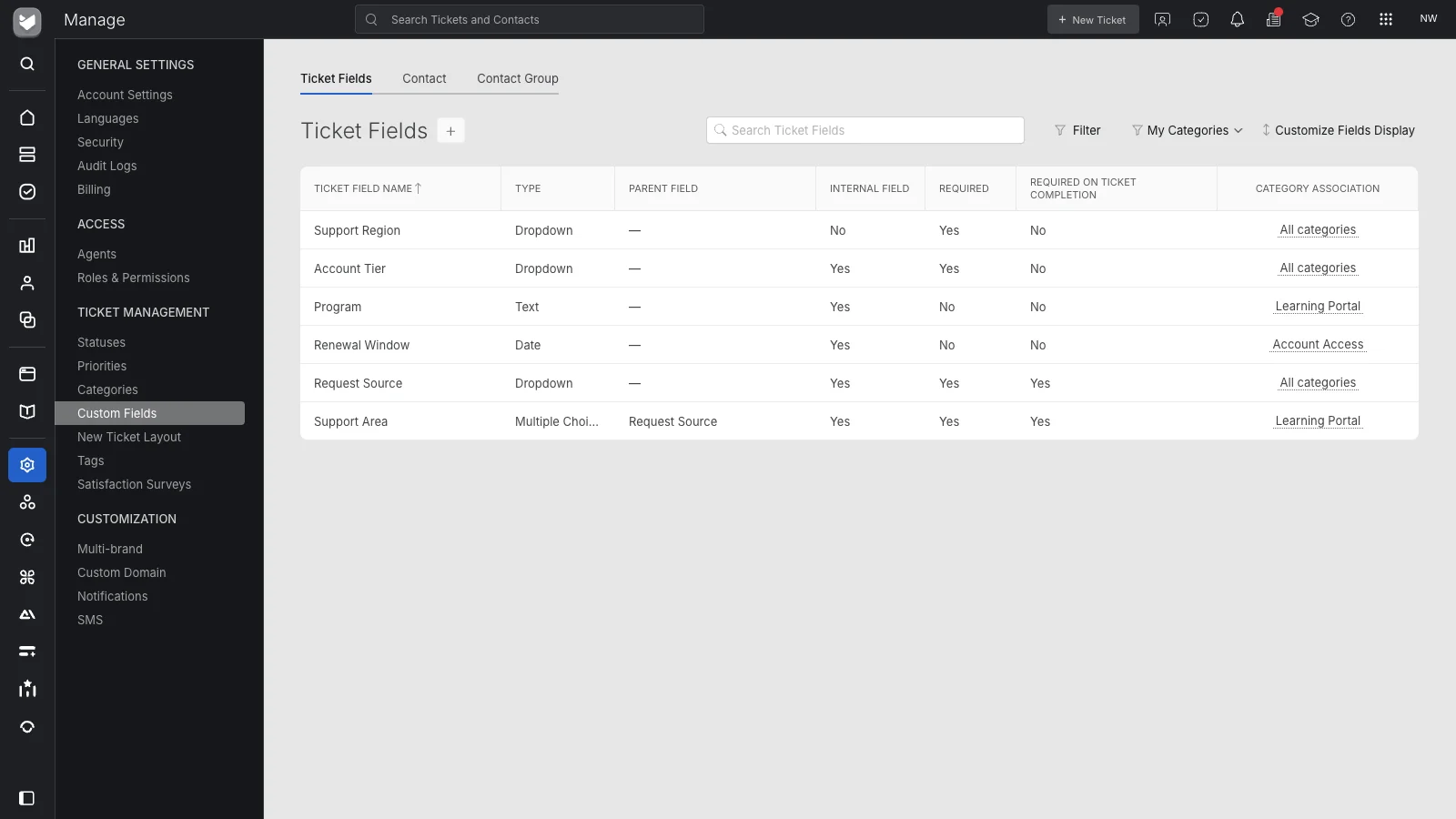
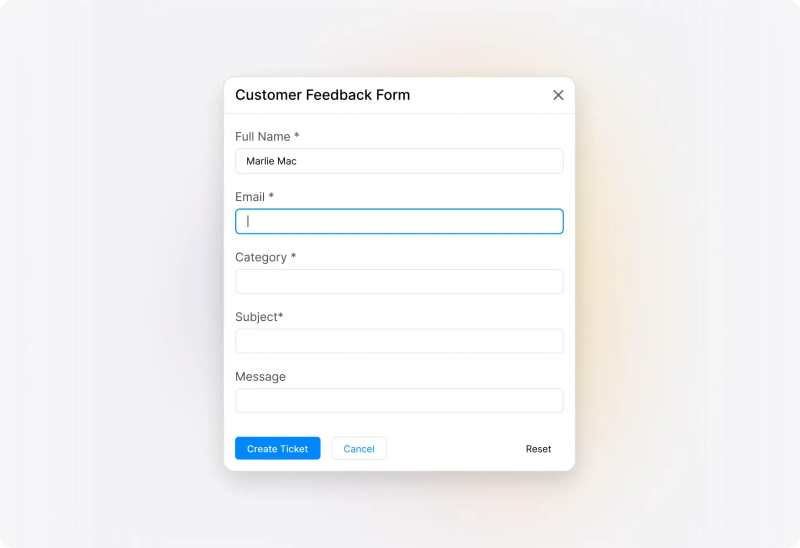
Use custom fields and required information to collect context at intake. A location, order reference, or device identifier can help the team understand what the requester needs before starting a follow-up exchange.
 Help Desk
Use custom fields and required information to collect context at intake. A location, order reference, or device identifier can help the team understand what the requester needs before starting a follow-up exchange.
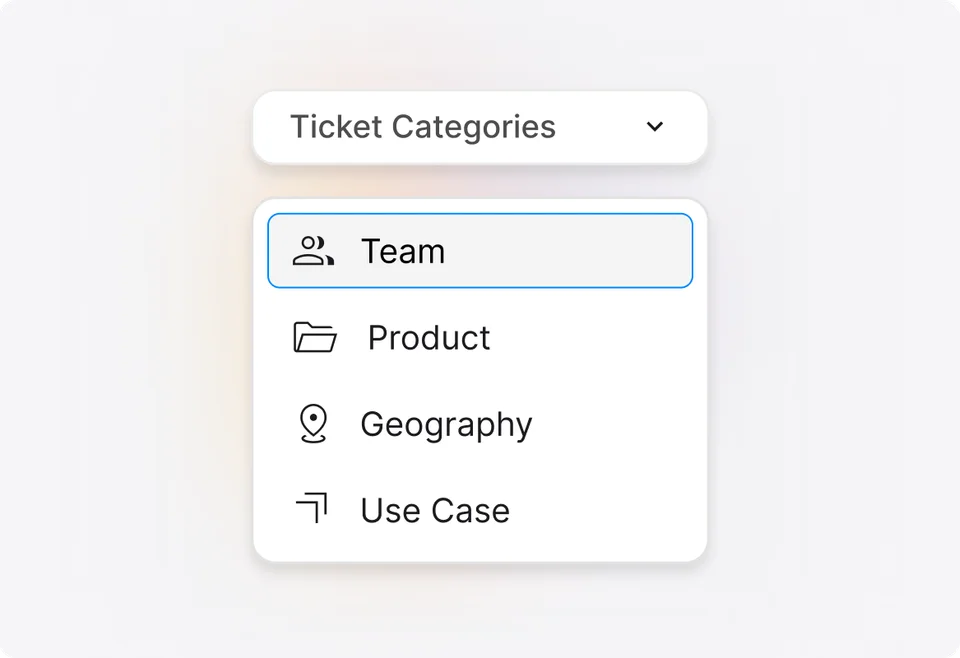
Use categories to connect request types with the teams responsible for handling them. Keep the choices understandable for requesters and useful for the agents who will receive the work.
Connect service mailboxes so incoming emails become tickets too. When email lacks the details a form would collect, agents can gather the missing information in the same request record.



“We could craft our experiences around each of our departments so that the platform worked for them.”
Configure assignment methods and Smart Rules for requests that follow a known pattern. Give the team a repeatable way to establish ownership while retaining a process for requests that need judgment.
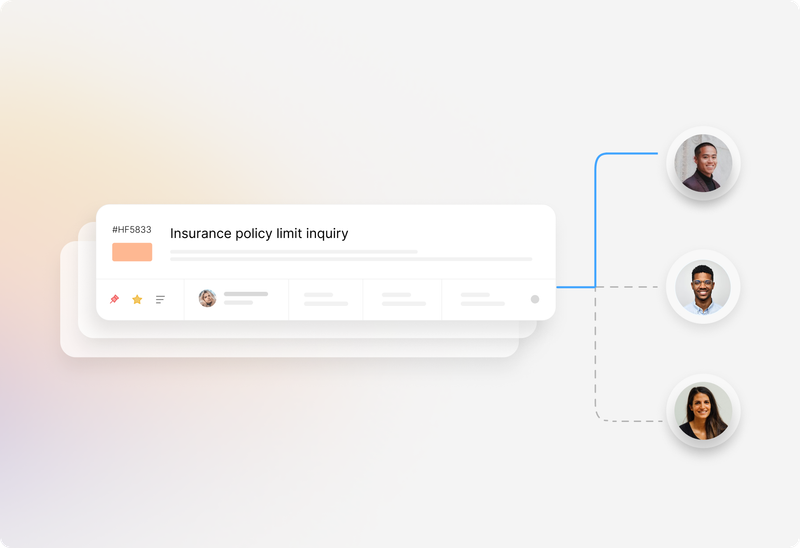
Attach tasks to a ticket when completing a request requires several actions or people. Keep the checklist beside the conversation so the assigned agent can see the remaining work.
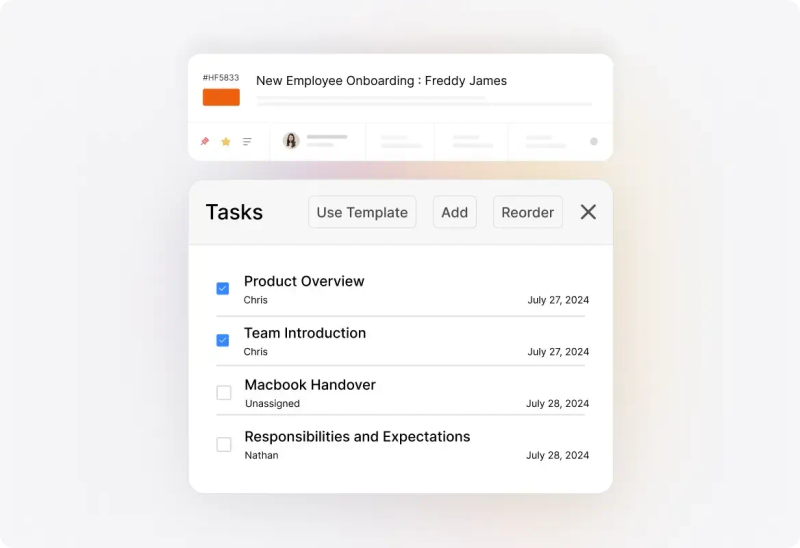
Use the support center, ticket replies, and configured notifications to keep progress visible. Explain what the team is waiting for when a request cannot move forward yet.
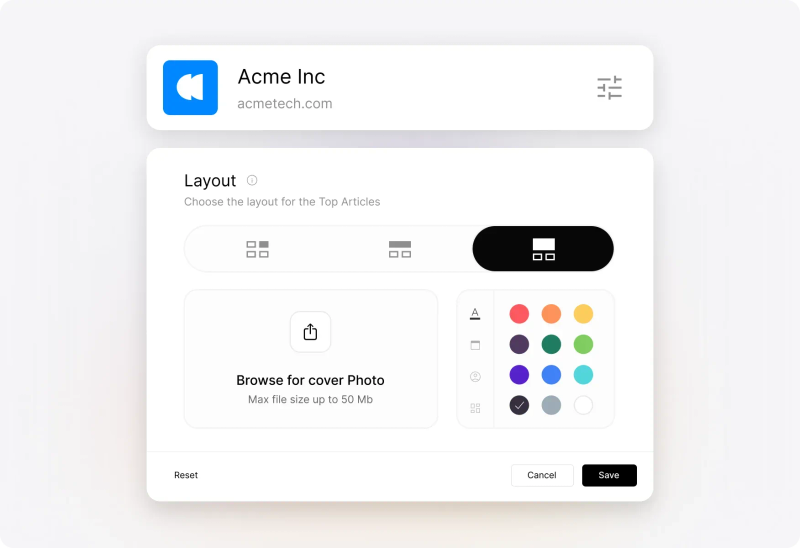
Choose the recurring requests that create the most follow-up today. Define the information, owner, and expected outcome for each before adding more fields or rules.
Ask for information the team will use. Review required fields with the people submitting requests so completeness does not become an unnecessarily difficult form.
Configure category access and role permissions for departments handling confidential requests. Test both requester and agent visibility before adding sensitive request types.
Agree on response and resolution targets, operating hours, and escalation responsibilities. Configure the applicable SLA policies around the service the team can provide.
Identify the decisions a request needs before fulfillment, including approvers and exception handling. Confirm how the process will be implemented and whether additional products are required.
Review recurring clarification questions and reports on incoming demand. Adjust the form, guidance, or routing when the same missing detail repeatedly delays a request.
A request management system gives a team a structured way to receive, assign, fulfill, and review service requests. HappyFox uses ticket forms, fields, categories, ownership, tasks, communication, and reporting to connect those stages.
Ticketing provides the record used to track work. Request management emphasizes the process around that record: what information is collected, where the request goes, what fulfillment requires, and how the requester follows progress.
Configure fields and request layouts around the service categories and brands you use. Review which fields are visible or required for each audience so a team receives relevant information without asking every requester the same questions.
Yes. Connected service mailboxes create tickets from incoming email. Forms provide more control over initial information; agents can use ticket replies to collect details missing from an email request.
Use categories, agent responsibilities, configured assignment methods, and Smart Rules to organize and route tickets. Review ambiguous requests and exception handling alongside the routine cases.
Yes. Ticket tasks let agents divide work into assigned steps while keeping communication in the same record. Review any dependent decisions or formal approval requirements separately during configuration.
This page describes request handling in HappyFox Help Desk. If your process requires a structured service catalog, formal approval stages, or cross-system orchestration, demonstrate those requirements and confirm the applicable HappyFox product and plan.
Configure category access and role permissions around who should handle the work. Validate the intended visibility with representative requester and agent roles, especially for HR or other sensitive service areas.
Bring one common request and one exception. Review submission, required details, routing, tasks, requester updates, access, and reporting, then identify any approvals or integrations needed for fulfillment.