HR Teams
accessing employee details when addressing support inquiries
 Help Desk
HappyFox Help Desk integration
Sync worker contacts through ADP’s beta integration.

Open Apps, choose Contact Management, and select ADP.
Enter the client ID, client secret, SSL client certificate, and SSL client key, then grant permissions.
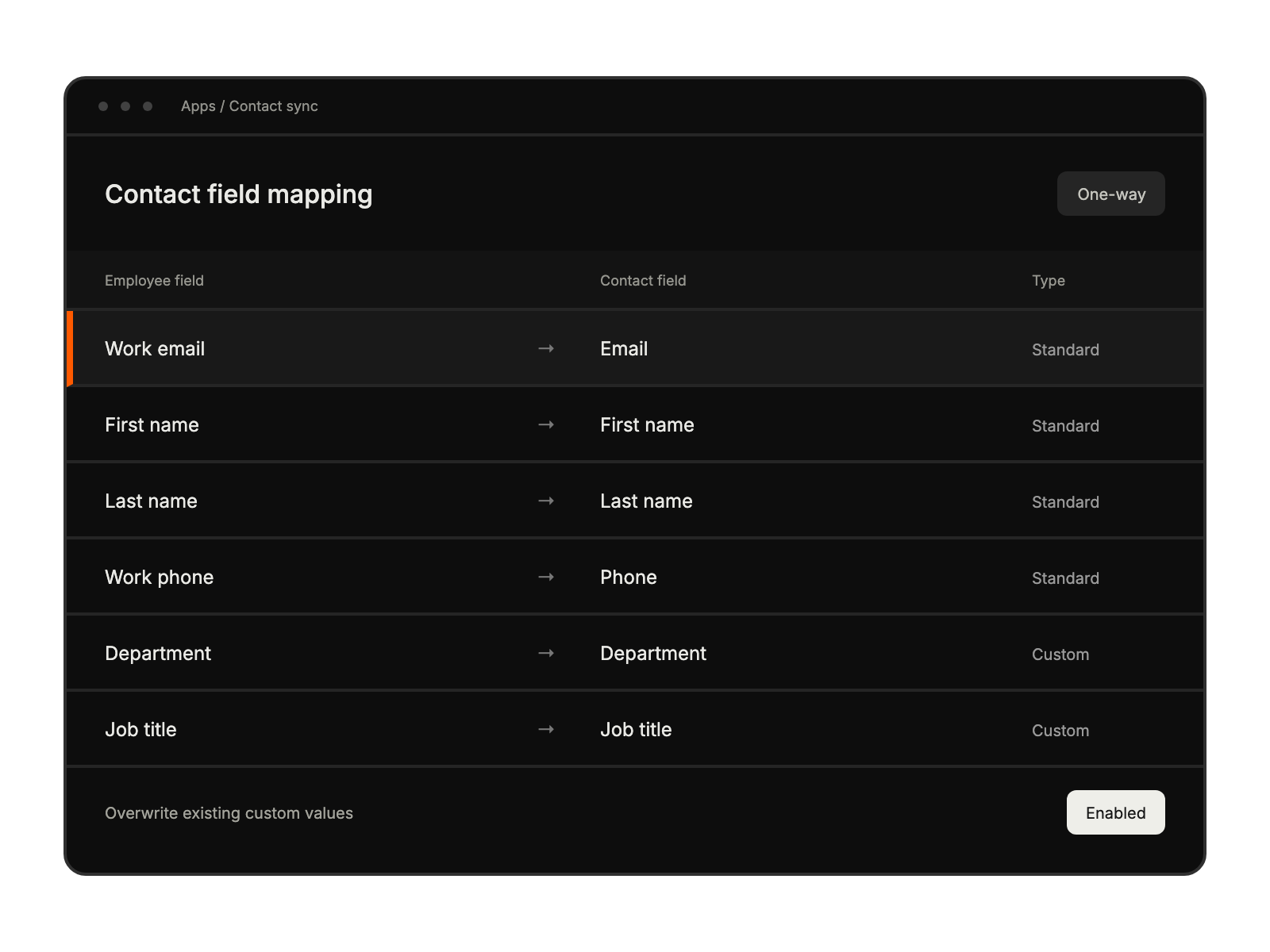
Match contact fields and choose overwrite and account-email settings before saving.
accessing employee details when addressing support inquiries
viewing accurate employee data when resolving technical issues
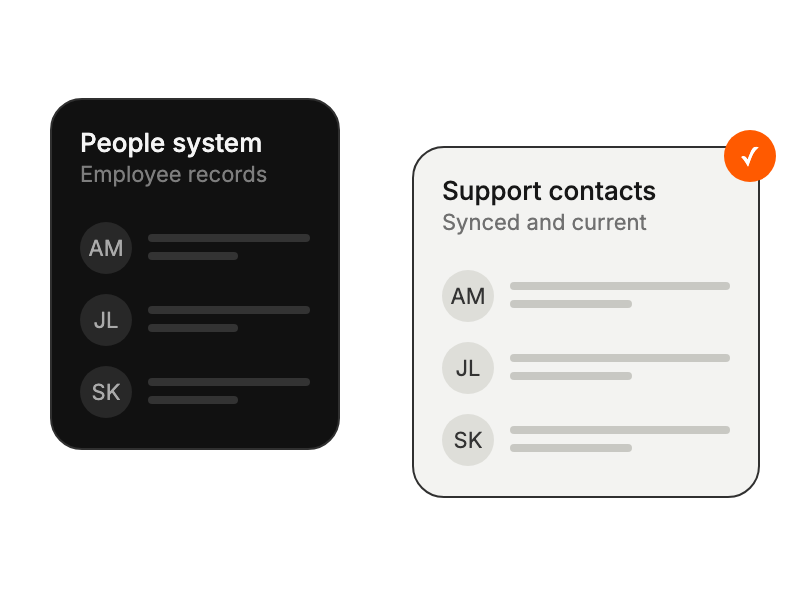
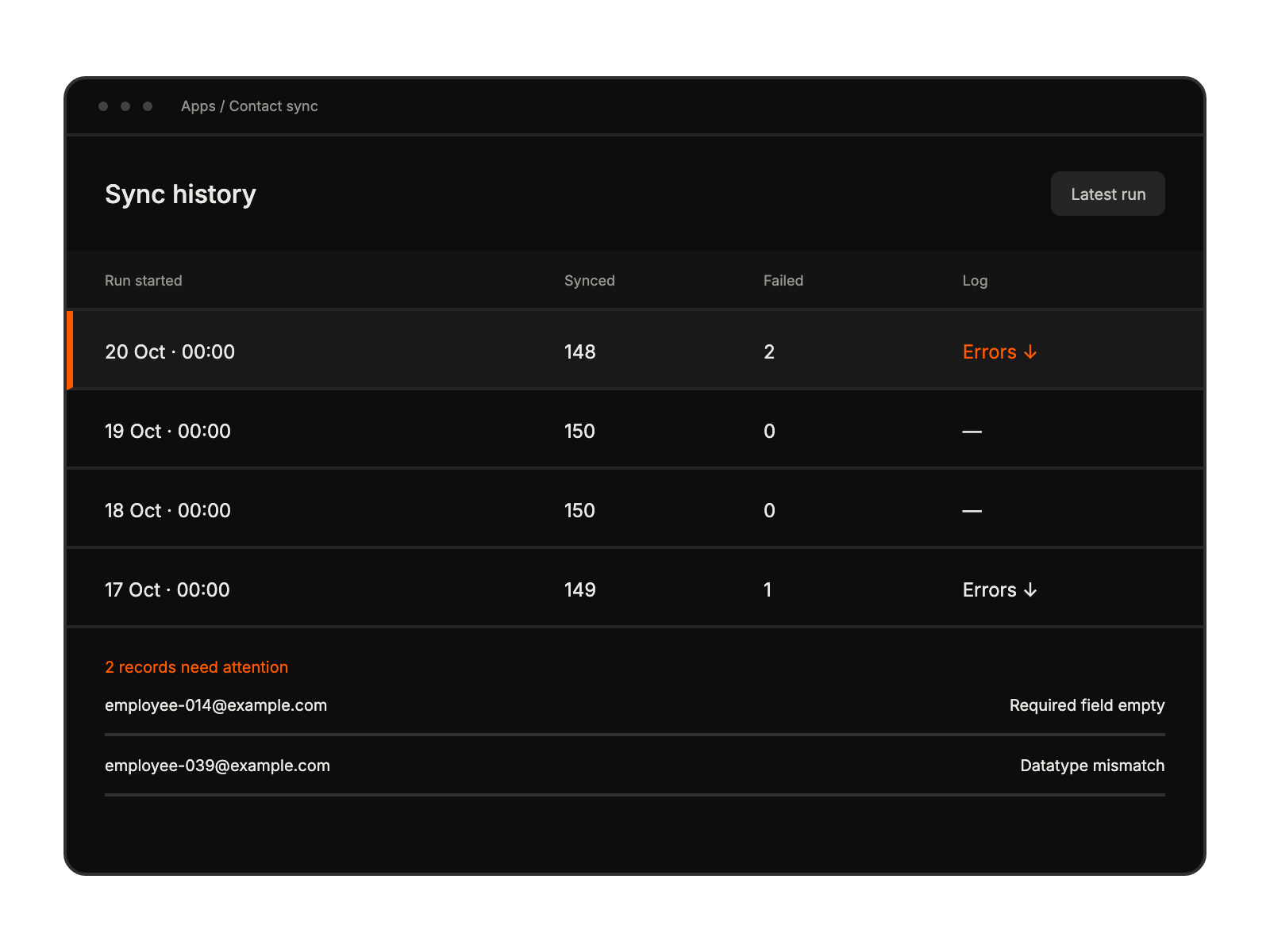
maintaining synchronized employee records across systems
eliminating manual contact updates and imports


