


















Integrate Basecamp with HappyFox Help Desk
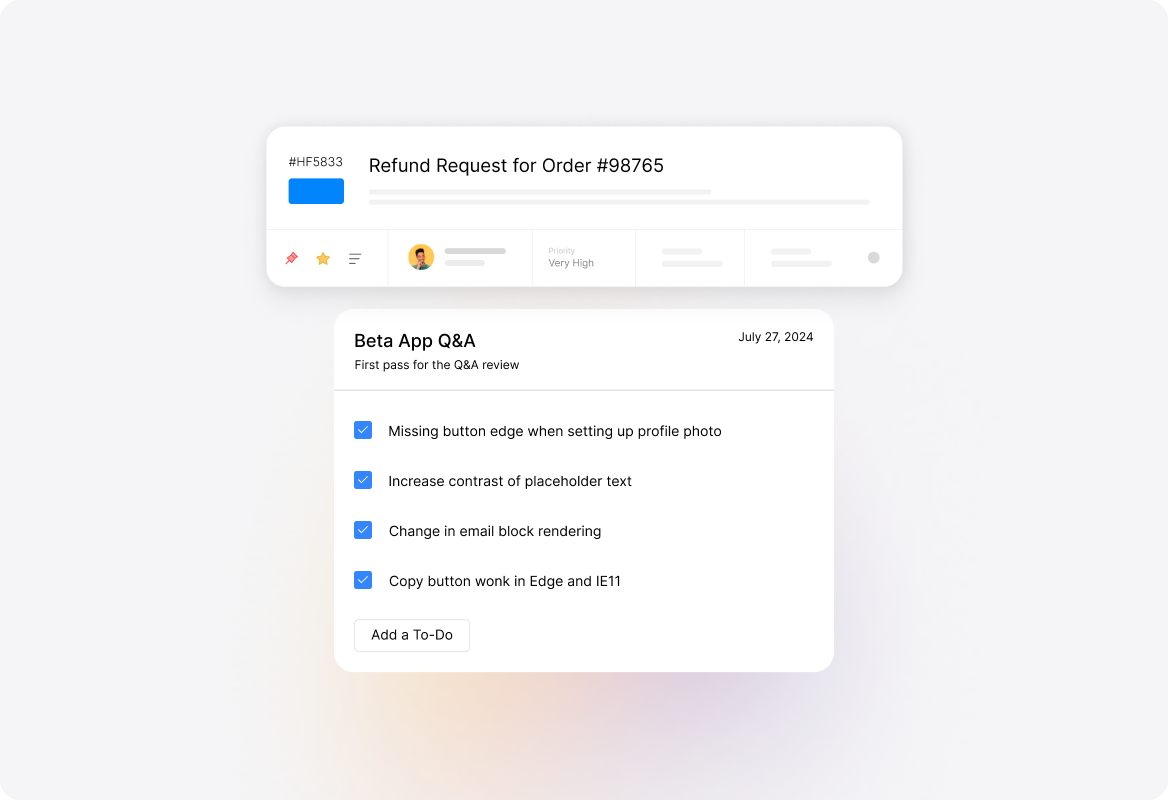
Bridge the gap between customer support and project management with seamless Basecamp integration. HappyFox Helpdesk agents can create and link Basecamp to-dos directly from support tickets, ensuring customer issues translate into actionable project tasks without switching platforms.

What This Means For Your Teams
Support Team Leaders
Coordinating escalations with project teams.
Project Managers
Tracking customer-driven tasks alongside internal projects.
Development Teams
Receiving structured assignments from support tickets.
Customer Success Managers
Monitor deliverables from customer feedback.


Create and Link To-dos Seamlessly
- Generate new Basecamp to-dos from tickets
- Link existing to-dos using Basecamp URLs
- Navigate directly to Basecamp through popovers
- Choose projects accessible to integration approver
Synchronize Updates Bidirectionally
- Push ticket replies as Basecamp comments
- Push private notes as Basecamp comments
- Sync Basecamp comments as sync notes
- Override sync preferences per ticket

Manage Integration Through Webhooks
- Set webhook URLs for real-time synchronization
- Configure comment event notifications specifically
- Unlink individual to-dos or entire accounts
- Generate webhook URLs when sync enabled

See More Integrations
Connect Your Tools With HappyFox
A happy roof that can accommodate all your favorite business apps.

USE CASES
FOR BUSINESSES
FOR INDUSTRIES
For Teams


Copyright ©2026 HappyFox Inc. All rights reserved.