Customer Support Teams
accessing real-time billing data during customer interactions
 Help Desk

Select the Chargify site and generate an API v1 key under Integrations.
Find the app in HappyFox Apps and select Install.
Enter the Chargify site subdomain and API v1 key, then save.
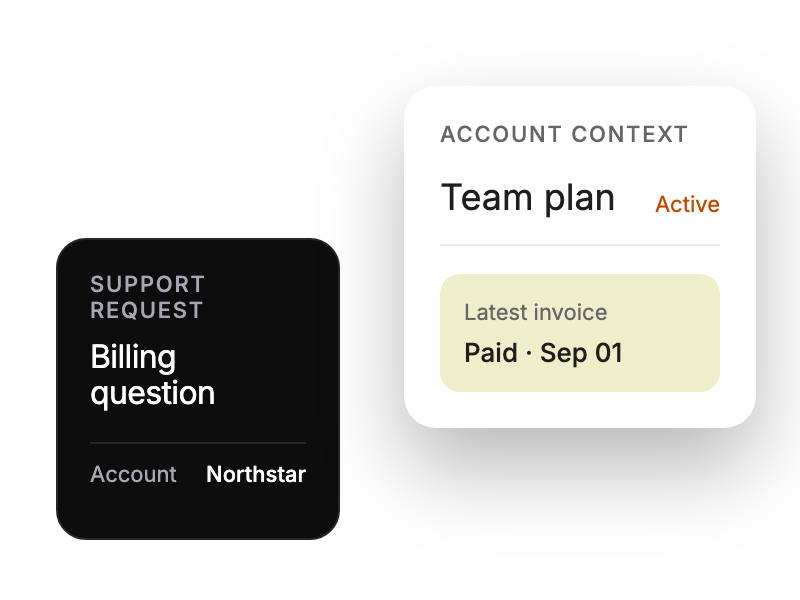
accessing real-time billing data during customer interactions
reviewing subscription details without platform switching
prioritizing tickets based on customer value
monitoring subscription status for key accounts


