Customer Support Teams
accessing billing details during ticket resolution
 Help Desk

Open the API settings and copy the account token and secret key described in the guide.
Find the app under Analytics and Reporting in HappyFox.
Enter the required API credentials and save to enable subscription context.
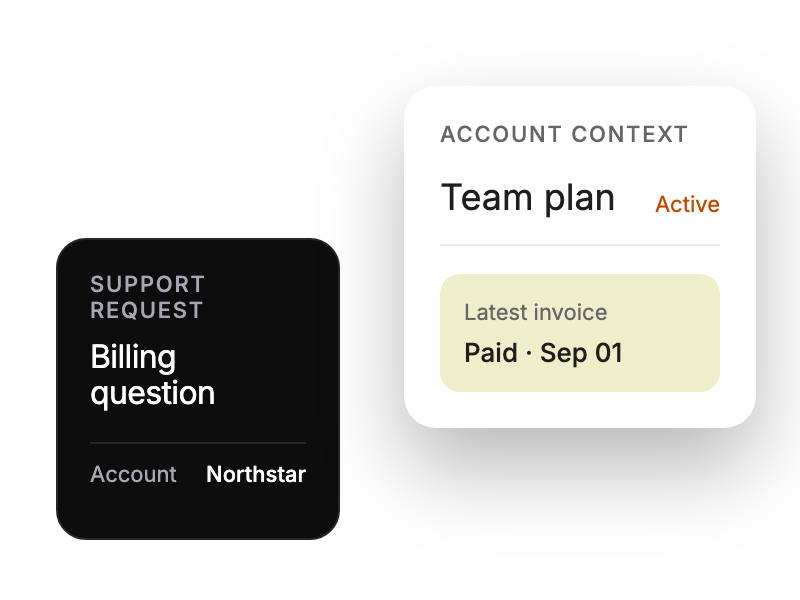
accessing billing details during ticket resolution
reviewing subscription history while addressing payment inquiries
monitoring customer portfolio value and subscription status
prioritizing responses based on customer revenue metrics


