Support Team Leaders
Tracking ticket-related projects and team workload.
 Help Desk
HappyFox Help Desk integration
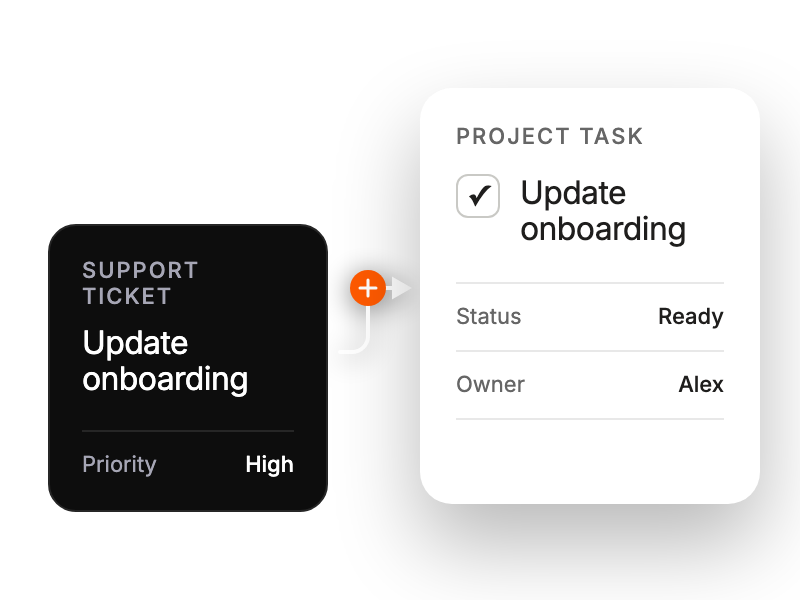
Create ClickUp tasks directly from HappyFox tickets.

Find the app under Project Management in HappyFox and select Install.
Select Link ClickUp and approve the connection in ClickUp.
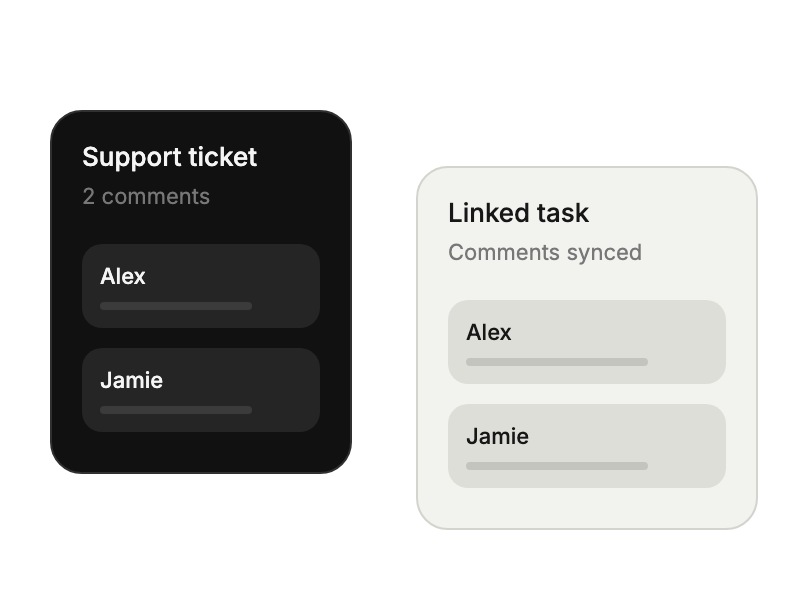
Set the directions for ticket-update and task-comment synchronization; adjust individual linked tickets when needed.
Tracking ticket-related projects and team workload.
Converting tickets to tasks without context switching.
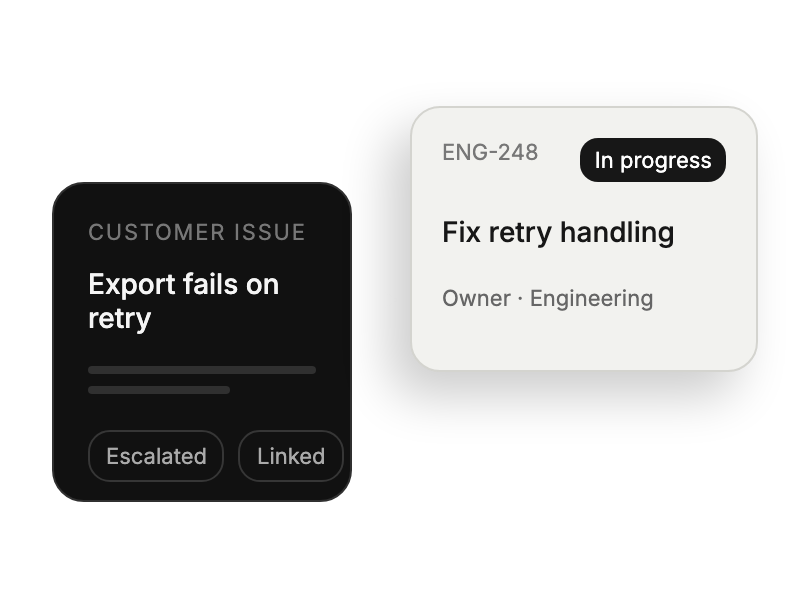
Prioritizing customer-requested features efficiently.
Receiving detailed task requirements from support tickets.


