Enterprises
Requiring custom and complex authentication.
 Help Desk
HappyFox Help Desk integration
SSO for your HappyFox account using identity providers

Obtain the SSO target URL and the PEM-format signing certificate.
Enter the provider URL and certificate under the Custom SAML method in HappyFox Apps.
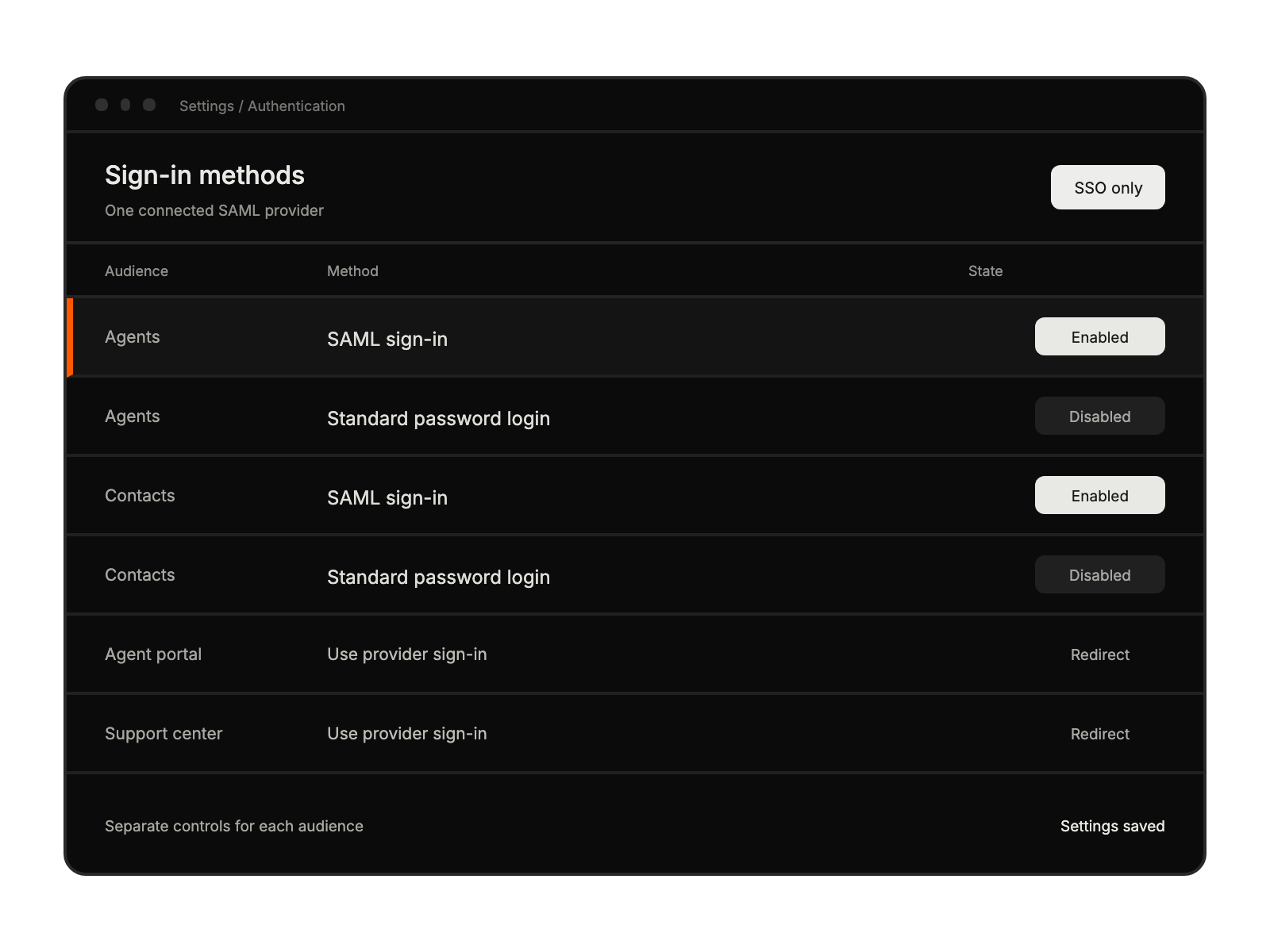
Enable agent and contact authentication as needed, configure field mapping, and save.
Requiring custom and complex authentication.
Using SAML-compatible identity providers.
With strict security requirements.
Needing unified access management.