Customer Support Teams
Serving customers active on X platform.
 Help Desk
HappyFox Help Desk integration
Let contacts access support using X credentials.

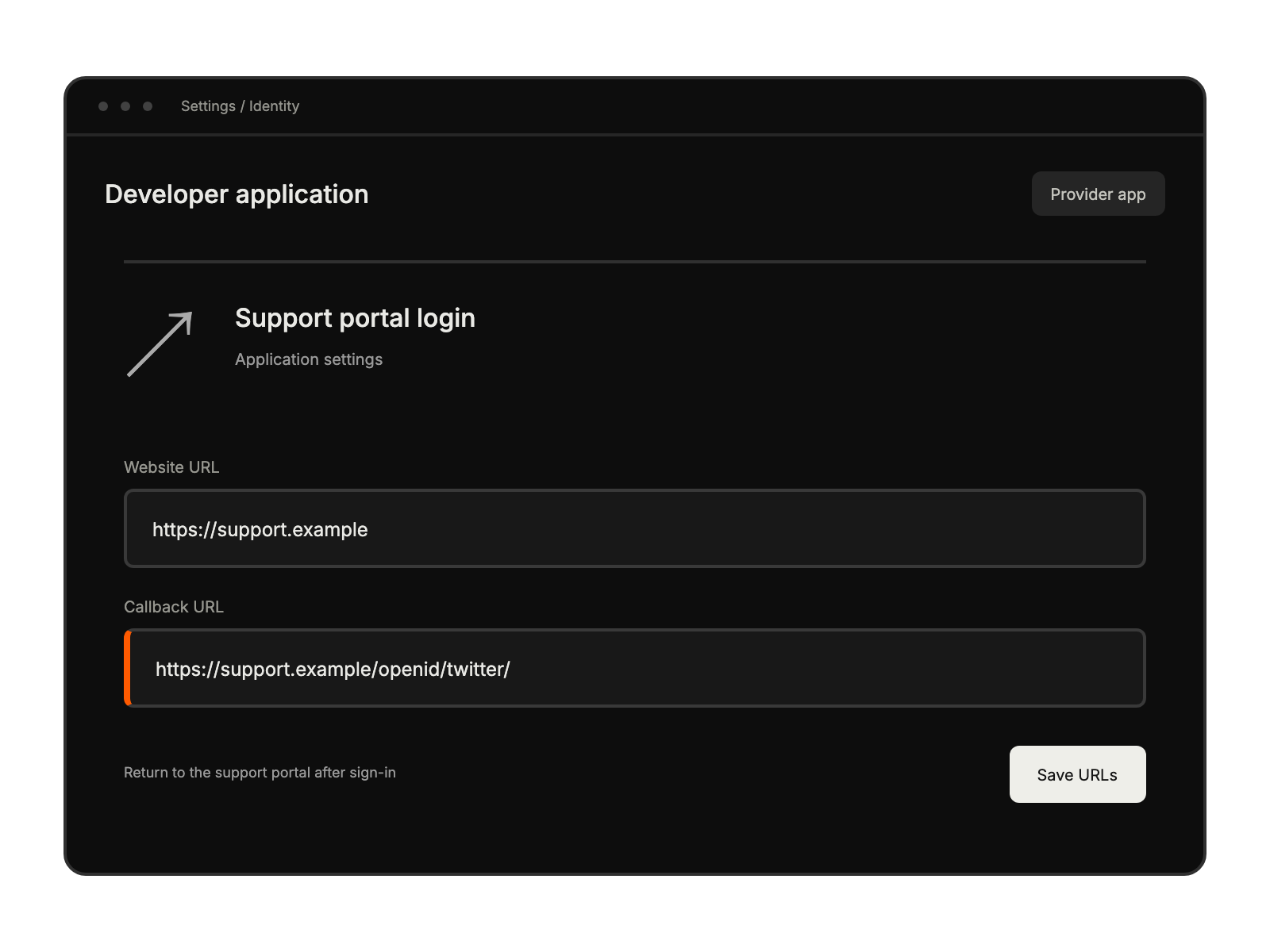
Enable Sign in with Twitter and set the callback URL documented in the guide.
Open Apps, choose Single Sign-on, and install Twitter Login.
Enter the consumer key and secret, activate the app, and save.
Serving customers active on X platform.
Providing streamlined portal access for X users.
With customer base using X social accounts.
Enabling quick authentication for engaged audiences.