Support Managers
Streamlining agent access to updated documentation.
 Help Desk
HappyFox Help Desk integration
Sync knowledge articles seamlessly in your helpdesk.

Find the app in HappyFox, link through OAuth, and choose the Confluence site.
Select a space and a top-level parent folder to import.
Select Sync Now, then inspect the article counts and downloadable report.
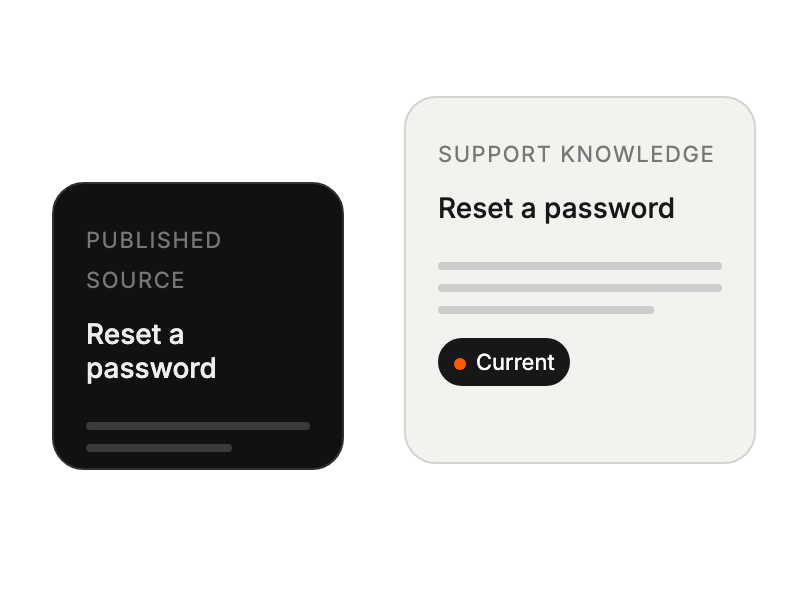
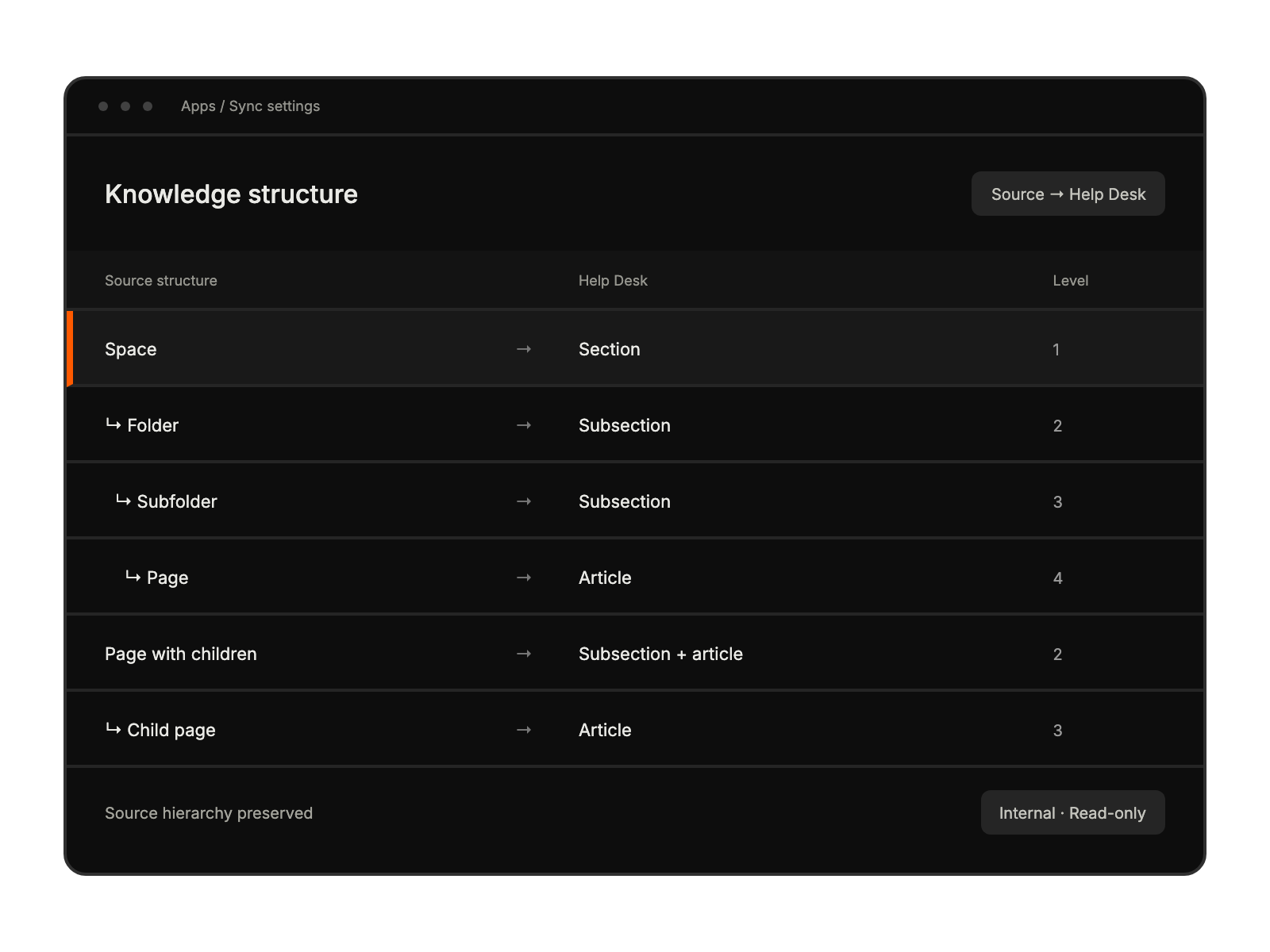
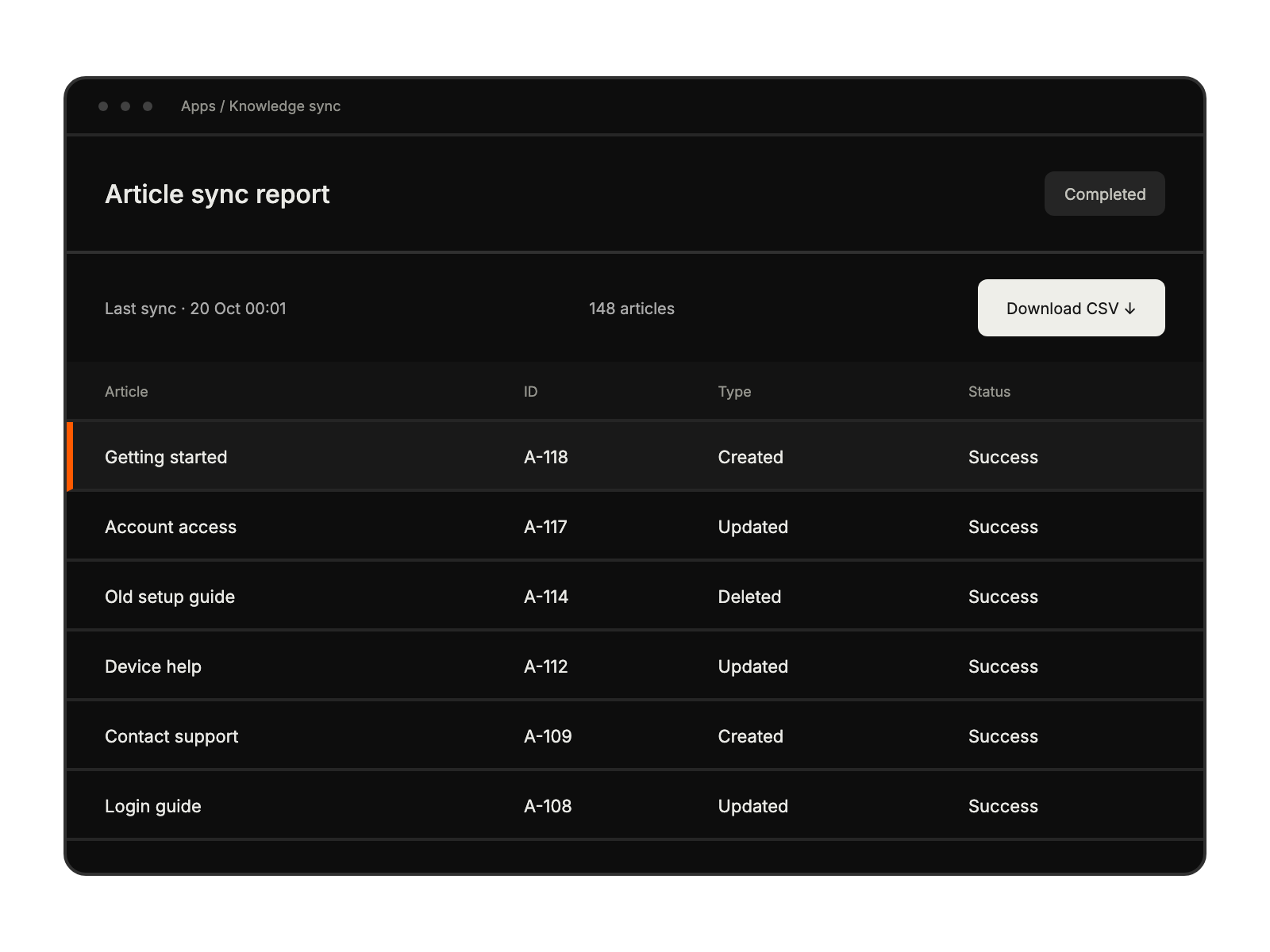
Streamlining agent access to updated documentation.
Centralizing knowledge management without content duplication.
Maintaining content in familiar Confluence environment.
Accessing comprehensive product documentation during interactions.


