Support Team Leaders
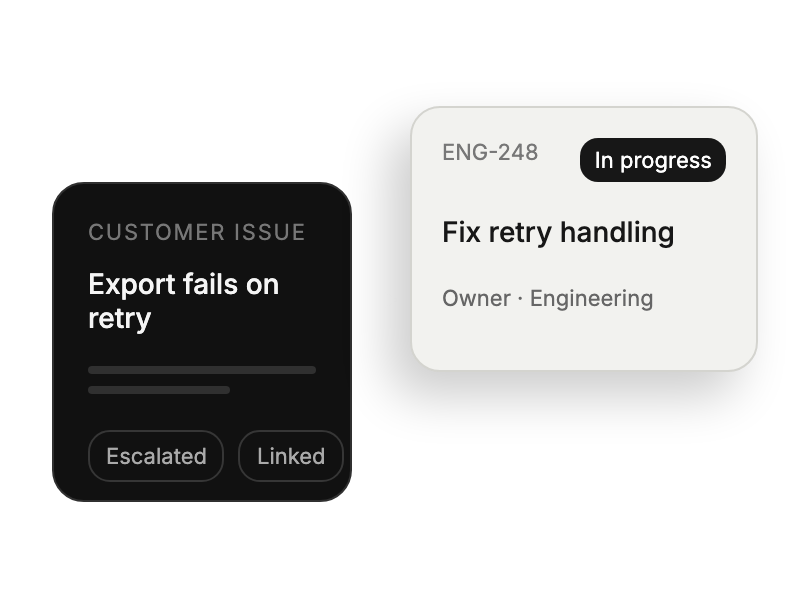
Bridging customer issues with development workflows seamlessly.
 Help Desk

Install the app and select SaaS or Self-Managed for your account.
Complete the appropriate administrator and application authorization flow.
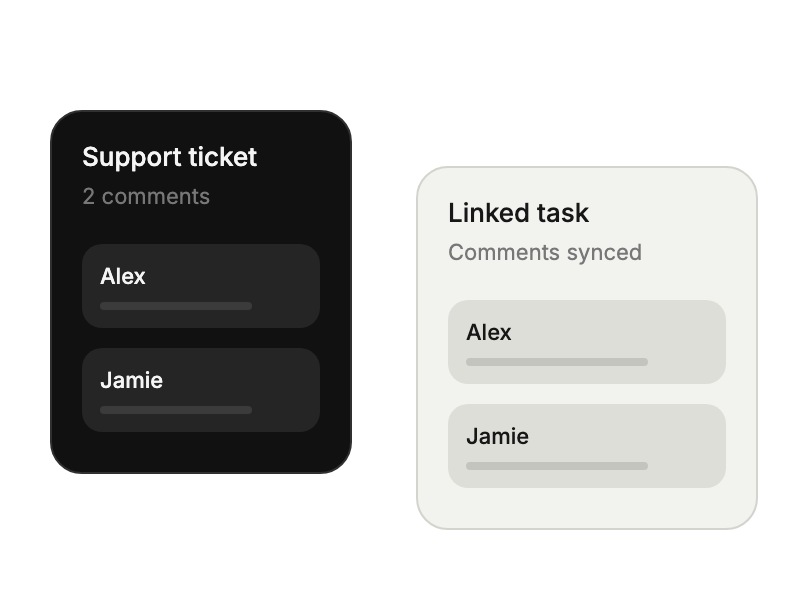
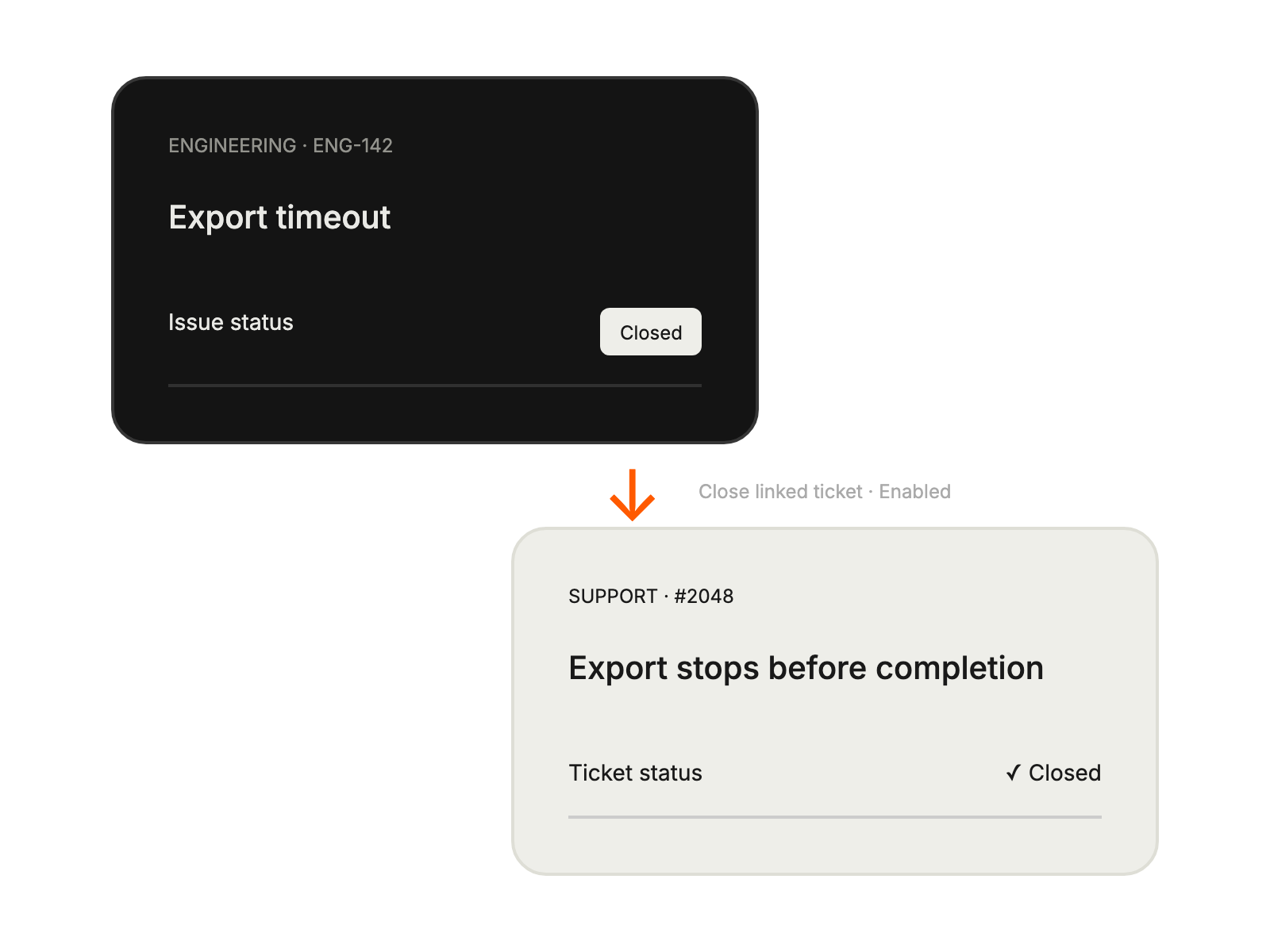
Choose comment, attachment, and linked-issue completion settings.
Bridging customer issues with development workflows seamlessly.
Receiving structured development tasks from customer support tickets.
Tracking issue progress across support and development platforms.
Converting customer feedback into prioritized development work items.


