HappyFox Help Desk integration

Sync Google Endpoint devices with tickets and contacts.

Help DeskGoogle Endpoint management logo

How the Google Endpoint management Integration Works

  1. Install Google Endpoint Management

    Select the app in HappyFox with Manage App Settings permission.

  2. Authorize Google Workspace

    Link the account and grant the required device-metadata and organizational-unit permissions.

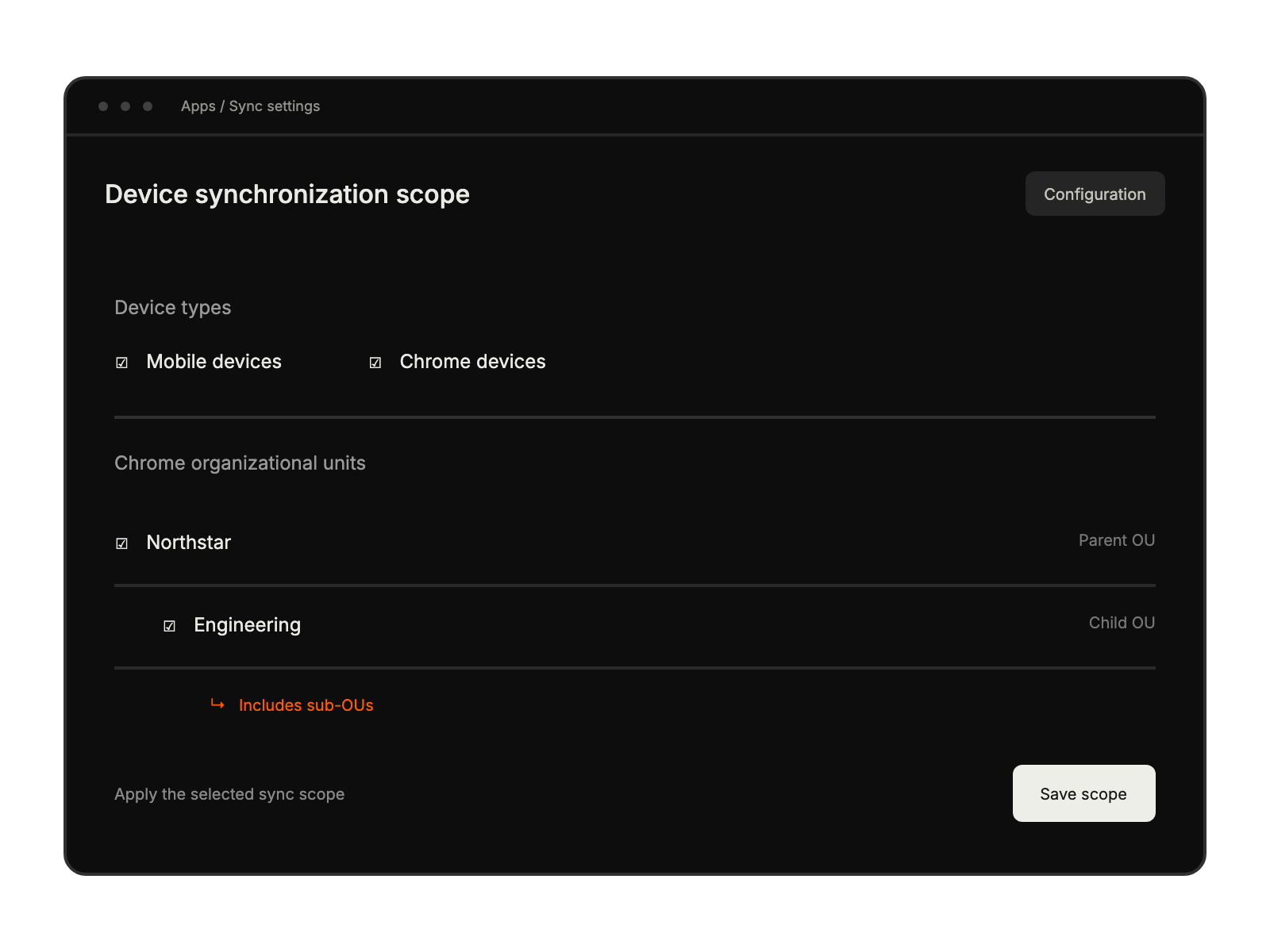
  3. Select devices and organizational units

    Configure the source scope and save to start the initial synchronization.

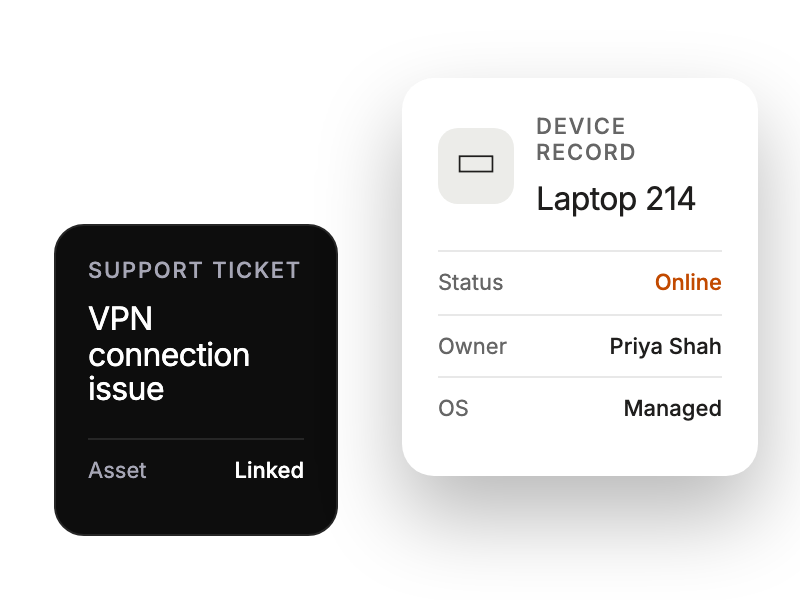
Support ticket beside a device record with status and owner context.

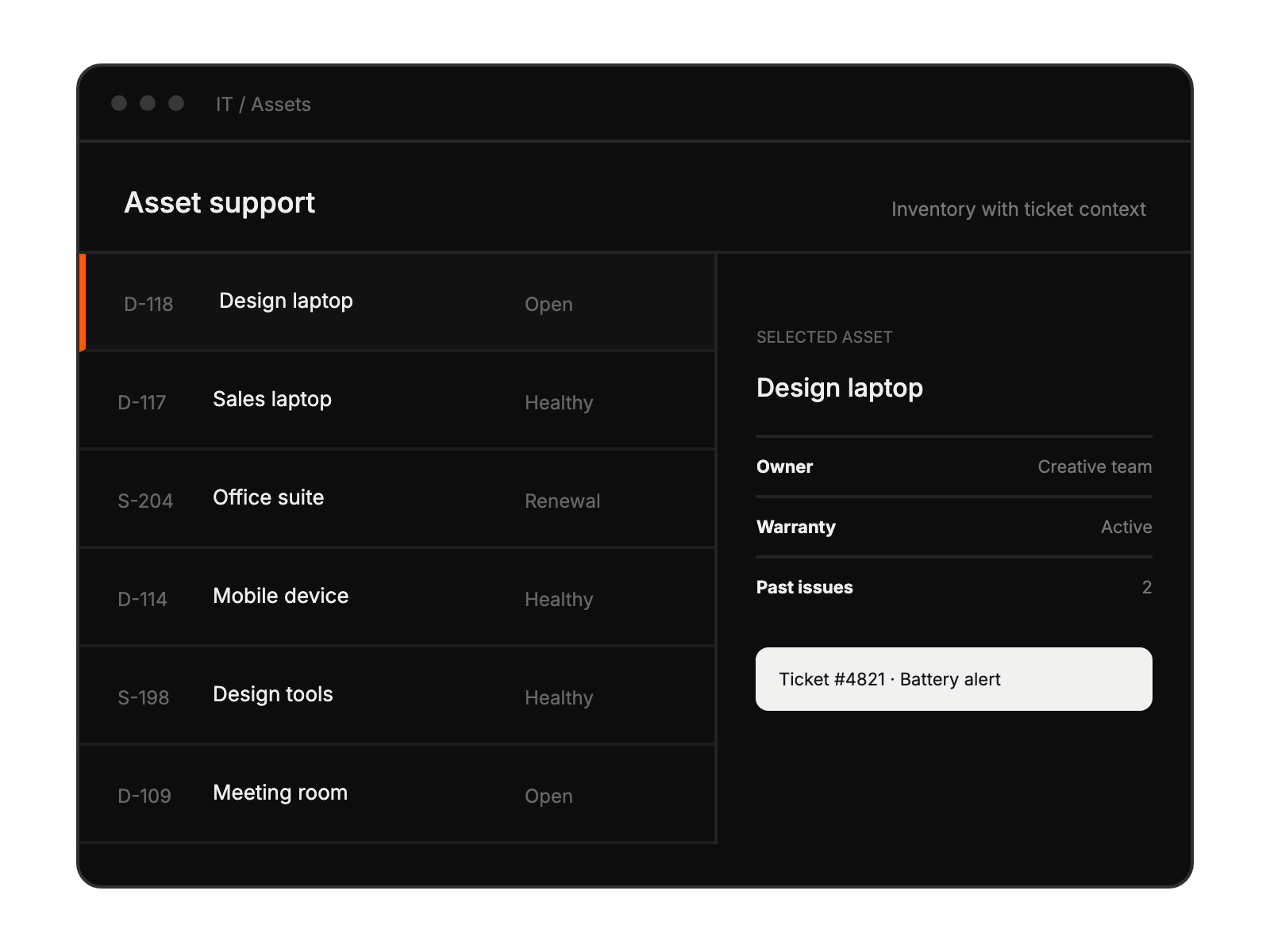
Asset support workspace showing selected equipment, its owner, and a related ticket.

Device synchronization settings select device types and organizational units to include.

Built for Teams Using Google Endpoint management

IT support teams

managing corporate devices

System administrators

overseeing device fleets

Device management specialists

handling hardware-related tickets

Enterprise organizations

with large device deployments

See More Integrations