Support Team Managers
Improving customer experience.
 Help Desk
HappyFox Help Desk integration
Enable password-free access for contacts using Google credentials.

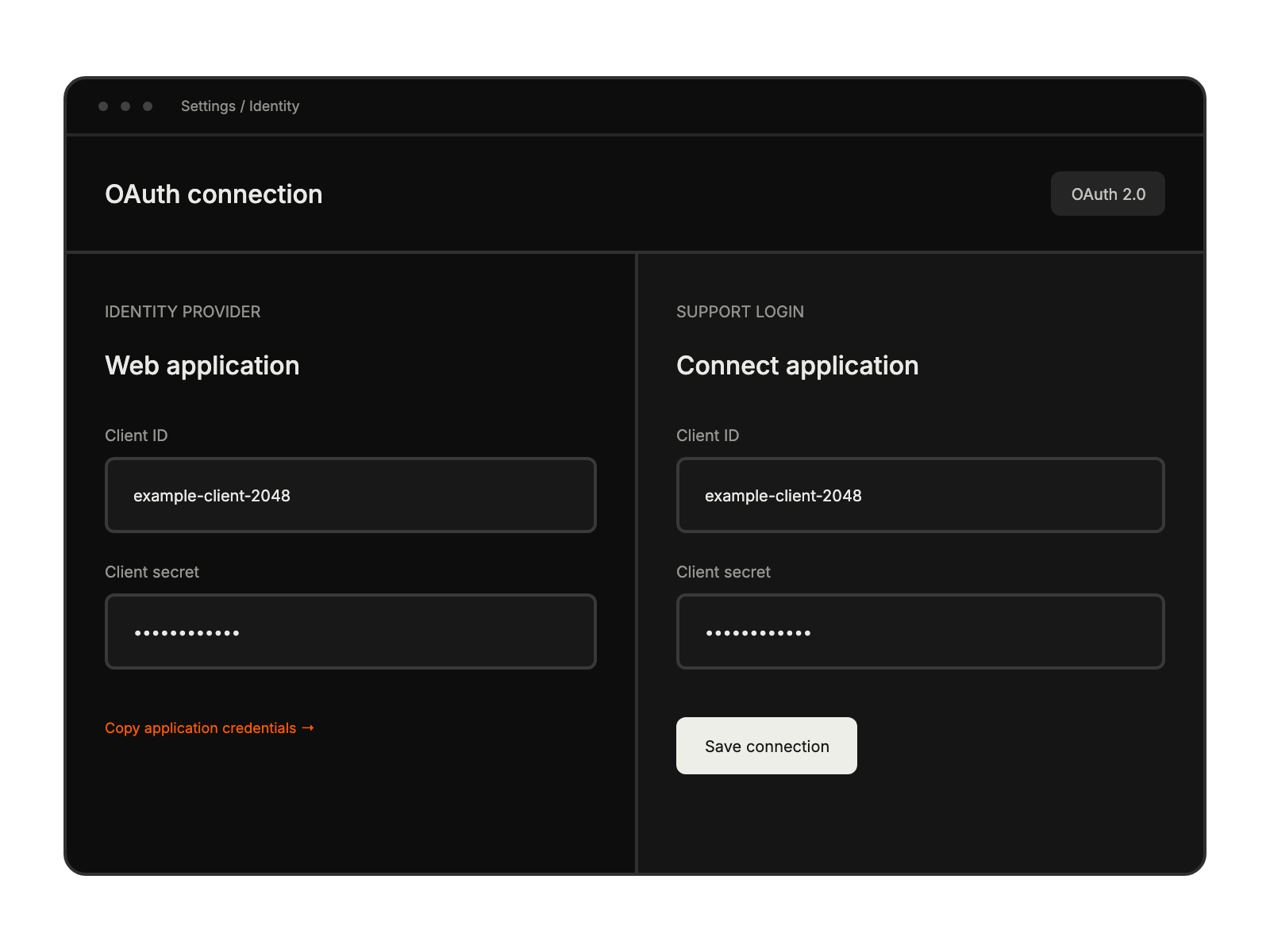
Configure a web application and the HappyFox redirect URI in Google Developers Console.
Turn on Google People API for the project used by the integration.
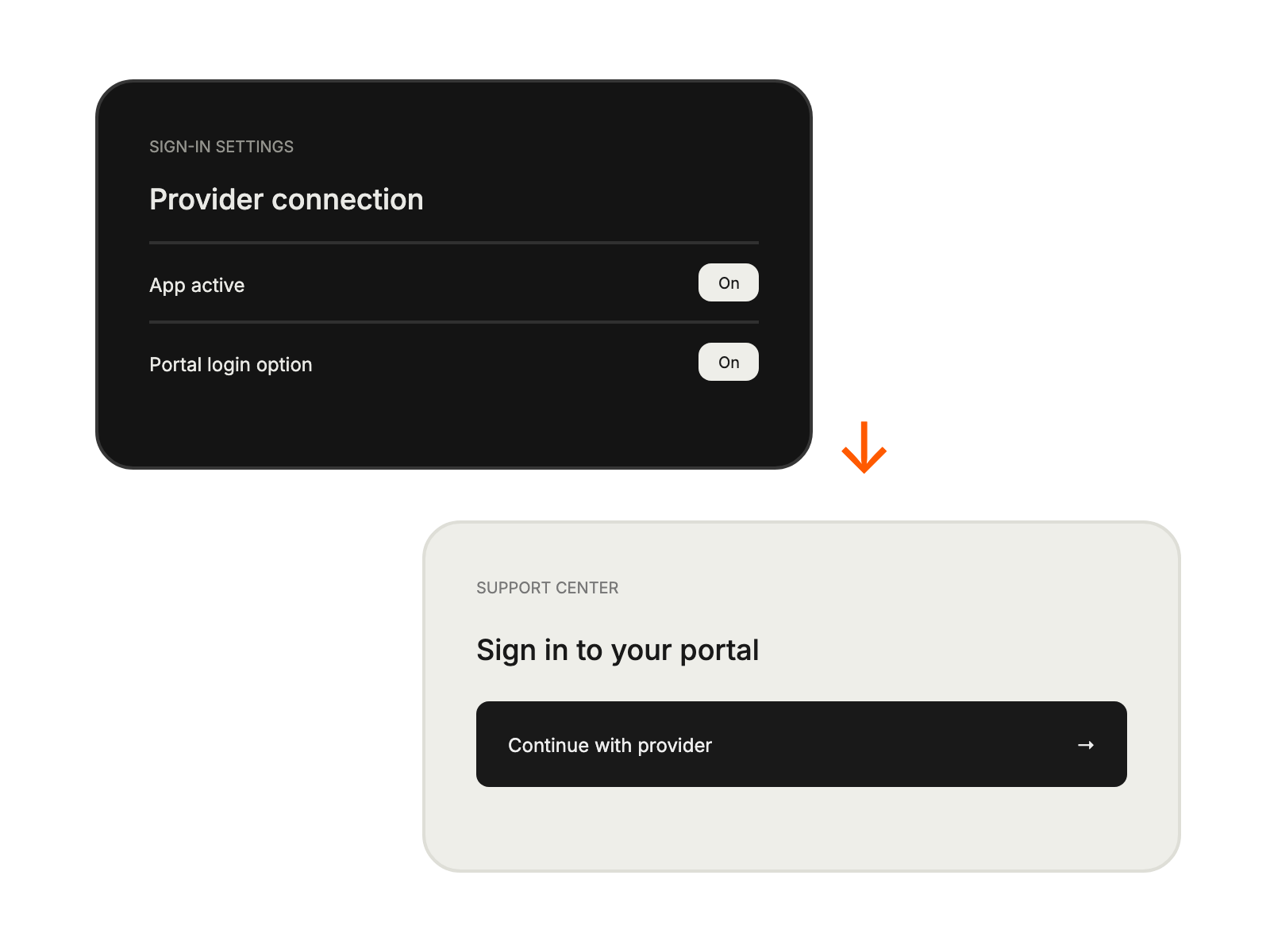
Install Google Login in HappyFox, save the credentials, and enable the Support Center login option.
Improving customer experience.
Implementing secure authentication methods.
Streamlinining support journey.
Simplifying account management.