Social Media Managers
Transitioning from engagement to support without platform switching.
 Help Desk
HappyFox Help Desk integration
Turn Instagram interactions into HappyFox support tickets.

Connect the Instagram business account to the page used for authorization.
Choose Instagram under Social Media in HappyFox, then sign in through Facebook.
Grant the required permissions and complete the account configuration described in the guide.
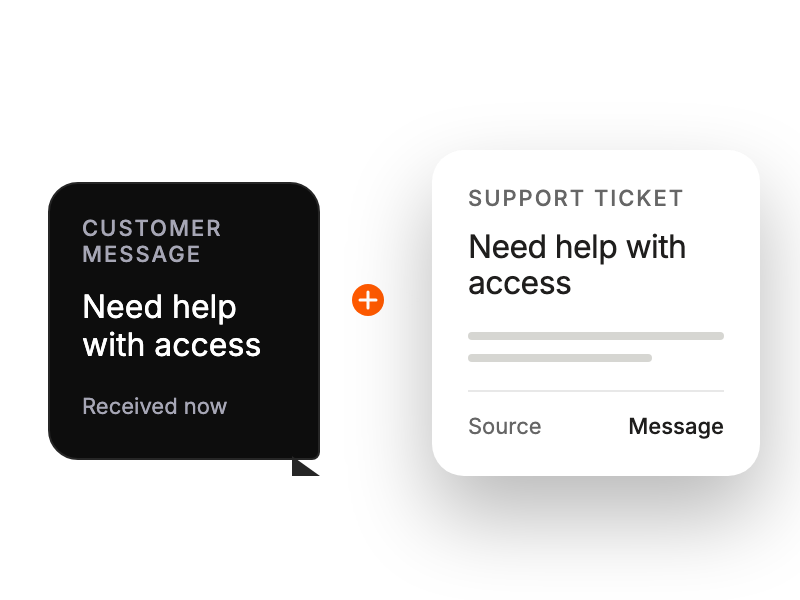
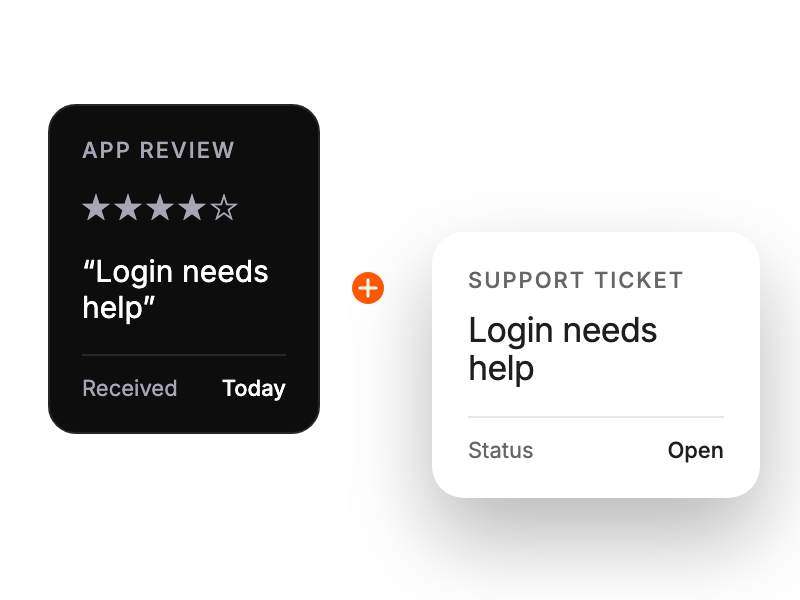
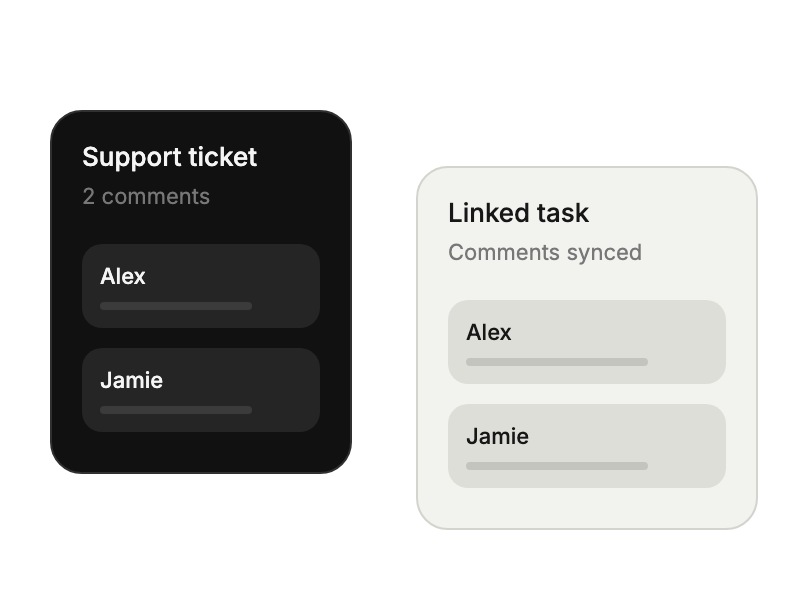
Transitioning from engagement to support without platform switching.
Responding to product questions directly in the shopping experience.
Handling instagram inquiries through familiar help desk workflows.
Capturing and addressing product feedback from promotional posts.