Help Desk Managers
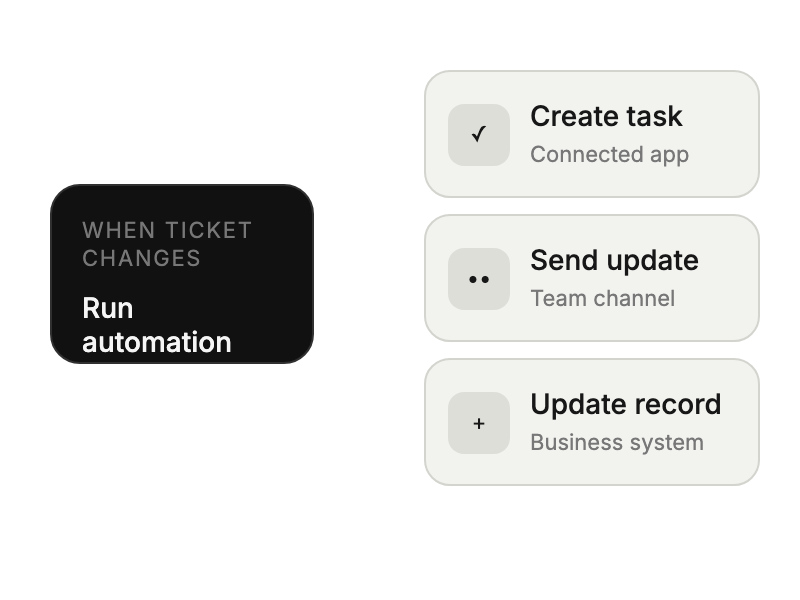
building automated support workflows
 Help Desk
HappyFox Help Desk integration
Automate support workflows across various applications effortlessly.

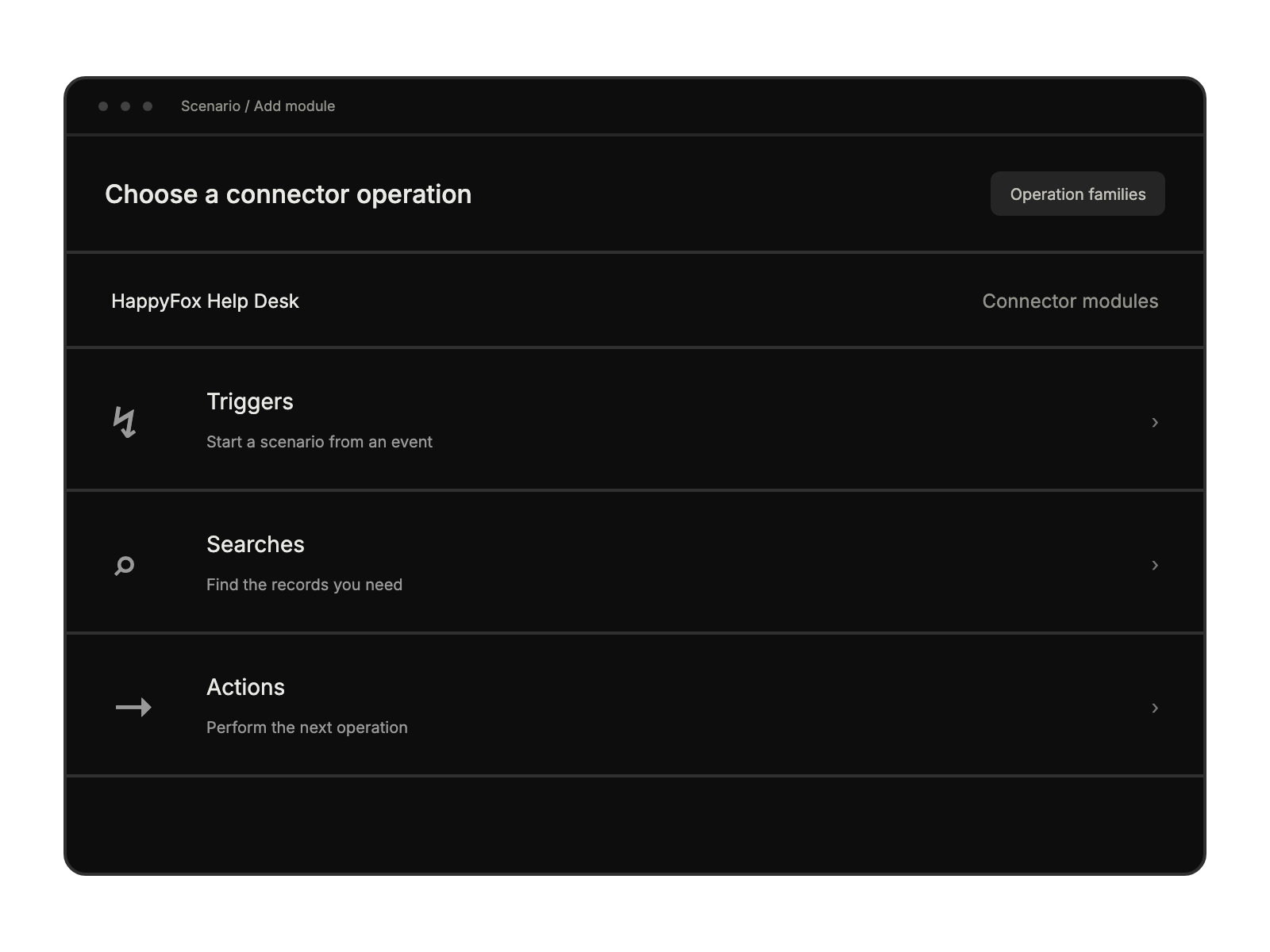
Open Scenarios in Make, create a new scenario, and search for HappyFox Help Desk.
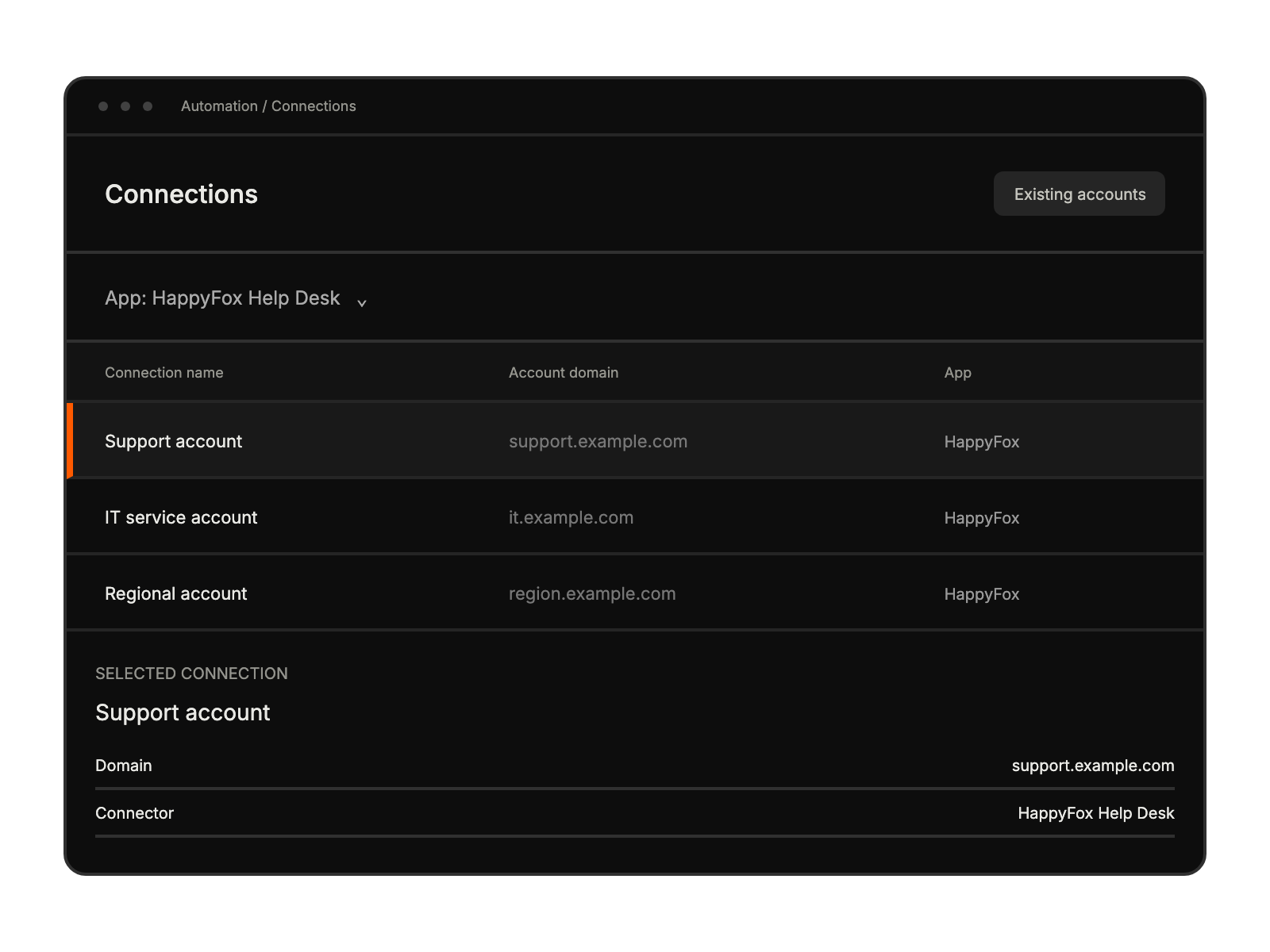
Enter the API key, authentication token, and domain name.
Use the connector’s available triggers, searches, and actions to build the workflow.
building automated support workflows
streamlining daily support tasks
coordinating support across platforms


