Support Managers
monitoring time spent on customer requests and maintain accurate billing records
 Help Desk

Select the app under Accounting in HappyFox Apps.
Use Link FreshBooks, sign in, and approve HappyFox.
Select the FreshBooks account to connect and save the configuration.
monitoring time spent on customer requests and maintain accurate billing records
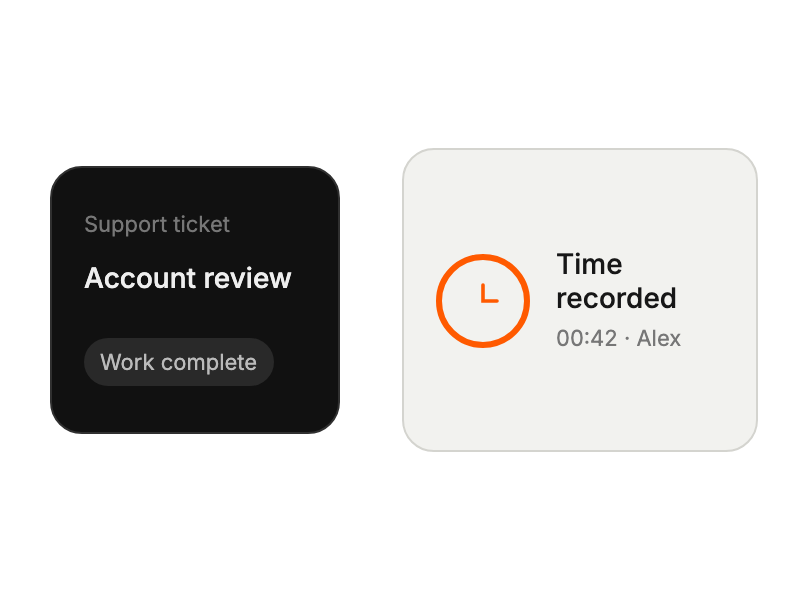
tracking support hours directly within ticket interface
generating accurate invoices based on logged support time
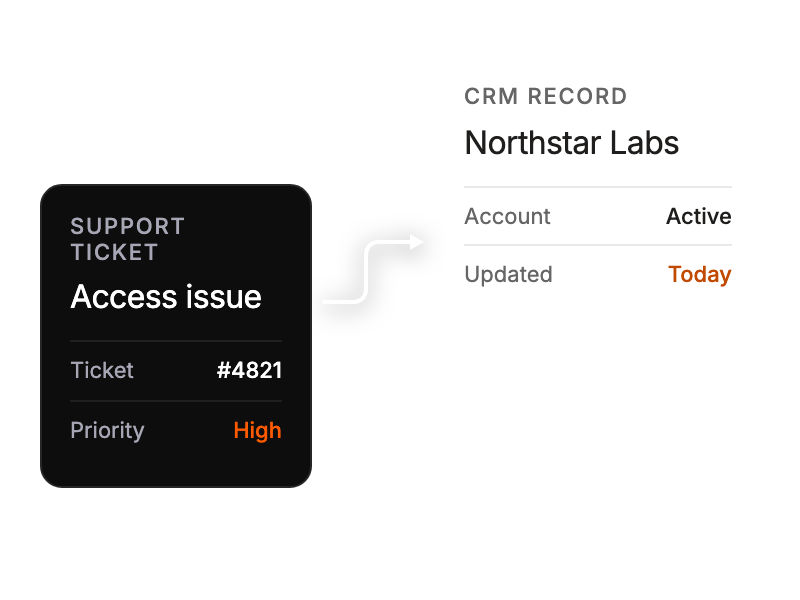
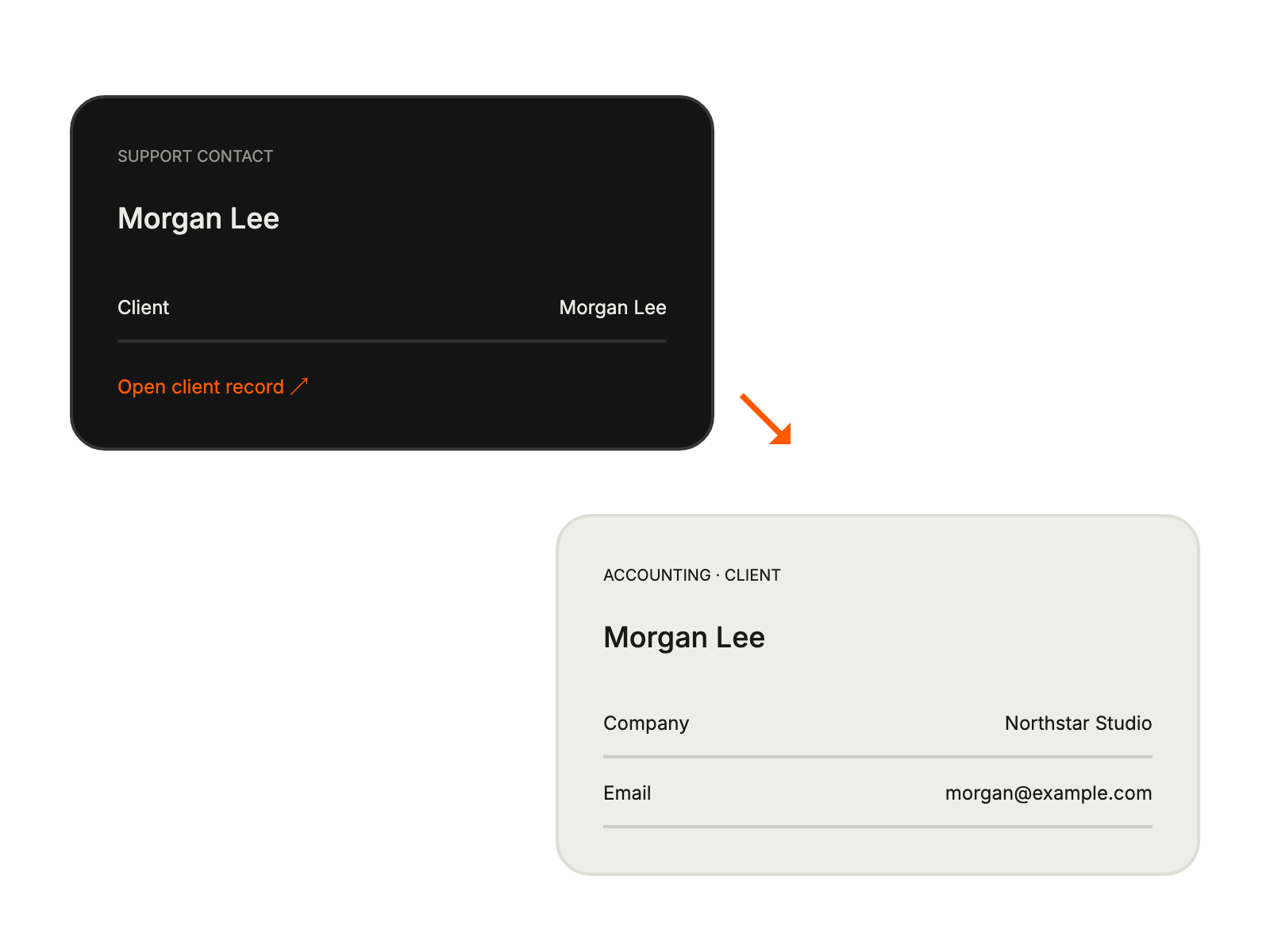
mapping support tickets to specific client projects


