Technical support teams
requiring visual demonstrations
 Help Desk
HappyFox Help Desk integration
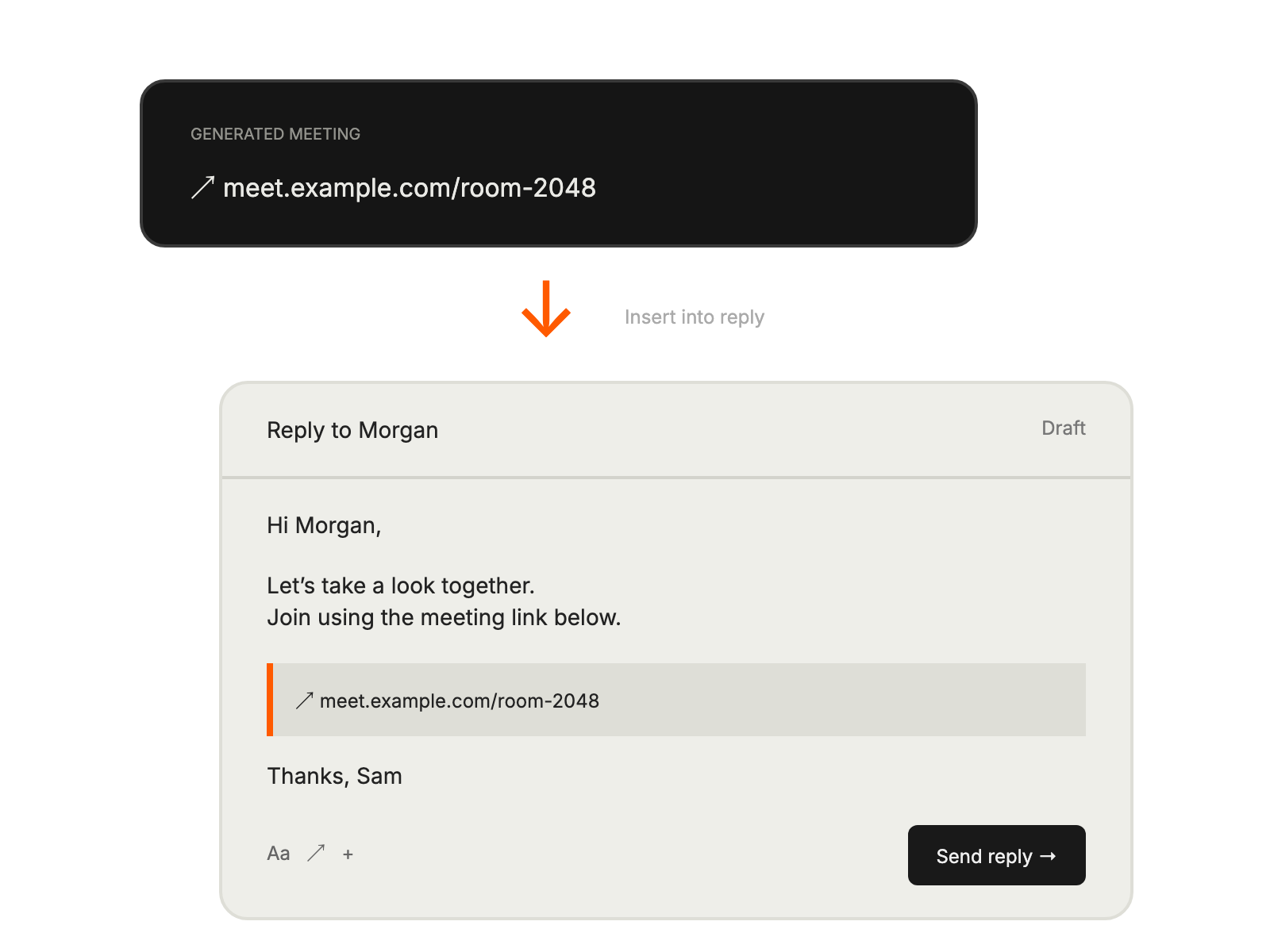
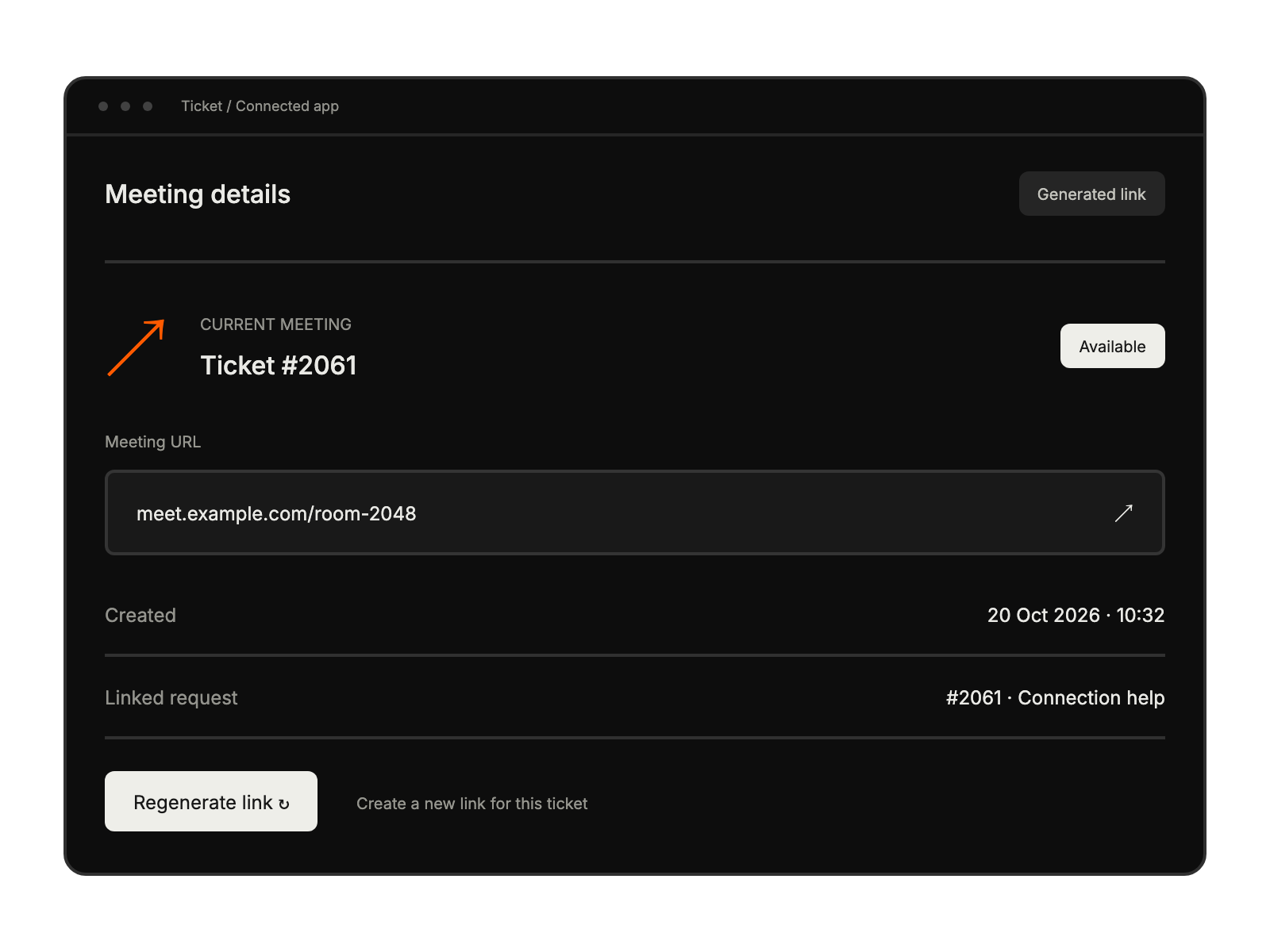
Schedule and manage meetings directly within support tickets

Use an administrator for OAuth and ensure participating agents have active meeting licenses.
Select the app in HappyFox and sign in to the Webex account.
Authorize the connection so licensed agents can generate meeting links.
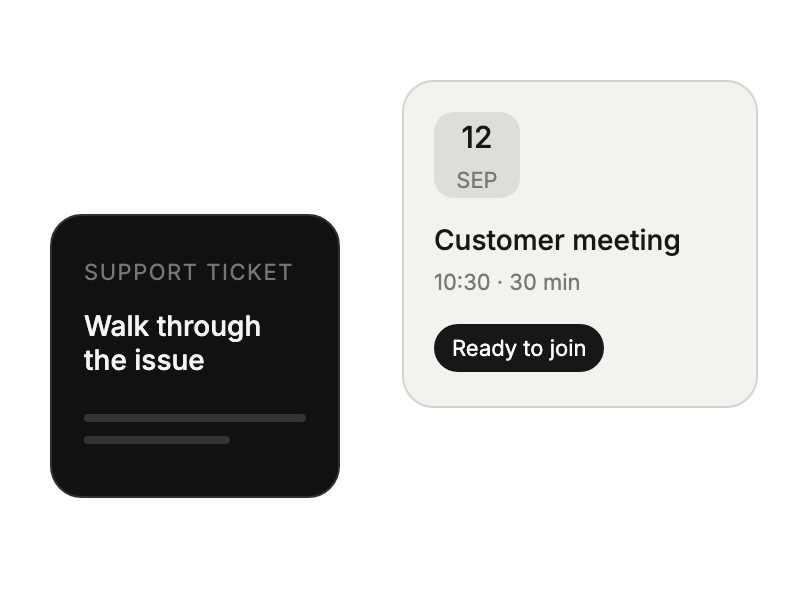
requiring visual demonstrations
conducting onboarding
handling complex configurations
providing detailed walkthroughs