Technical support teams
requiring visual demonstrations
 Help Desk
HappyFox Help Desk integration
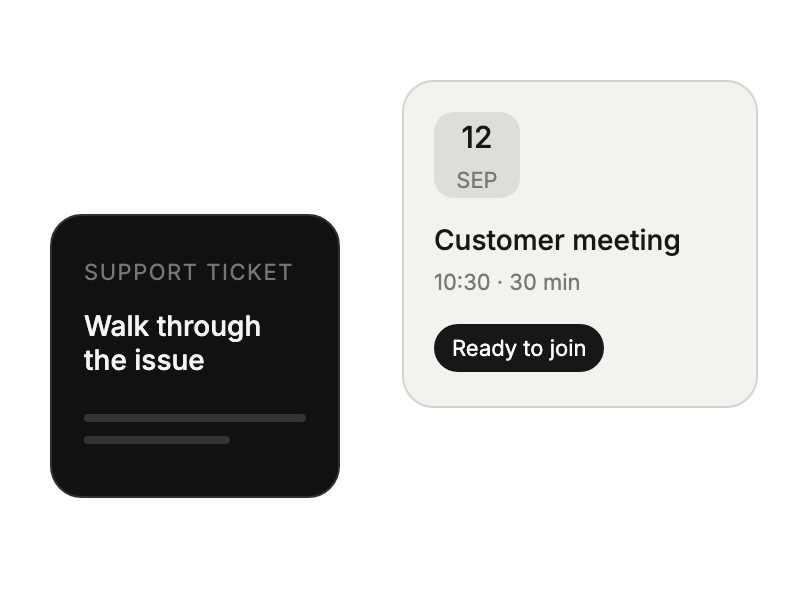
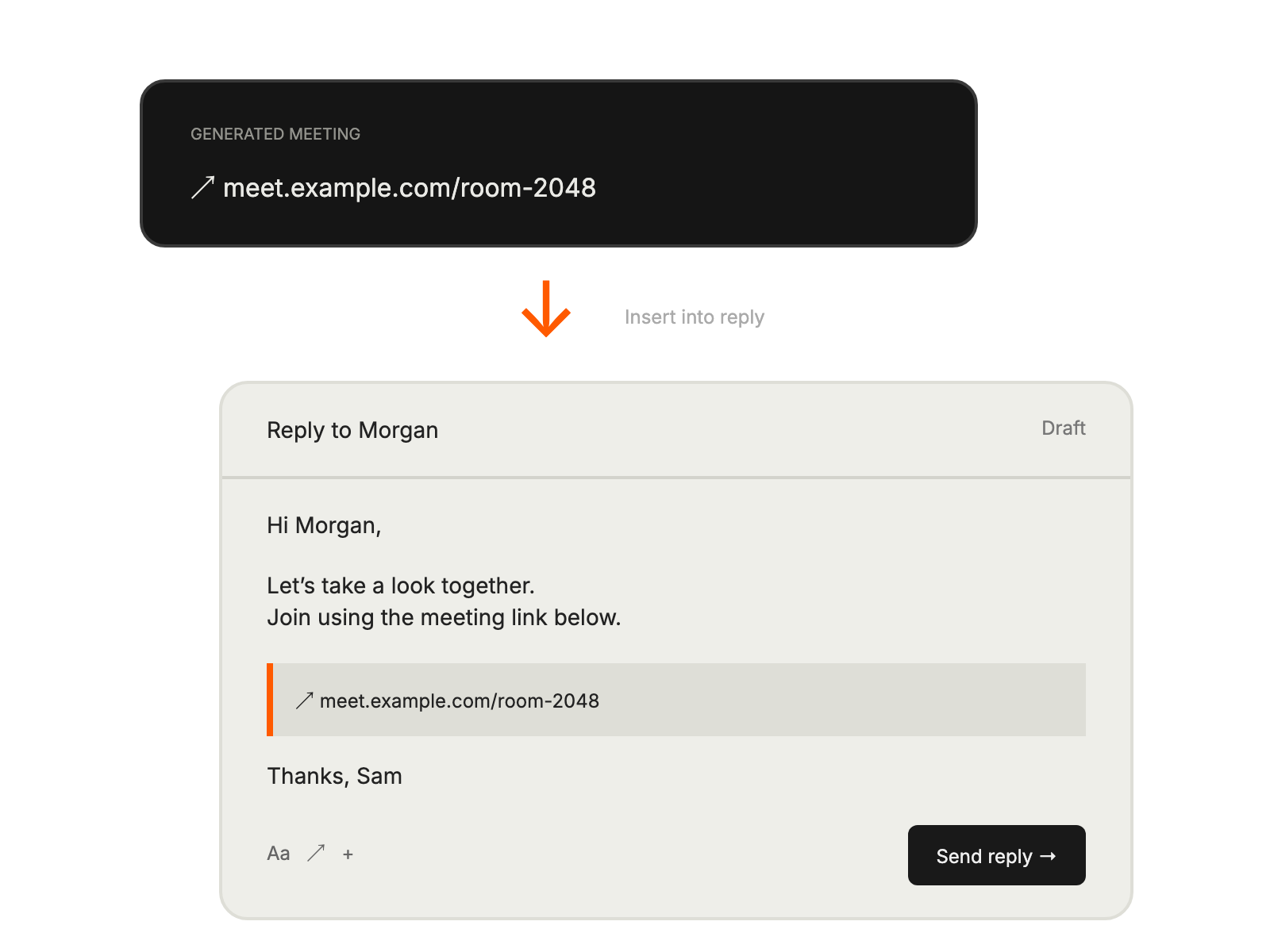
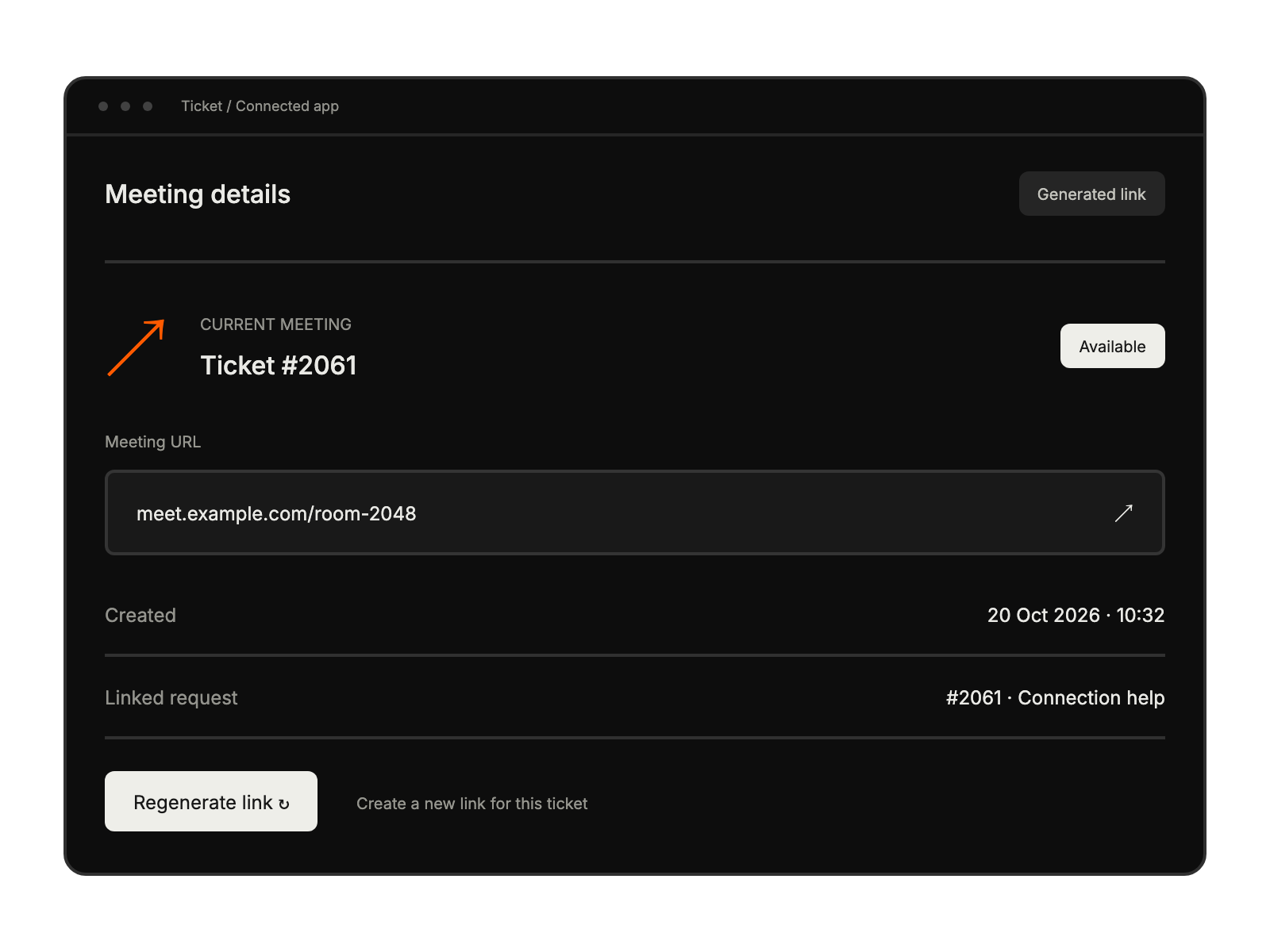
Schedule Google Meet calls from support tickets.

Select the app from HappyFox Apps and start the account-link flow.
Use the Workspace administrator account and approve the required permissions.
Apply the host-join setting documented in the guide before sharing meeting links.
requiring visual demonstrations
conducting onboarding
handling complex configurations
providing detailed walkthroughs