IT Support Teams
diagnosing technical issues by accessing user systems
 Help Desk
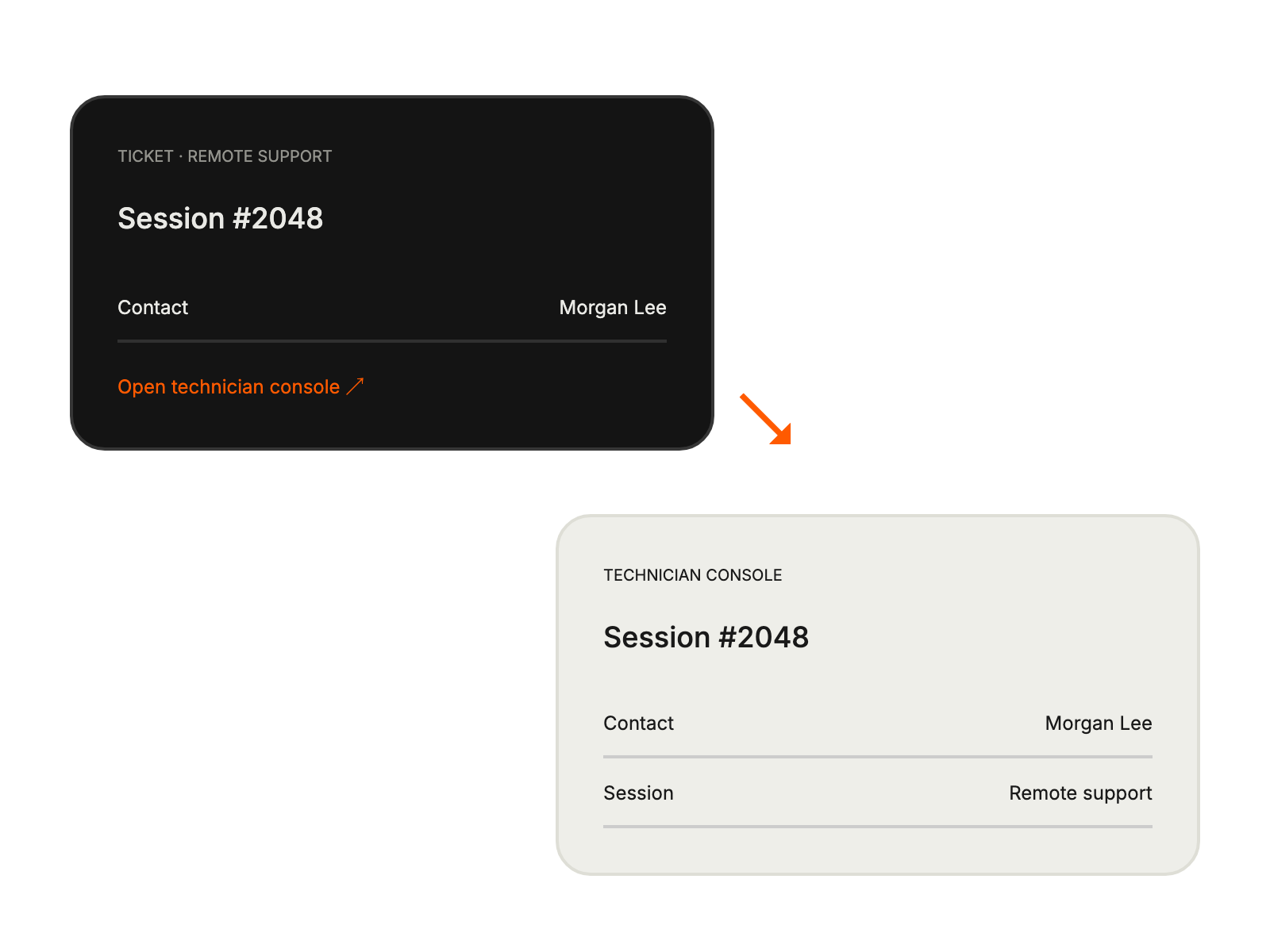
HappyFox Help Desk integration
Launch LogMeIn Rescue sessions from HappyFox tickets.

Get the company ID and Employee SSO password from your LogMeIn account.
Add the required credentials in the app configuration and copy its webhook URL.
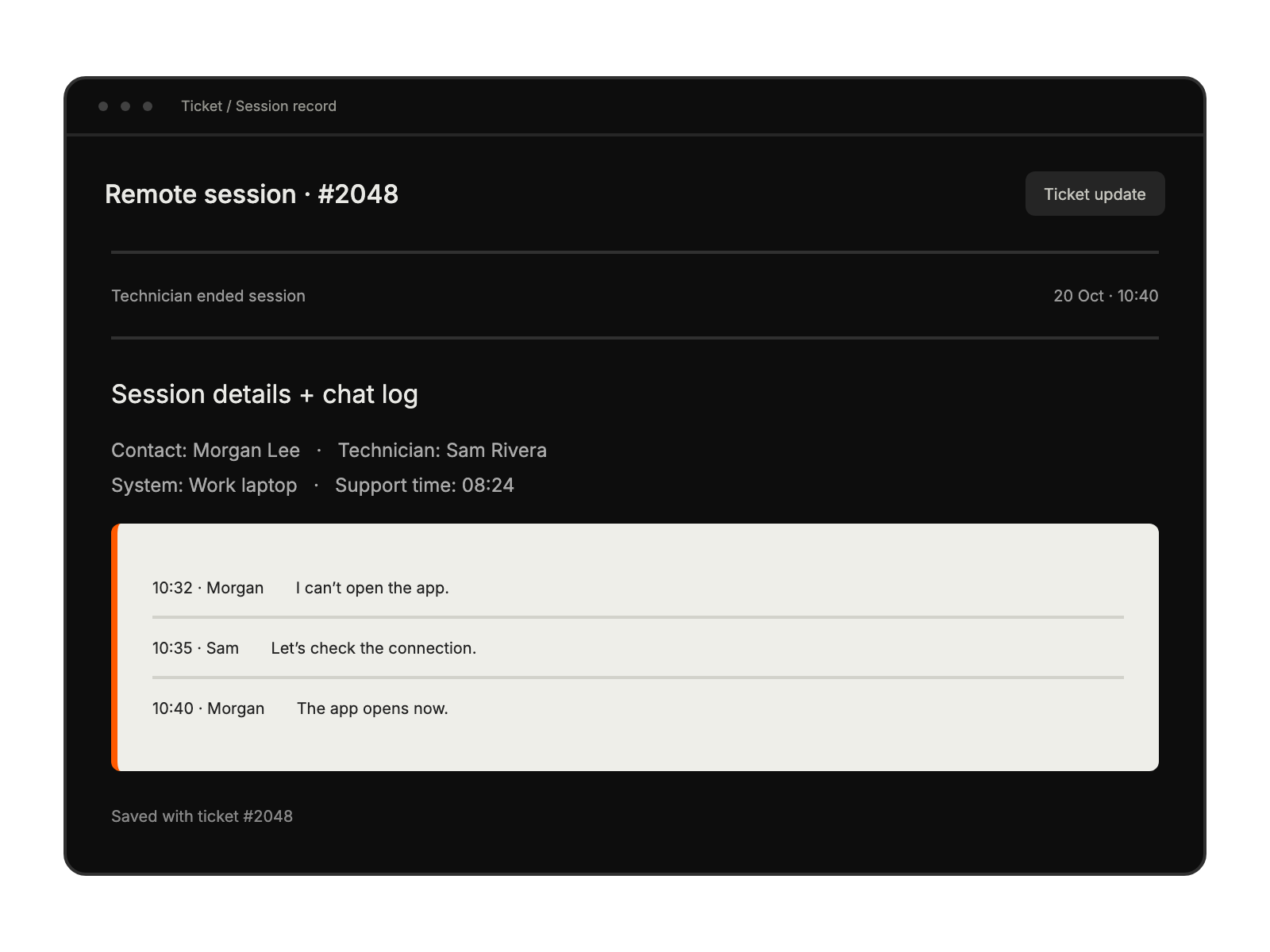
Paste the webhook URL into Rescue’s post-session reporting setting and save.
diagnosing technical issues by accessing user systems
guiding customers through complex features while maintaining session records
monitoring support quality through detailed session logs and chat transcripts
troubleshooting product-specific issues with direct system access


