Support Agents
Accessing customer payment history and billing context during interactions.
 Help Desk

Install Stripe in HappyFox and enter the secret key from Stripe Developers settings.
Choose the categories that should show payment, order, and subscription information, then save.
Add the HappyFox callback URL in Stripe for customer-created, updated, and deleted events.
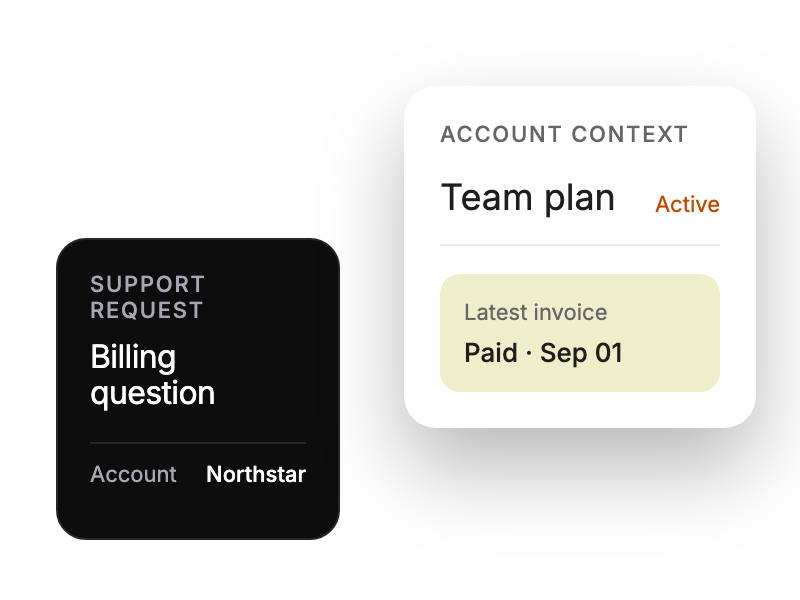
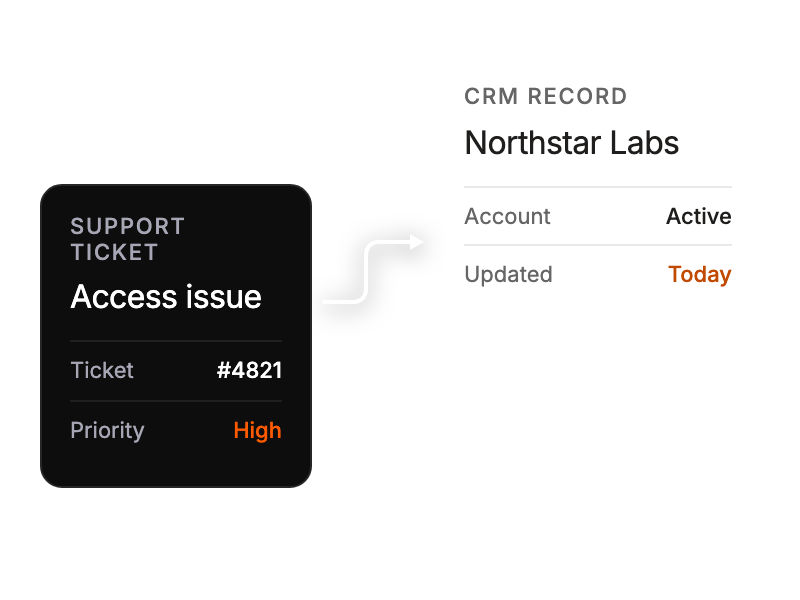
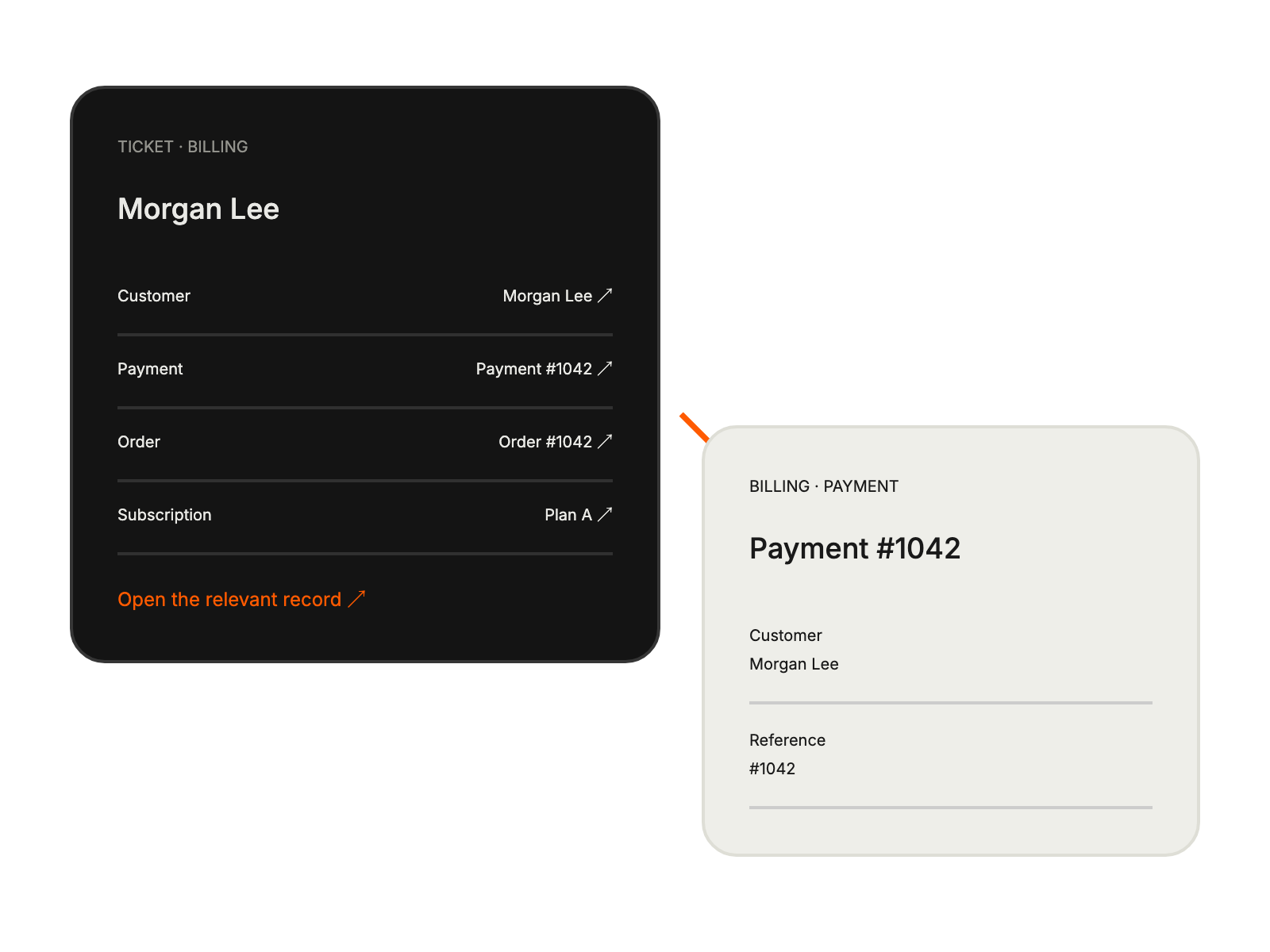
Accessing customer payment history and billing context during interactions.
Resolving payment and subscription issues with complete transaction visibility.
Handling order and payment inquiries with comprehensive customer data.


