IT Support Teams
using video meetings for technical issue resolution
 Help Desk
HappyFox Help Desk integration
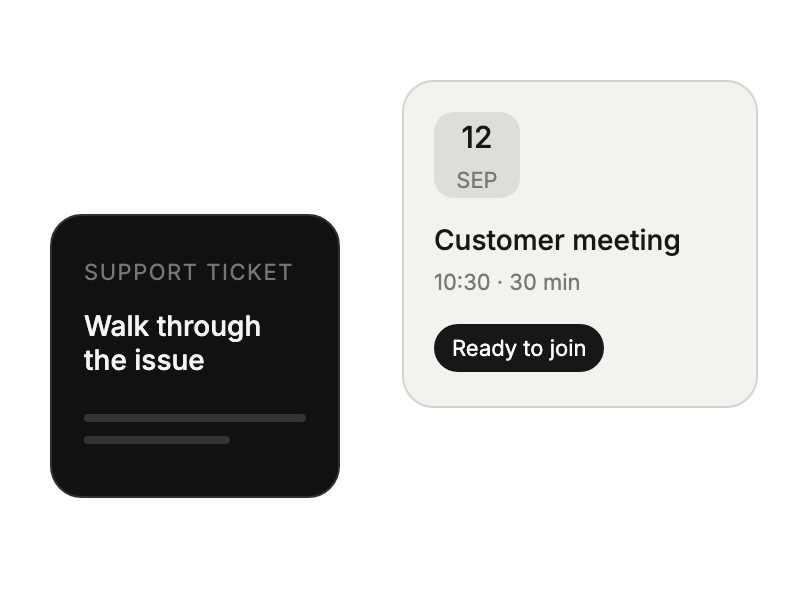
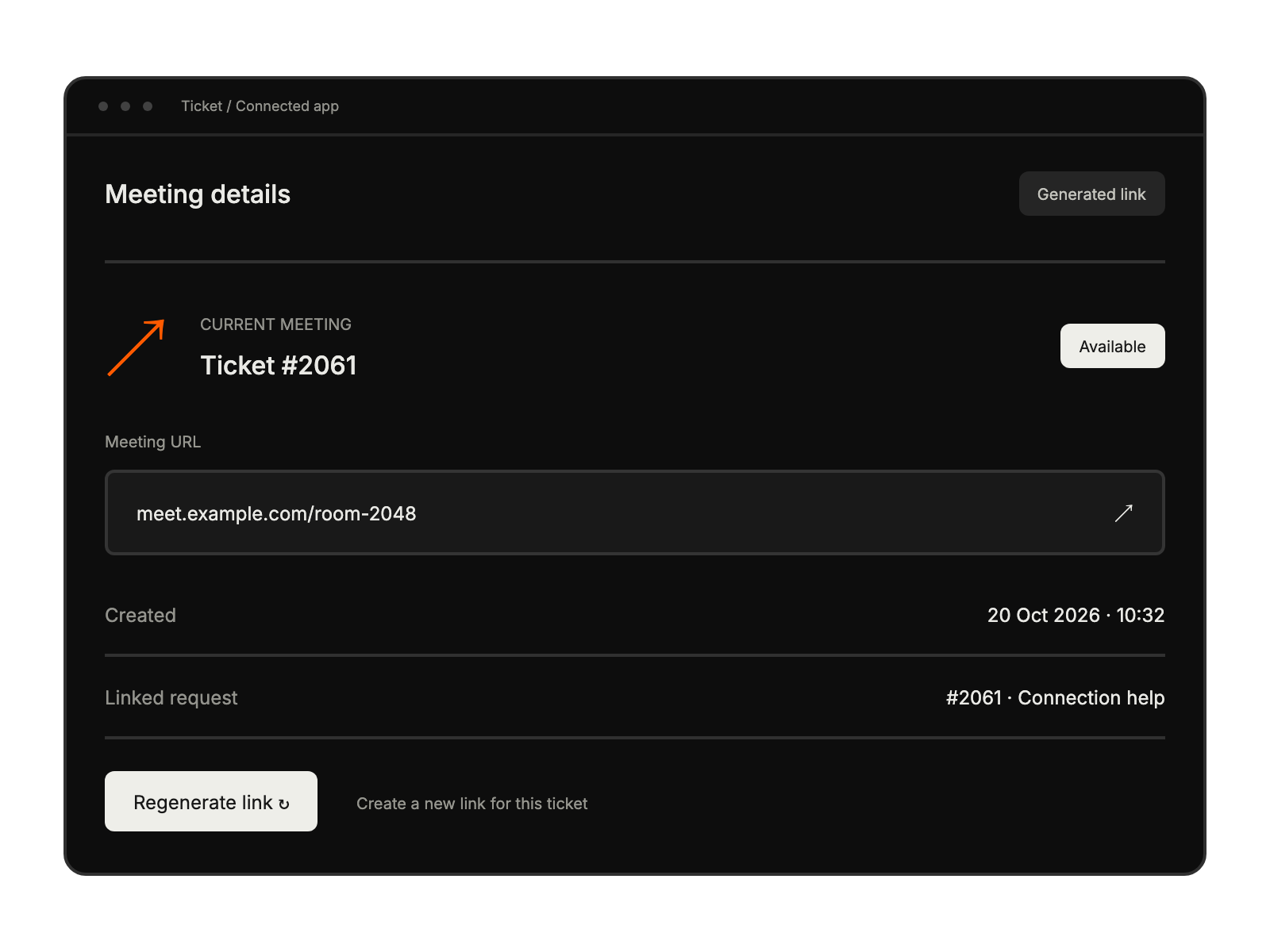
Schedule and manage Teams meeting in support tickets.

Choose Microsoft Teams Meeting in HappyFox Apps and select Install.
Use the Teams administrator account to link the app and grant permissions.
Use the lobby configuration documented in the guide before starting customer meetings.
using video meetings for technical issue resolution
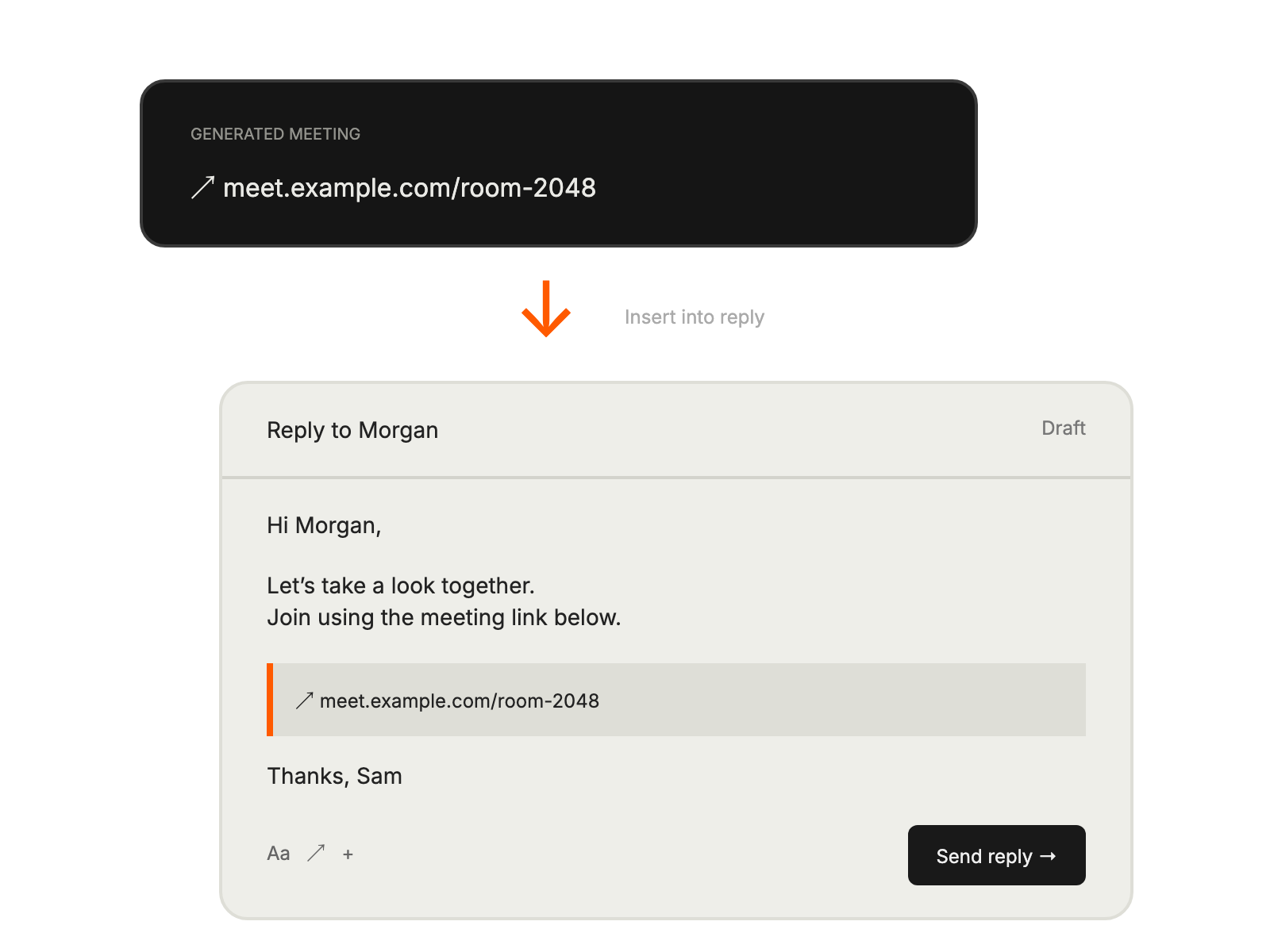
scheduling customer meetings from tickets
conducting virtual support sessions
managing meetings within tickets


