Product Managers
analyzing customer interaction patterns
 Help Desk
HappyFox Help Desk integration
View User Analytics Information Inside HappyFox

Open Project Settings in Mixpanel and copy the API Secret from the Management tab.
Find the app under Analytics in HappyFox Apps.
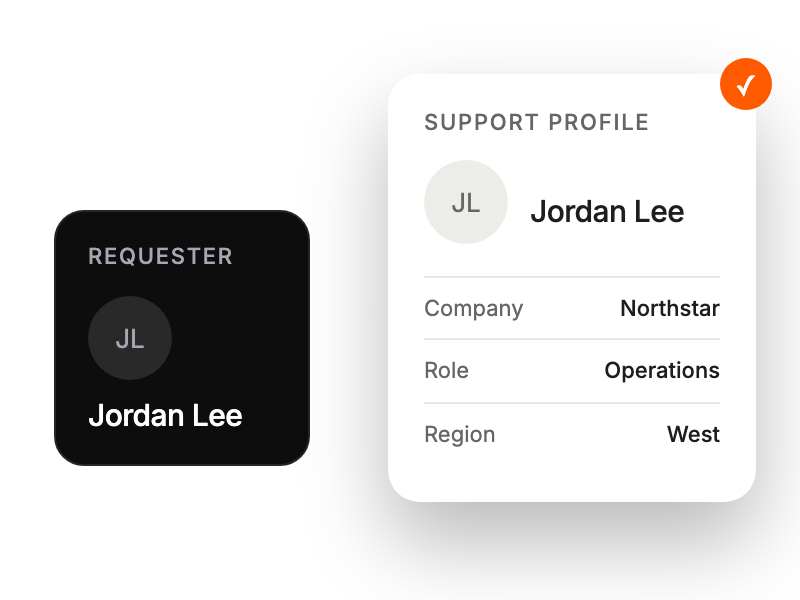
Enter the API Secret and save to make user information available in ticket views.
analyzing customer interaction patterns
viewing user analytics
accessing contextual user data
tracking customer engagement metrics


