HappyFox Help Desk integration

Streamline remote support with Splashtop

Help DeskSplashtop logo

How the Splashtop Integration Works

  1. Check account requirements

    Use a Splashtop Enterprise account with Open API access.

  2. Install and link Splashtop

    Open Apps, choose Remote Support, and select the account-link action.

  3. Authorize HappyFox

    Approve the requested connection in Splashtop and return to HappyFox.

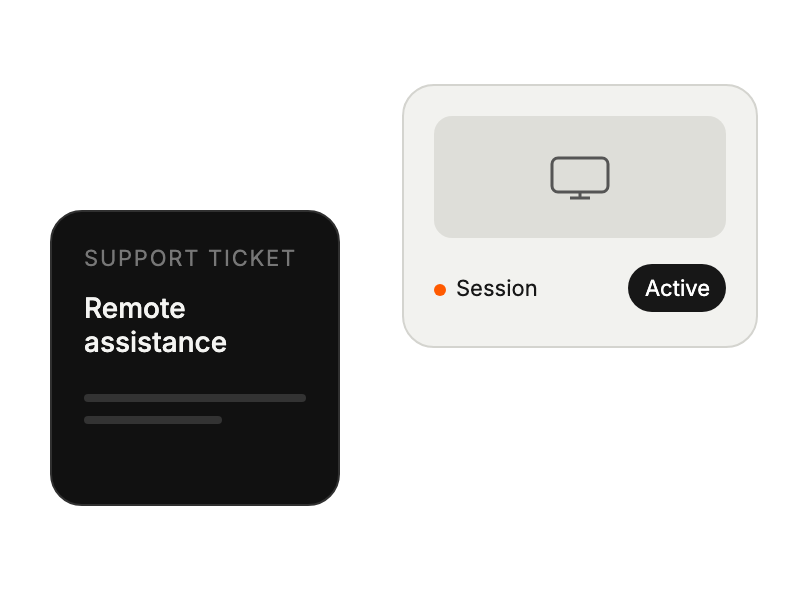
Support ticket paired with an active remote assistance session.

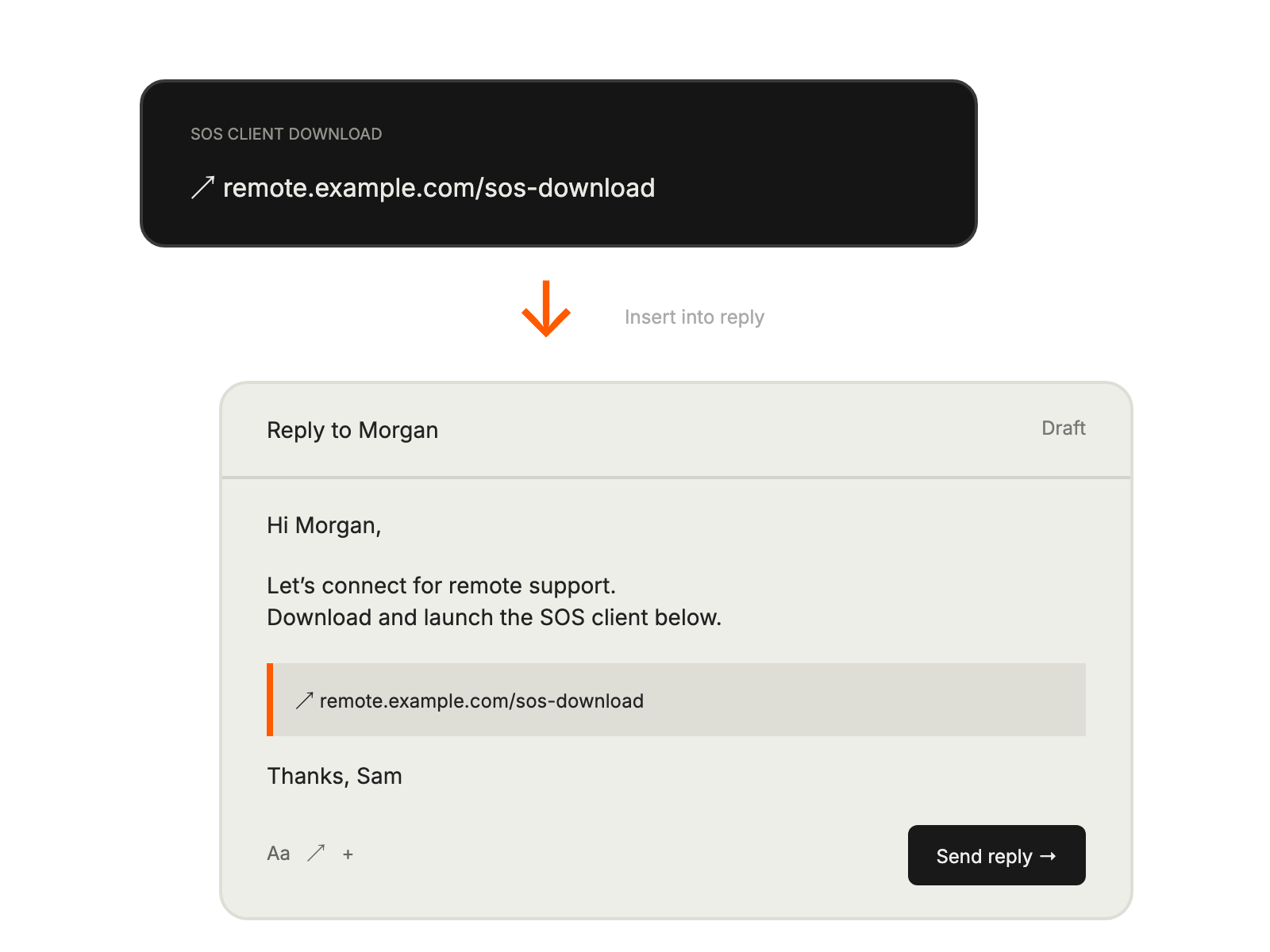
Support reply contains an SOS client download link so the contact can launch the remote-support client.

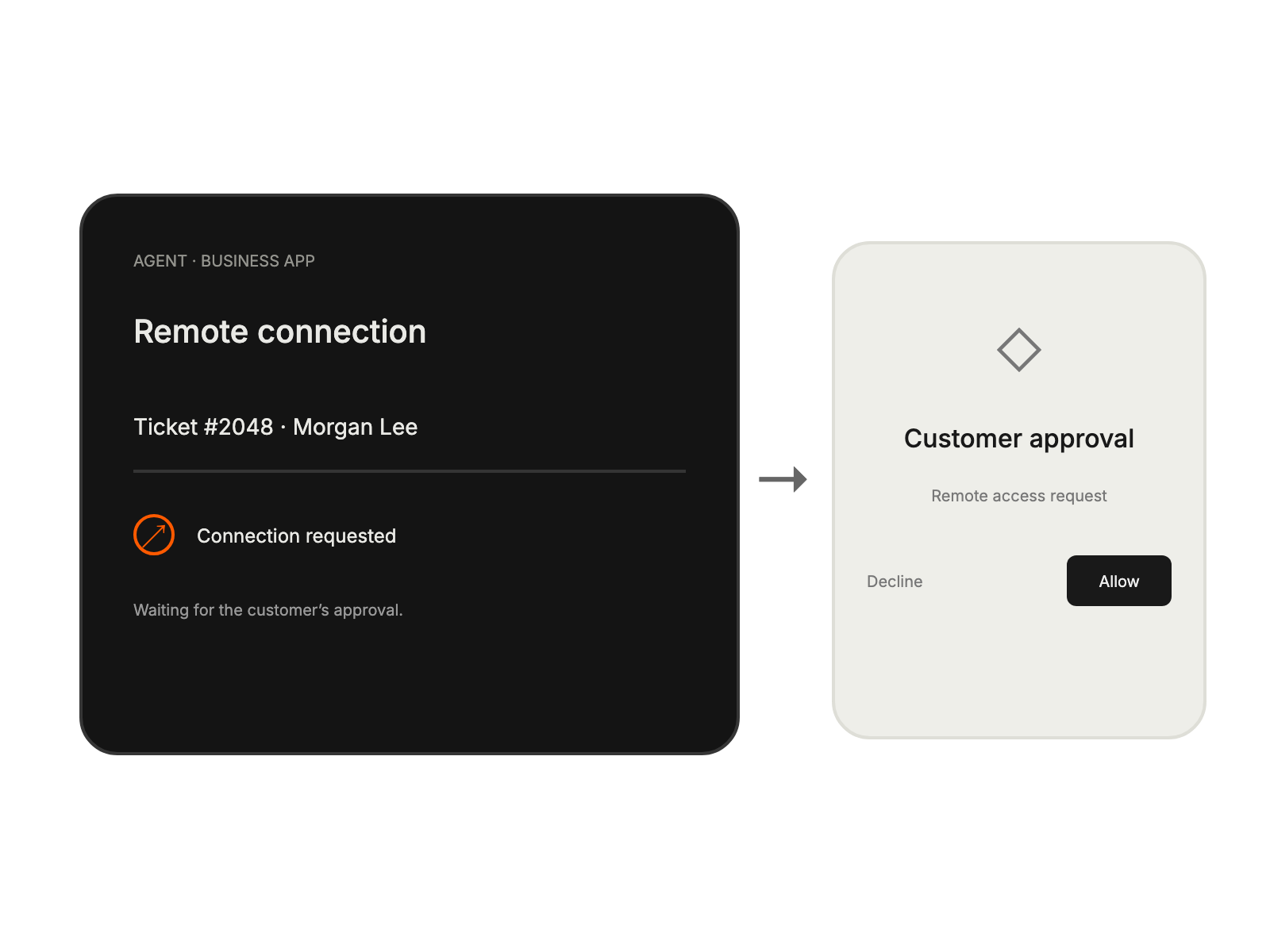
Agent opens the remote-support Business app and waits for the customer to allow the connection.

Built for Teams Using Splashtop

IT Support Teams

resolving technical issues through direct device access

Help Desk Managers

improving team efficiency and comprehensive support documentation

System Administrators

handling remote management of multiple systems

Remote Workforce Support

offering effective technical assistance regardless of location

See More Integrations