Customer Support Teams
Accessing customer histories during ticket resolution.
 Help Desk
HappyFox Help Desk integration
Highrise CRM Customer profiles on your help desk

Use Settings, My Info, and Integrations in your existing Highrise account to obtain the API key.
Enter the CRM URL and API key in the HappyFox CRM app.
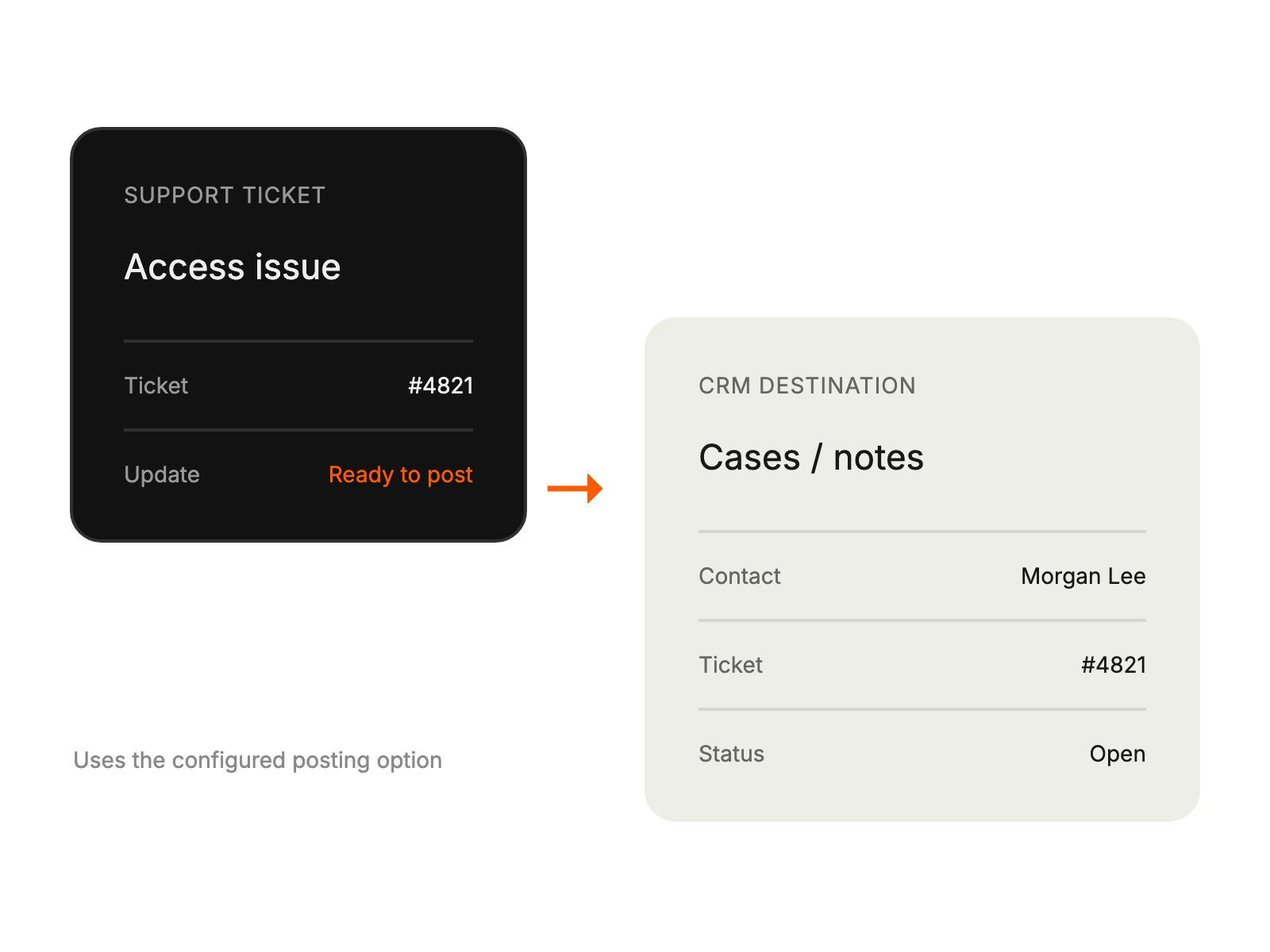
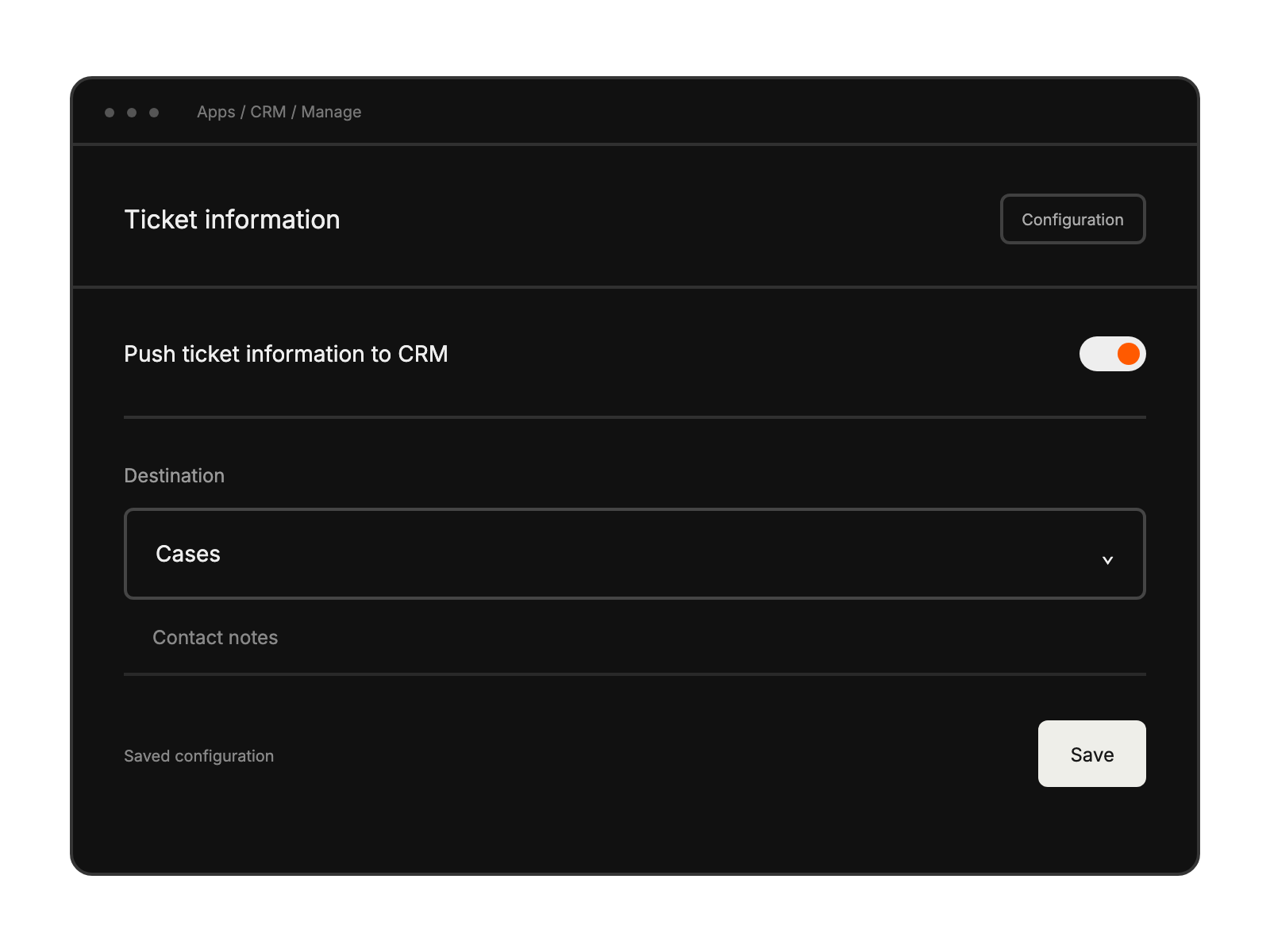
Configure the optional ticket-information destination, save, and enable the integration.
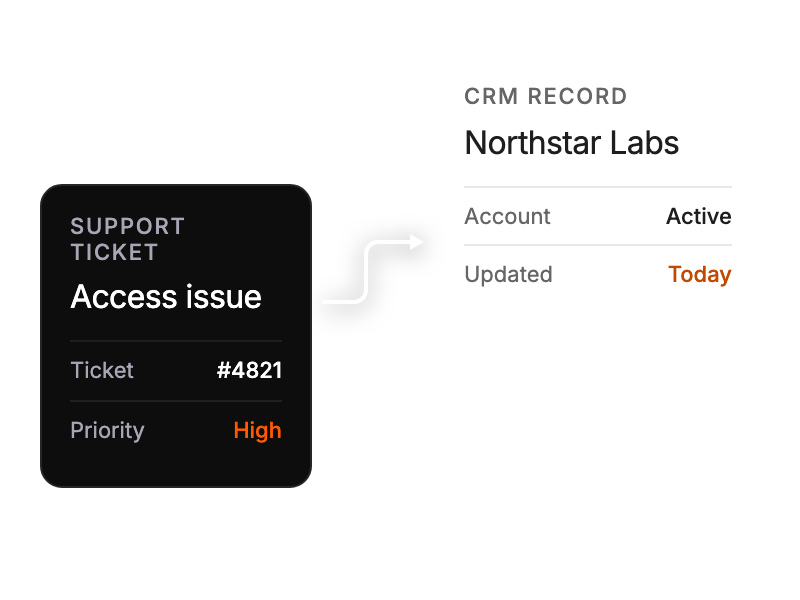
Accessing customer histories during ticket resolution.
Tracking support interactions within CRM.
Monitoring customer engagement across platforms.
Maintaining consistent customer communication standards.


