IT Support Teams
Accessing complete asset histories during troubleshooting.
 Help Desk
HappyFox Help Desk integration
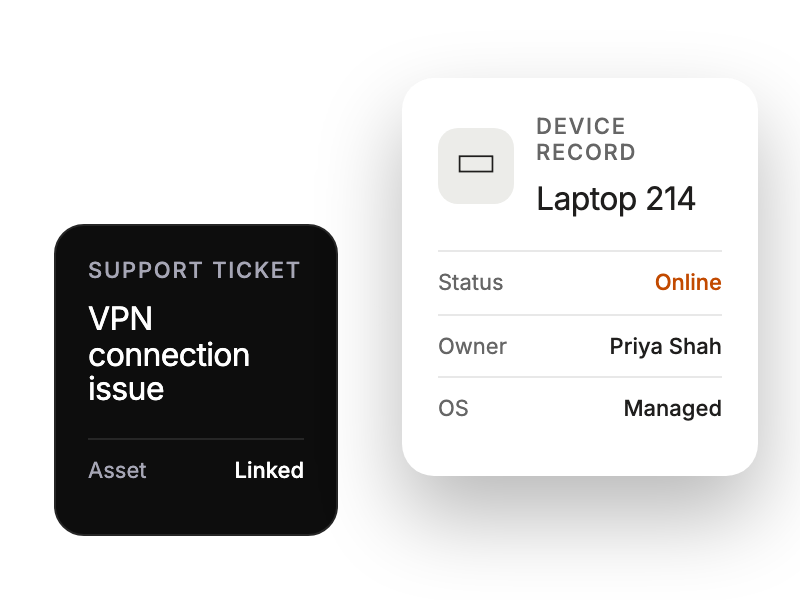
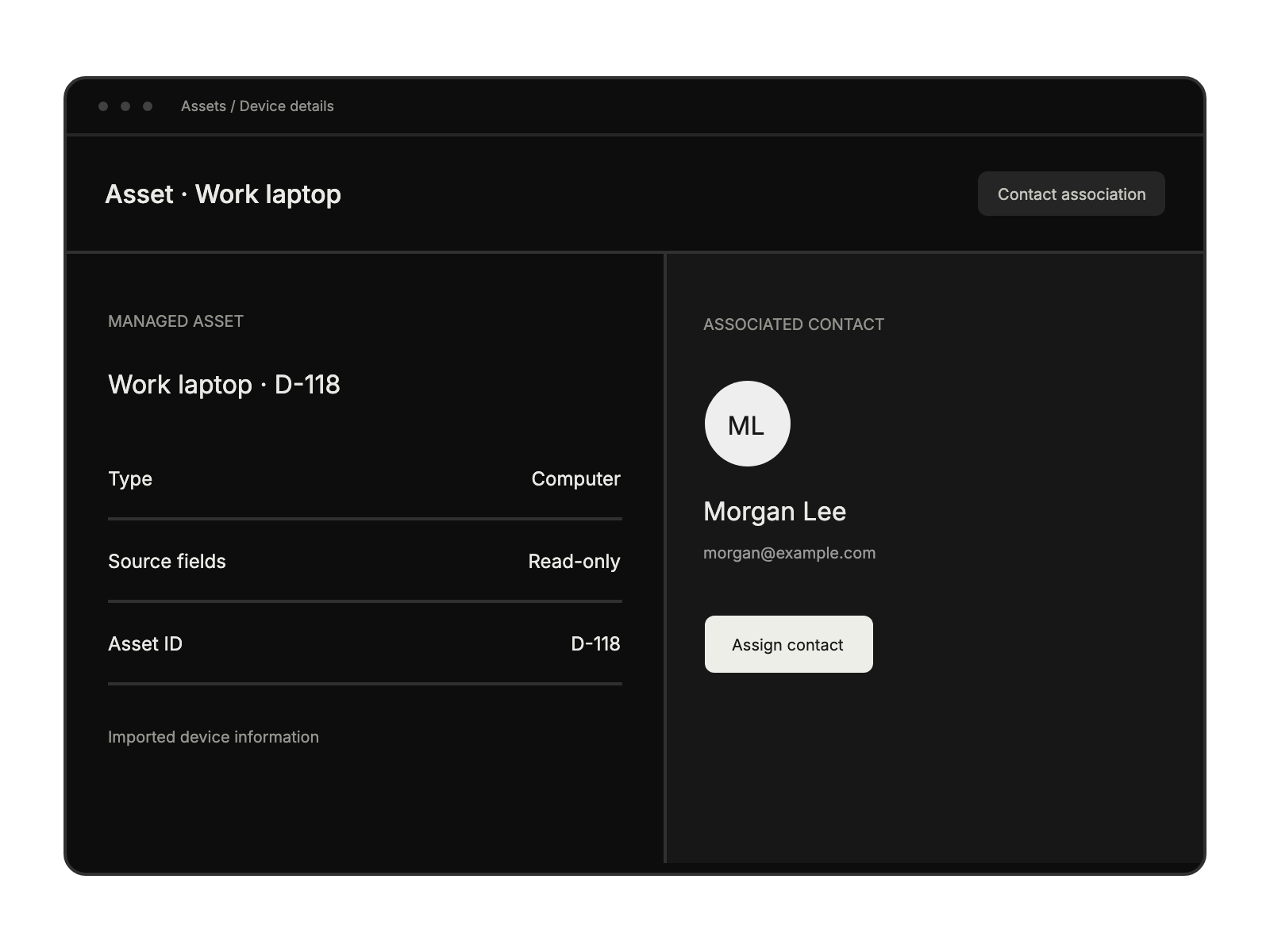
Link synced Asset Panda devices to support tickets.

Open Apps, select All Apps, find Asset Panda, and choose Install.
Enter the Asset Panda email and password, then save.
Choose one asset group and select the asset-name and unique-ID fields.
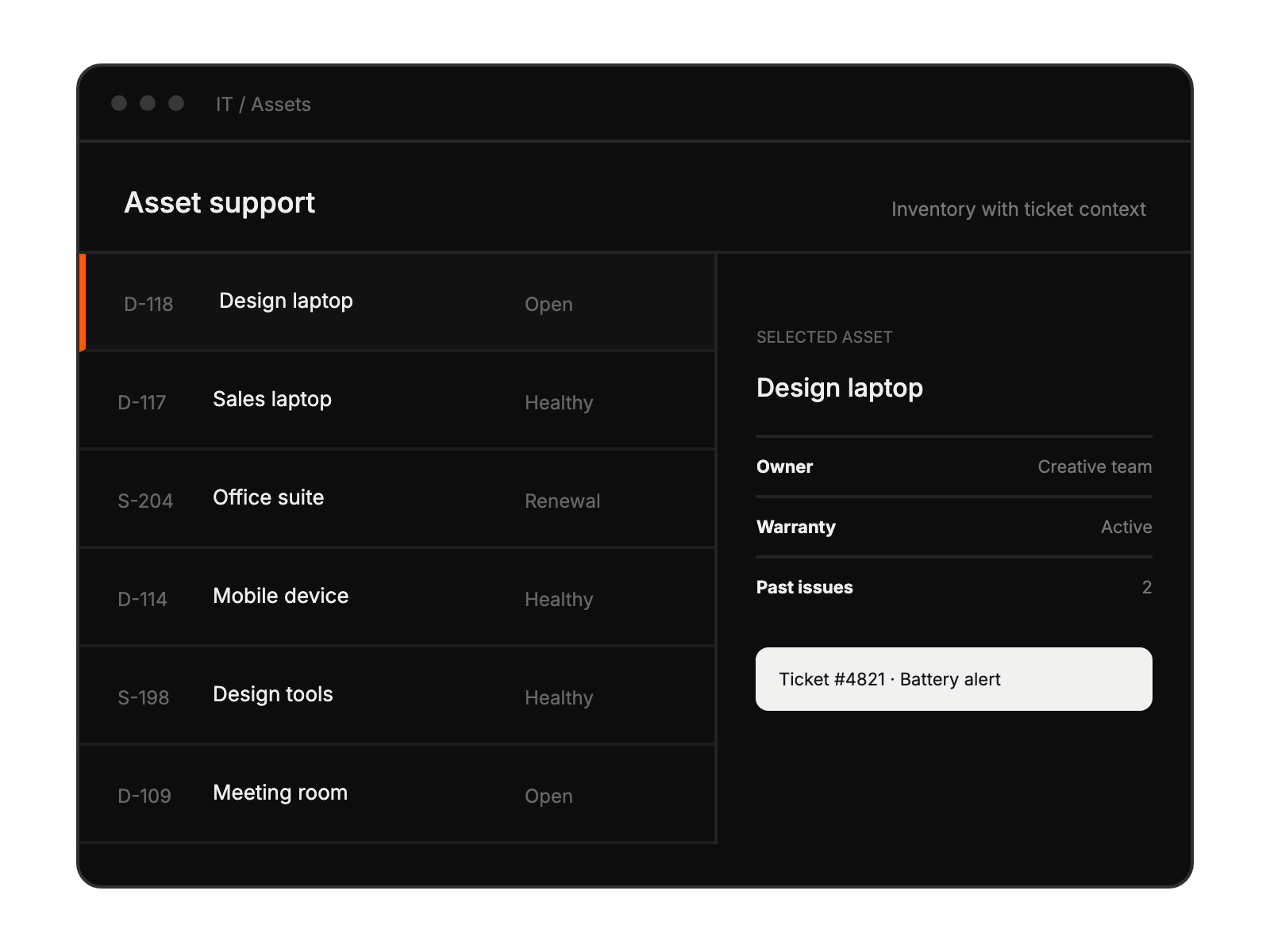
Accessing complete asset histories during troubleshooting.
Streamlining ticket workflows with asset context.
Maintaining single source of truth for equipment.
Reducing manual data entry and duplications.


