IT Support Teams
Resolving technical issues by accessing user systems from tickets.
 Help Desk
HappyFox Help Desk integration
Launch BeyondTrust support sessions from HappyFox tickets.

Enable the XML API and create an API account with the permissions documented in the guide.
In HappyFox Apps, open Remote Support and select Install.
Enter the remote-support base URL, client ID, and client secret, then save.
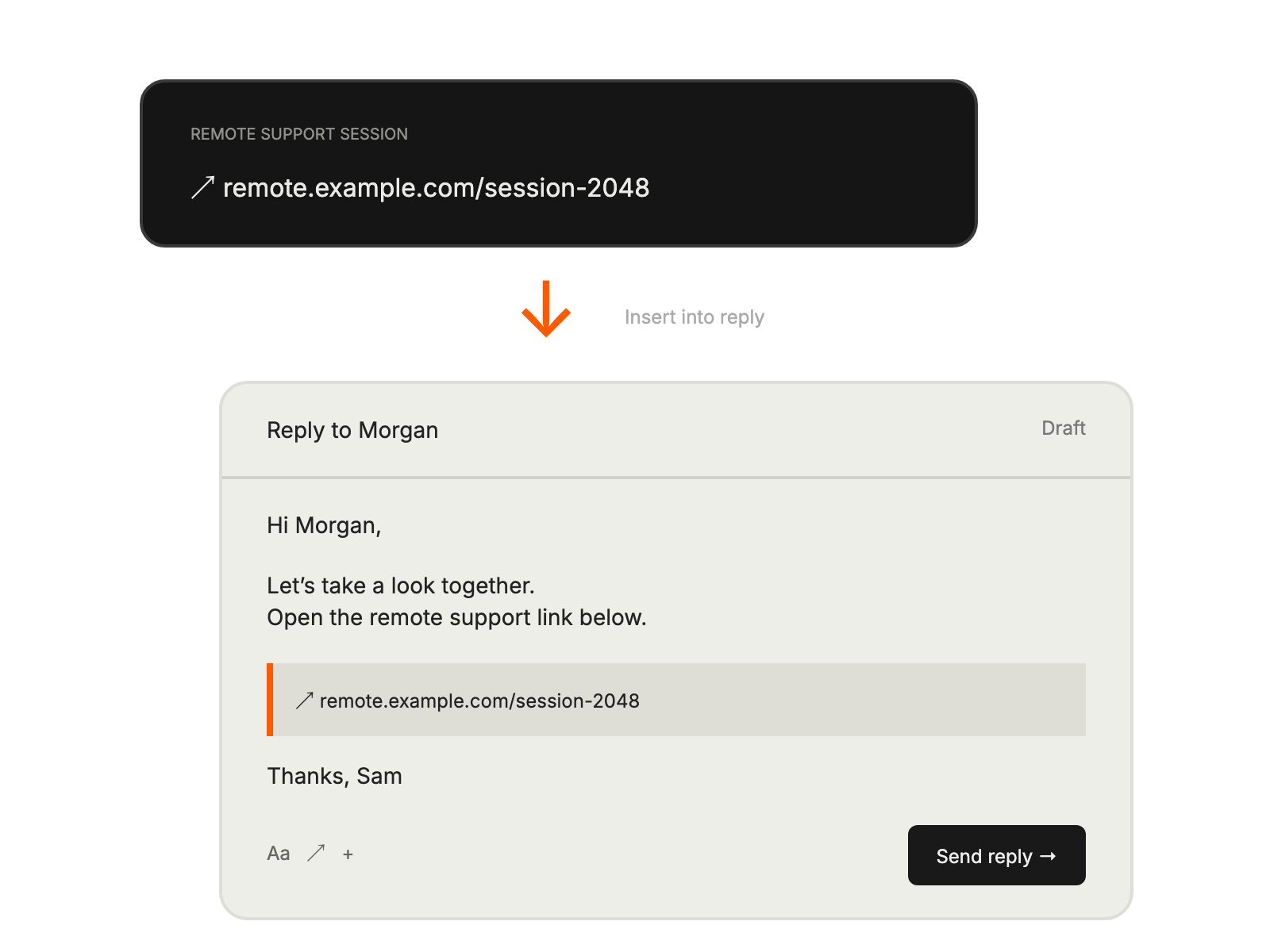
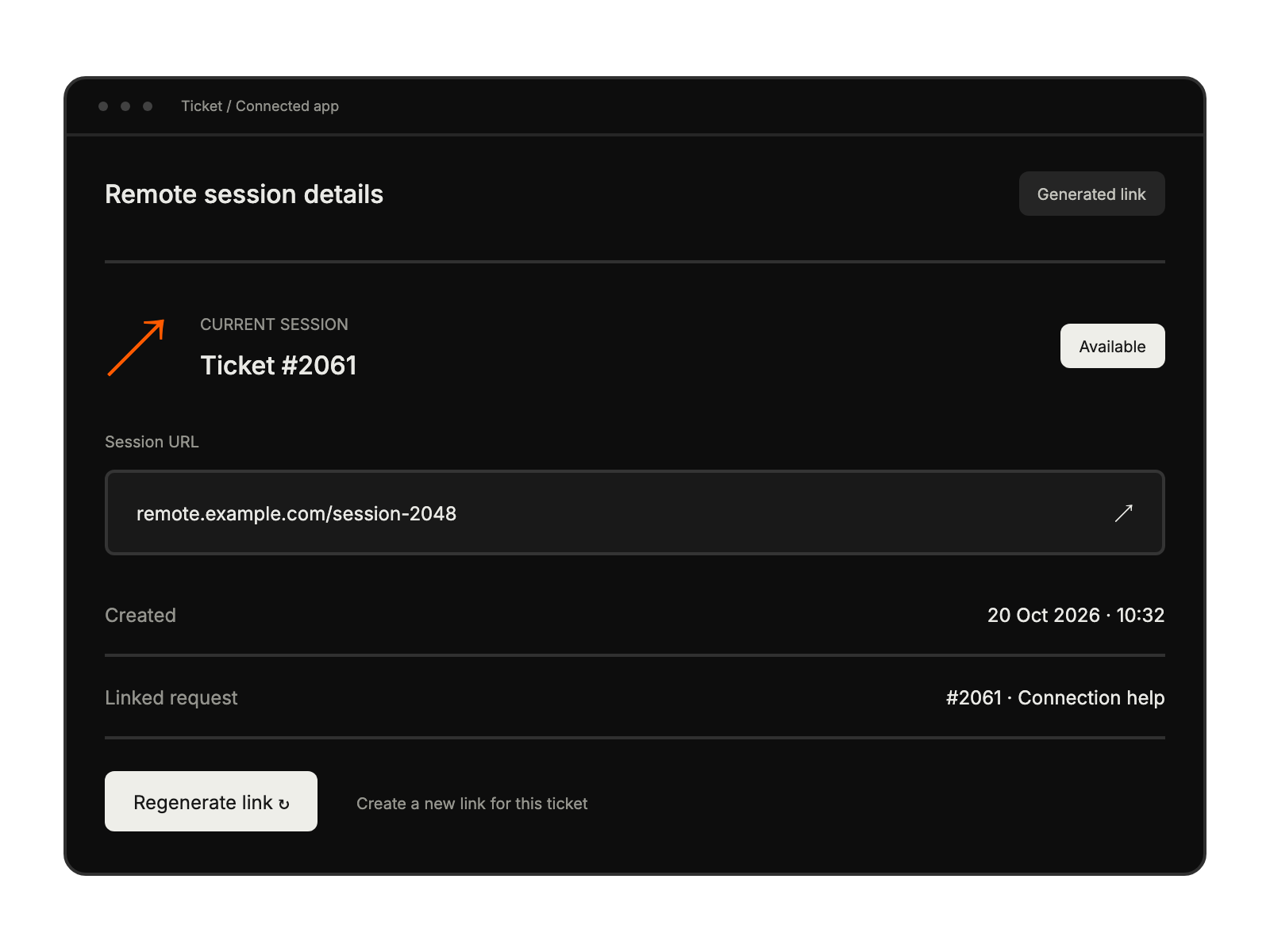
Resolving technical issues by accessing user systems from tickets.
Providing more effective remote assistance .
Delivering premium support with remote sessions.
Maintaining comprehensive support records with all interactions in one platform.