IT Support Teams
Gain immediate access to accurate employee data for faster ticket resolution.
 Help Desk
HappyFox Help Desk integration
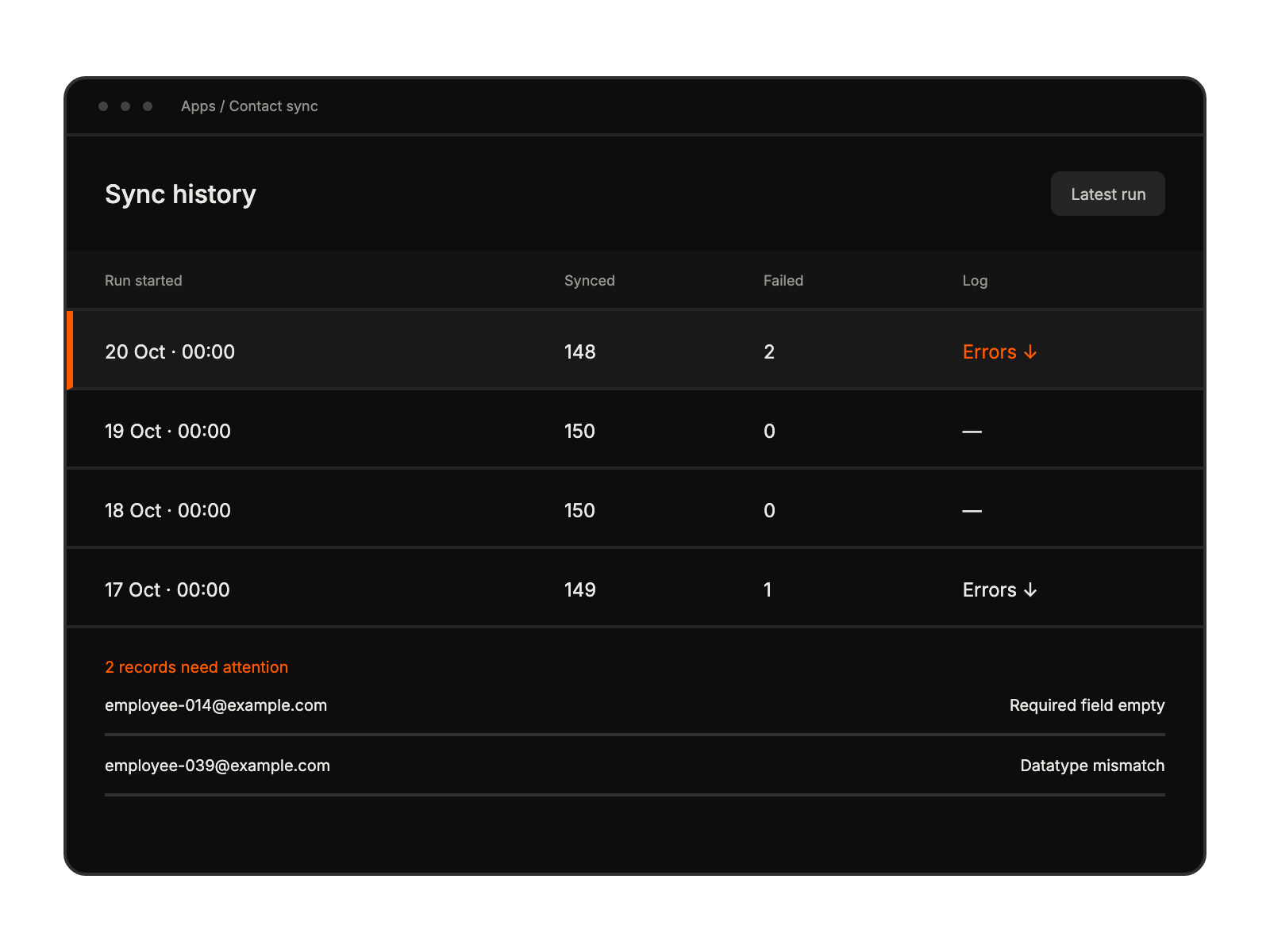
Sync contacts through Darwinbox’s beta integration.

Open Apps, select Contact Management, choose Darwinbox, and click Install.
Enter the server URL, username, password, API key, and dataset key.
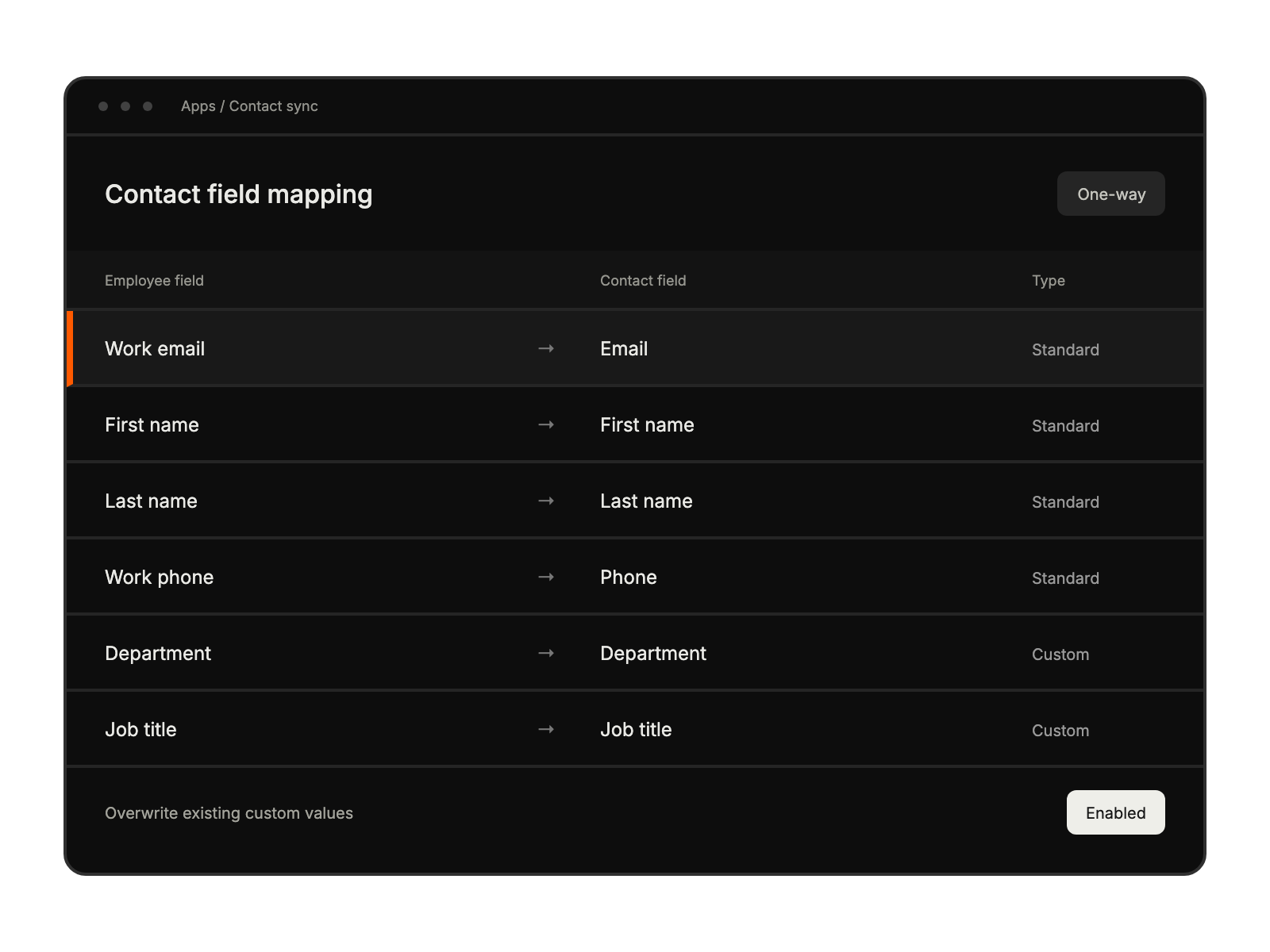
Match contact fields, choose overwrite and account-email settings, then save.
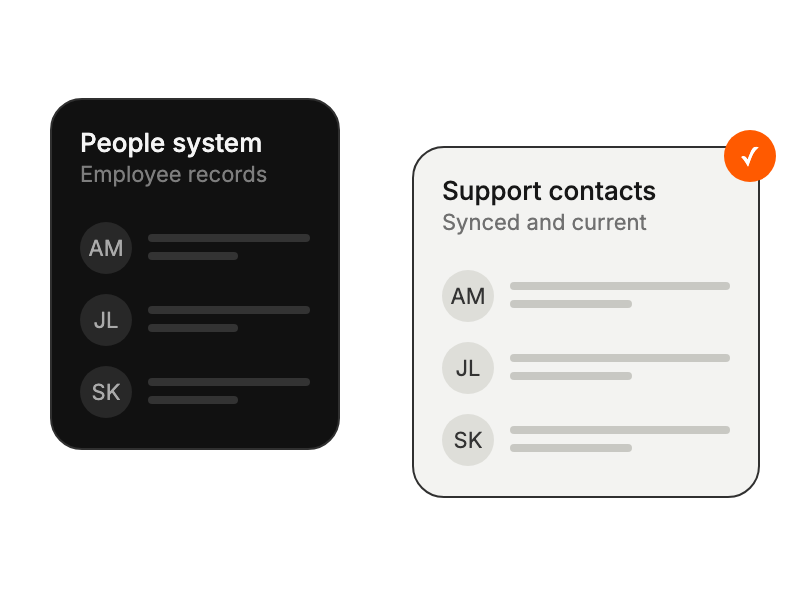
Gain immediate access to accurate employee data for faster ticket resolution.
Eliminating duplicate data entry between HR and support systems.
Ensuring consistent employee information across all support channels.
Maintaining reliable employee records for accurate reporting.


