Help Desk Administrators
Optimizing user provisioning and bolster security measures.
 Help Desk
HappyFox Help Desk integration
Log in to HappyFox using Google Apps credentials.

Open Apps, choose Single Sign-on, and install Google Apps.
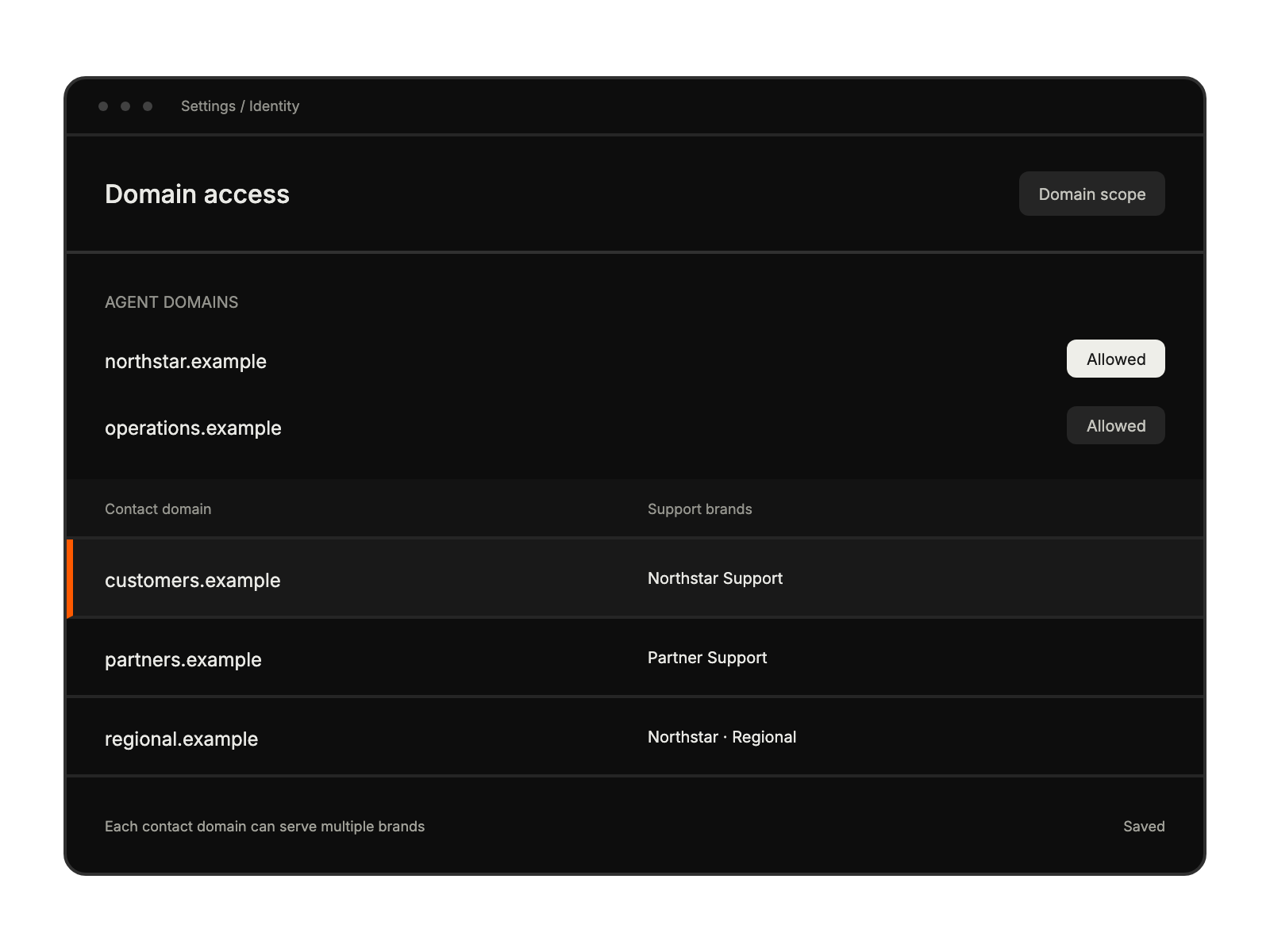
Enter the allowed domains and associate contact domains with the required brands.
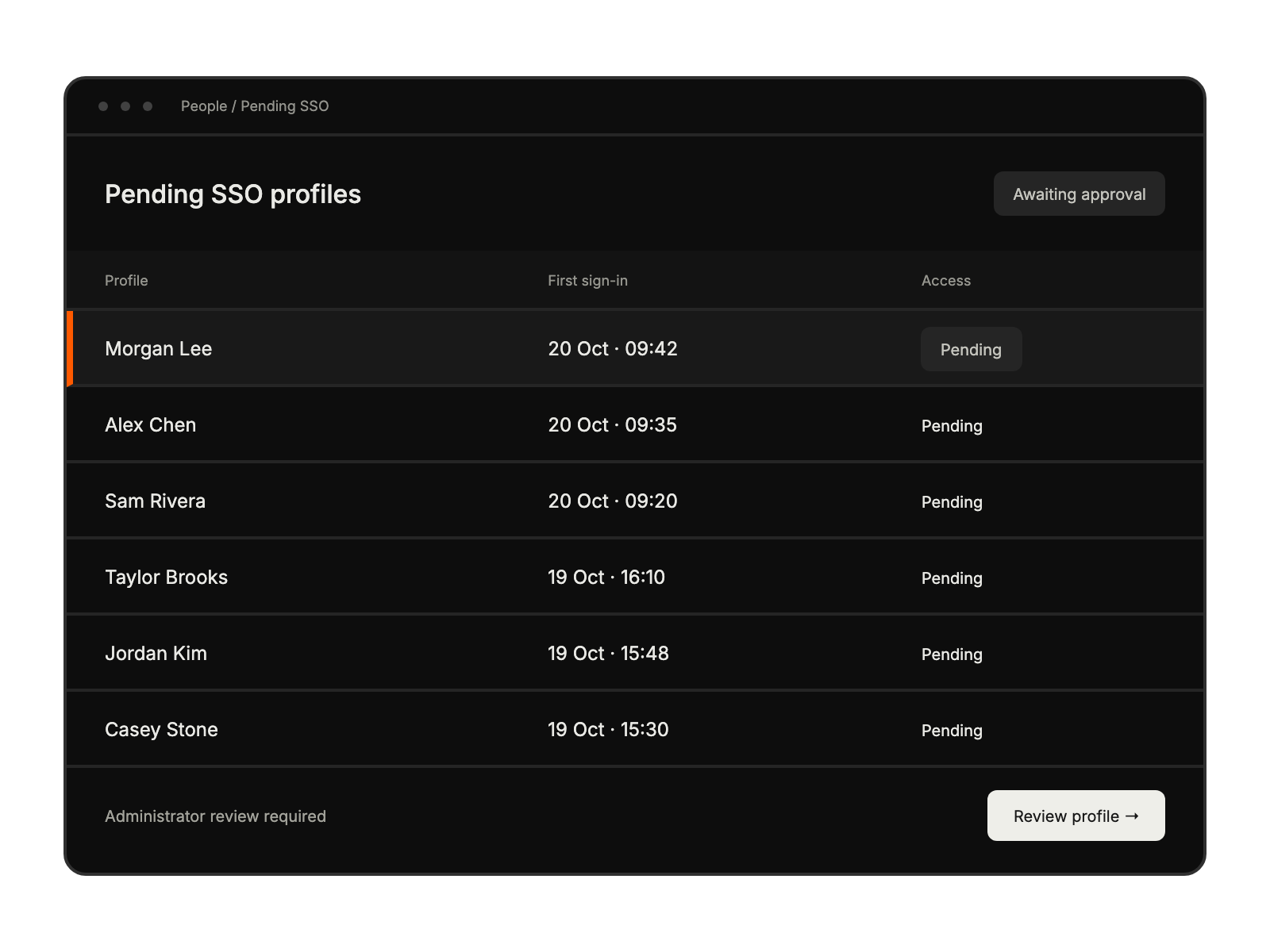
Save the configuration and review the first-login approval flow for new agents.
Optimizing user provisioning and bolster security measures.
Minimizing credential reset requests and login complications.
Eliminating obstacles to customer support access.
Utilizing help desk platforms without additional credential management.


