IT Administrators
Maintaining centralized directory control across systems.
 Help Desk
HappyFox Help Desk integration
Sync Google Workspace users into HappyFox contacts.

Install the app and link a Workspace administrator account with the required permissions.
Select the domain and all or specific organizational units to include.
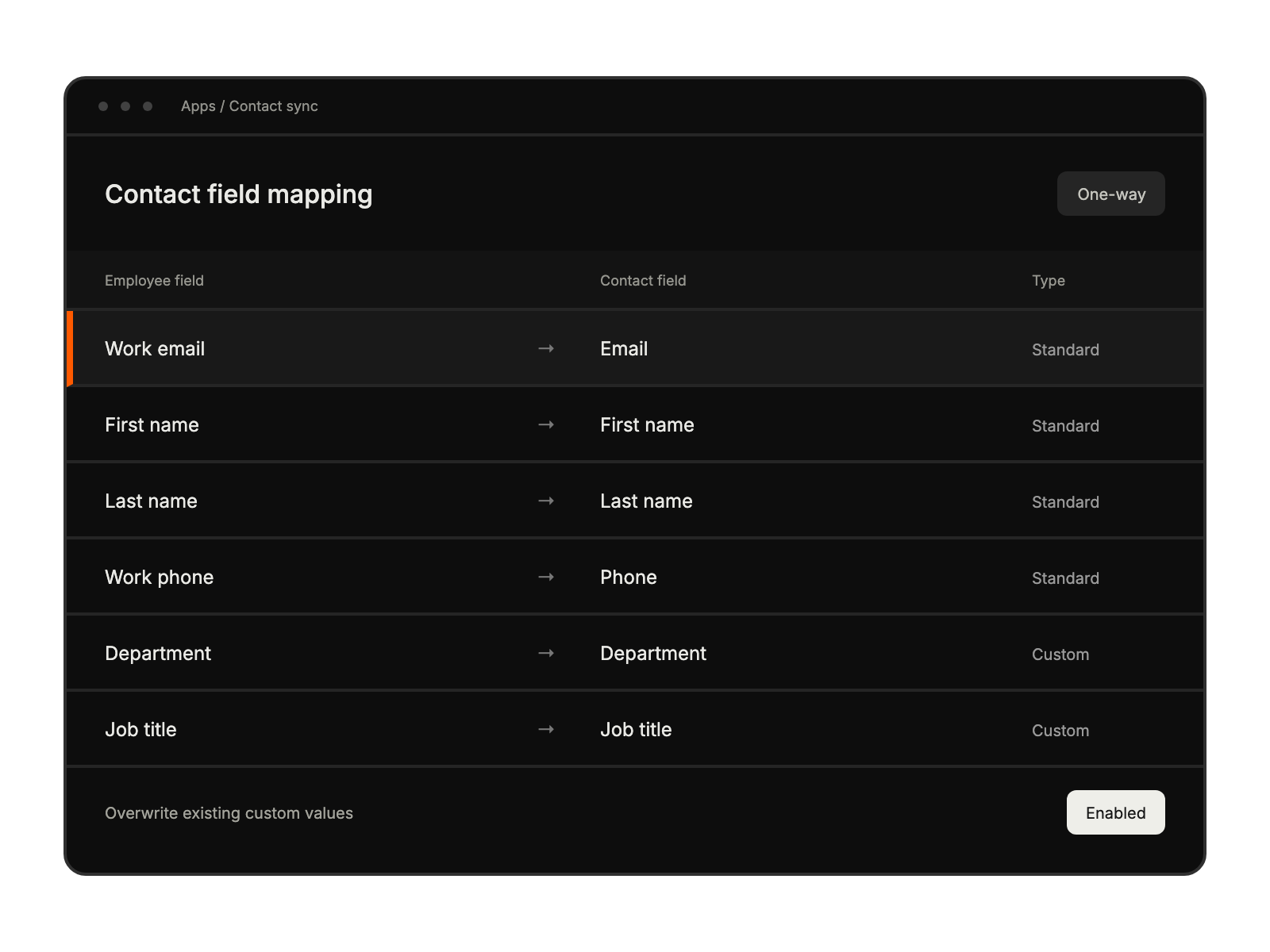
Match contact fields, choose account-email settings, and save to begin synchronization.
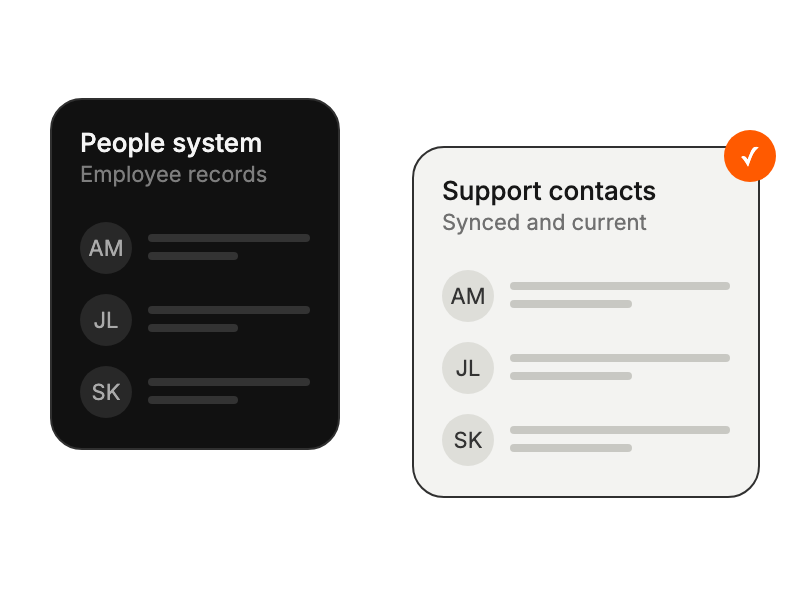
Maintaining centralized directory control across systems.
Accessing current employee contact information instantly.
Ensuring consistent employee data across platforms.
Automating contact management without manual updates.
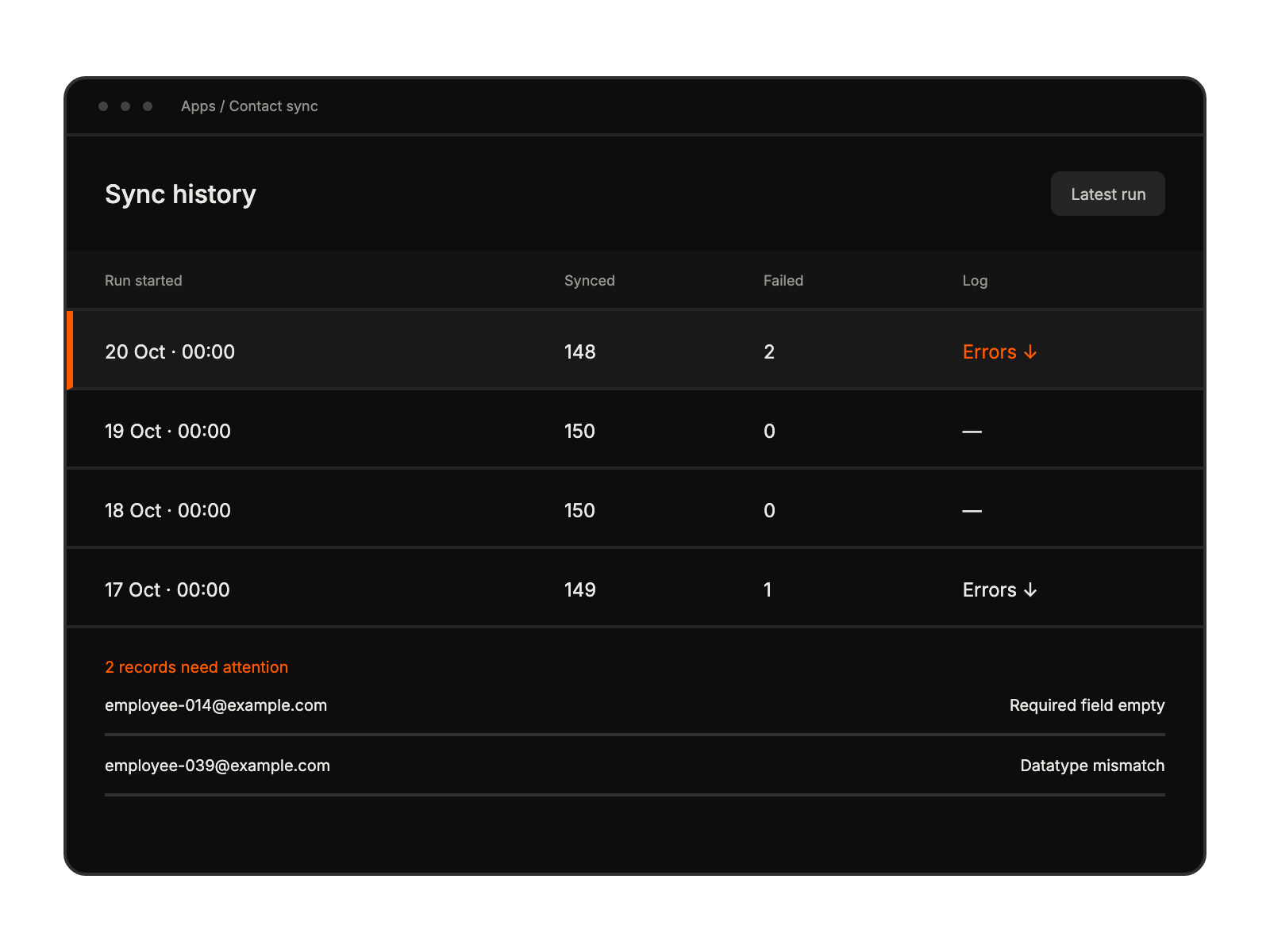
The automatic sync runs daily at 12:00 AM in the HappyFox account timezone.
Saving the integration configuration triggers another contact synchronization.
The sync history shows the timestamp and the number of successful and failed records.


