Customer Support Agents
Generating meeting links for complex issues.
 Help Desk
HappyFox Help Desk integration
Schedule GoTo meetings directly from support tickets.

Find GoTo in HappyFox Apps and select Install.
Use the super administrator account to start OAuth authorization.
Sign in to GoTo and approve the requested permissions.
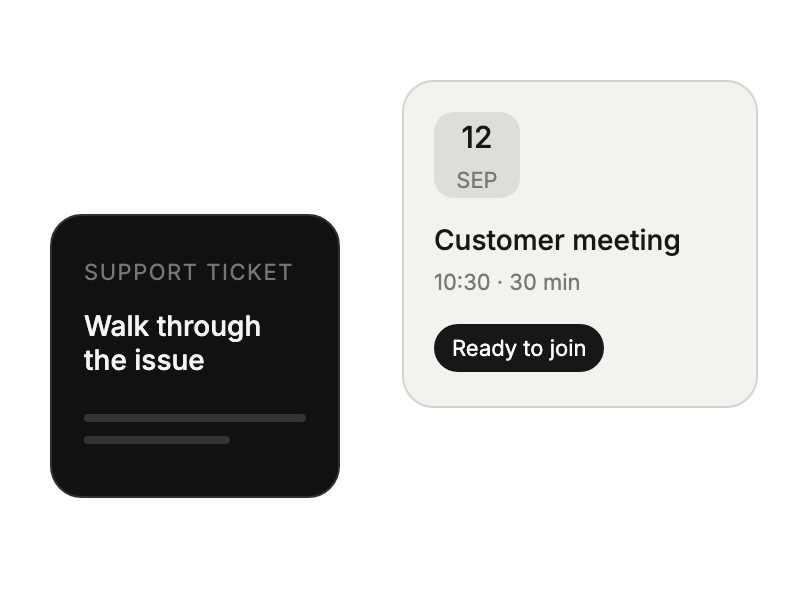
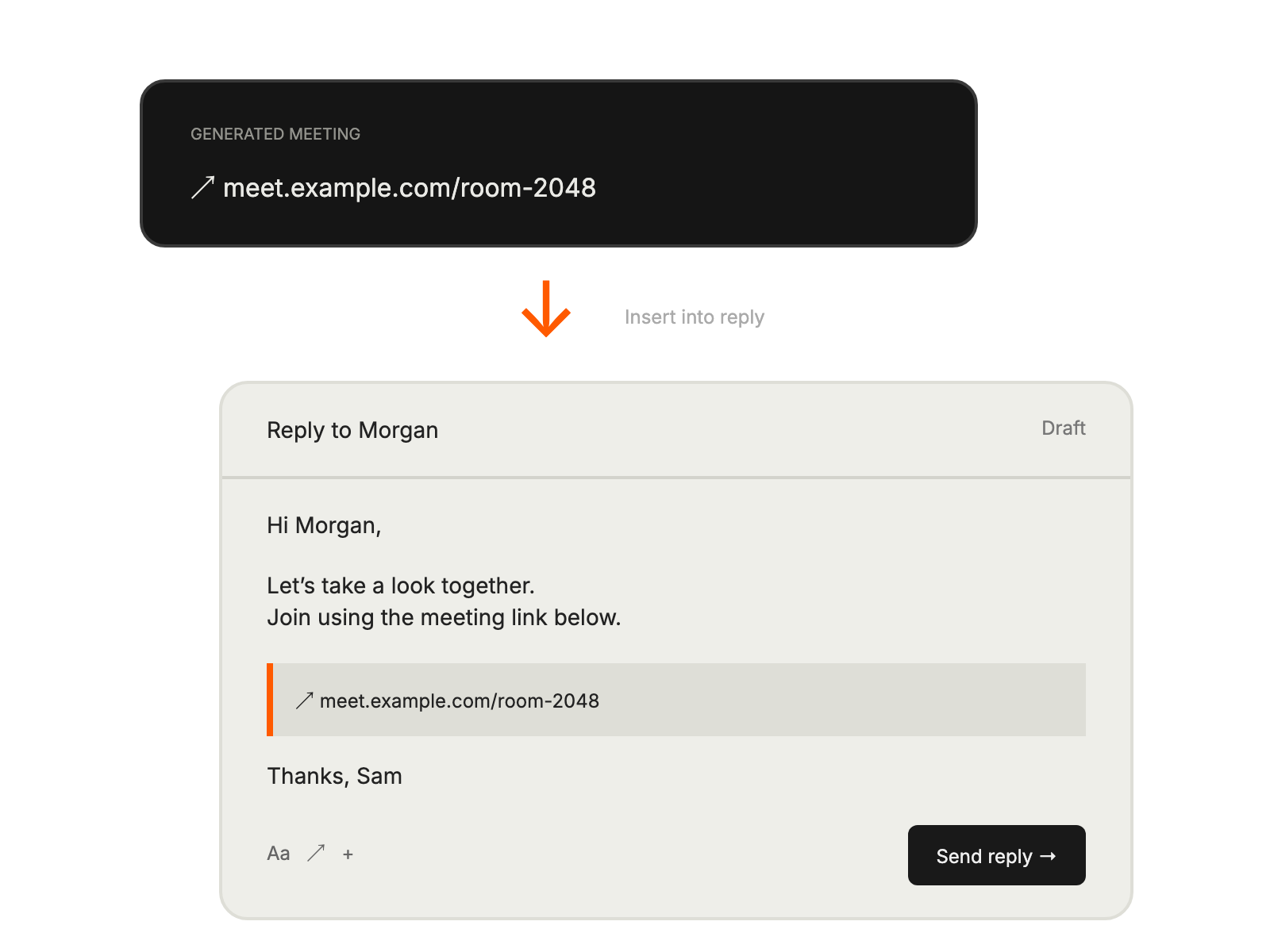
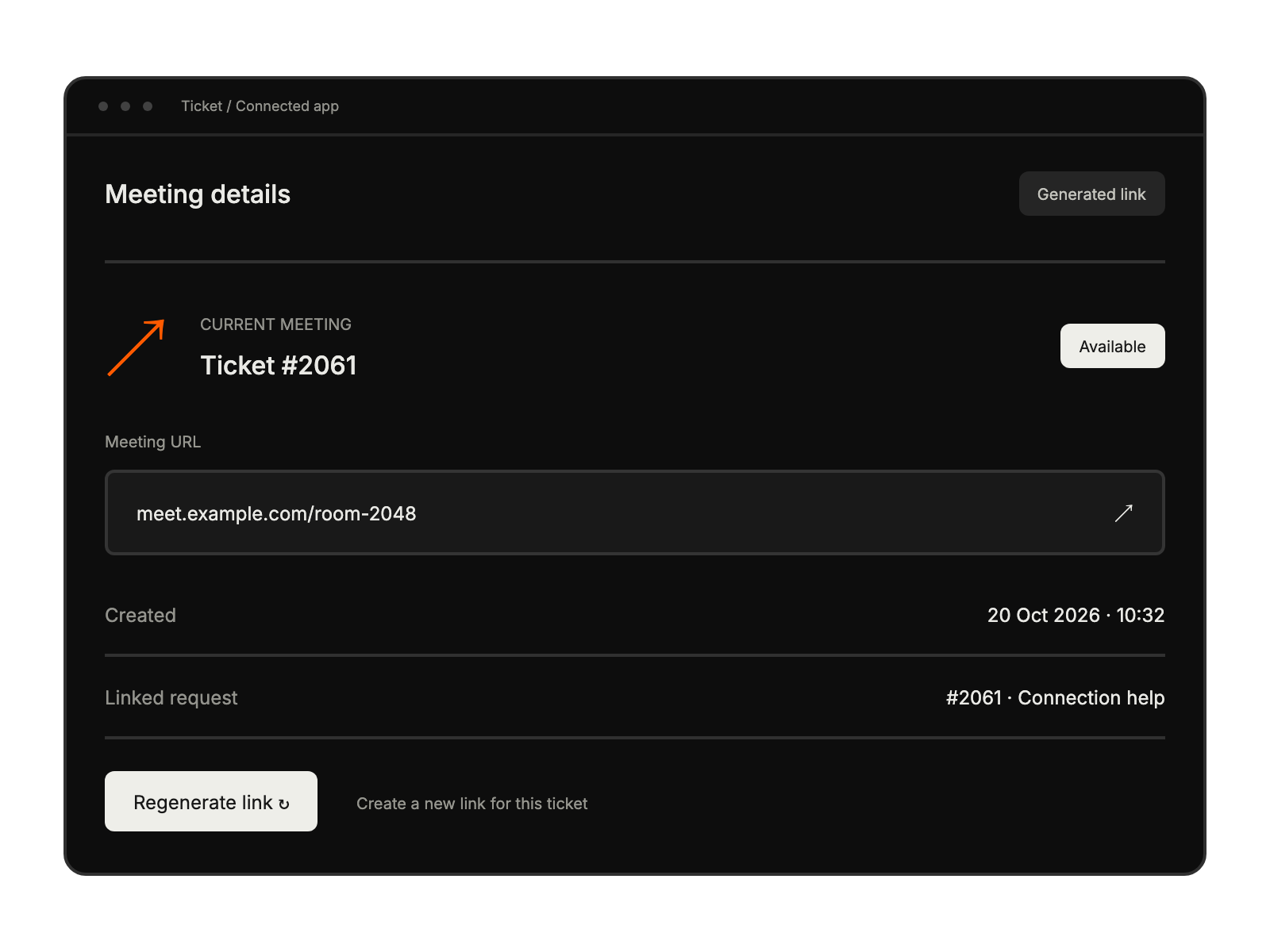
Generating meeting links for complex issues.
Creating screen-sharing sessions for troubleshooting.
Scheduling onboarding calls from tickets.
Conducting demos through meeting links.


