Support Team Leaders
Managing agent productivity metrics.
 Help Desk
HappyFox Help Desk integration
Seamless time tracking and management within Helpdesk

Select Harvest under Time Management in HappyFox Apps.
Enable the integration for the required categories and save.
Open a ticket, sign in to Harvest from the sidebar, and authorize the application.
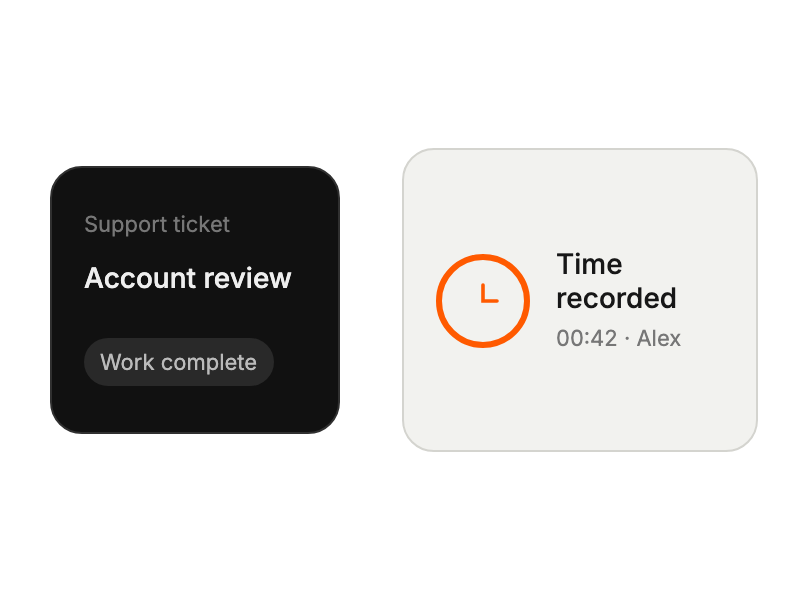
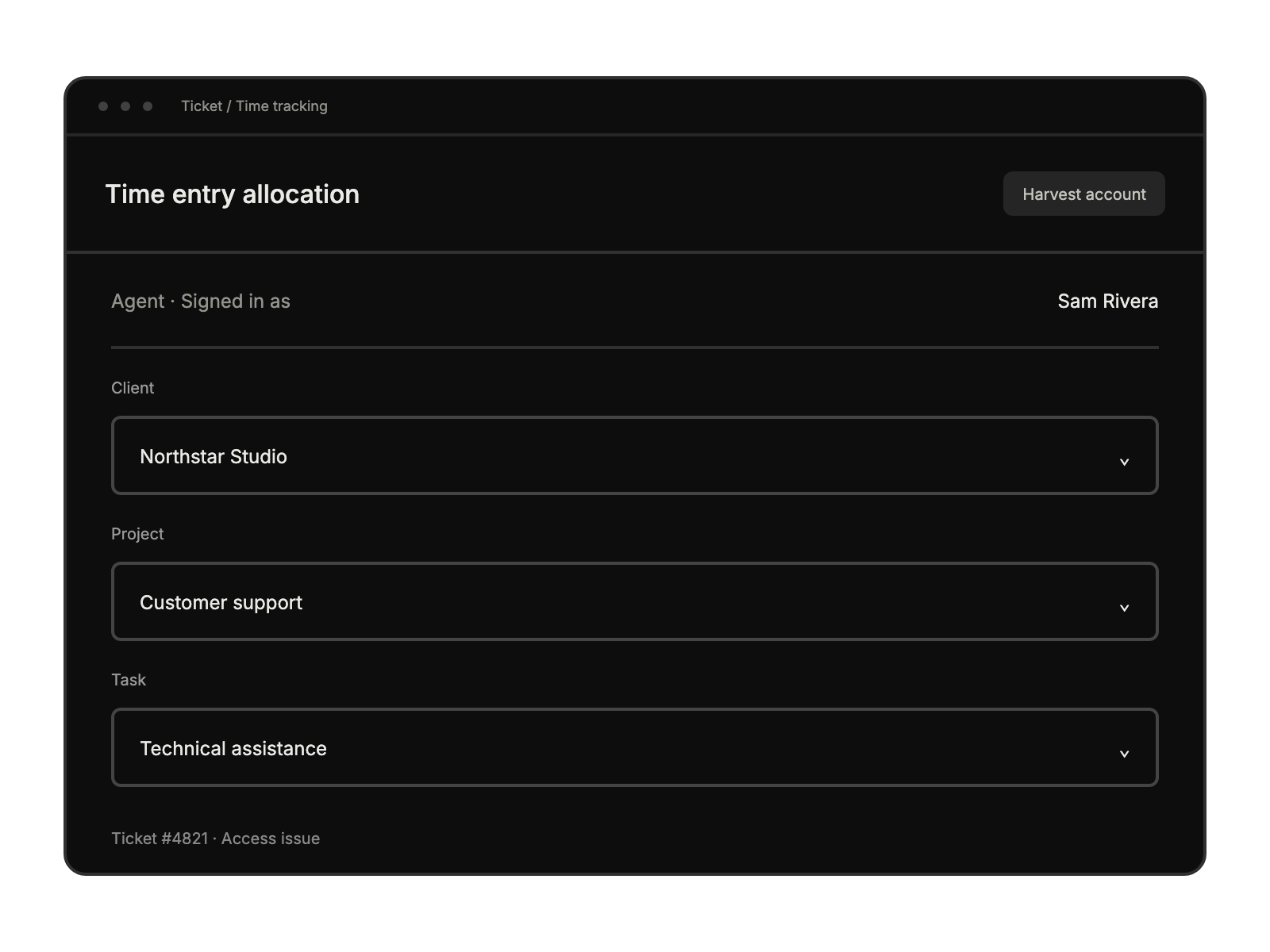
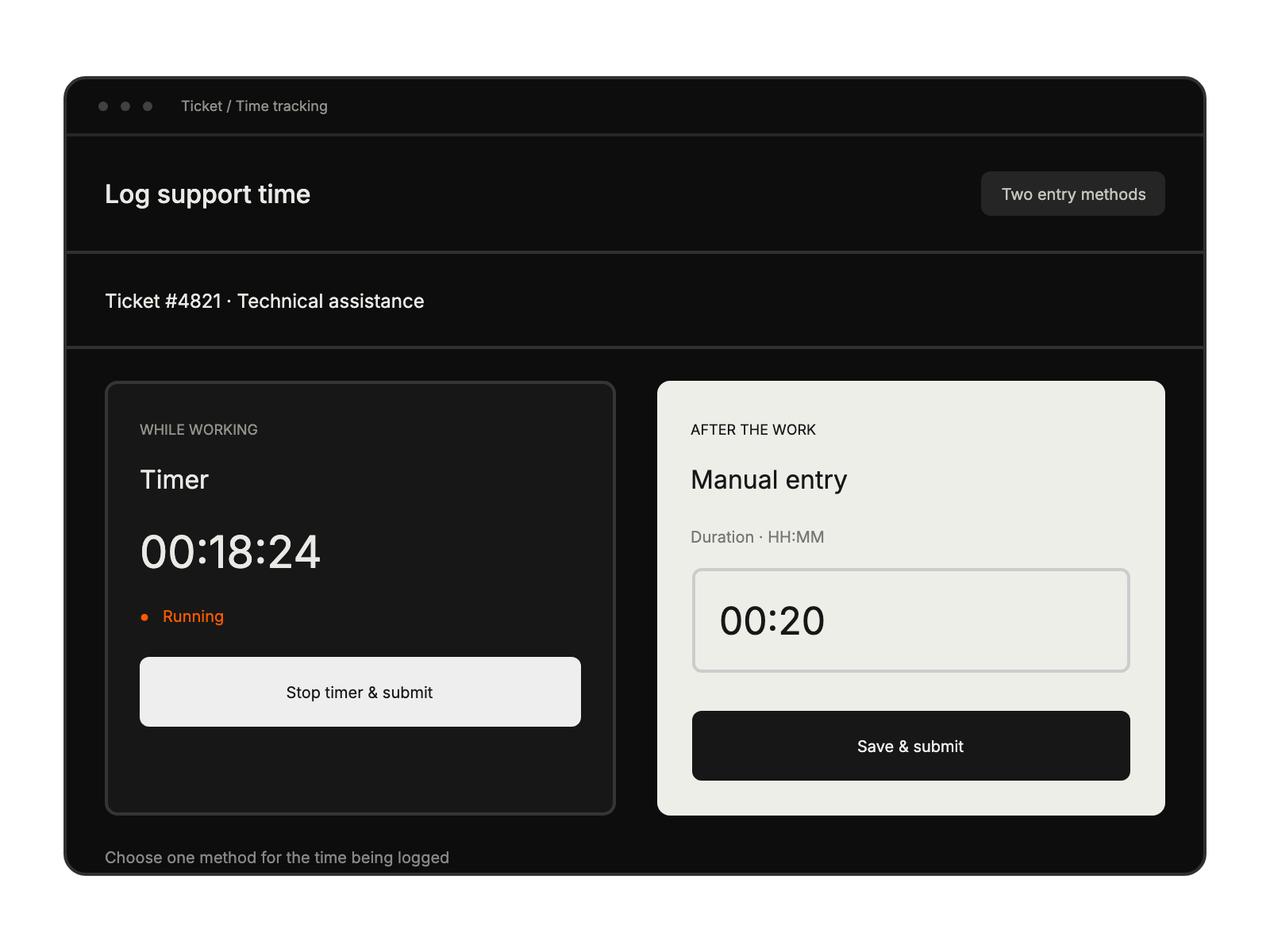
Managing agent productivity metrics.
Tracking time on technical issues
Monitoring onboarding time investment.
Streamlining daily time tracking.


