Support Managers
measure team performance with customer feedback
 Help Desk
HappyFox Help Desk integration
Customer feedback survey to enhance help desk support

Build or select a SurveyMonkey questionnaire and copy its share link.
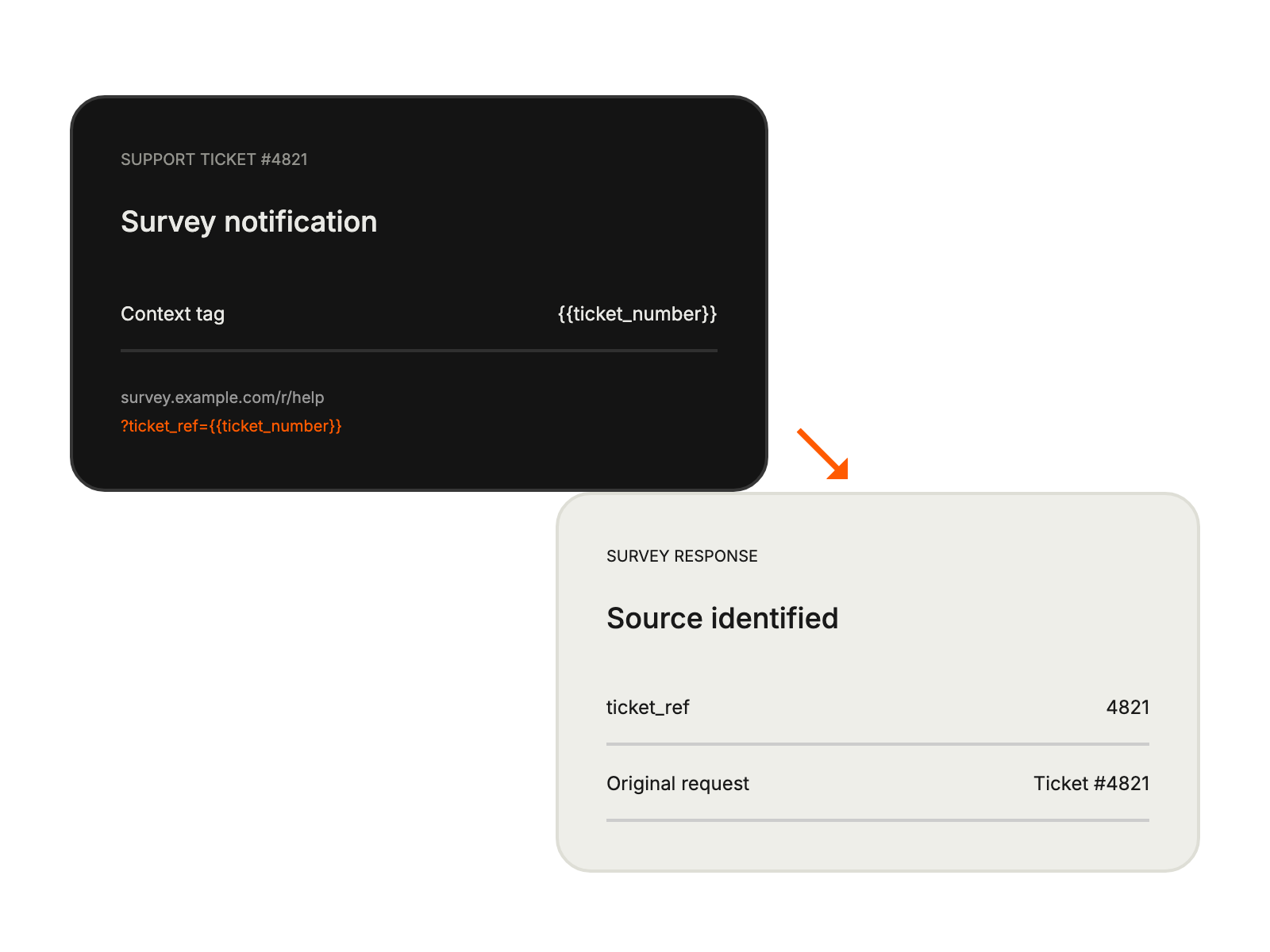
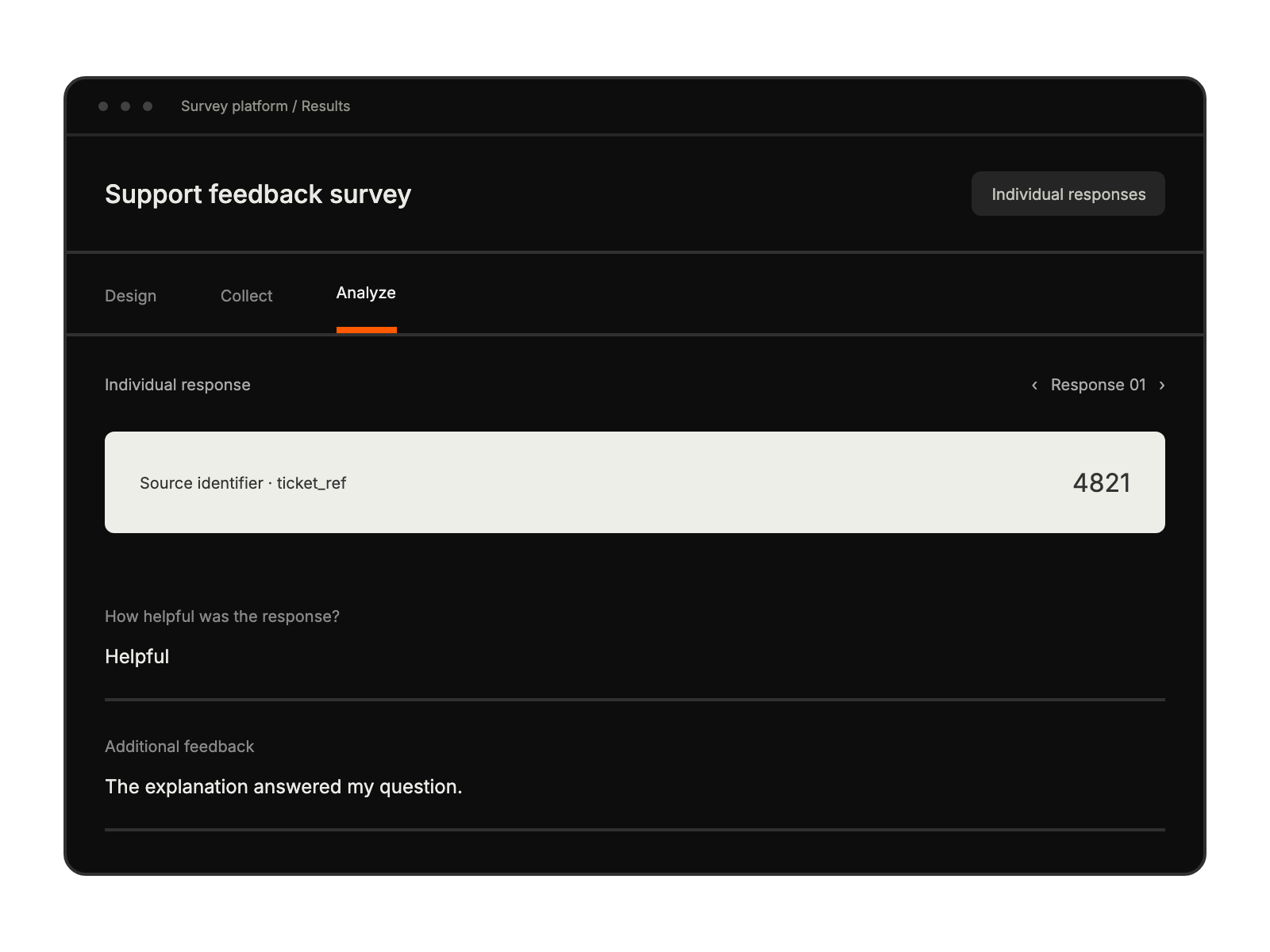
Append the documented notification tag or custom URL parameter; use ticket number for ticket tracking.
Place the survey URL in a HappyFox Smart Rule notification and save its conditions.
measure team performance with customer feedback
track satisfaction across customer touchpoints
gather insights for feature improvements
monitor service standards through feedback


