Customer Support Teams
Accessing vital customer context within tickets.
 Help Desk
HappyFox Help Desk integration
Connect Insightly CRM with your HappyFox help desk.

Find the key under Profile and User Settings in Insightly.
Enter the authentication token in the HappyFox CRM app and save.
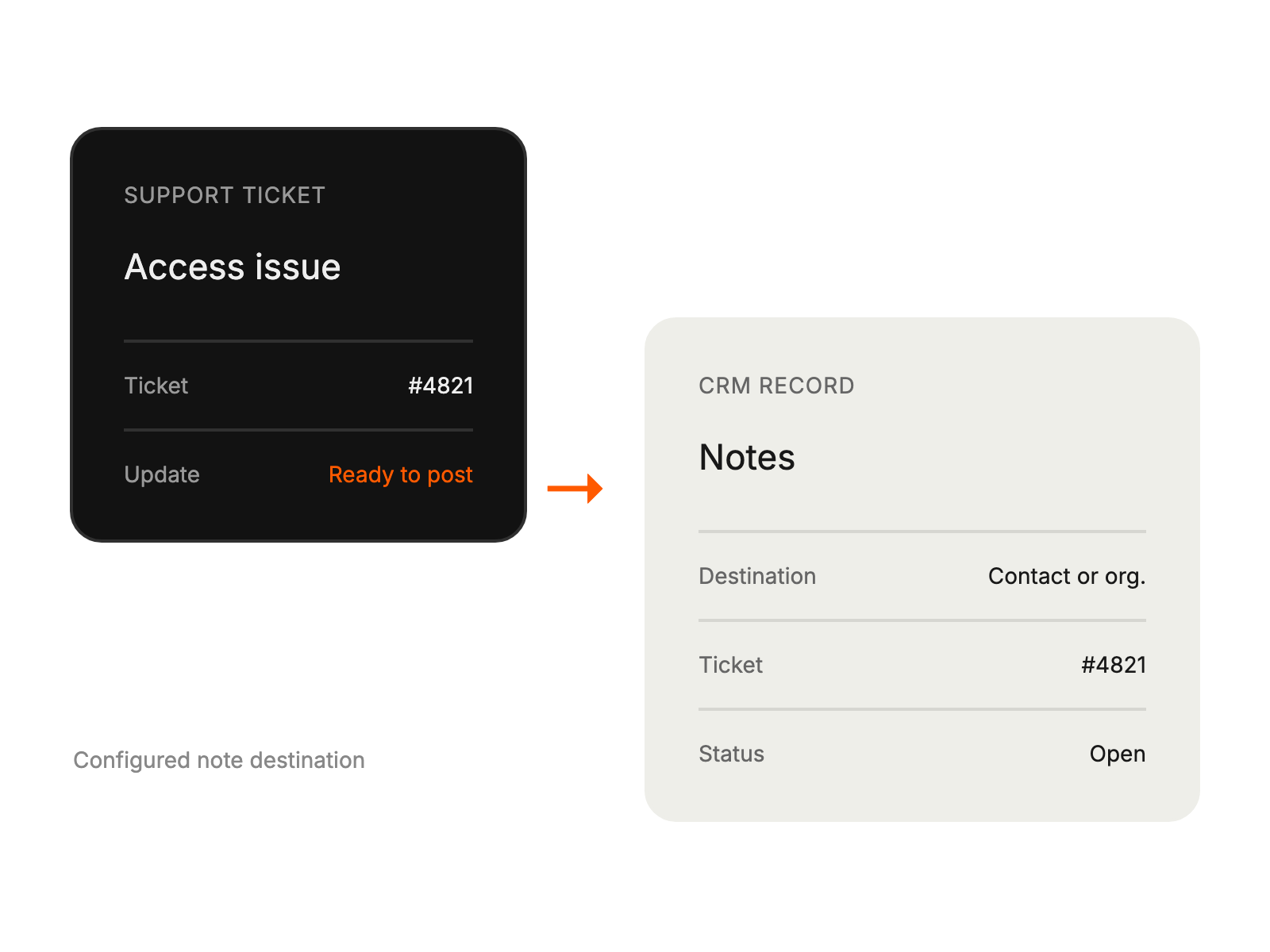
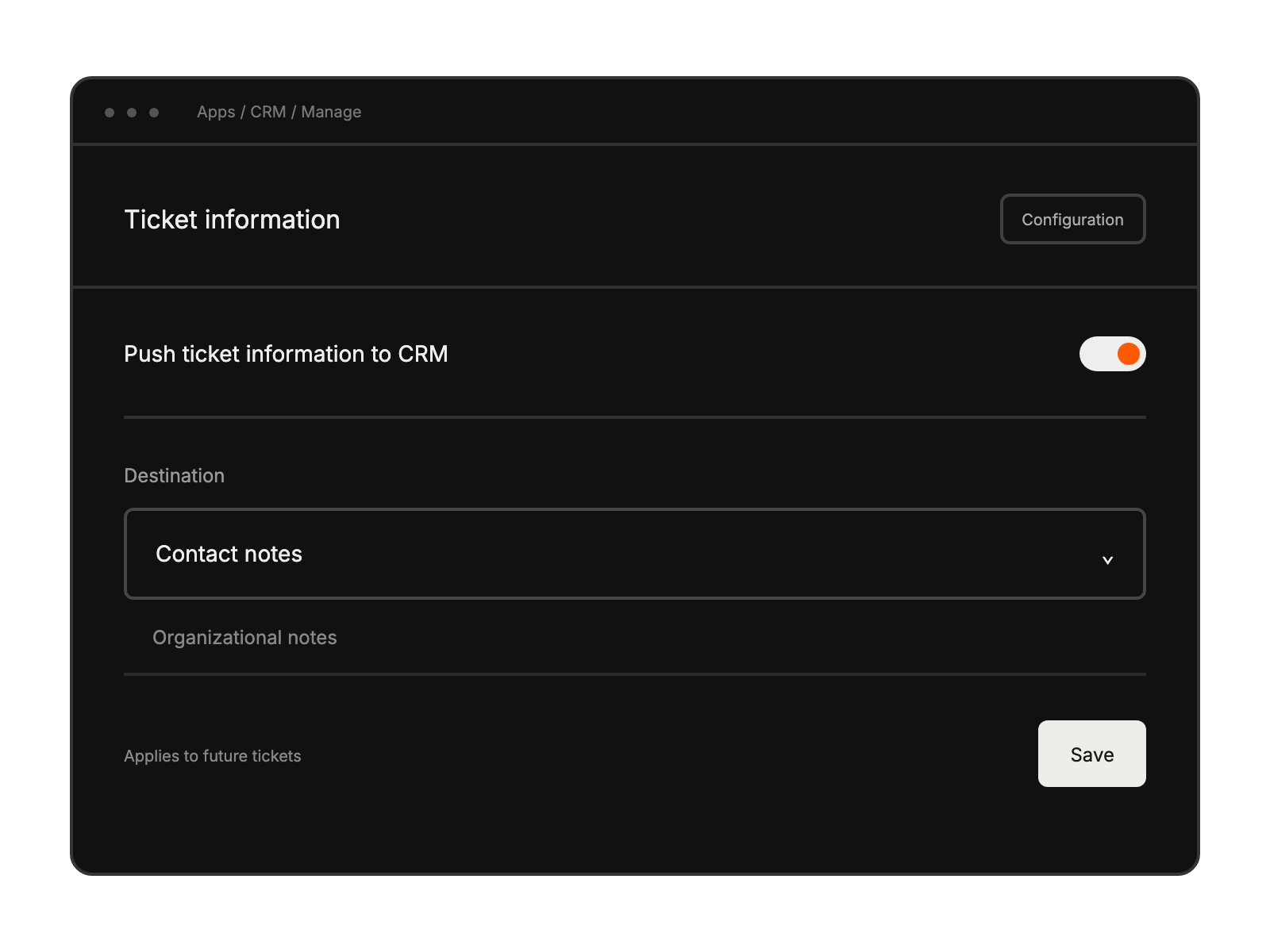
Enable ticket-information posting and select contact or organizational notes.
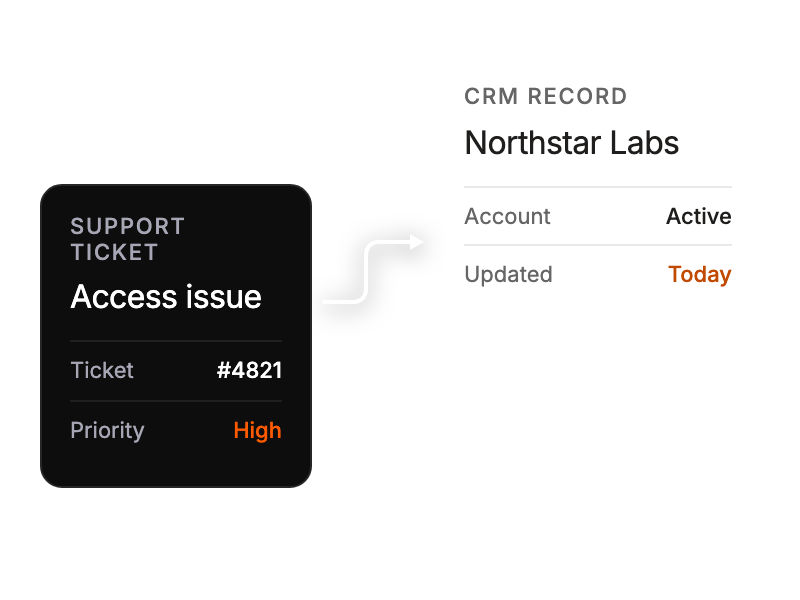
Accessing vital customer context within tickets.
Viewing complete customer information while handling support queries.
Ensuring consistent customer data across platforms.
Delivering personalized support with comprehensive contact details.