HappyFox Help Desk integration

Send SMS and MMS between agents and customers.

Help DeskJustcall logo

How the Justcall Integration Works

  1. Retrieve JustCall API credentials

    Use an administrator account to obtain the API key and secret from developer settings.

  2. Install and authenticate JustCall

    Enter the credentials in the Messaging app and choose a default non-email category.

  3. Map numbers and contact matching

    Associate JustCall numbers with categories and configure the default-contact rule.

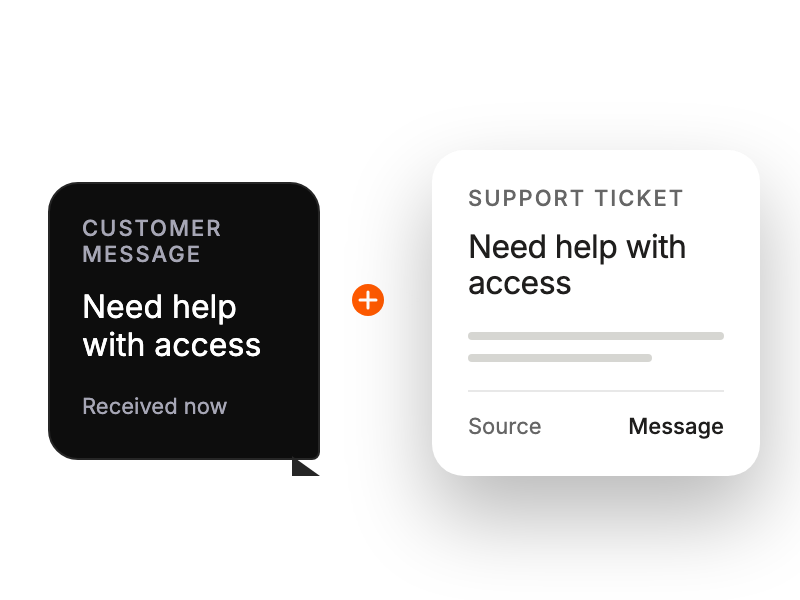
Customer message captured as a trackable support ticket.

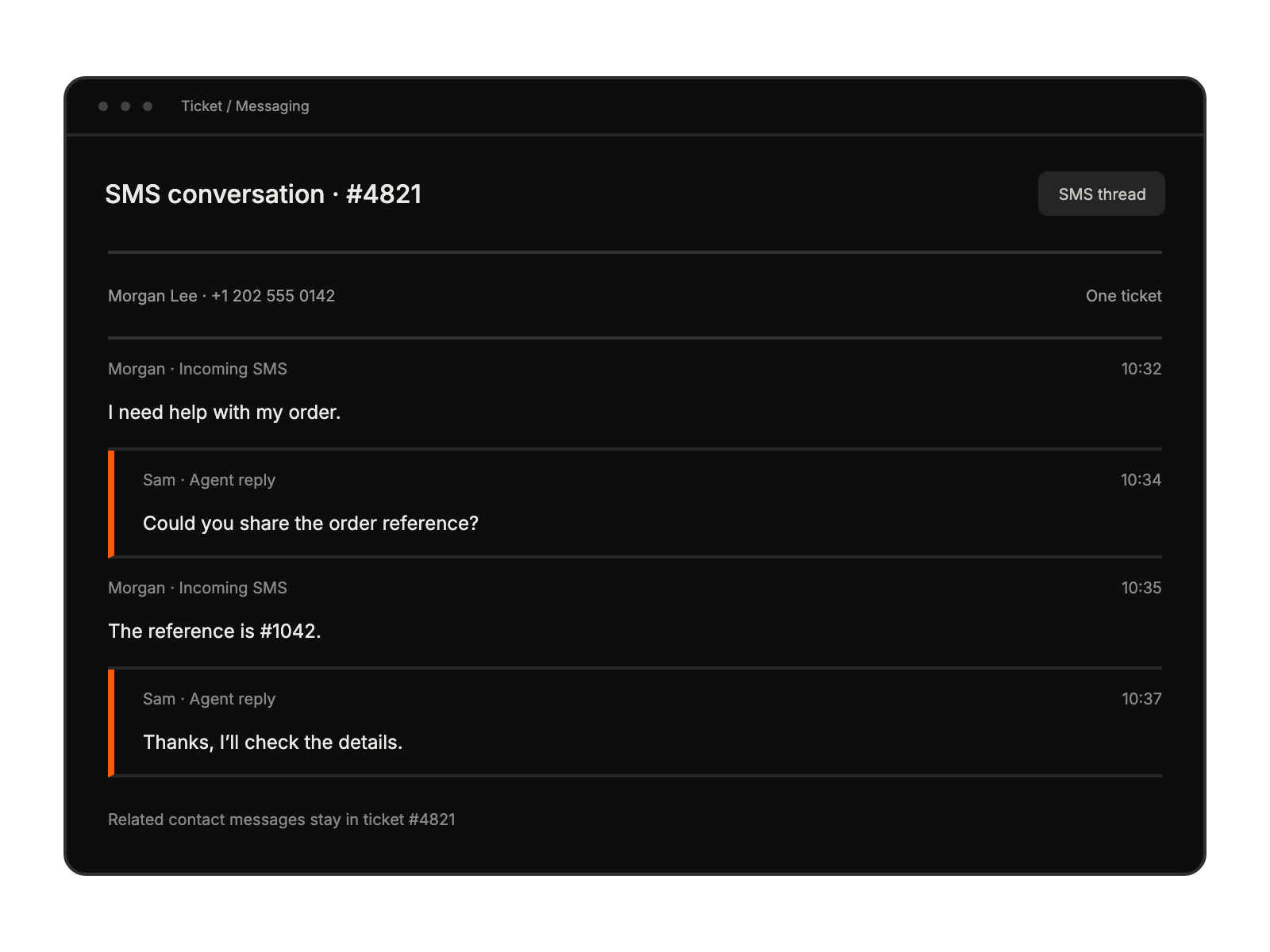
Related SMS messages from the same contact appear in a single support-ticket conversation.

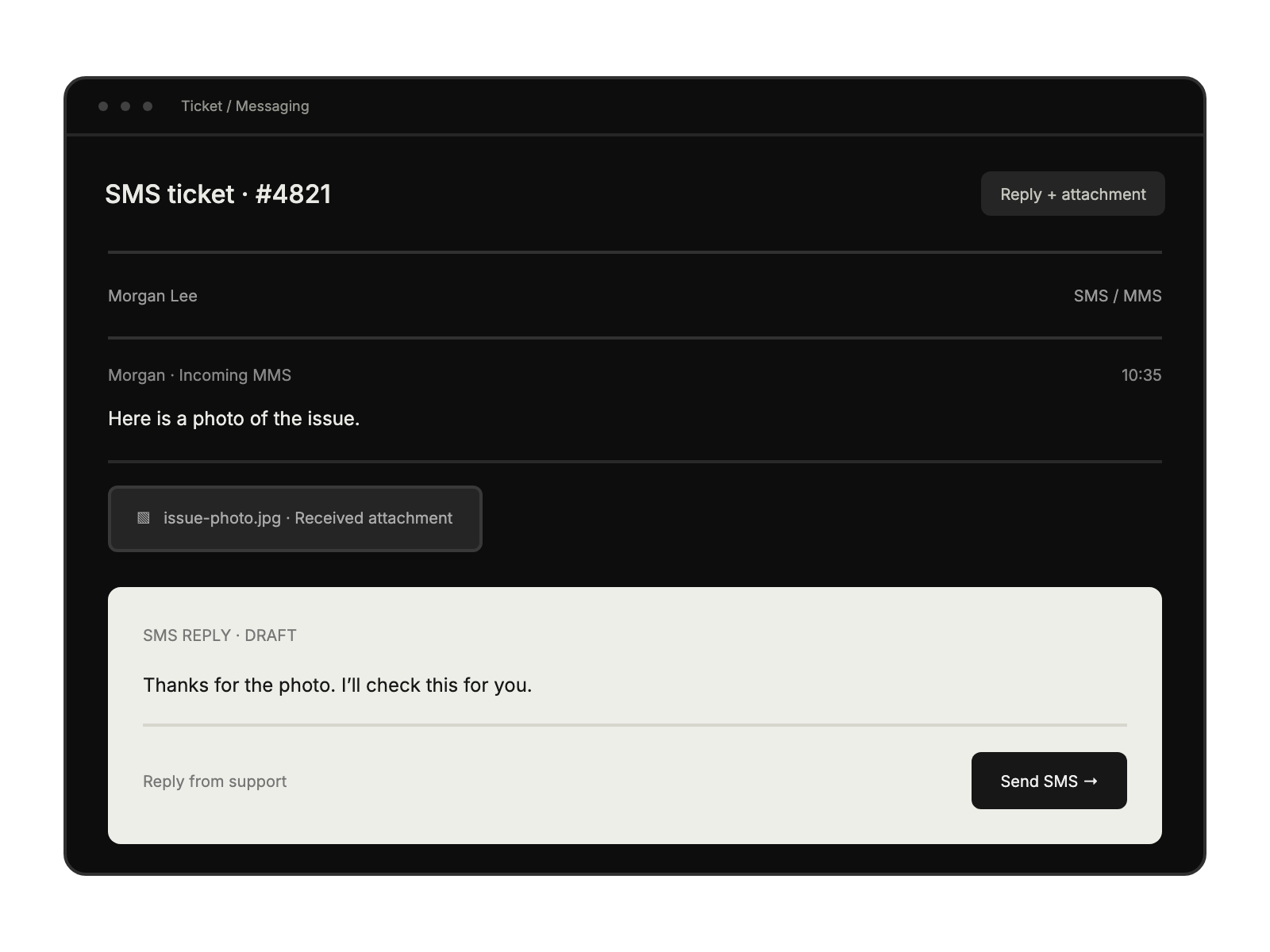
Agent replies inside the SMS ticket, with a received MMS attachment retained in the conversation.

Built for Teams Using Justcall

Support Teams

managing text communications

Customer Service Agents

handling SMS inquiries

Help Desk Managers

streamlining message workflows

Sales Representatives

responding to text leads

See More Integrations