Customer Support Teams
Tracking technical issues requiring development.
 Help Desk
HappyFox Help Desk integration
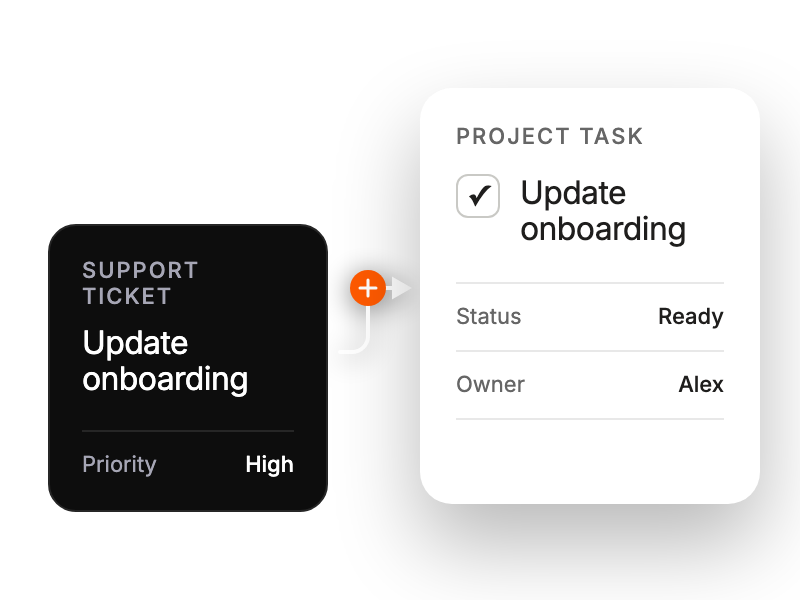
Create and track Linear issues from support tickets.

Find Linear under Project Management in HappyFox Apps and select Install.
Select Link Linear Account and approve access in Linear.
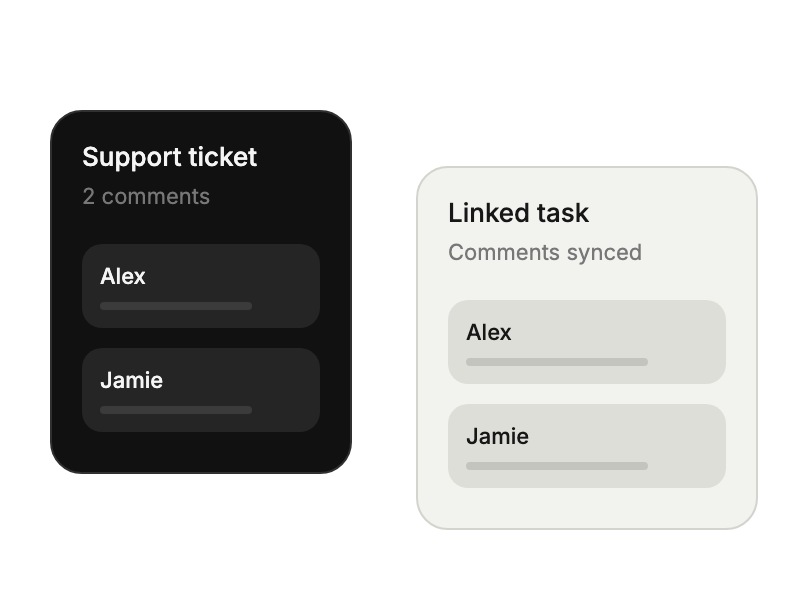
Choose the update directions and adjust synchronization for individual linked tickets when needed.
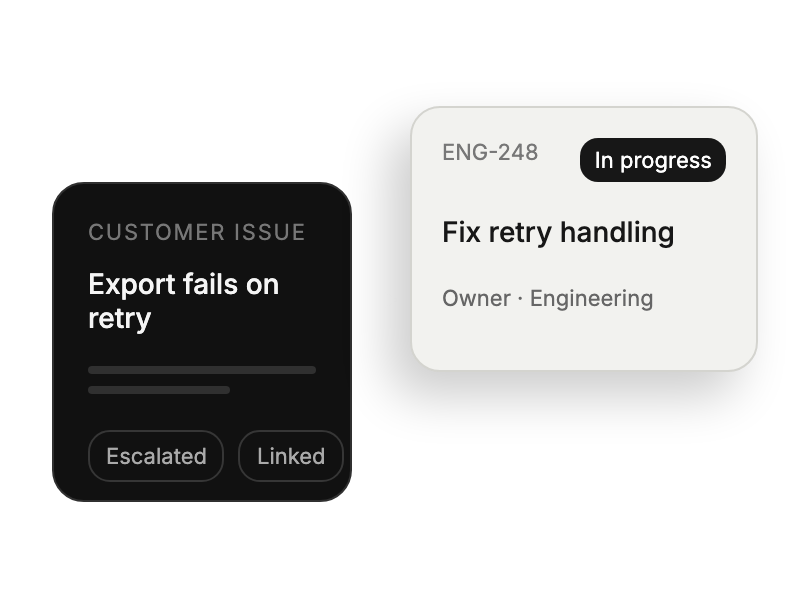
Tracking technical issues requiring development.
Prioritizing features based on support feedback.
Accessing customer context for development tasks.
Monitor bug resolution across platforms.


