Support Team Leaders
Streamlining ticket-to-task conversion for better project visibility.
 Help Desk
HappyFox Help Desk integration
Turn HappyFox tickets into actionable MeisterTask tasks.

Find the app under Project Management in HappyFox and select Install.
Use the account-link action and approve access in MeisterTask.
Open a ticket and choose the project and section for the associated work.
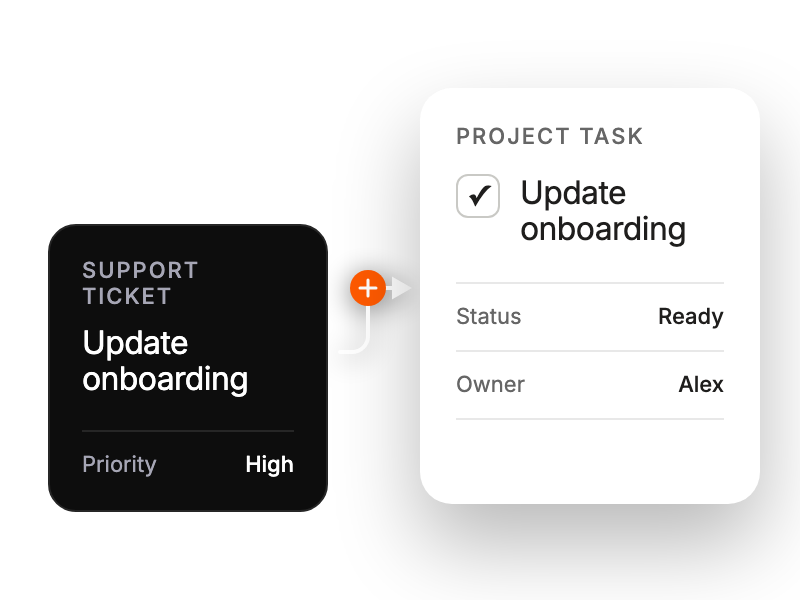
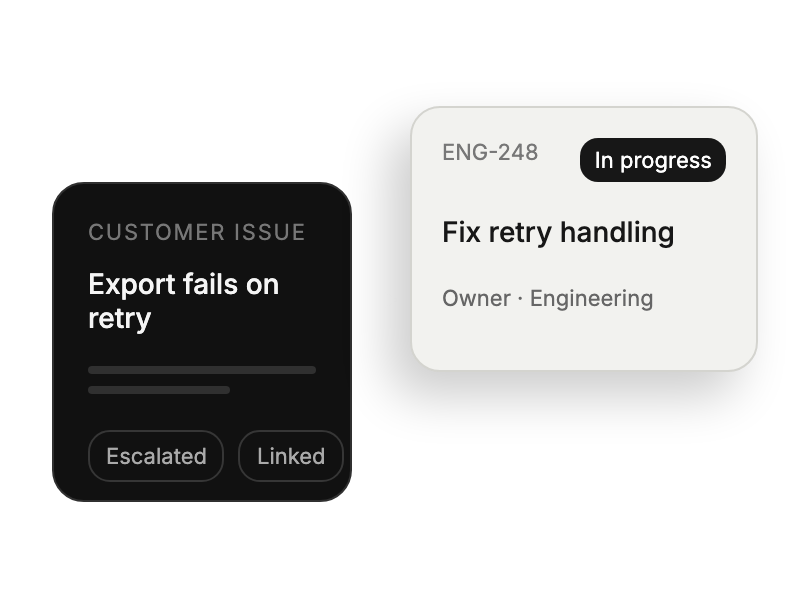
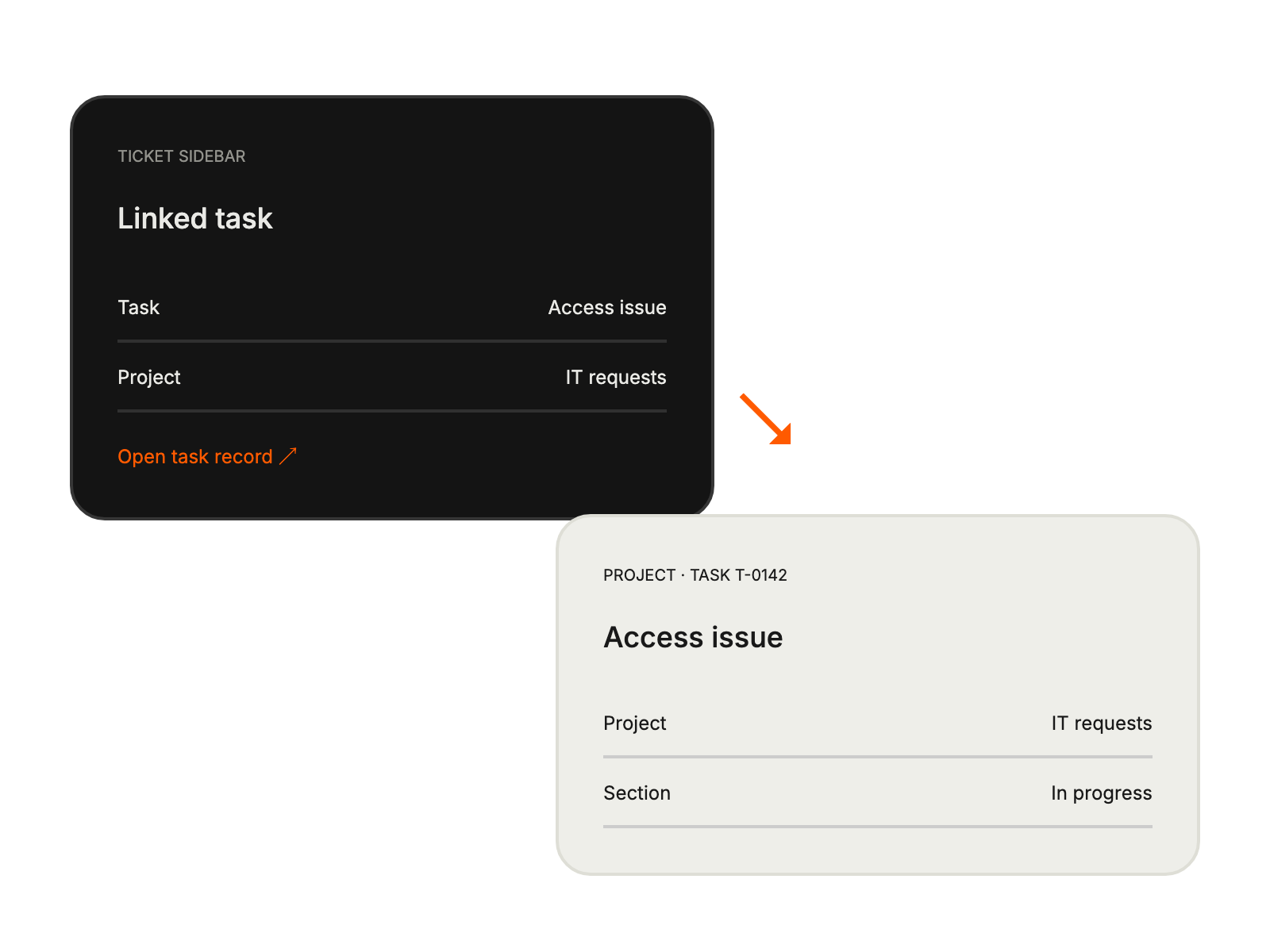
Streamlining ticket-to-task conversion for better project visibility.
Tracking customer-driven initiatives alongside internal projects seamlessly.
Converting customer feedback into prioritized development tasks efficiently.
Receiving structured customer requests directly in project workflows.


