E-commerce Support Teams
Resolving order and billing queries instantly.
 Help Desk
HappyFox Help Desk integration
A 360° view of your customers shopping experience.

Create the documented API client, user, role, and OCAPI permissions.
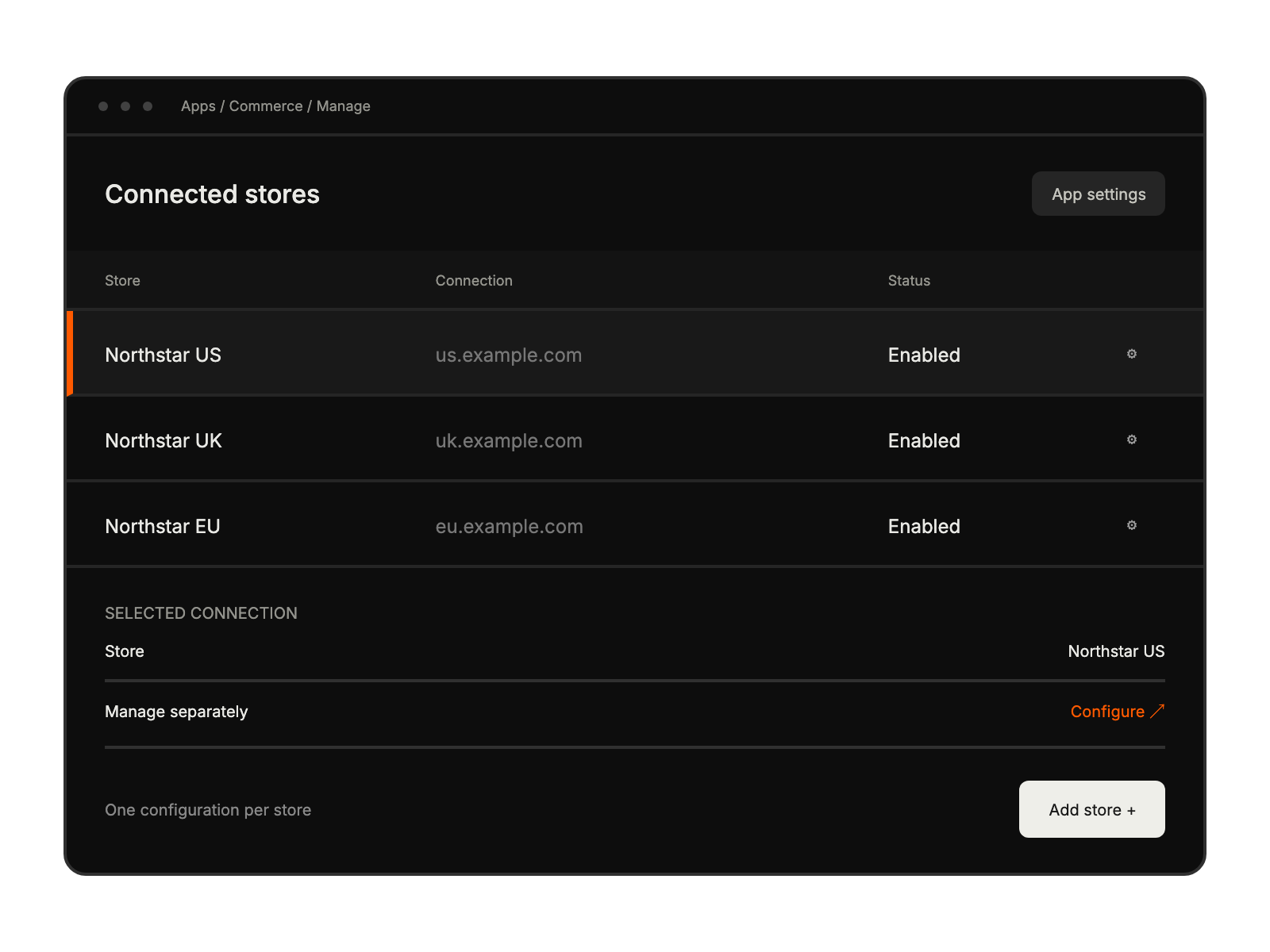
Select Salesforce B2C Commerce Cloud under E-Commerce and enter the server URL.
Add the client and user credentials, then complete the OCAPI configuration in the guide.
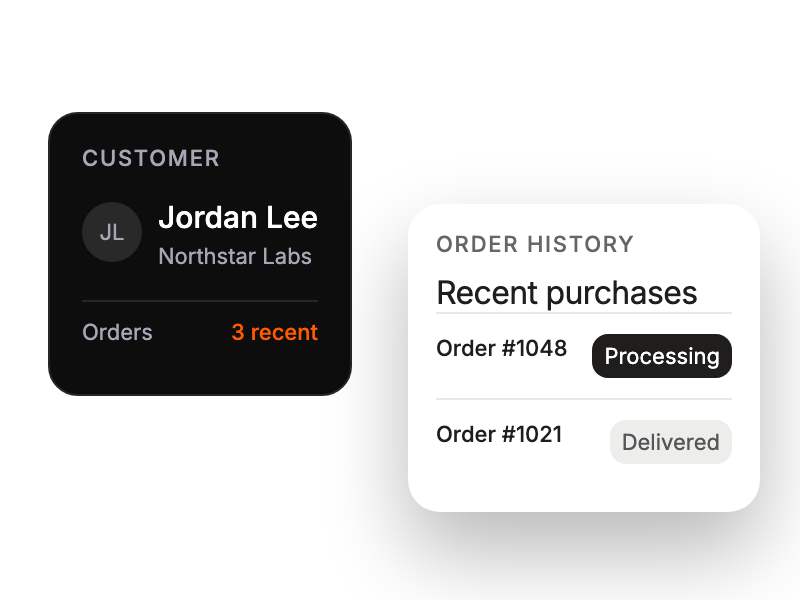
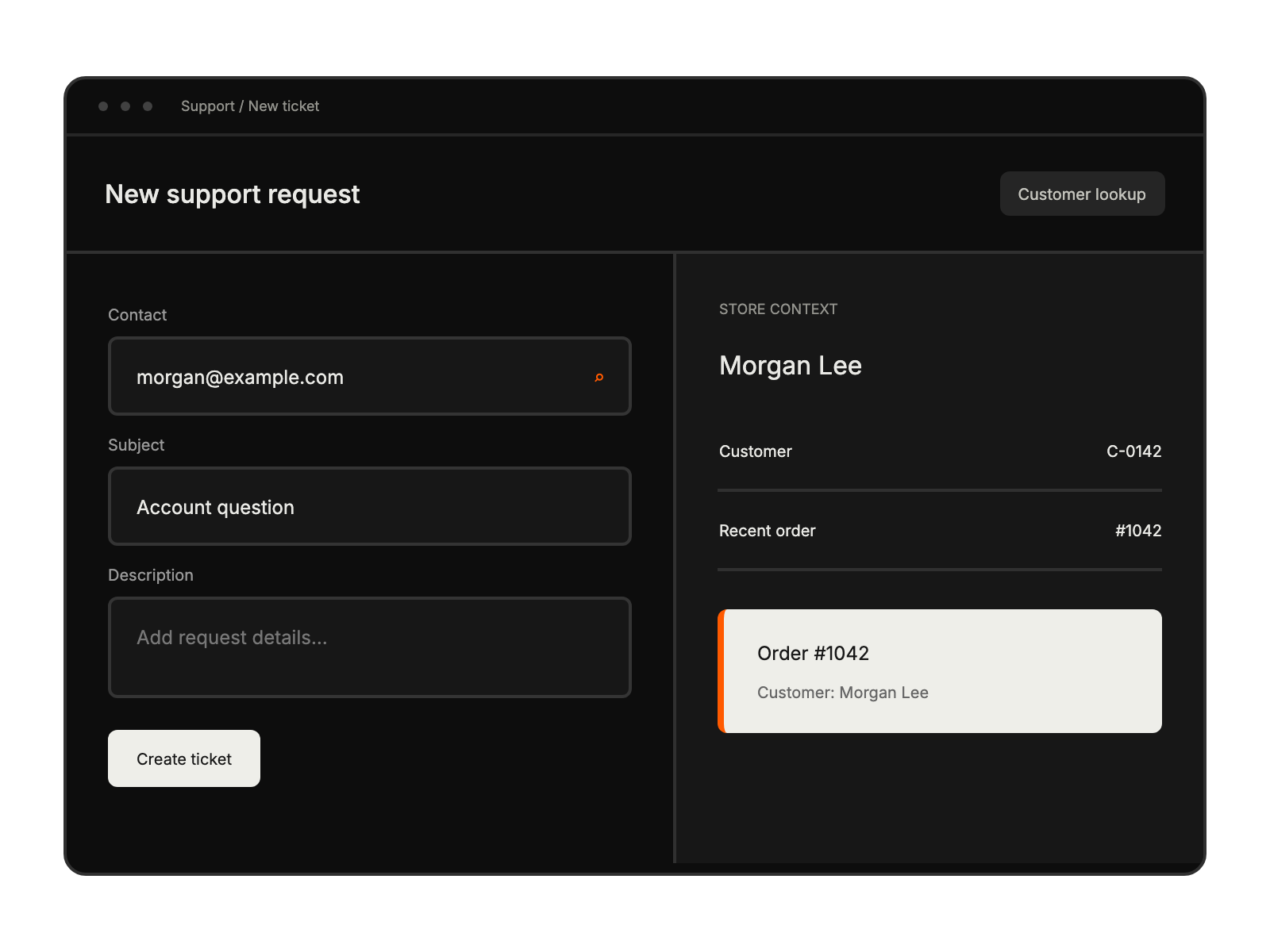
Resolving order and billing queries instantly.
Access real-time customer purchase history.
Ensure seamless post-purchase support.
Simplifying integration and data syncing.


