Support Managers
Converting critical tickets into trackable tasks.
 Help Desk
HappyFox Help Desk integration
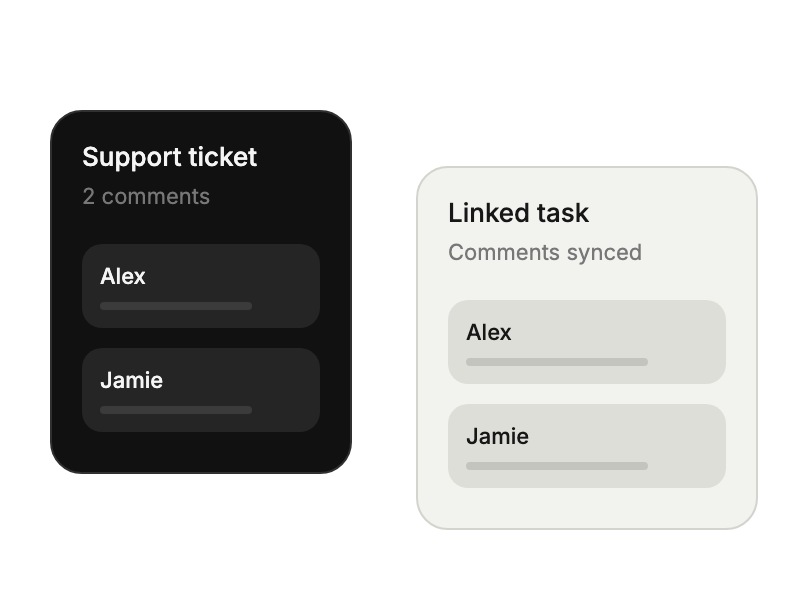
Create linked Smartsheet tasks with synchronized comments.

Find the app under Project Management in HappyFox and select Install.
Authorize HappyFox to connect to Smartsheet.
Set comment-sync defaults and override them for individual linked items when needed.
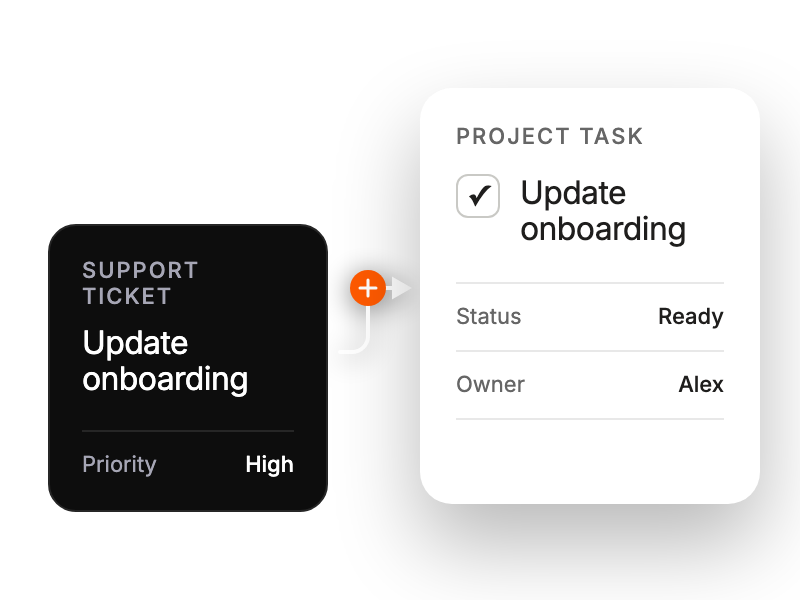
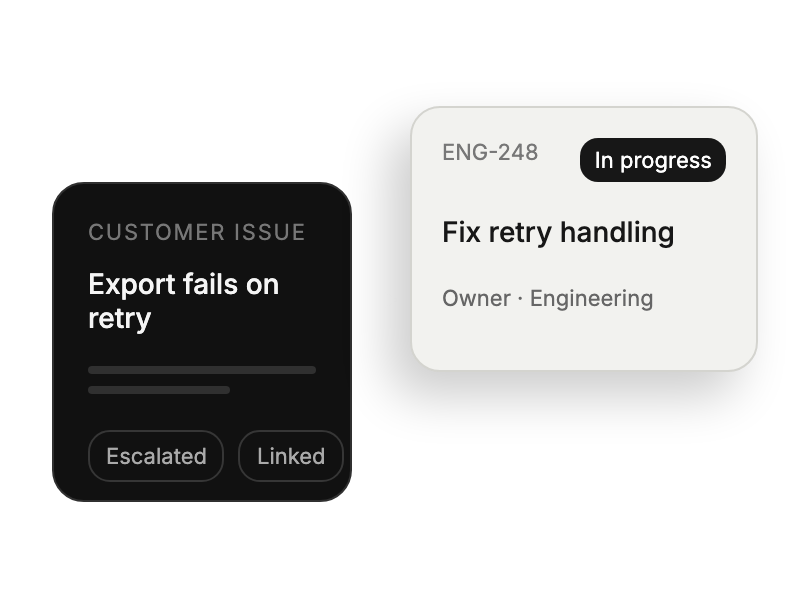
Converting critical tickets into trackable tasks.
Monitoring customer-driven initiatives alongside internal projects
Tracking bug reports within existing workflows.
Overseeing implementation projects requiring cross-team coordination.


