IT Administrators
Centrally managing user access and security policies across the organization .
 Help Desk
HappyFox Help Desk integration
Access HappyFox and other apps with one login.

Create the application and enter the HappyFox instance URL.
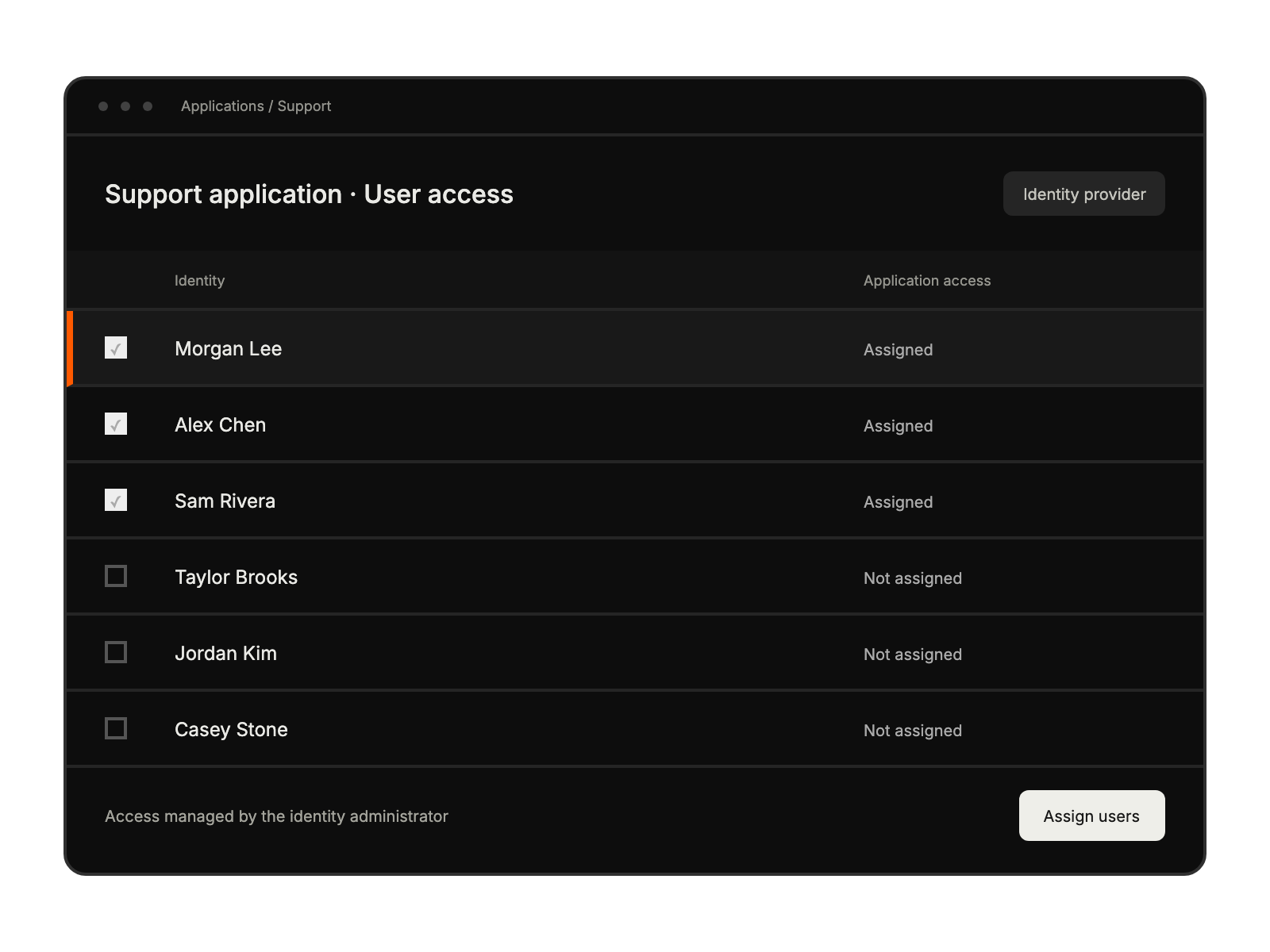
Select the SmartSignin users who should receive access to HappyFox.
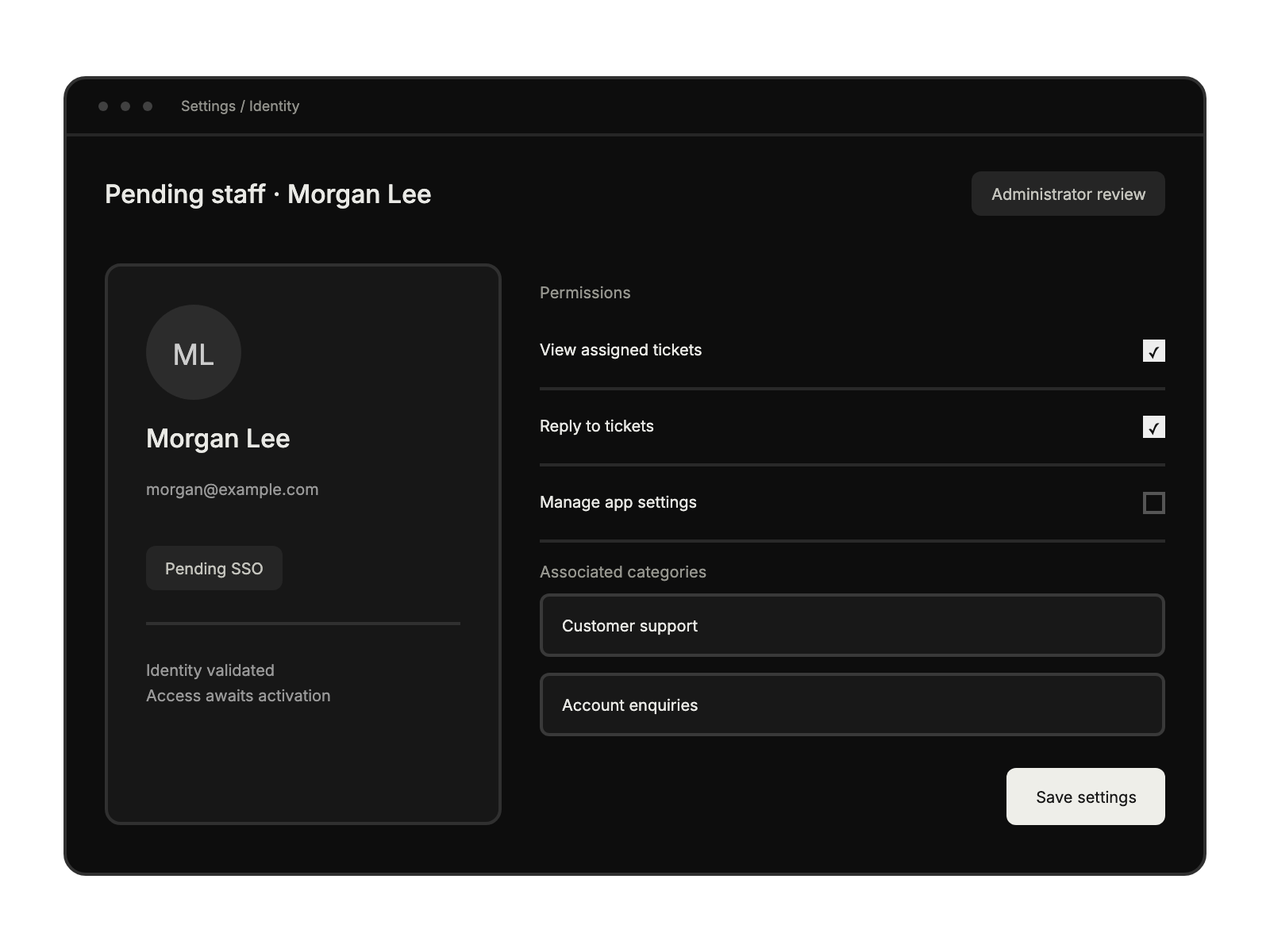
Complete the integration settings and review pending staff access as documented in the guide.
Centrally managing user access and security policies across the organization .
Implementing robust authentication and compliance protocols.
Streamlining agent access to support tools ensuring secure authentication.
Accessing HappyFox quickly without managing multiple login credentials.


